
How to Use 4 DIGIT DISPLAY: Examples, Pinouts, and Specs
 Design with 4 DIGIT DISPLAY in Cirkit Designer
Introduction
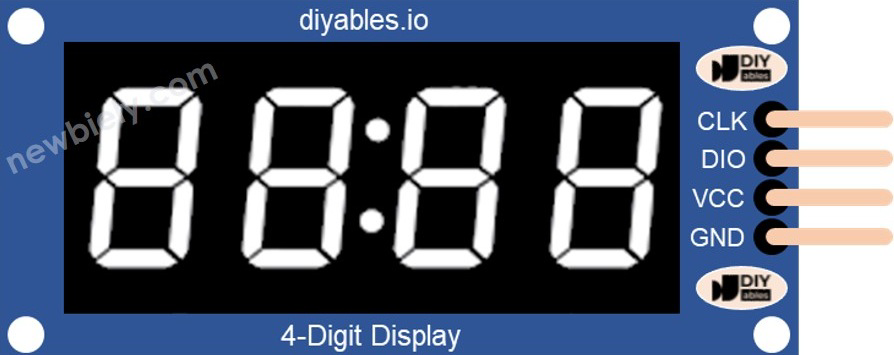
A 4 digit display is an electronic component used to visually represent numerical values using four individual digits, typically in a seven-segment format. Each digit consists of seven LEDs (segments) arranged in a pattern to form numbers from 0 to 9. Some displays also include a decimal point for additional functionality.
This component is widely used in applications such as:
- Digital clocks
- Counters
- Timers
- Measurement devices (e.g., voltmeters, thermometers)
- Scoreboards and other numerical displays
Its compact design and ease of use make it a popular choice for both hobbyists and professionals.
Explore Projects Built with 4 DIGIT DISPLAY
 Open Project in Cirkit Designer
 Open Project in Cirkit Designer
 Open Project in Cirkit Designer
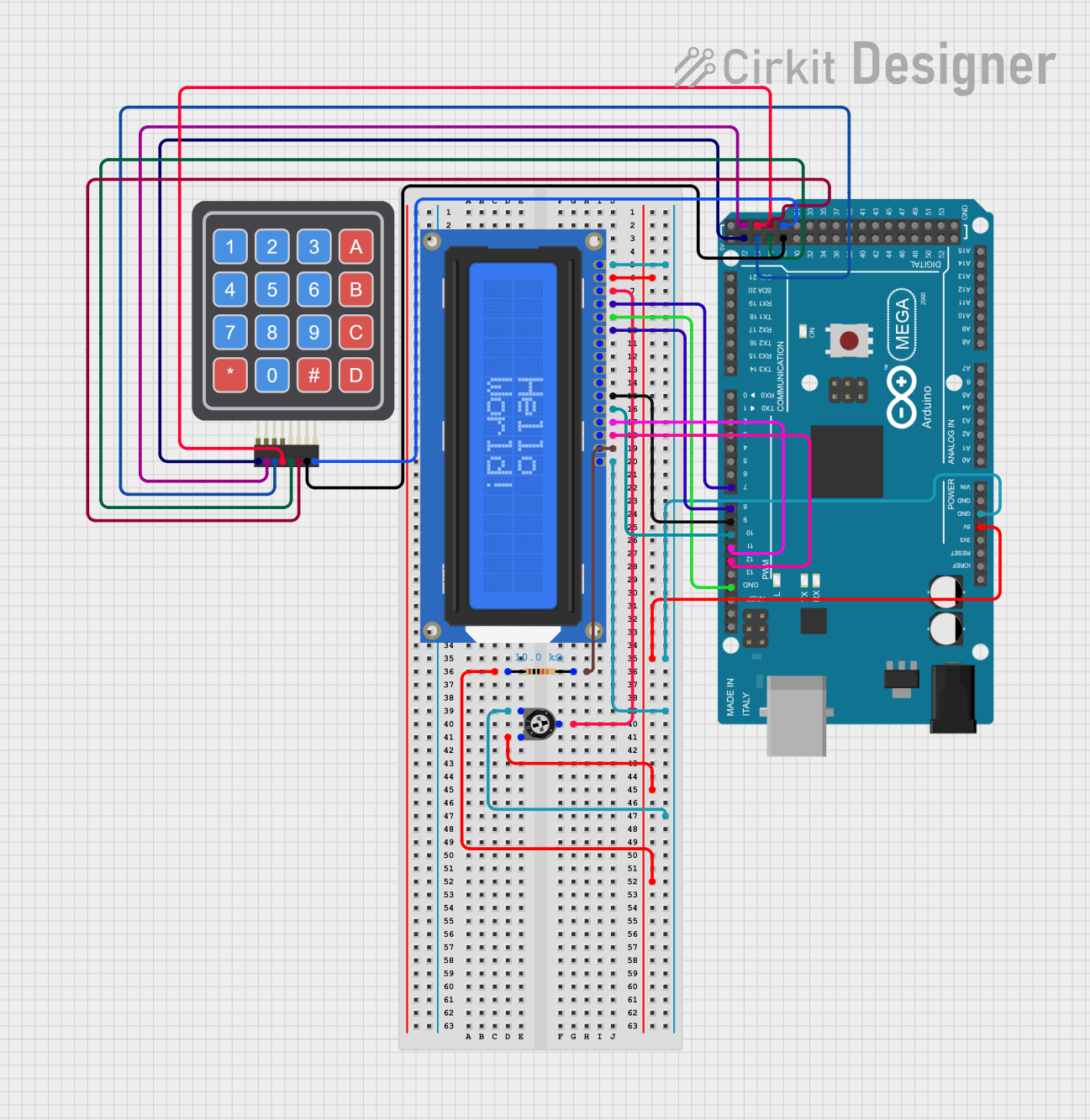 Open Project in Cirkit Designer
Explore Projects Built with 4 DIGIT DISPLAY
Open Project in Cirkit DesignerOpen Project in Cirkit DesignerOpen Project in Cirkit DesignerOpen Project in Cirkit DesignerTechnical Specifications
Below are the key technical details for a typical 4 digit display:
| Parameter | Value |
|---|---|
| Operating Voltage | 3.3V to 5V |
| Operating Current | ~20mA per segment (typical) |
| Display Type | Common Cathode or Common Anode |
| Number of Digits | 4 |
| Segment Type | Seven-segment with optional DP |
| Dimensions | Varies (e.g., 50mm x 20mm) |
| LED Color | Red, Green, Blue, or White |
Pin Configuration
The pin configuration of a 4 digit display depends on whether it is a common cathode or common anode type. Below is a general pinout for a 12-pin 4 digit display:
| Pin Number | Description |
|---|---|
| 1 | Segment A |
| 2 | Segment B |
| 3 | Segment C |
| 4 | Digit 1 (Common Cathode/Anode) |
| 5 | Segment D |
| 6 | Segment E |
| 7 | Segment F |
| 8 | Segment G |
| 9 | Digit 2 (Common Cathode/Anode) |
| 10 | Digit 3 (Common Cathode/Anode) |
| 11 | Digit 4 (Common Cathode/Anode) |
| 12 | Decimal Point (DP) |
Note: Always refer to the datasheet of your specific 4 digit display for exact pinout details.
Usage Instructions
How to Use the Component in a Circuit
- Determine the Type: Identify whether your display is a common cathode or common anode type. This will affect how you connect it to your circuit.
- Connect the Pins:
- For a common cathode display, connect all cathode pins to ground.
- For a common anode display, connect all anode pins to the positive voltage supply.
- Use Current-Limiting Resistors: Connect a resistor (typically 220Ω to 1kΩ) in series with each segment to limit the current and prevent damage to the LEDs.
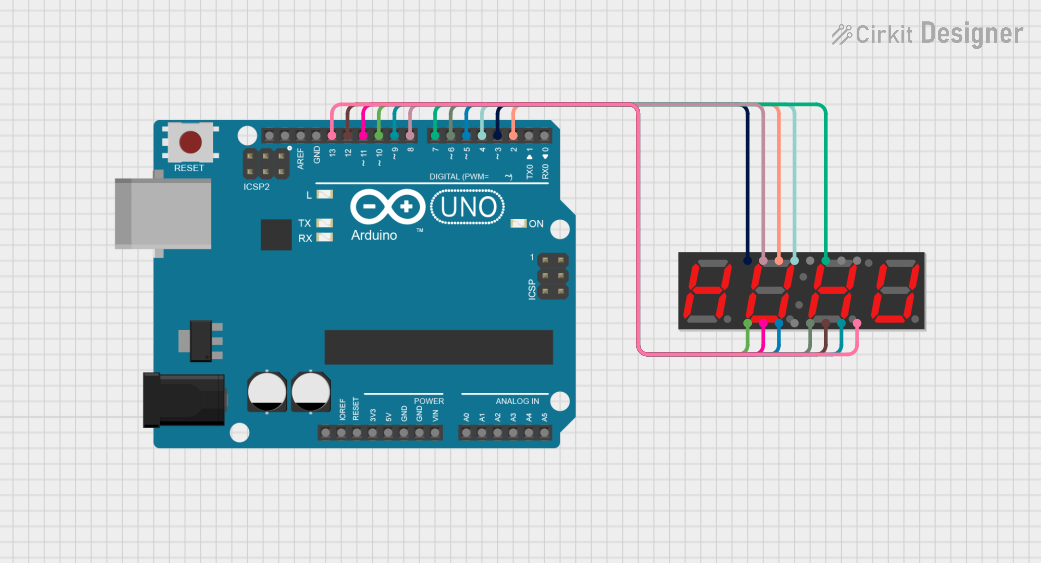
- Control the Digits: Use a microcontroller (e.g., Arduino) or a driver IC (e.g., MAX7219) to control which segments light up and which digit is active.
Example: Connecting to an Arduino UNO
Below is an example of how to connect and control a 4 digit display using an Arduino UNO and a MAX7219 driver IC:
Circuit Diagram
- Connect the 4 digit display to the MAX7219 driver IC.
- Connect the MAX7219 to the Arduino as follows:
- DIN (Data In) → Arduino Pin 11
- CS (Chip Select) → Arduino Pin 10
- CLK (Clock) → Arduino Pin 13
- VCC → 5V
- GND → GND
Arduino Code
#include <LedControl.h> // Include the library for MAX7219 control

// Create an instance of LedControl
// Parameters: DIN pin, CLK pin, CS pin, number of devices
LedControl lc = LedControl(11, 13, 10, 1);

void setup() {
  lc.shutdown(0, false); // Wake up the MAX7219
  lc.setIntensity(0, 8); // Set brightness level (0-15)
  lc.clearDisplay(0);    // Clear the display
}

void loop() {
  // Display the number "1234" on the 4 digit display
  lc.setDigit(0, 3, 1, false); // Digit 4 (leftmost), value 1
  lc.setDigit(0, 2, 2, false); // Digit 3, value 2
  lc.setDigit(0, 1, 3, false); // Digit 2, value 3
  lc.setDigit(0, 0, 4, false); // Digit 1 (rightmost), value 4
  delay(1000);                 // Wait for 1 second
}
Note: The
LedControllibrary can be installed via the Arduino Library Manager.
Important Considerations and Best Practices
- Power Supply: Ensure the power supply voltage matches the operating voltage of the display.
- Resistors: Always use current-limiting resistors to protect the LEDs.
- Multiplexing: If controlling the display directly (without a driver IC), use multiplexing to light up one digit at a time to reduce power consumption.
- Brightness Control: Use PWM (Pulse Width Modulation) or a driver IC to adjust the brightness of the display.
Troubleshooting and FAQs
Common Issues and Solutions
Problem: The display does not light up.
- Solution: Check the power supply and ensure all connections are secure. Verify that the common cathode or anode is correctly connected.
Problem: Some segments are dim or not lighting up.
- Solution: Check the current-limiting resistors. Ensure they are not too high in value. Verify the connections to the affected segments.
Problem: The display shows incorrect numbers.
- Solution: Double-check the wiring and ensure the correct pins are connected to the microcontroller or driver IC.
Problem: Flickering digits.
- Solution: If multiplexing manually, ensure the refresh rate is high enough (e.g., >60Hz). If using a driver IC, check the code for errors.
FAQs
Q: Can I use a 4 digit display without a driver IC?
- A: Yes, but you will need to manually control the segments and multiplex the digits using a microcontroller.
Q: How do I know if my display is common cathode or common anode?
- A: Refer to the datasheet or test the display by connecting a single segment to power and ground.
Q: Can I control the brightness of the display?
- A: Yes, you can use PWM or a driver IC like the MAX7219 to adjust the brightness.
By following this documentation, you should be able to successfully integrate and troubleshoot a 4 digit display in your projects!