
How to Use Soil Moisture Sensor: Examples, Pinouts, and Specs
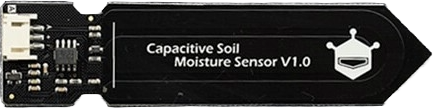
 Design with Soil Moisture Sensor in Cirkit Designer
Introduction
The DFRobot Gravity Analog Capacitive Soil Moisture Sensor is a reliable and durable device designed to measure the volumetric water content in soil. Unlike resistive soil moisture sensors, this capacitive sensor is corrosion-resistant, ensuring a longer lifespan and consistent performance. It outputs an analog voltage that corresponds to the soil's moisture level, making it easy to integrate into various electronic projects.
Explore Projects Built with Soil Moisture Sensor
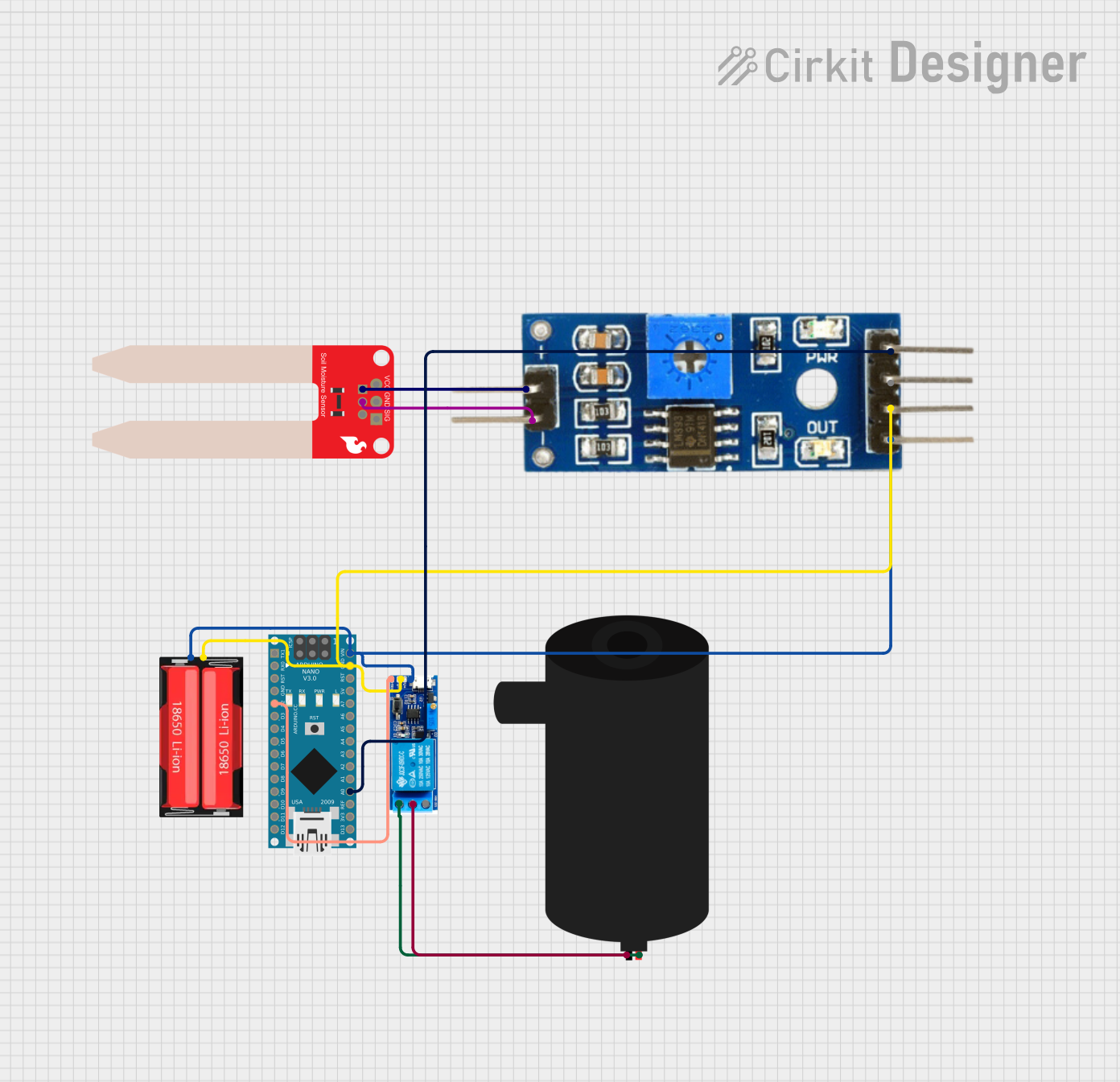 Open Project in Cirkit Designer
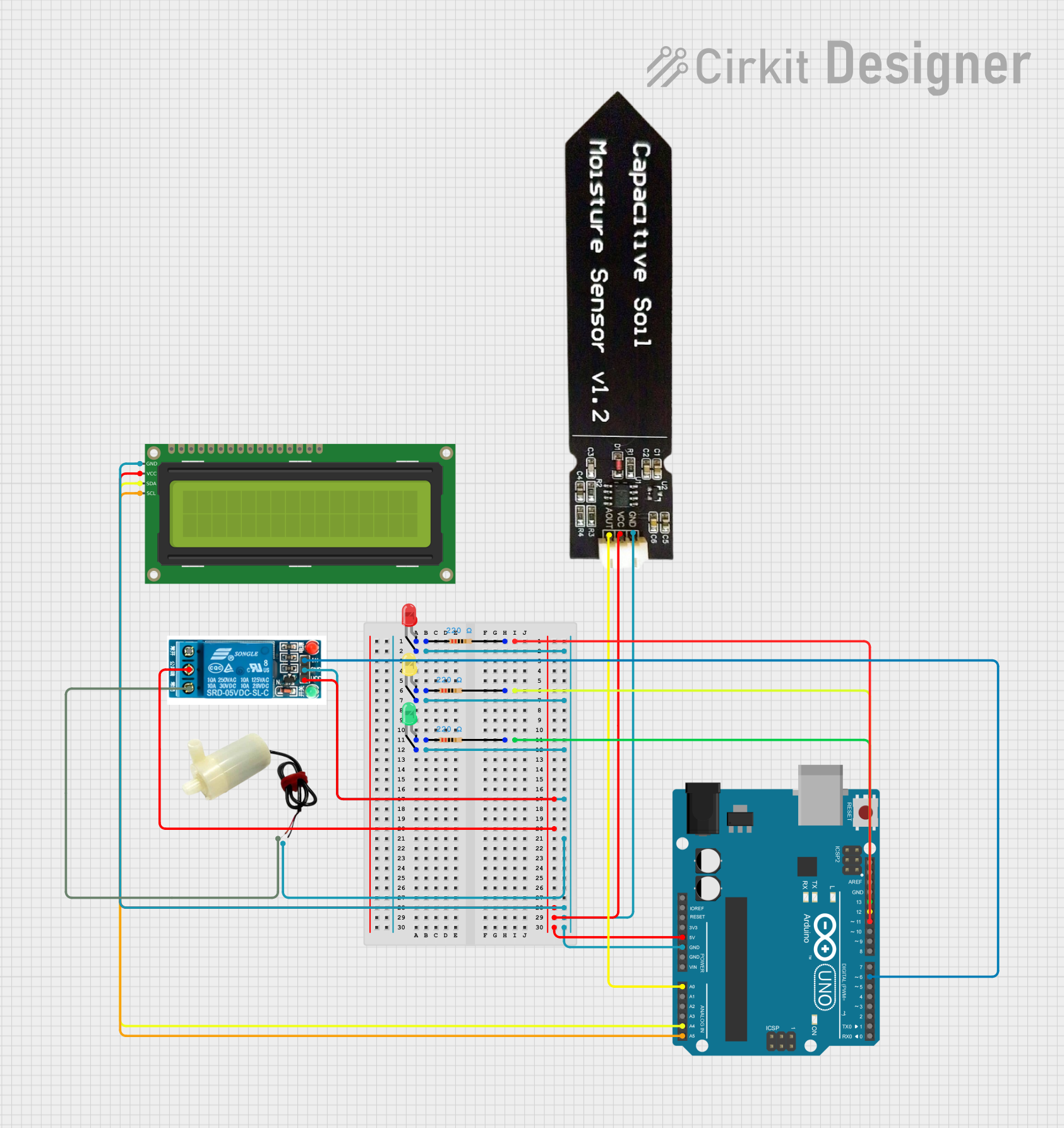 Open Project in Cirkit Designer
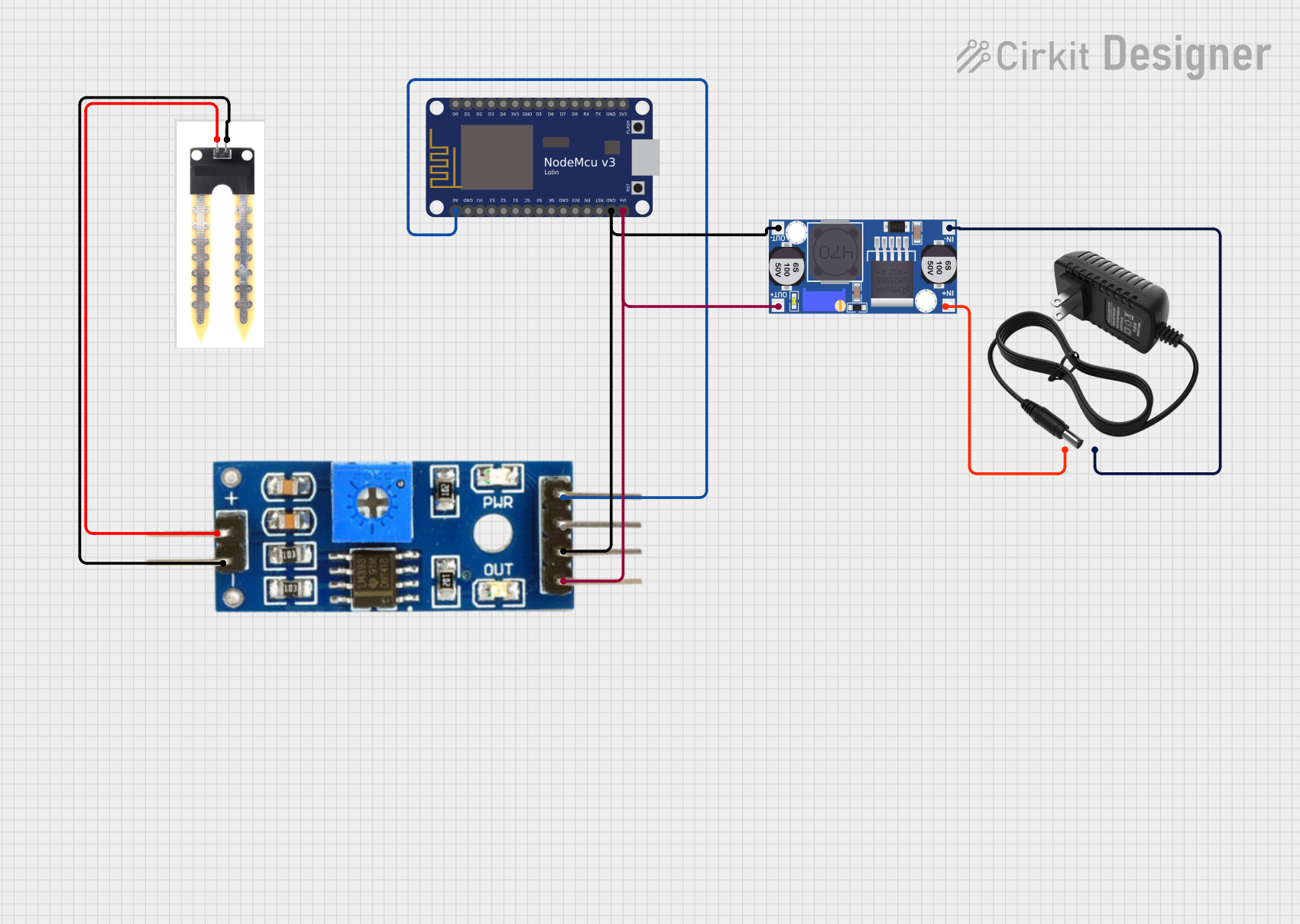 Open Project in Cirkit Designer
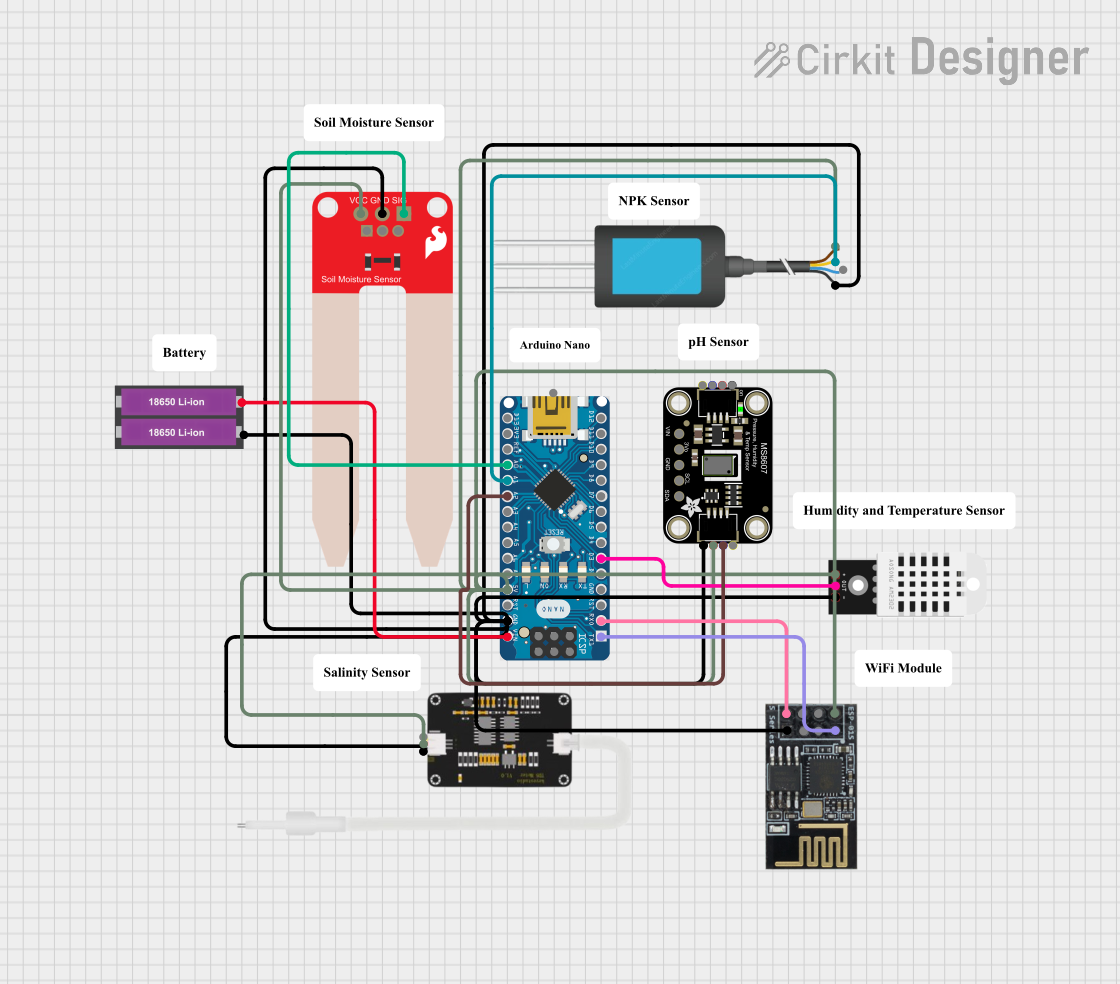 Open Project in Cirkit Designer
Explore Projects Built with Soil Moisture Sensor
Open Project in Cirkit DesignerOpen Project in Cirkit DesignerOpen Project in Cirkit DesignerOpen Project in Cirkit DesignerCommon Applications and Use Cases
- Automated irrigation systems
- Smart gardening and agriculture
- Plant health monitoring
- Environmental data logging
- Educational projects involving soil and water analysis
Technical Specifications
Below are the key technical details for the DFRobot Gravity Analog Capacitive Soil Moisture Sensor:
| Parameter | Value |
|---|---|
| Operating Voltage | 3.3V - 5.5V |
| Output Voltage Range | 0V - 3.0V (analog signal) |
| Interface Type | Analog |
| Operating Current | < 20mA |
| Measurement Range | 0% - 100% soil moisture |
| Dimensions | 98mm x 23mm x 3mm |
| Weight | 15g |
| Material | Corrosion-resistant PCB |
Pin Configuration and Descriptions
The sensor has a 3-pin interface for easy connection:
| Pin | Name | Description |
|---|---|---|
| 1 | VCC | Power supply pin (3.3V - 5.5V) |
| 2 | GND | Ground pin |
| 3 | AOUT | Analog output pin that provides the moisture reading |
Usage Instructions
How to Use the Sensor in a Circuit
Connect the Sensor:
- Connect the VCC pin to the 3.3V or 5V power supply of your microcontroller.
- Connect the GND pin to the ground of your microcontroller.
- Connect the AOUT pin to an analog input pin on your microcontroller (e.g., A0 on an Arduino UNO).
Power the Circuit:
- Ensure the power supply voltage is within the sensor's operating range (3.3V - 5.5V).
Read the Analog Signal:
- The sensor outputs an analog voltage proportional to the soil moisture level. A higher voltage indicates drier soil, while a lower voltage indicates wetter soil.
Important Considerations and Best Practices
- Calibration: The sensor's output may vary depending on soil type. Calibrate the sensor by taking readings in dry and saturated soil to determine the voltage range for your specific application.
- Placement: Insert the sensor into the soil vertically, ensuring the sensing area is fully covered by soil for accurate readings.
- Avoid Corrosion: Although the sensor is corrosion-resistant, avoid prolonged exposure to water or highly saline soil to maximize its lifespan.
- Signal Stability: Use a capacitor (e.g., 10µF) between the power and ground pins to stabilize the sensor's output signal.
Example Code for Arduino UNO
Below is an example Arduino sketch to read and display soil moisture levels using the sensor:
// Define the analog pin connected to the sensor
const int soilMoisturePin = A0;

// Variable to store the sensor reading
int soilMoistureValue;

void setup() {
  // Initialize serial communication for debugging
  Serial.begin(9600);
}

void loop() {
  // Read the analog value from the sensor
  soilMoistureValue = analogRead(soilMoisturePin);

  // Map the analog value (0-1023) to a percentage (0-100%)
  int moisturePercentage = map(soilMoistureValue, 0, 1023, 0, 100);

  // Print the moisture percentage to the Serial Monitor
  Serial.print("Soil Moisture: ");
  Serial.print(moisturePercentage);
  Serial.println("%");

  // Wait for 1 second before taking the next reading
  delay(1000);
}
Troubleshooting and FAQs
Common Issues and Solutions
No Output or Incorrect Readings:
- Cause: Loose or incorrect wiring.
- Solution: Double-check all connections, ensuring the VCC, GND, and AOUT pins are properly connected.
Fluctuating Readings:
- Cause: Electrical noise or unstable power supply.
- Solution: Add a decoupling capacitor (e.g., 10µF) between the VCC and GND pins to stabilize the power supply.
Sensor Not Responding:
- Cause: Sensor damaged or operating voltage out of range.
- Solution: Verify the power supply voltage is within the 3.3V - 5.5V range. Replace the sensor if damaged.
Inconsistent Readings in Different Soils:
- Cause: Soil type affects sensor calibration.
- Solution: Calibrate the sensor for the specific soil type by measuring the output in dry and saturated conditions.
FAQs
Q1: Can this sensor be used outdoors?
A1: Yes, but it is recommended to protect the sensor from prolonged exposure to water and extreme weather conditions to extend its lifespan.
Q2: How do I interpret the analog output voltage?
A2: The output voltage decreases as the soil moisture increases. You can map the voltage range to a percentage for easier interpretation.
Q3: Can I use this sensor with a Raspberry Pi?
A3: Yes, but since the Raspberry Pi lacks analog input pins, you will need an ADC (Analog-to-Digital Converter) module to read the sensor's output.
Q4: How deep should I insert the sensor into the soil?
A4: Insert the sensor so that the sensing area is fully covered by soil for accurate readings. Avoid burying the entire sensor to prevent damage to the connector.