
How to Use Thermal printer CSN-A5: Examples, Pinouts, and Specs
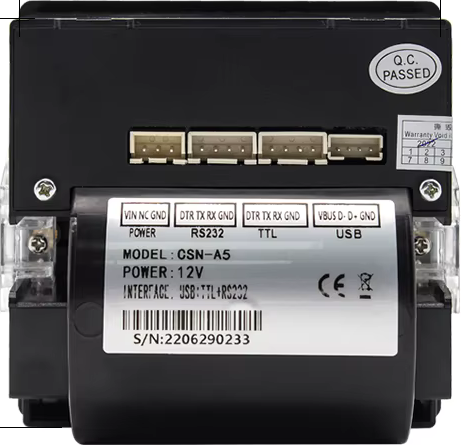
 Design with Thermal printer CSN-A5 in Cirkit Designer
Introduction
The Thermal Printer CSN-A5, manufactured by Cashino, is a compact and efficient thermal printer designed for high-speed printing of receipts, labels, and other small-format documents. Utilizing thermal transfer technology, it ensures clear and durable output without the need for ink or toner. Its small size and reliable performance make it ideal for applications in retail, hospitality, logistics, and embedded systems.
Explore Projects Built with Thermal printer CSN-A5
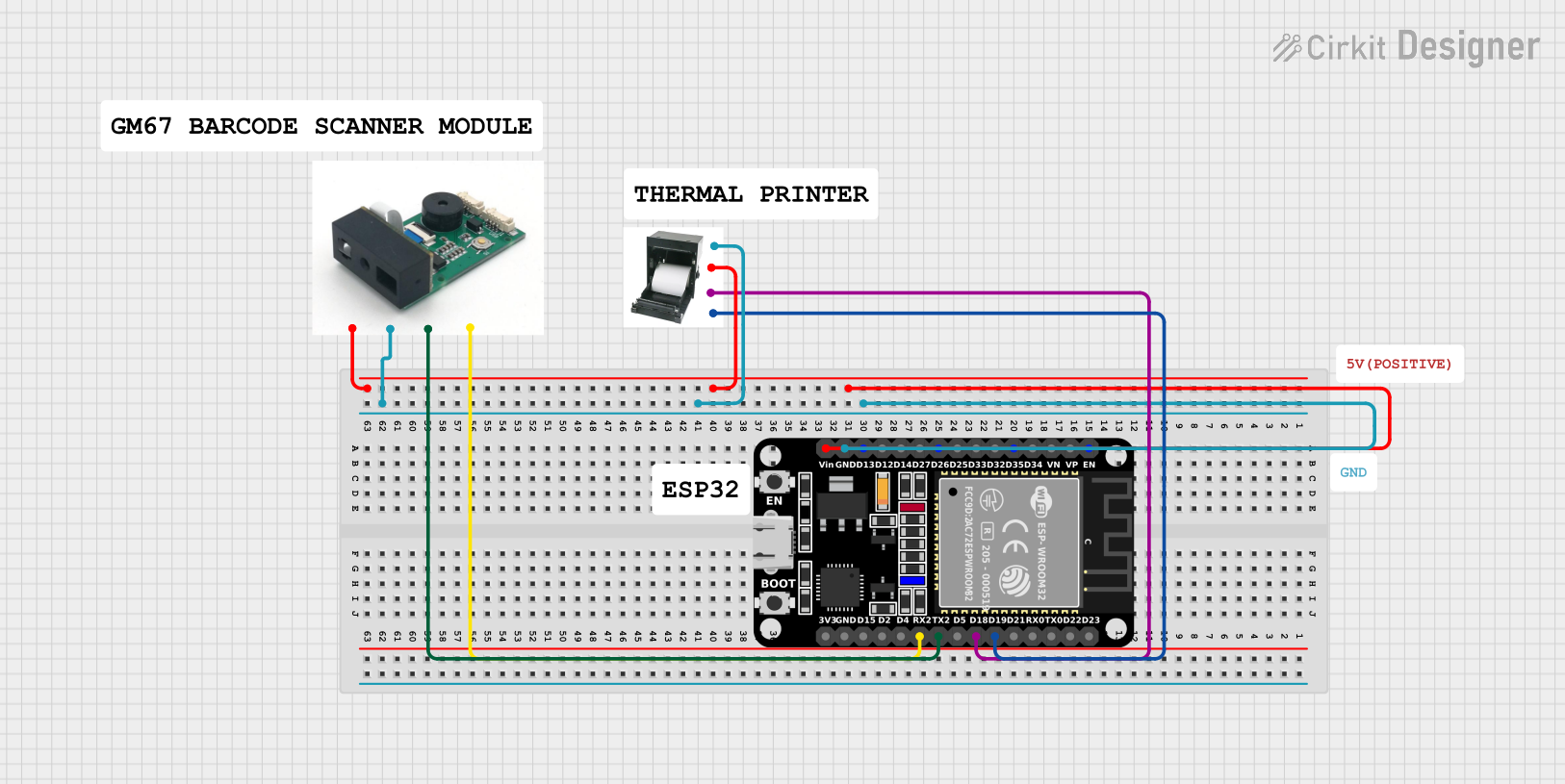 Open Project in Cirkit Designer
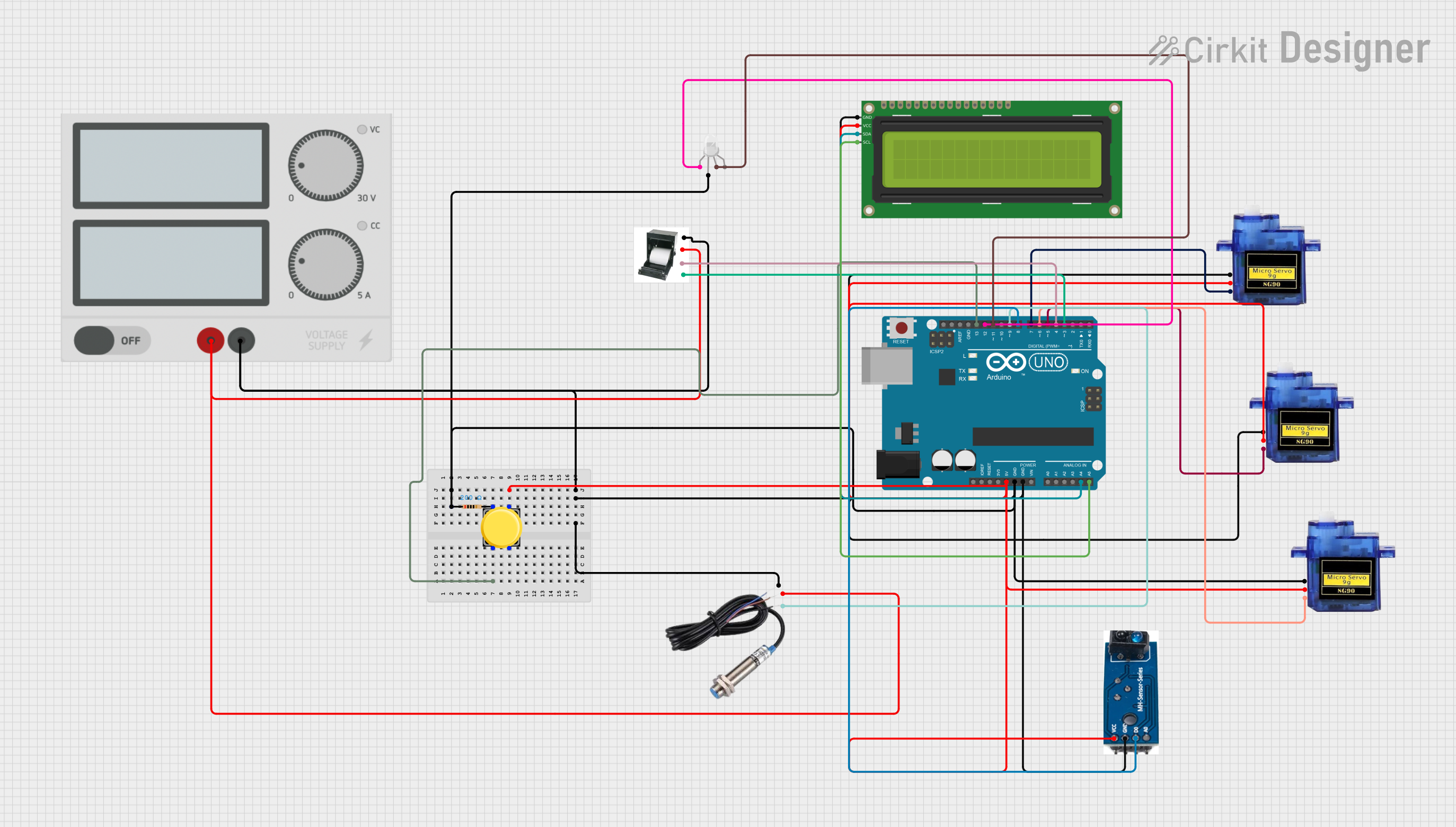 Open Project in Cirkit Designer
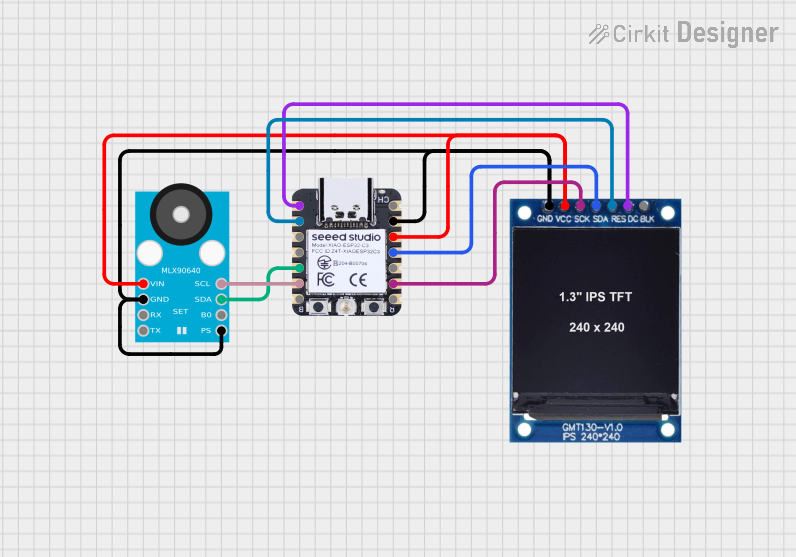 Open Project in Cirkit Designer
 Open Project in Cirkit Designer
Explore Projects Built with Thermal printer CSN-A5
Open Project in Cirkit DesignerOpen Project in Cirkit DesignerOpen Project in Cirkit DesignerOpen Project in Cirkit DesignerCommon Applications
- Point-of-sale (POS) systems for printing receipts
- Kiosk systems for ticketing and labeling
- Logistics and warehousing for barcode and label printing
- Embedded systems requiring compact printing solutions
Technical Specifications
Key Technical Details
| Parameter | Specification |
|---|---|
| Printing Method | Direct Thermal |
| Print Speed | Up to 100 mm/s |
| Resolution | 203 DPI (8 dots/mm) |
| Paper Width | 58 mm |
| Paper Thickness | 0.06 mm to 0.08 mm |
| Interface Options | USB, Serial (RS232), TTL |
| Power Supply | DC 5V ± 5% |
| Operating Temperature | 0°C to 50°C |
| Storage Temperature | -20°C to 60°C |
| Dimensions | 103 mm × 75 mm × 46 mm |
| Weight | Approximately 210 g |
Pin Configuration and Descriptions
The CSN-A5 thermal printer typically uses a TTL or RS232 interface for communication. Below is the pin configuration for the TTL interface:
| Pin Number | Pin Name | Description |
|---|---|---|
| 1 | VCC | Power supply input (5V DC) |
| 2 | GND | Ground |
| 3 | TXD | Transmit data (printer to host device) |
| 4 | RXD | Receive data (host device to printer) |
| 5 | RTS | Request to send (flow control) |
| 6 | CTS | Clear to send (flow control) |
For USB communication, the printer uses a standard USB-B connector.
Usage Instructions
How to Use the CSN-A5 in a Circuit
- Power Supply: Connect the VCC pin to a regulated 5V DC power source and the GND pin to the ground of your circuit.
- Communication Interface:
- For TTL communication, connect the TXD and RXD pins to the corresponding RX and TX pins of your microcontroller or host device.
- For USB communication, connect the printer to your host device using a USB cable.
- Paper Loading: Open the paper compartment, insert a roll of 58 mm thermal paper, and ensure the paper feeds correctly through the printer's output slot.
- Driver Installation: If using a PC, install the appropriate drivers provided by Cashino for the CSN-A5.
- Data Transmission: Send data to the printer in the required format (ESC/POS commands are commonly used).
Important Considerations
- Power Stability: Ensure a stable 5V power supply to avoid malfunctions or damage to the printer.
- Paper Quality: Use high-quality thermal paper to achieve optimal print clarity and durability.
- Communication Settings: Configure the baud rate and other serial communication parameters to match the printer's default settings (e.g., 9600 bps, 8 data bits, no parity, 1 stop bit).
- Temperature Range: Operate the printer within the specified temperature range to prevent overheating or print quality issues.
Example Code for Arduino UNO
Below is an example of how to interface the CSN-A5 with an Arduino UNO using the TTL interface:
#include <SoftwareSerial.h>

// Define RX and TX pins for SoftwareSerial
SoftwareSerial thermalPrinter(10, 11); // RX = pin 10, TX = pin 11

void setup() {
  // Initialize serial communication with the printer
  thermalPrinter.begin(9600); // Baud rate: 9600 bps
  Serial.begin(9600); // For debugging via Serial Monitor

  // Print a test message
  thermalPrinter.println("Hello, World!"); // Send text to the printer
  thermalPrinter.println("CSN-A5 Thermal Printer Test");
  thermalPrinter.println("--------------------------");
  thermalPrinter.println("Thank you for using Cashino!");
}

void loop() {
  // No actions in the loop
}
Note: Ensure the RX and TX pins of the Arduino are correctly connected to the TXD and RXD pins of the printer, respectively.
Troubleshooting and FAQs
Common Issues and Solutions
Printer Not Responding
- Cause: Incorrect wiring or communication settings.
- Solution: Double-check the connections and ensure the baud rate matches the printer's default settings.
Poor Print Quality
- Cause: Low-quality thermal paper or dirty print head.
- Solution: Use high-quality thermal paper and clean the print head with a soft, lint-free cloth.
Paper Jam
- Cause: Improper paper loading or damaged paper roll.
- Solution: Reload the paper correctly and ensure the roll is not damaged.
Overheating
- Cause: Continuous high-speed printing in a hot environment.
- Solution: Allow the printer to cool down and ensure proper ventilation.
FAQs
Q: Can the CSN-A5 print images?
- A: Yes, the printer supports bitmap image printing using ESC/POS commands.
Q: What is the maximum paper roll diameter supported?
- A: The CSN-A5 supports paper rolls with a maximum diameter of 50 mm.
Q: Does the printer support wireless communication?
- A: No, the CSN-A5 does not have built-in wireless capabilities. However, external modules can be used for wireless communication.
Q: How do I reset the printer?
- A: Turn off the power, wait for a few seconds, and turn it back on. For a factory reset, refer to the user manual provided by Cashino.
This concludes the documentation for the Thermal Printer CSN-A5. For further assistance, refer to the official Cashino support resources.