
How to Use SHT31: Examples, Pinouts, and Specs
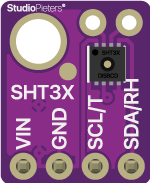
 Design with SHT31 in Cirkit Designer
Introduction
The SHT31, manufactured by Teyleton (Part ID: SHT31-D), is a digital humidity and temperature sensor designed for high-accuracy environmental measurements. It combines a capacitive humidity sensor and a band-gap temperature sensor on a single chip, providing precise and reliable data. The SHT31 features a digital I²C interface, low power consumption, and a fast response time, making it ideal for applications such as HVAC systems, weather stations, industrial process monitoring, and IoT devices.
Explore Projects Built with SHT31
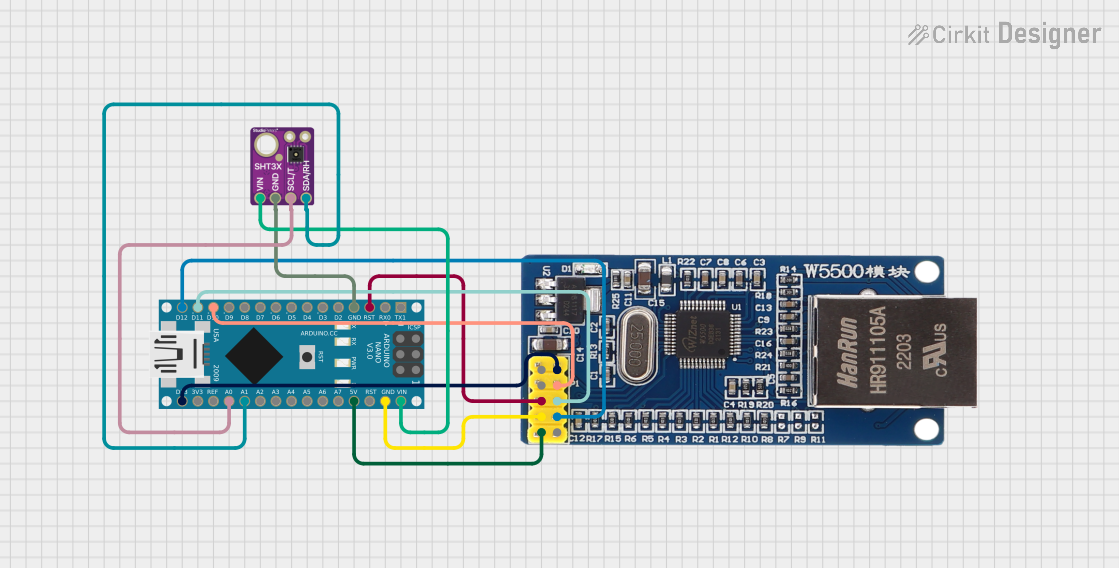 Open Project in Cirkit Designer
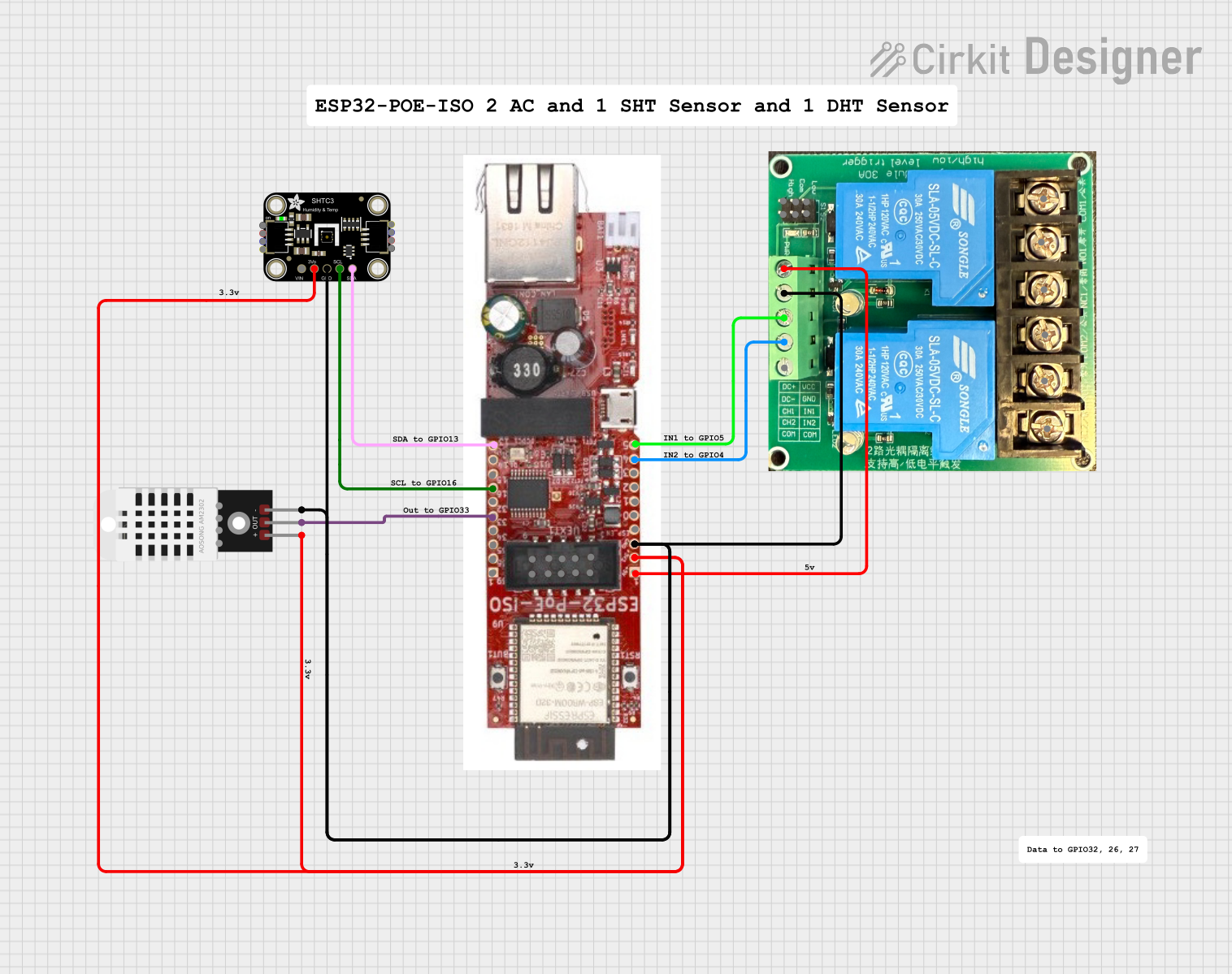 Open Project in Cirkit Designer
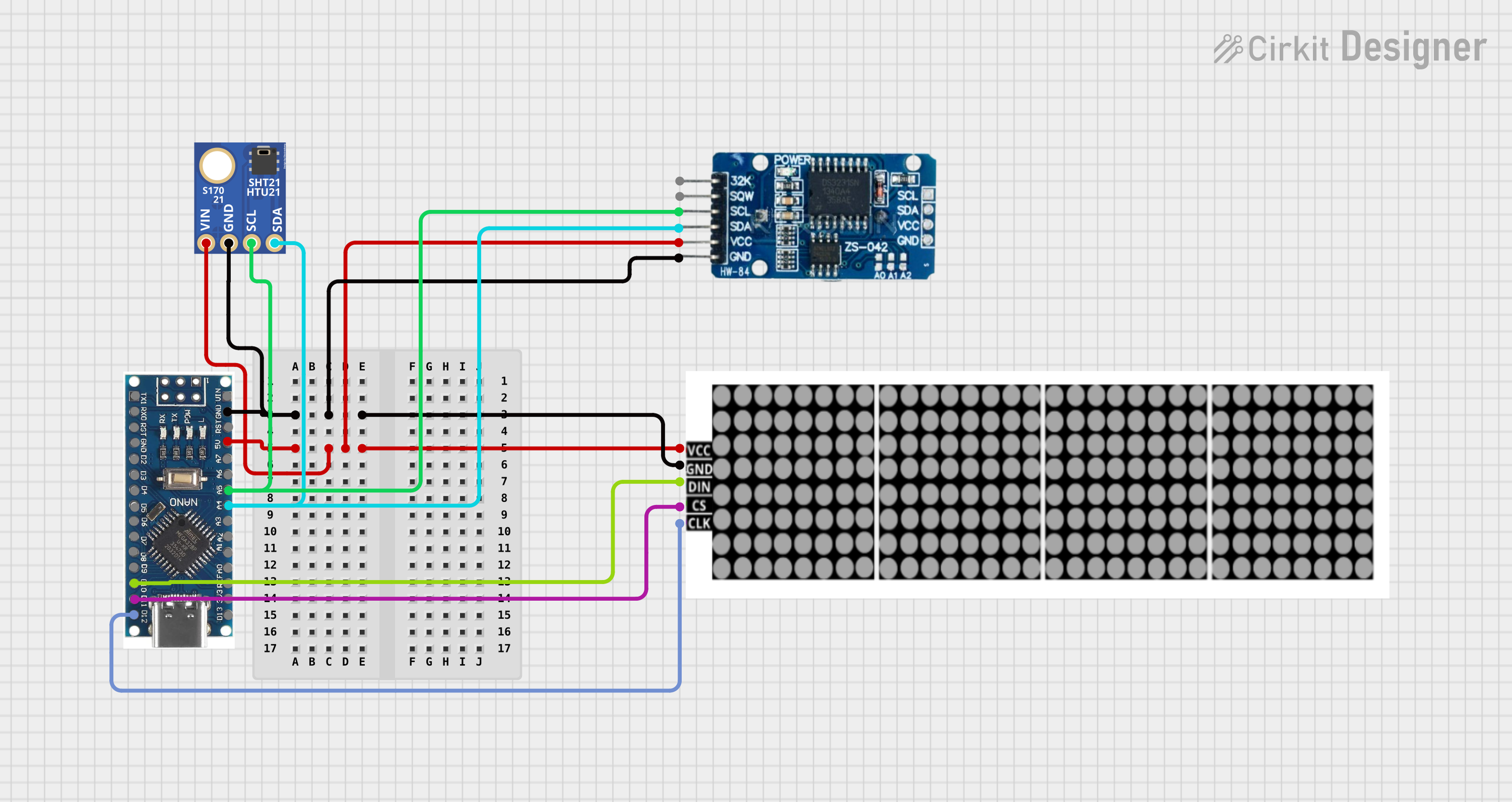 Open Project in Cirkit Designer
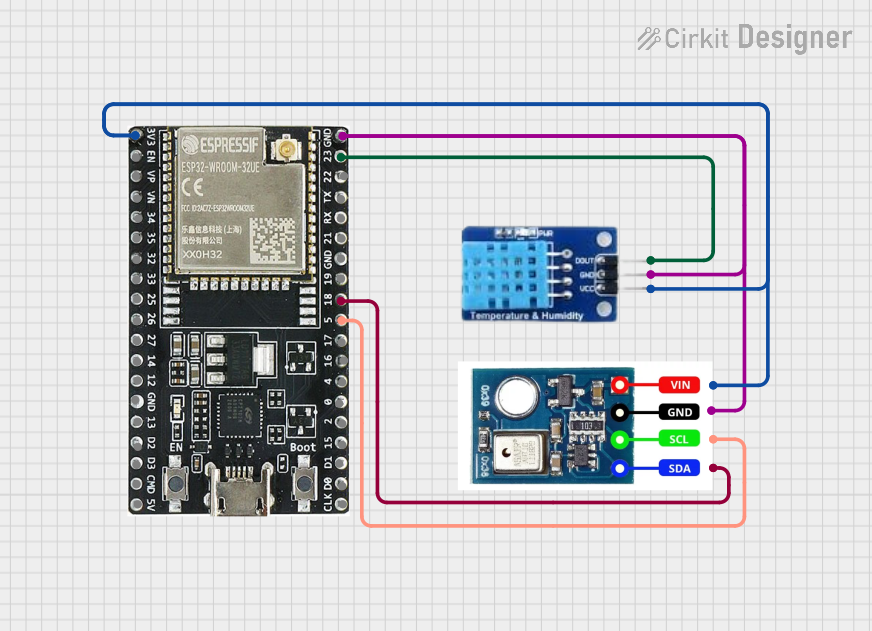 Open Project in Cirkit Designer
Explore Projects Built with SHT31
Open Project in Cirkit DesignerOpen Project in Cirkit DesignerOpen Project in Cirkit DesignerOpen Project in Cirkit DesignerTechnical Specifications
The following table outlines the key technical specifications of the SHT31 sensor:
| Parameter | Value |
|---|---|
| Supply Voltage (VDD) | 2.4V to 5.5V |
| Average Current | 2 µA (at 1 measurement/sec) |
| Measurement Range | Humidity: 0% to 100% RH |
| Temperature: -40°C to 125°C | |
| Accuracy | Humidity: ±2% RH (typical) |
| Temperature: ±0.3°C (typical) | |
| Communication Interface | I²C (up to 1 MHz) |
| Response Time (τ63%) | 8 seconds (humidity) |
| Operating Temperature | -40°C to 125°C |
| Dimensions | 2.5 mm x 2.5 mm x 0.9 mm |
Pin Configuration and Descriptions
The SHT31 sensor is typically available in a 4-pin package. The pin configuration is as follows:
| Pin Number | Name | Description |
|---|---|---|
| 1 | VDD | Power supply (2.4V to 5.5V) |
| 2 | GND | Ground |
| 3 | SDA | Serial Data Line for I²C communication |
| 4 | SCL | Serial Clock Line for I²C communication |
Usage Instructions
How to Use the SHT31 in a Circuit
- Power Supply: Connect the VDD pin to a 3.3V or 5V power source and the GND pin to ground.
- I²C Communication: Connect the SDA and SCL pins to the corresponding I²C pins on your microcontroller. Use pull-up resistors (typically 4.7 kΩ) on both SDA and SCL lines.
- Address Selection: The SHT31 has a default I²C address of
0x44. If you need to use multiple sensors, some variants allow changing the address to0x45by grounding or pulling up a specific pin (refer to the datasheet for details). - Bypass Capacitor: Place a 100 nF capacitor close to the VDD and GND pins to stabilize the power supply.
Important Considerations and Best Practices
- Avoid exposing the sensor to extreme humidity or temperature conditions for prolonged periods.
- Protect the sensor from dust, dirt, and water using a protective cover or filter if necessary.
- Ensure proper PCB layout to minimize noise on the I²C lines.
- Perform periodic calibration checks if the sensor is used in critical applications.
Example Code for Arduino UNO
Below is an example of how to interface the SHT31 with an Arduino UNO using the I²C protocol:
#include <Wire.h>
#include "Adafruit_SHT31.h"

// Create an instance of the SHT31 sensor
Adafruit_SHT31 sht31 = Adafruit_SHT31();

void setup() {
  Serial.begin(9600); // Initialize serial communication at 9600 baud
  Wire.begin();       // Initialize I²C communication

  // Initialize the SHT31 sensor
  if (!sht31.begin(0x44)) { // Default I²C address is 0x44
    Serial.println("Failed to find SHT31 sensor!");
    while (1) delay(1); // Halt execution if sensor is not found
  }
  Serial.println("SHT31 sensor initialized.");
}

void loop() {
  // Read temperature and humidity
  float temperature = sht31.readTemperature();
  float humidity = sht31.readHumidity();

  // Check if readings are valid
  if (!isnan(temperature) && !isnan(humidity)) {
    Serial.print("Temperature: ");
    Serial.print(temperature);
    Serial.println(" °C");

    Serial.print("Humidity: ");
    Serial.print(humidity);
    Serial.println(" %");
  } else {
    Serial.println("Failed to read from SHT31 sensor!");
  }

  delay(2000); // Wait 2 seconds before the next reading
}
Troubleshooting and FAQs
Common Issues and Solutions
Sensor Not Detected on I²C Bus:
- Ensure the SDA and SCL lines are correctly connected to the microcontroller.
- Verify that pull-up resistors (4.7 kΩ) are present on the SDA and SCL lines.
- Check the I²C address (default is
0x44) and ensure it matches the code.
Incorrect or NaN Readings:
- Verify that the power supply voltage is within the specified range (2.4V to 5.5V).
- Ensure the sensor is not exposed to condensation or extreme environmental conditions.
- Check for loose or faulty connections in the circuit.
Slow Response Time:
- Ensure the sensor is not obstructed by a protective cover or filter that impedes airflow.
- Verify that the sensor is not placed in a location with poor air circulation.
FAQs
Q: Can the SHT31 be used outdoors?
A: Yes, but it should be protected from direct exposure to water, dust, and extreme conditions using an appropriate enclosure or filter.
Q: How often should I calibrate the SHT31?
A: The SHT31 is factory-calibrated and does not require frequent calibration. However, periodic checks are recommended for critical applications.
Q: Can I use the SHT31 with a 5V microcontroller?
A: Yes, the SHT31 supports a supply voltage range of 2.4V to 5.5V, making it compatible with both 3.3V and 5V systems.