
How to Use IR Obstacle Sensor Module: Examples, Pinouts, and Specs
 Design with IR Obstacle Sensor Module in Cirkit Designer
Introduction
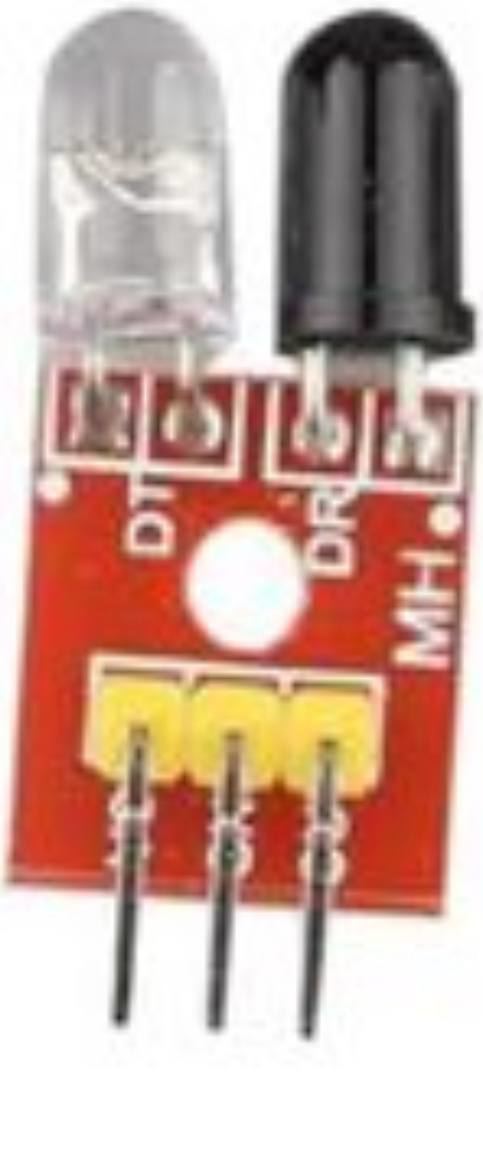
The IR Obstacle Sensor Module is a compact and versatile electronic component designed to detect obstacles using infrared (IR) light. It works by emitting infrared rays and measuring the reflection from nearby objects, allowing it to determine the presence and distance of obstacles. This module is widely used in robotics, automation systems, and proximity detection applications due to its simplicity and reliability.
Explore Projects Built with IR Obstacle Sensor Module
 Open Project in Cirkit Designer
 Open Project in Cirkit Designer
 Open Project in Cirkit Designer
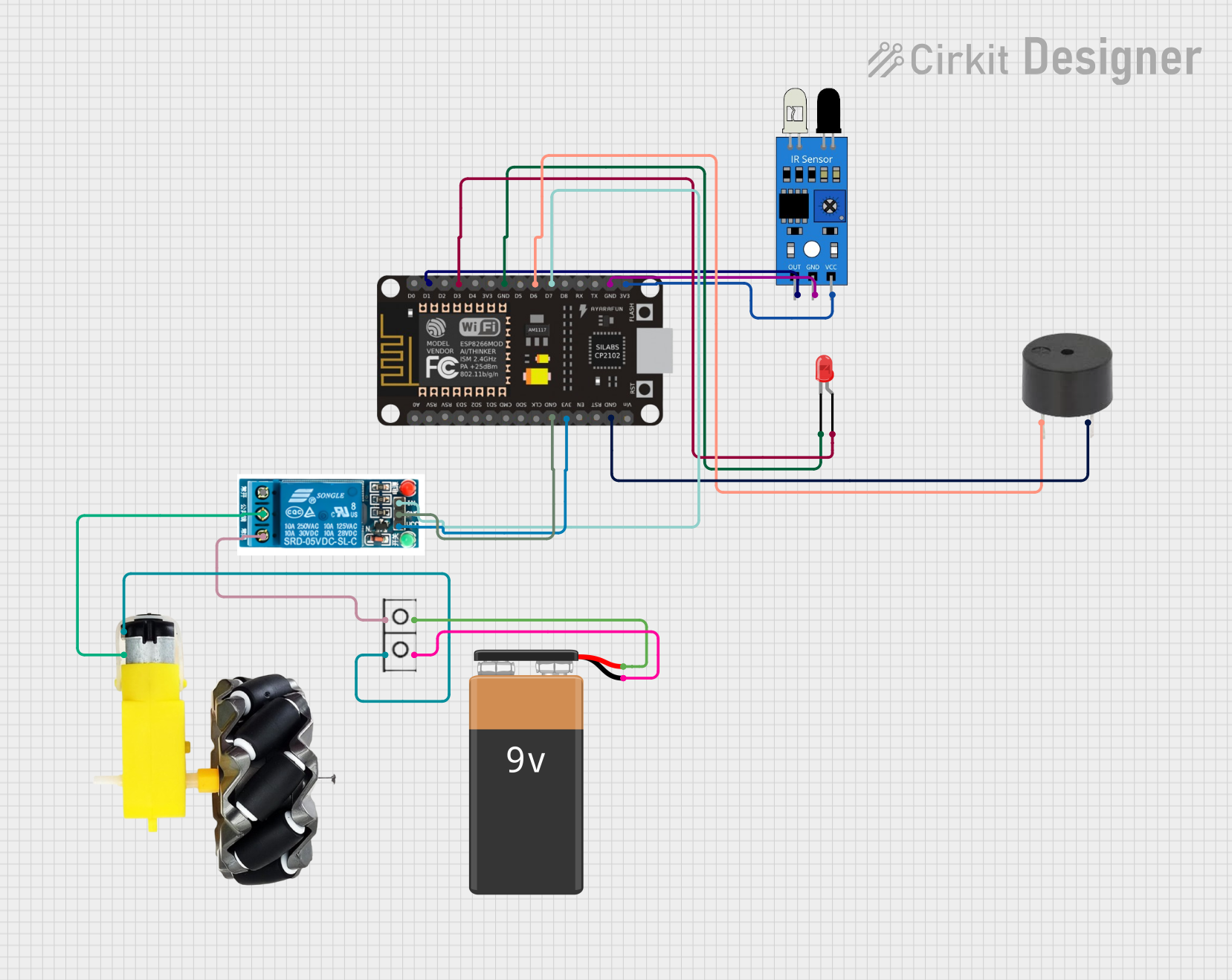 Open Project in Cirkit Designer
Explore Projects Built with IR Obstacle Sensor Module
Open Project in Cirkit DesignerOpen Project in Cirkit DesignerOpen Project in Cirkit DesignerOpen Project in Cirkit DesignerCommon Applications
- Line-following robots
- Obstacle-avoiding robots
- Proximity detection in automation systems
- Object counters and motion detectors
- Security systems and alarms
Technical Specifications
The following table outlines the key technical details of the IR Obstacle Sensor Module:
| Parameter | Value |
|---|---|
| Operating Voltage | 3.3V to 5V |
| Operating Current | 20mA (typical) |
| Detection Range | 2cm to 30cm (adjustable) |
| Output Type | Digital (High/Low) |
| IR Wavelength | 940nm |
| Dimensions | ~3.1cm x 1.5cm x 0.7cm |
| Operating Temperature | -25°C to 85°C |
Pin Configuration
The IR Obstacle Sensor Module typically has three pins. Their configuration and descriptions are as follows:
| Pin | Name | Description |
|---|---|---|
| 1 | VCC | Power supply pin (3.3V to 5V) |
| 2 | GND | Ground pin |
| 3 | OUT | Digital output pin (High when no obstacle, Low when an obstacle is detected) |
Usage Instructions
How to Use the IR Obstacle Sensor Module in a Circuit
- Power the Module: Connect the
VCCpin to a 3.3V or 5V power source and theGNDpin to the ground of your circuit. - Connect the Output: Connect the
OUTpin to a digital input pin of your microcontroller or directly to an external circuit. - Adjust the Sensitivity: Use the onboard potentiometer to adjust the detection range. Turning the potentiometer clockwise increases the sensitivity, while turning it counterclockwise decreases it.
- Test the Module: Place an object within the detection range and observe the
OUTpin. The output will go LOW when an obstacle is detected and HIGH when no obstacle is present.
Important Considerations and Best Practices
- Ambient Light Interference: The module may be affected by strong ambient light. Use it in controlled lighting conditions for optimal performance.
- Distance Calibration: Always calibrate the detection range using the potentiometer before deploying the module in your application.
- Power Supply: Ensure a stable power supply to avoid erratic behavior.
- Mounting: Avoid placing reflective surfaces directly in front of the sensor, as they may cause false detections.
Example: Connecting to an Arduino UNO
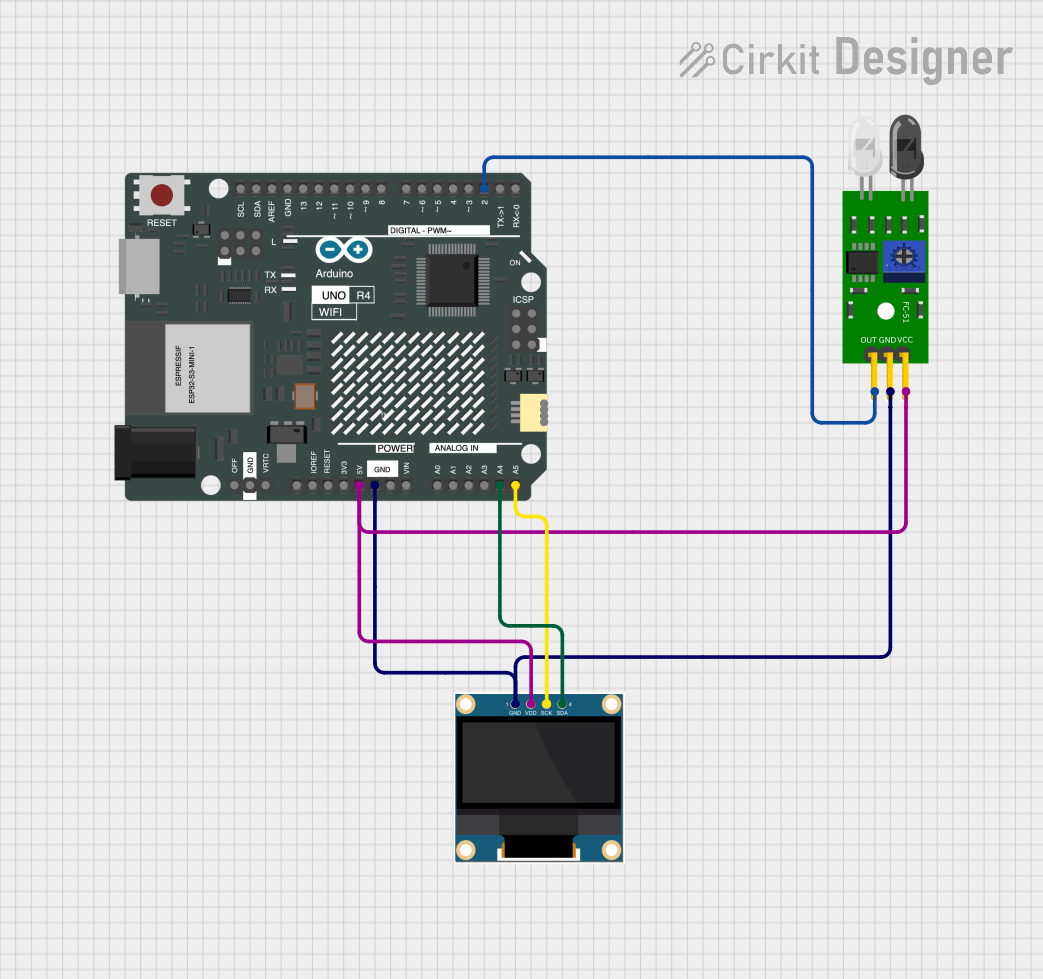
Below is an example of how to connect and use the IR Obstacle Sensor Module with an Arduino UNO:
Circuit Connections
- Connect the
VCCpin of the module to the 5V pin of the Arduino. - Connect the
GNDpin of the module to the GND pin of the Arduino. - Connect the
OUTpin of the module to digital pin 2 of the Arduino.
Arduino Code
// IR Obstacle Sensor Module Example Code
// This code reads the digital output of the sensor and prints the status
// to the Serial Monitor.

const int sensorPin = 2; // Connect the OUT pin of the sensor to digital pin 2
int sensorState = 0;     // Variable to store the sensor state

void setup() {
  pinMode(sensorPin, INPUT); // Set the sensor pin as input
  Serial.begin(9600);        // Initialize serial communication at 9600 baud
}

void loop() {
  sensorState = digitalRead(sensorPin); // Read the sensor output

  if (sensorState == LOW) {
    // Obstacle detected
    Serial.println("Obstacle detected!");
  } else {
    // No obstacle
    Serial.println("No obstacle.");
  }

  delay(500); // Wait for 500ms before reading again
}
Troubleshooting and FAQs
Common Issues and Solutions
The sensor is not detecting obstacles:
- Ensure the module is powered correctly (check
VCCandGNDconnections). - Adjust the potentiometer to increase the sensitivity.
- Verify that the obstacle is within the detection range (2cm to 30cm).
- Ensure the module is powered correctly (check
False detections or erratic behavior:
- Check for strong ambient light sources and reduce their impact.
- Ensure a stable power supply to the module.
- Avoid reflective surfaces directly in front of the sensor.
Output pin always HIGH or LOW:
- Verify the connections between the module and the microcontroller.
- Test the module independently by connecting an LED to the
OUTpin.
FAQs
Q: Can the detection range be increased beyond 30cm?
A: No, the detection range is limited to 30cm due to the design of the IR transmitter and receiver. For longer ranges, consider using ultrasonic sensors.
Q: Can this module detect transparent objects?
A: The module may struggle to detect transparent or highly reflective objects due to the way infrared light interacts with such surfaces.
Q: Is it possible to use multiple IR Obstacle Sensor Modules in the same project?
A: Yes, but ensure that the IR signals from different modules do not interfere with each other. Position the modules carefully to avoid cross-talk.
Q: Can this module be used outdoors?
A: While it can be used outdoors, strong sunlight may interfere with its performance. Consider using it in shaded areas or with additional shielding.