
How to Use SunFounder Fusion HAT+: Examples, Pinouts, and Specs
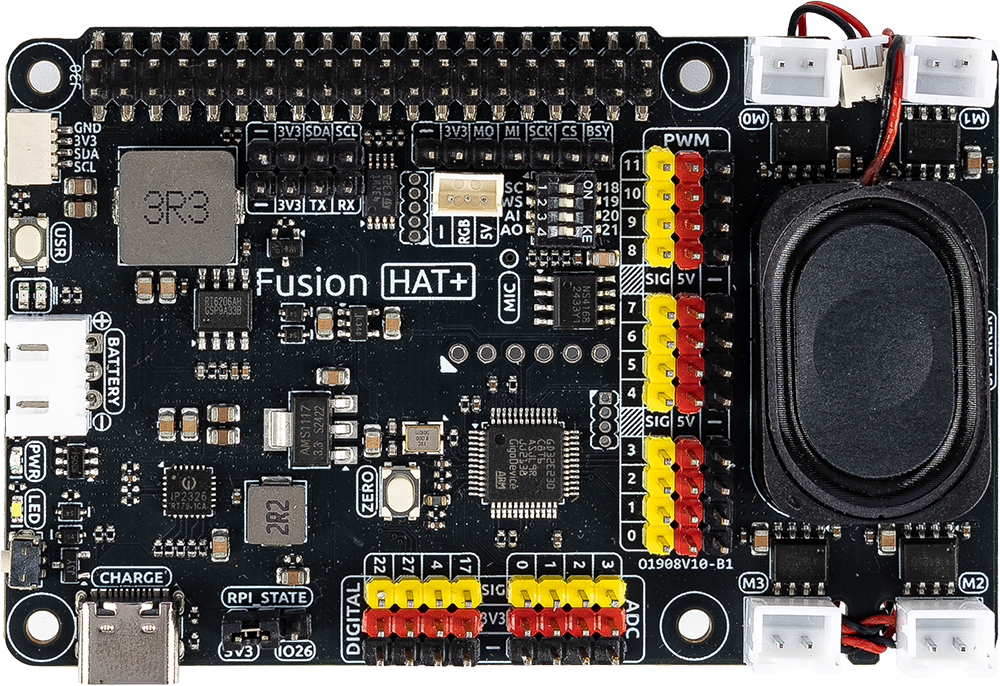
 Design with SunFounder Fusion HAT+ in Cirkit Designer
Introduction
The SunFounder Fusion HAT+ is a versatile add-on board designed for Raspberry Pi, offering a wide range of interfaces and sensors to simplify hardware integration. It features GPIO, I2C, and PWM capabilities, making it an ideal choice for prototyping, robotics, IoT applications, and educational projects. With its plug-and-play design, the Fusion HAT+ allows users to quickly connect and control external devices, sensors, and actuators.
Explore Projects Built with SunFounder Fusion HAT+
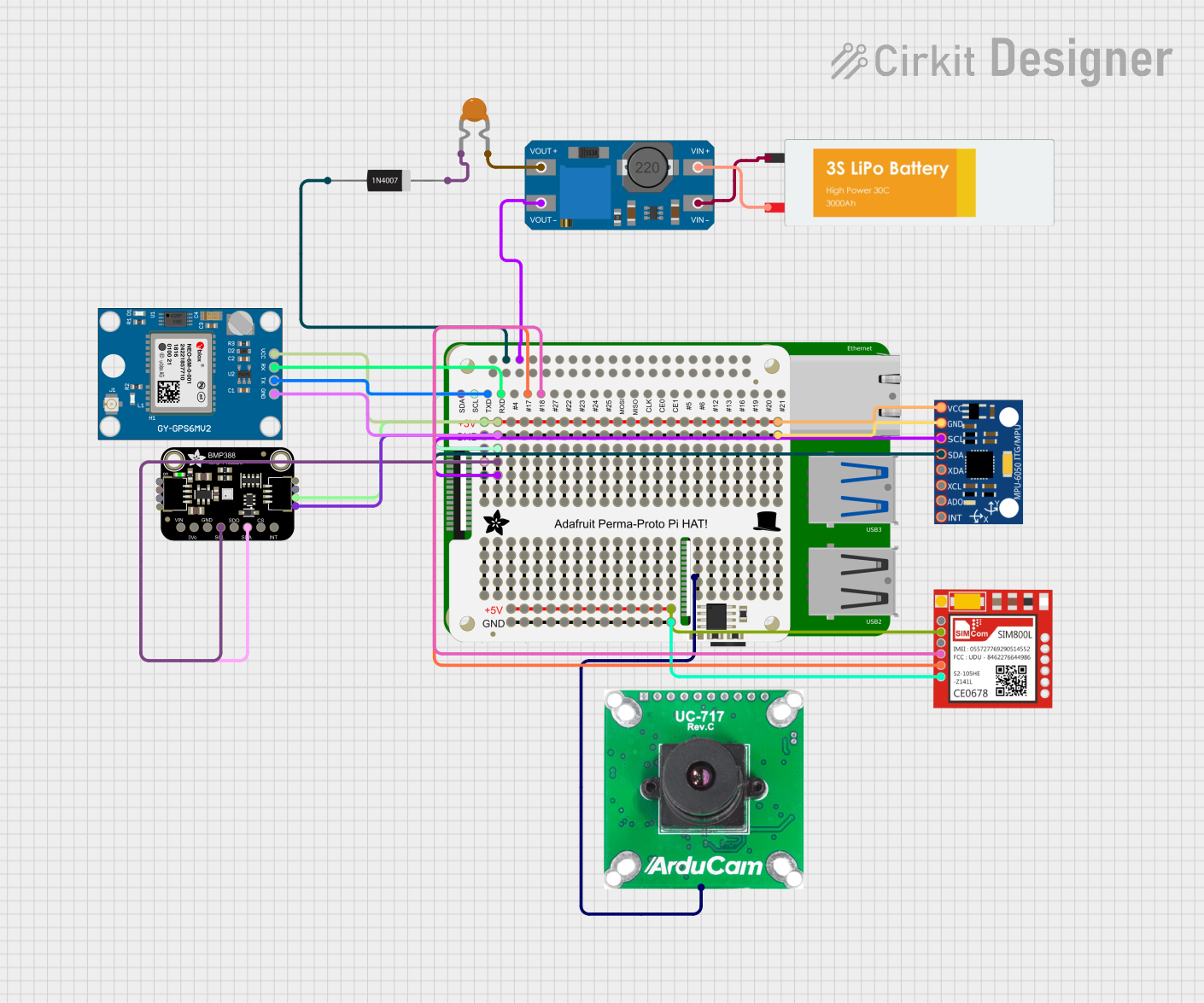 Open Project in Cirkit Designer
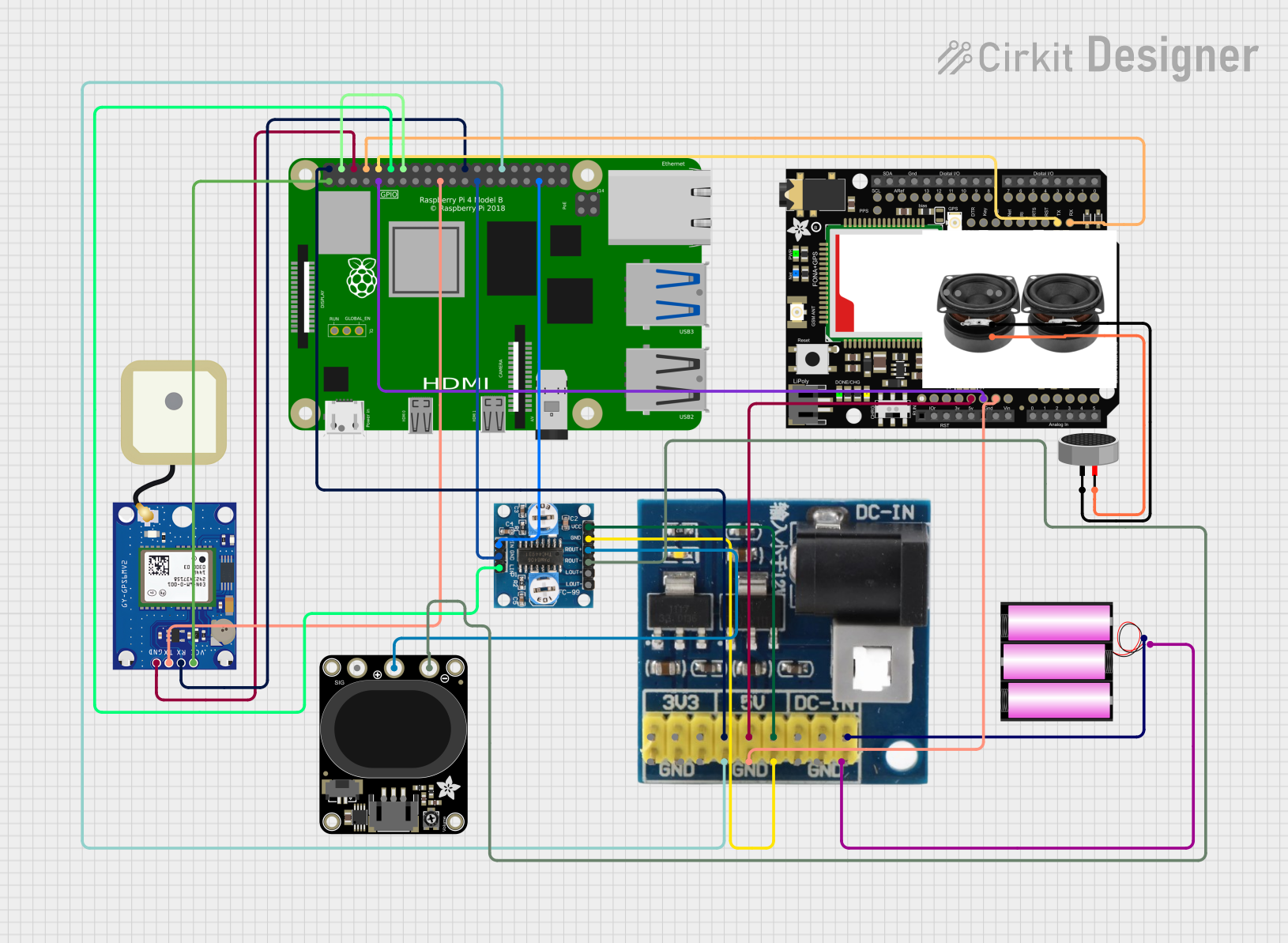 Open Project in Cirkit Designer
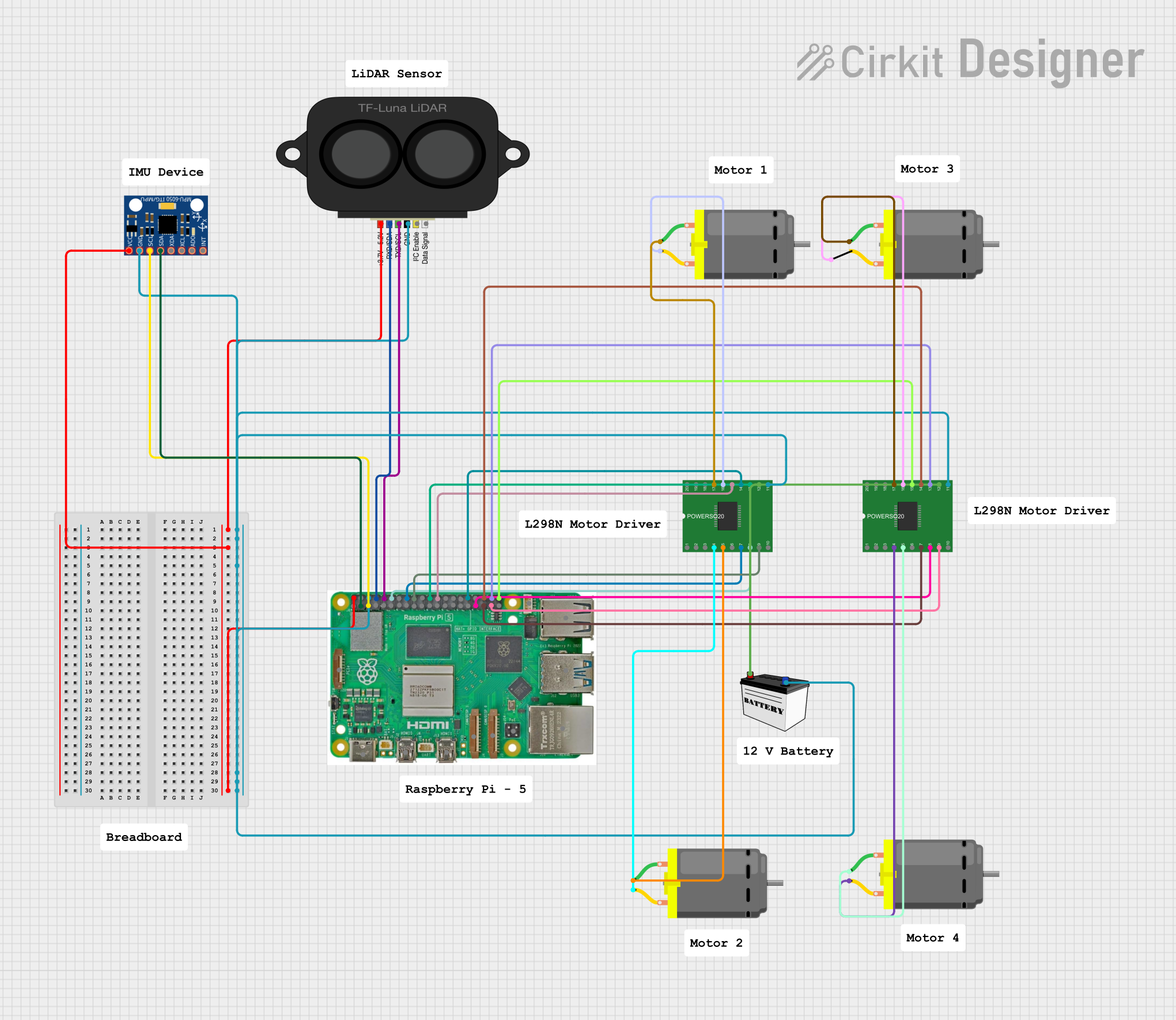 Open Project in Cirkit Designer
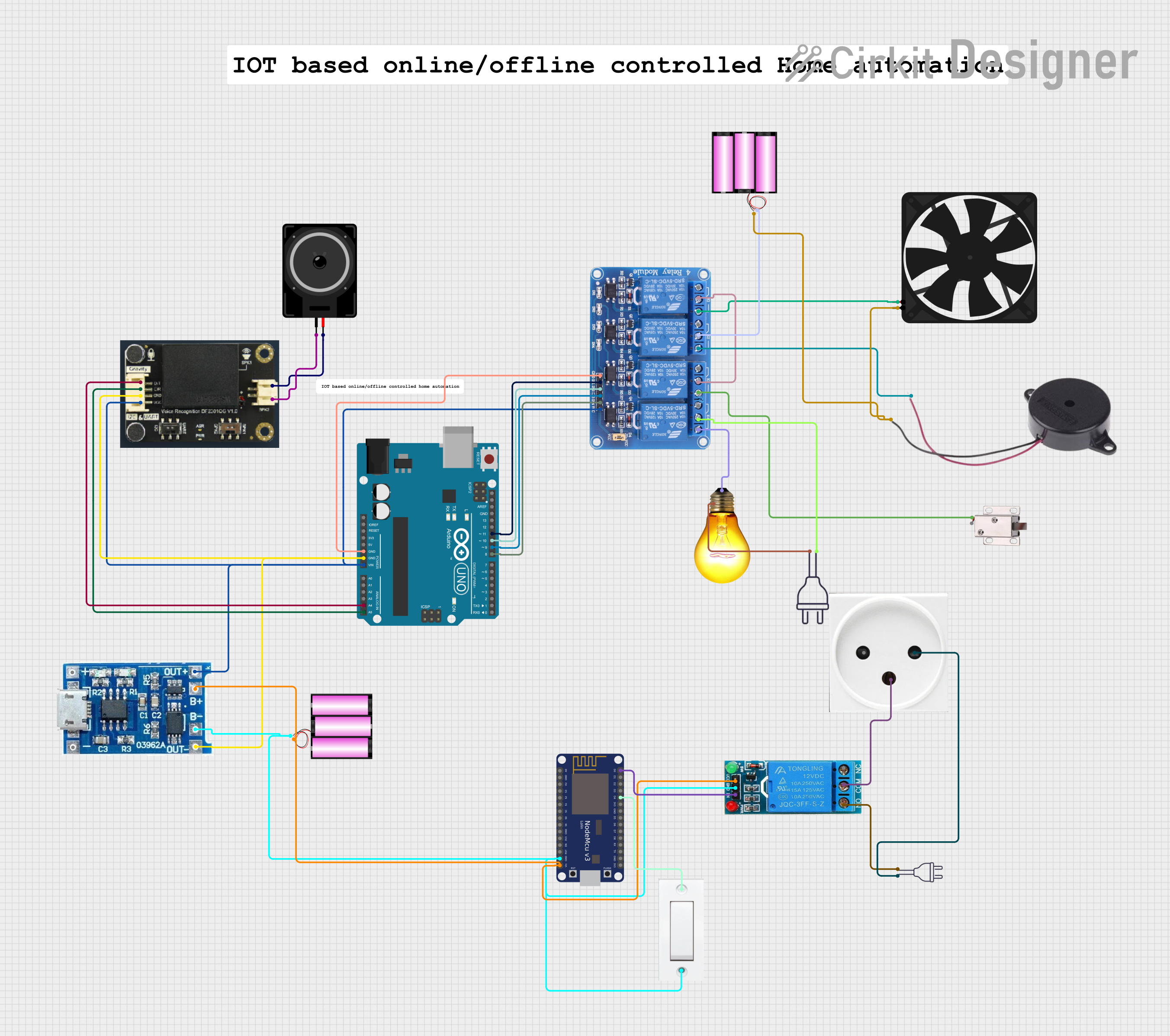 Open Project in Cirkit Designer
Explore Projects Built with SunFounder Fusion HAT+
Open Project in Cirkit DesignerOpen Project in Cirkit DesignerOpen Project in Cirkit DesignerOpen Project in Cirkit DesignerCommon Applications and Use Cases
- Robotics and motor control
- IoT (Internet of Things) projects
- Sensor integration and data acquisition
- Educational and prototyping purposes
- LED control and PWM-based applications
Technical Specifications
Key Technical Details
| Parameter | Specification |
|---|---|
| Compatible Boards | Raspberry Pi 4, 3B+, 3, Zero, Zero W |
| Input Voltage | 5V (via Raspberry Pi GPIO header) |
| Communication Protocols | GPIO, I2C, PWM |
| GPIO Pins | 40-pin Raspberry Pi GPIO header |
| Onboard Sensors | Temperature, Light, and Sound sensors |
| PWM Channels | 4 |
| Dimensions | 65mm x 56mm x 15mm |
Pin Configuration and Descriptions
The SunFounder Fusion HAT+ connects directly to the Raspberry Pi's 40-pin GPIO header. Below is a description of the key pins and their functions:
| Pin Number | Pin Name | Description |
|---|---|---|
| 1 | 3.3V | Power supply for low-power devices |
| 2 | 5V | Power supply for high-power devices |
| 3 | SDA (I2C) | I2C data line for communication |
| 5 | SCL (I2C) | I2C clock line for communication |
| 7 | GPIO4 | General-purpose input/output pin |
| 12 | PWM0 | PWM output channel 0 |
| 13 | PWM1 | PWM output channel 1 |
| 15 | GPIO22 | General-purpose input/output pin |
| 37 | GPIO26 | General-purpose input/output pin |
| 39 | GND | Ground connection |
Usage Instructions
How to Use the Component in a Circuit
- Attach the Fusion HAT+ to the Raspberry Pi: Align the 40-pin GPIO header on the HAT+ with the Raspberry Pi's GPIO pins and press gently to secure the connection.
- Power the Raspberry Pi: Connect the Raspberry Pi to a 5V power supply. The HAT+ will draw power directly from the Raspberry Pi.
- Connect External Devices: Use the GPIO, I2C, or PWM pins to connect sensors, actuators, or other peripherals as needed.
- Install Required Libraries: Install the SunFounder-provided Python libraries or other necessary software to control the HAT+.
Important Considerations and Best Practices
- Voltage Levels: Ensure that connected devices operate at 3.3V or 5V to avoid damaging the HAT+ or Raspberry Pi.
- Library Installation: Use the official SunFounder libraries for seamless integration. Install them using the following command:
pip install sunfounder-fusion - Avoid Overloading: Do not exceed the current limits of the GPIO pins or the Raspberry Pi's power supply.
- Secure Connections: Ensure all connections are secure to prevent accidental disconnections during operation.
Example Code for Raspberry Pi
Below is an example Python script to read data from the onboard temperature sensor and control an LED using PWM:
import time
from sunfounder_fusion import FusionHAT
Initialize the Fusion HAT+ library
fusion = FusionHAT()
Function to read temperature from the onboard sensor
def read_temperature(): temp = fusion.get_temperature() # Get temperature in Celsius print(f"Temperature: {temp:.2f} °C") return temp
Function to control an LED using PWM
def control_led(brightness): # Brightness should be a value between 0 (off) and 100 (full brightness) fusion.set_pwm(0, brightness) # Set PWM channel 0 to the specified brightness
try: while True: # Read and display temperature read_temperature()
    # Gradually increase LED brightness
    for brightness in range(0, 101, 10):
        control_led(brightness)
        time.sleep(0.1)

    # Gradually decrease LED brightness
    for brightness in range(100, -1, -10):
        control_led(brightness)
        time.sleep(0.1)
except KeyboardInterrupt: print("Exiting program...") fusion.set_pwm(0, 0) # Turn off the LED
Troubleshooting and FAQs
Common Issues and Solutions
HAT+ Not Detected by Raspberry Pi
- Solution: Ensure the HAT+ is securely connected to the GPIO header. Verify that the Raspberry Pi is powered on and the required libraries are installed.
I2C Devices Not Responding
- Solution: Enable I2C on the Raspberry Pi by running
sudo raspi-configand navigating to "Interfacing Options > I2C". Reboot the Raspberry Pi after enabling I2C.
- Solution: Enable I2C on the Raspberry Pi by running
PWM Output Not Working
- Solution: Check the connected device's wiring and ensure the correct PWM channel is being used. Verify that the brightness value is within the valid range (0–100).
Temperature Sensor Reading Incorrect Values
- Solution: Ensure the HAT+ is not exposed to extreme environmental conditions. Verify that the library is correctly installed and updated.
FAQs
Q: Can I use the Fusion HAT+ with other microcontrollers?
A: The Fusion HAT+ is specifically designed for Raspberry Pi. However, you may adapt it for other microcontrollers with compatible GPIO and I2C interfaces, though this requires advanced knowledge.Q: How many devices can I connect via I2C?
A: The I2C bus supports multiple devices, but ensure each device has a unique address to avoid conflicts.Q: Is the Fusion HAT+ compatible with Raspberry Pi Pico?
A: No, the Fusion HAT+ is designed for Raspberry Pi models with a 40-pin GPIO header.Q: Can I power the HAT+ separately?
A: No, the HAT+ draws power directly from the Raspberry Pi's GPIO header. Ensure the Raspberry Pi is adequately powered.