
How to Use esp01 led shield: Examples, Pinouts, and Specs
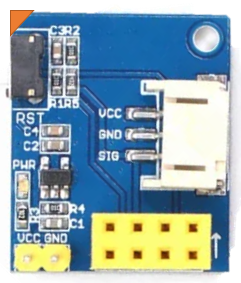
 Design with esp01 led shield in Cirkit Designer
Introduction
The ESP01 LED Shield, manufactured by Chinases, is a compact and versatile add-on board designed to work seamlessly with the ESP-01 Wi-Fi module. This shield features a built-in LED that can be controlled via the ESP-01, making it ideal for IoT projects, home automation, and educational purposes. It simplifies the process of testing and prototyping with the ESP-01 module by providing a pre-wired LED circuit.
Explore Projects Built with esp01 led shield
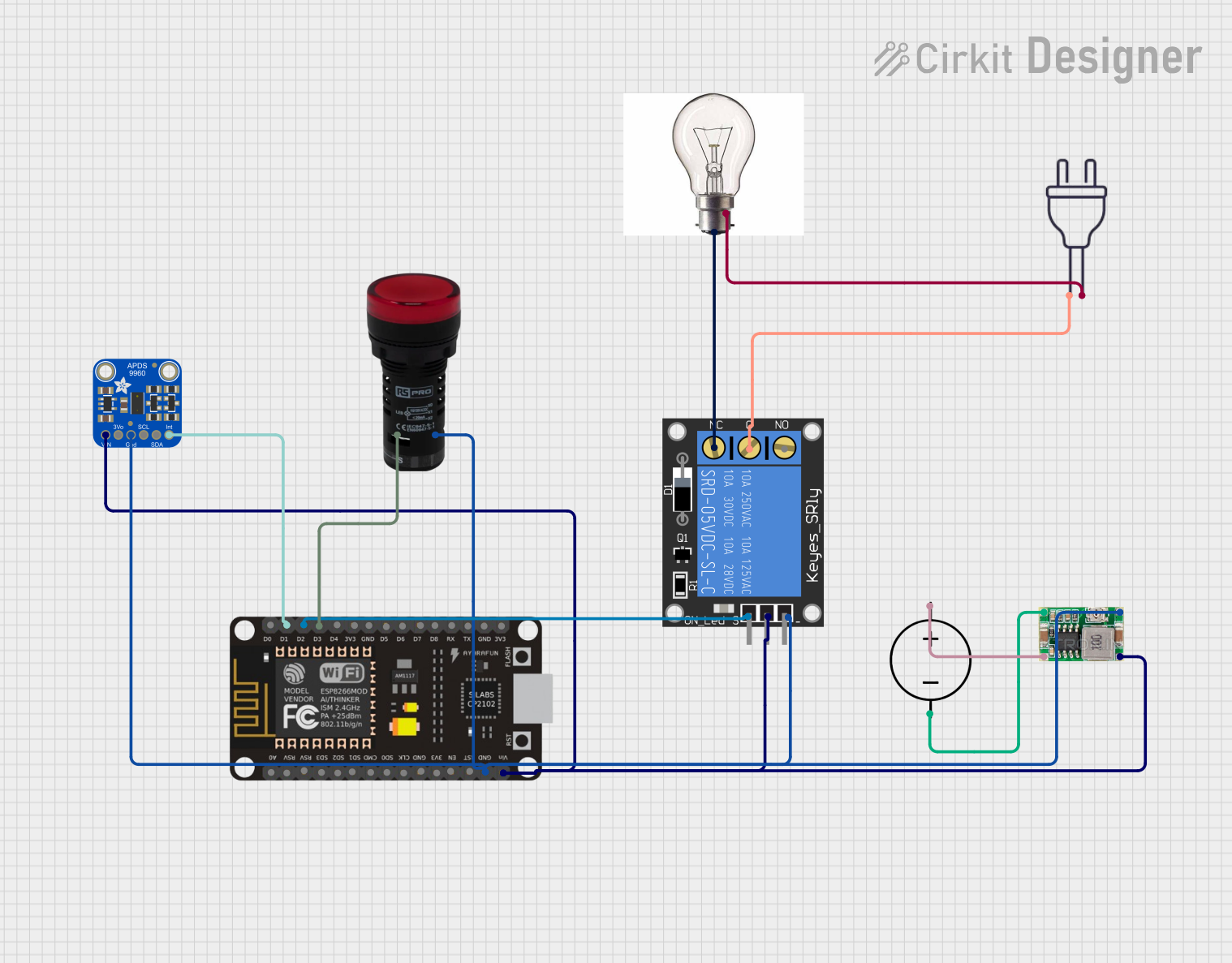 Open Project in Cirkit Designer
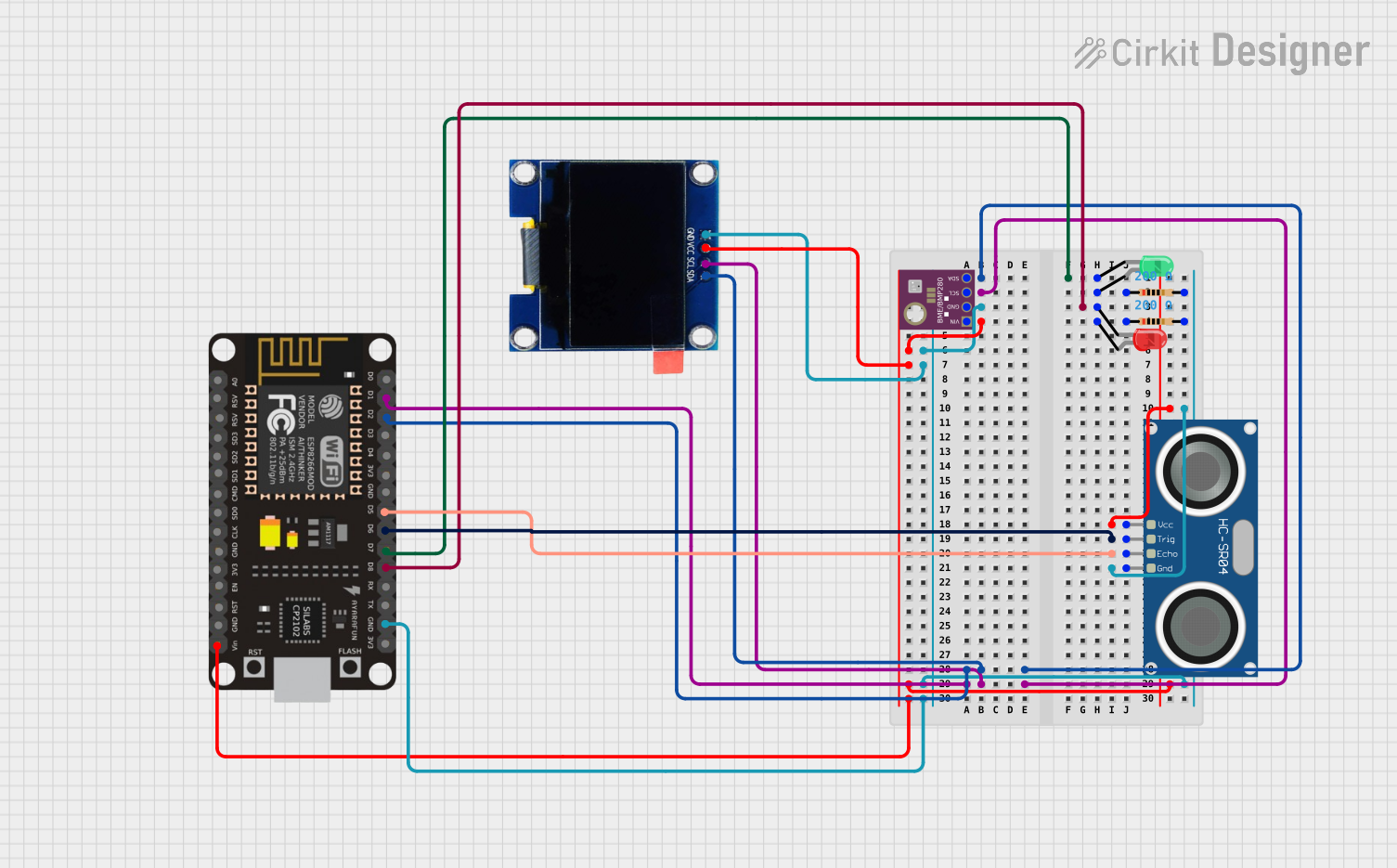 Open Project in Cirkit Designer
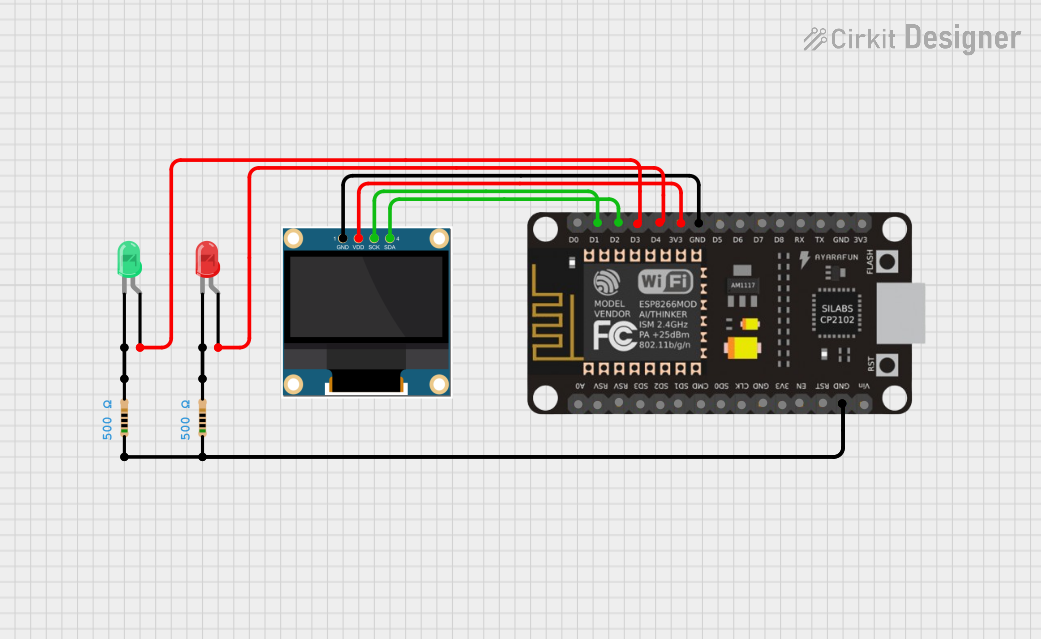 Open Project in Cirkit Designer
 Open Project in Cirkit Designer
Explore Projects Built with esp01 led shield
Open Project in Cirkit DesignerOpen Project in Cirkit DesignerOpen Project in Cirkit DesignerOpen Project in Cirkit DesignerCommon Applications and Use Cases
- IoT projects requiring visual feedback (e.g., status indicators)
- Home automation systems
- Educational projects for learning about Wi-Fi modules and LED control
- Quick prototyping and testing of ESP-01 modules
Technical Specifications
The ESP01 LED Shield is designed to complement the ESP-01 module. Below are its key specifications:
General Specifications
- Input Voltage: 3.3V (supplied by the ESP-01 module)
- LED Type: Single onboard LED (color may vary by batch)
- LED Control Pin: GPIO2 of the ESP-01 module
- Dimensions: Matches the ESP-01 form factor for easy integration
- Compatibility: ESP-01 and ESP-01S Wi-Fi modules
Pin Configuration and Descriptions
The ESP01 LED Shield does not have standalone pins but connects directly to the ESP-01 module. Below is the pin mapping for the ESP-01 module when used with the shield:
| ESP-01 Pin | Function | Description |
|---|---|---|
| VCC | Power Supply | Connects to 3.3V power source. |
| GND | Ground | Common ground for the circuit. |
| GPIO2 | LED Control | Controls the onboard LED. |
| GPIO0 | General Purpose I/O | Not used by the shield but available. |
| RX | UART Receive | For serial communication (not shield-specific). |
| TX | UART Transmit | For serial communication (not shield-specific). |
| CH_PD | Chip Enable | Must be pulled high for the ESP-01 to function. |
| RST | Reset | Resets the ESP-01 module. |
Usage Instructions
How to Use the ESP01 LED Shield in a Circuit
- Attach the ESP01 Module: Plug the ESP-01 module into the ESP01 LED Shield. Ensure proper alignment of the pins.
- Power the Module: Provide a 3.3V power supply to the ESP-01 module. The shield draws power directly from the ESP-01.
- Control the LED:
- The onboard LED is connected to GPIO2 of the ESP-01 module.
- Use GPIO2 to turn the LED on or off or to create blinking patterns.
Important Considerations and Best Practices
- Power Supply: Ensure the ESP-01 module is powered with a stable 3.3V source. Using higher voltages can damage the module and the shield.
- GPIO2 Usage: Avoid using GPIO2 for other purposes while using the LED shield, as it is dedicated to controlling the onboard LED.
- Heat Management: The ESP-01 module may heat up during prolonged use. Ensure proper ventilation to avoid overheating.
- Programming the ESP-01: If you need to reprogram the ESP-01, remove it from the shield and use a USB-to-serial adapter.
Example Code for Arduino UNO
Below is an example of how to control the onboard LED of the ESP01 LED Shield using the Arduino IDE:
// Example code to control the onboard LED of the ESP01 LED Shield
// Ensure the ESP-01 is properly connected to the shield and powered

void setup() {
  pinMode(2, OUTPUT); // Set GPIO2 as an output pin
}

void loop() {
  digitalWrite(2, HIGH); // Turn the LED on
  delay(1000);           // Wait for 1 second
  digitalWrite(2, LOW);  // Turn the LED off
  delay(1000);           // Wait for 1 second
}
Note: Before uploading the code, ensure the ESP-01 is in programming mode and connected to a USB-to-serial adapter.
Troubleshooting and FAQs
Common Issues and Solutions
LED Not Turning On:
- Cause: GPIO2 is not configured as an output.
- Solution: Verify your code and ensure
pinMode(2, OUTPUT)is included in thesetup()function.
ESP-01 Not Powering On:
- Cause: Insufficient or unstable power supply.
- Solution: Use a reliable 3.3V power source with adequate current capacity (at least 300mA).
LED Flickering or Dim:
- Cause: GPIO2 is being used for other purposes or the power supply is unstable.
- Solution: Ensure GPIO2 is dedicated to LED control and check the power supply.
ESP-01 Not Responding to Commands:
- Cause: Incorrect wiring or the module is not in programming mode.
- Solution: Double-check the connections and ensure the ESP-01 is in the correct mode for programming or operation.
FAQs
Q: Can I use the ESP01 LED Shield with other ESP modules?
A: No, the shield is specifically designed for the ESP-01 and ESP-01S modules. It is not compatible with other ESP modules.
Q: Can I control the LED using PWM?
A: Yes, you can use PWM (Pulse Width Modulation) on GPIO2 to control the brightness of the LED.
Q: Is the LED color customizable?
A: The LED color is determined by the manufacturer and cannot be changed without replacing the LED.
Q: Can I use the shield without the LED?
A: Yes, but the onboard LED is hardwired to GPIO2, so it will still consume a small amount of current.
Q: How do I reset the ESP-01 while it is on the shield?
A: Use the RST pin on the ESP-01 module to reset it manually.
This concludes the documentation for the ESP01 LED Shield. For further assistance, refer to the manufacturer's datasheet or support resources.