
How to Use mq135: Examples, Pinouts, and Specs
 Design with mq135 in Cirkit Designer
Introduction
The MQ135 is a versatile gas sensor designed to detect a wide range of gases, including ammonia (NH3), benzene (C6H6), alcohol, smoke, and other harmful gases. It operates on the principle of resistive change, where the sensor's resistance varies in the presence of target gases. This change is converted into an analog output signal, making it suitable for air quality monitoring and environmental sensing applications.
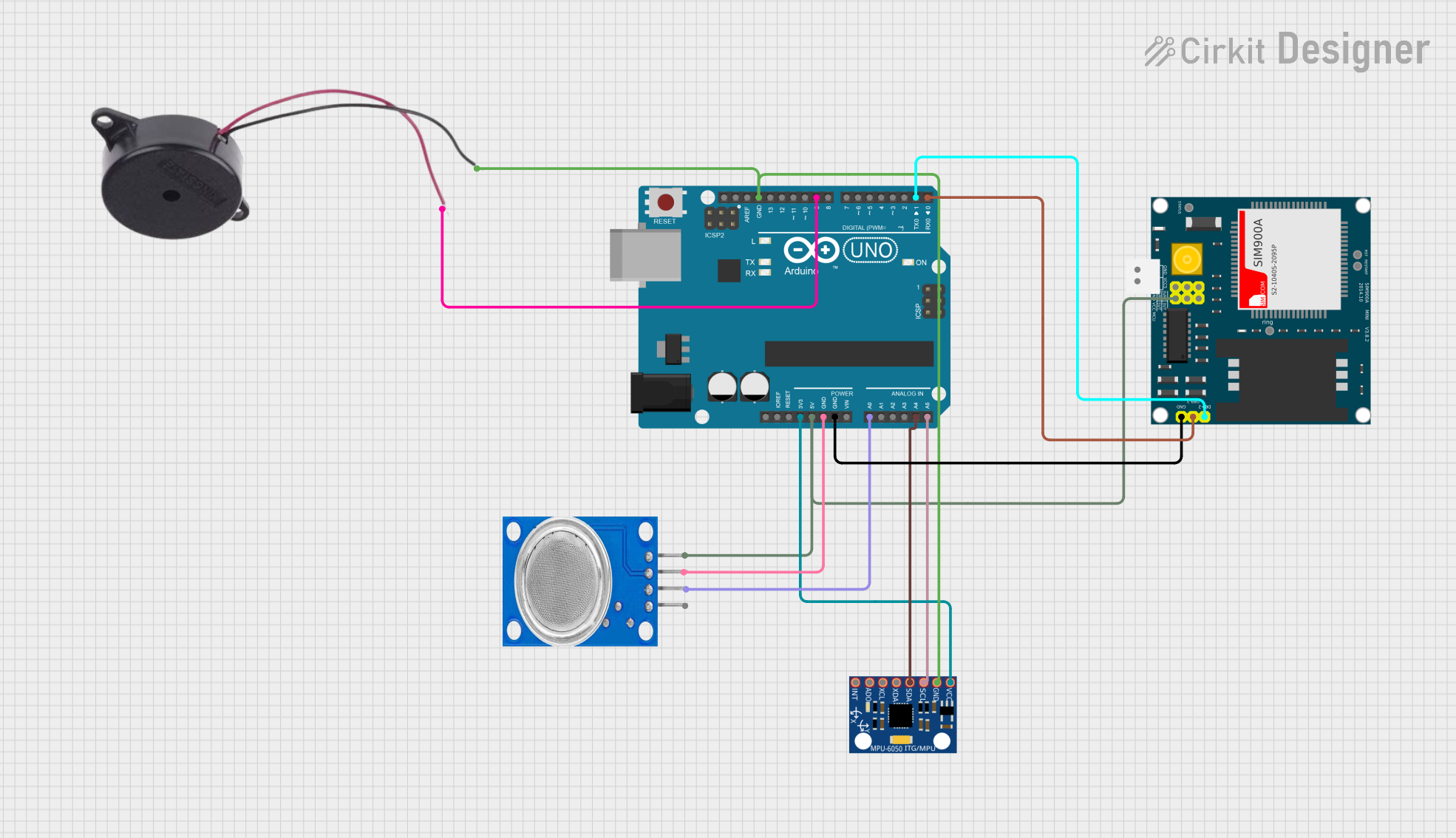
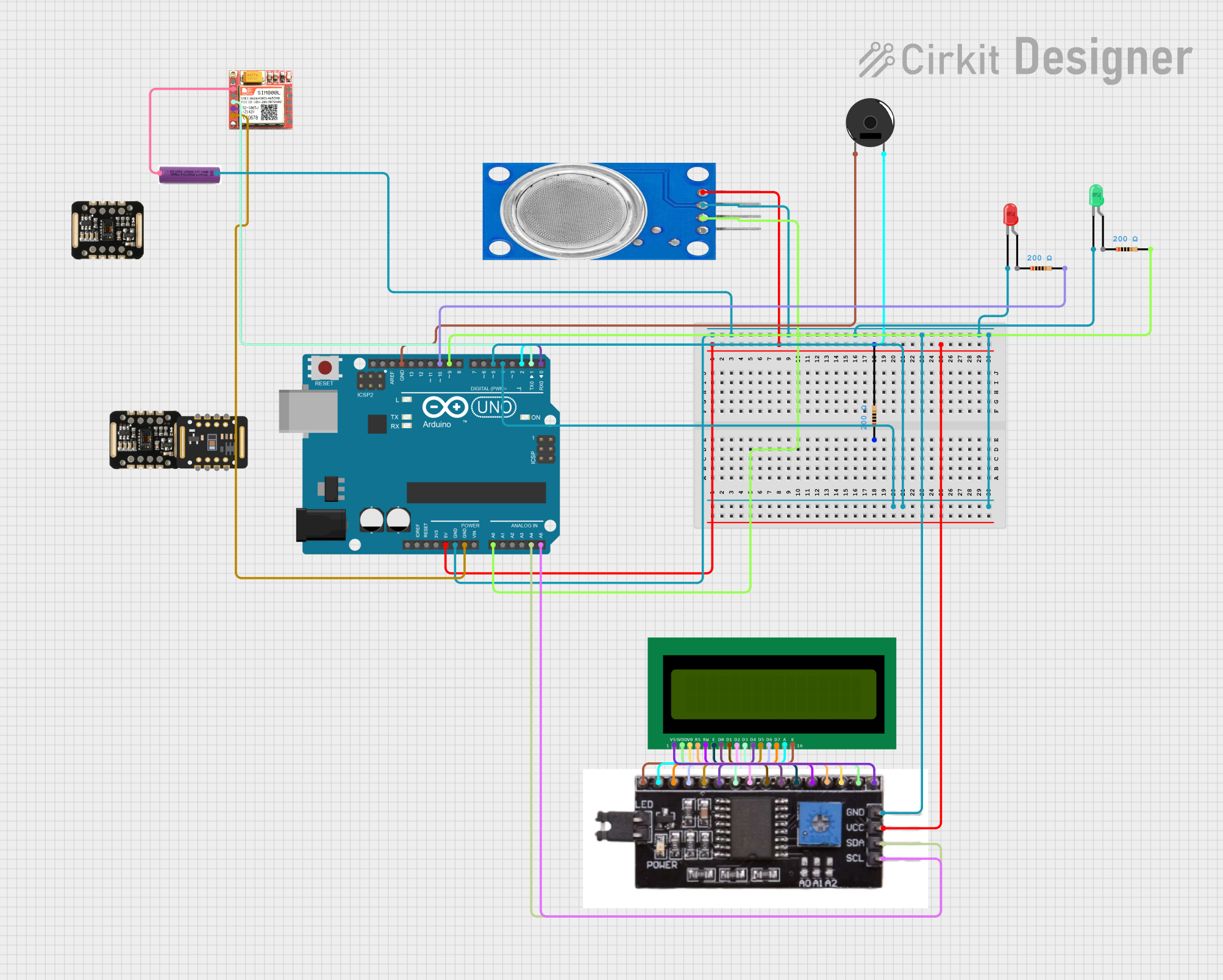
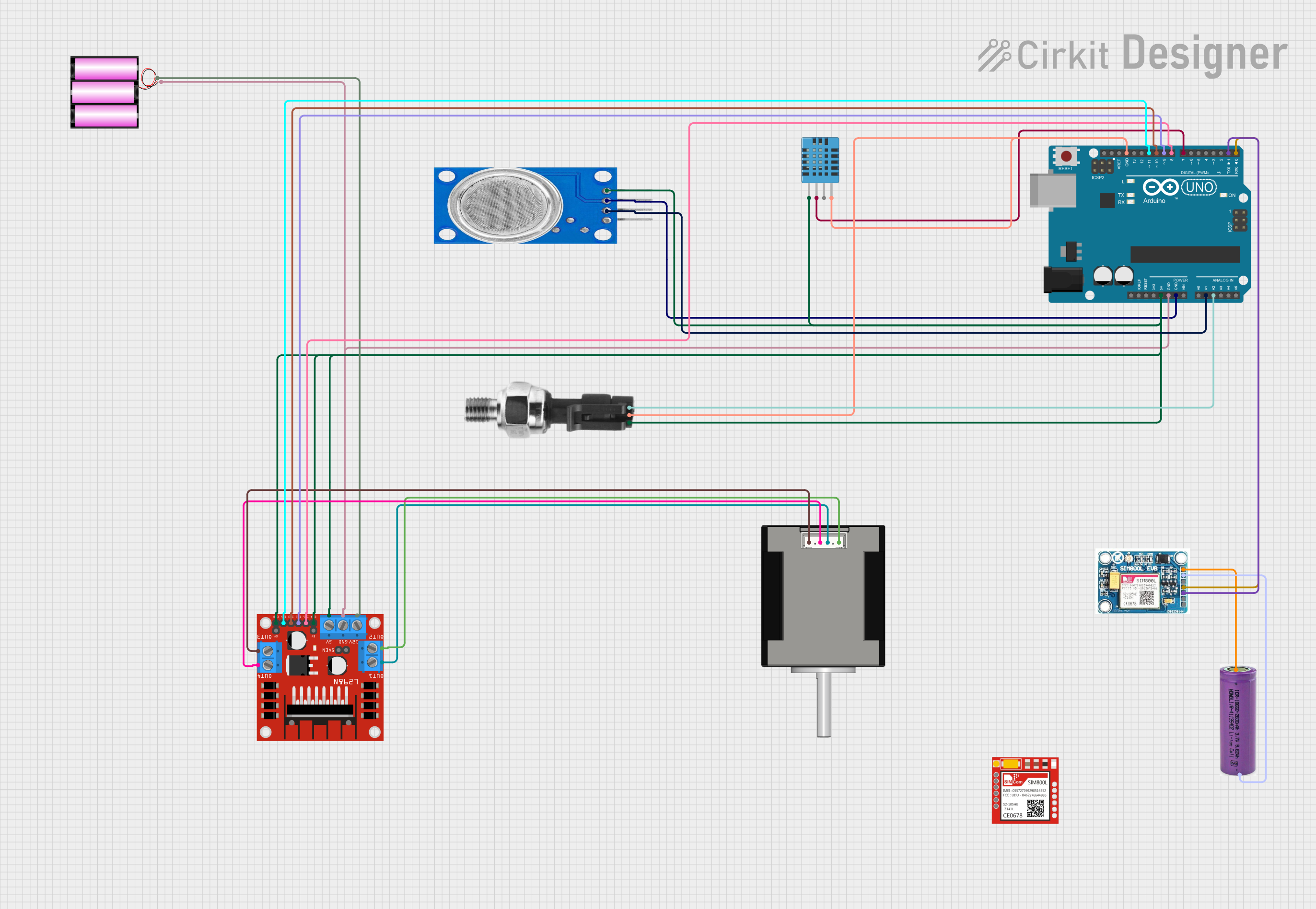
Explore Projects Built with mq135
 Open Project in Cirkit Designer
 Open Project in Cirkit Designer
 Open Project in Cirkit Designer
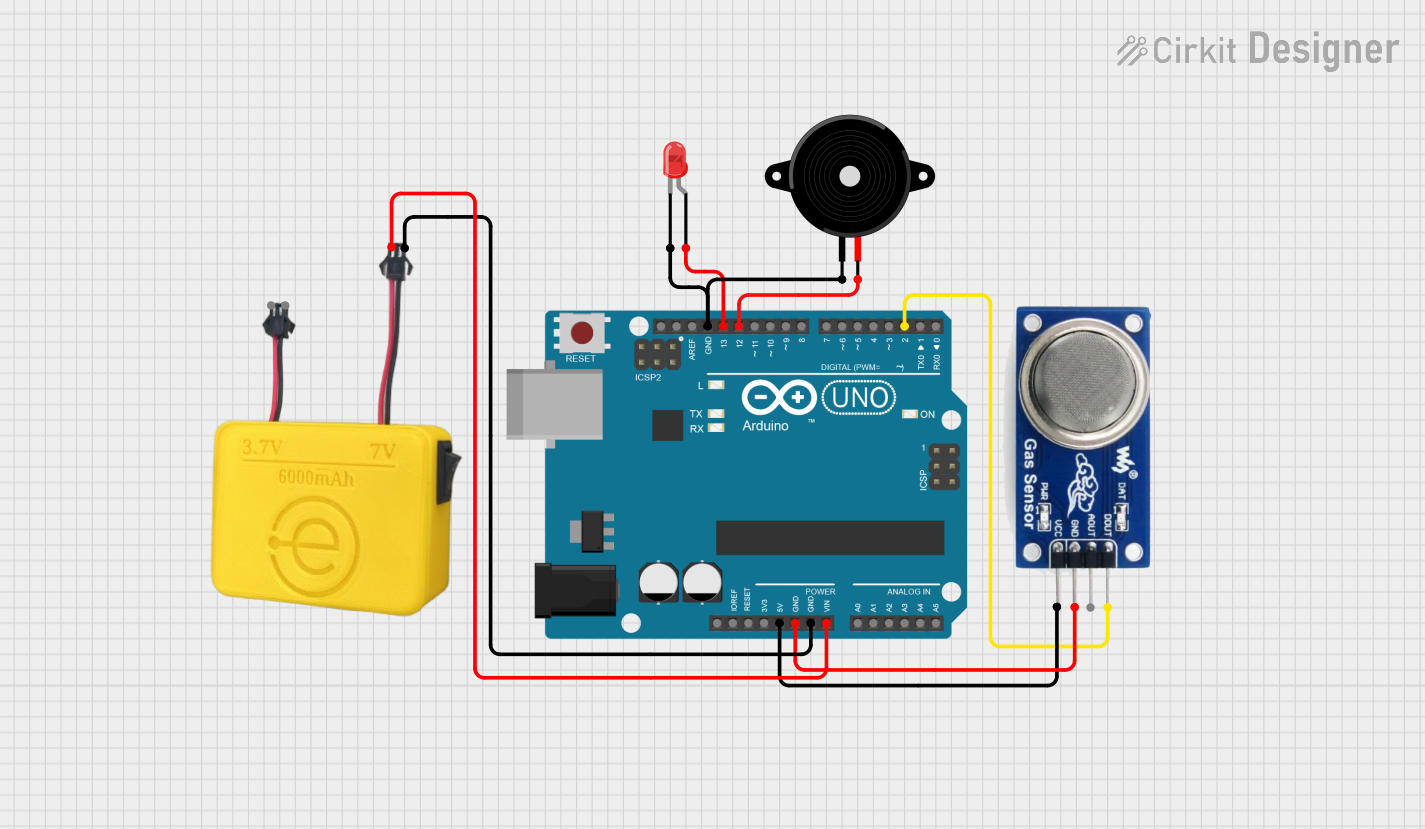 Open Project in Cirkit Designer
Explore Projects Built with mq135
Open Project in Cirkit DesignerOpen Project in Cirkit DesignerOpen Project in Cirkit DesignerOpen Project in Cirkit DesignerCommon Applications
- Air quality monitoring systems
- Industrial gas detection
- Smoke and fire detection systems
- Environmental pollution monitoring
- Home automation for air quality control
Technical Specifications
The MQ135 sensor is designed for ease of use and integration into various systems. Below are its key technical details:
| Parameter | Value |
|---|---|
| Operating Voltage | 5V DC |
| Load Resistance (RL) | 10 kΩ (typical) |
| Heating Current | ≤ 120 mA |
| Heating Voltage | 5V ± 0.2V |
| Detection Range | 10 ppm to 1000 ppm |
| Preheat Time | ≥ 24 hours for stable operation |
| Output Signal | Analog voltage (0-5V) |
| Operating Temperature | -20°C to 50°C |
| Humidity Range | ≤ 95% RH |
| Sensor Life | ≥ 2 years (under normal use) |
Pin Configuration
The MQ135 sensor typically comes with four pins. Below is the pinout description:
| Pin | Name | Description |
|---|---|---|
| 1 | VCC | Power supply pin (5V DC) |
| 2 | GND | Ground connection |
| 3 | AOUT | Analog output pin (provides gas concentration signal) |
| 4 | DOUT | Digital output pin (threshold-based signal) |
Usage Instructions
How to Use the MQ135 in a Circuit
- Power the Sensor: Connect the VCC pin to a 5V DC power source and the GND pin to ground.
- Read the Output:
- Use the AOUT pin to read the analog signal corresponding to gas concentration.
- Optionally, use the DOUT pin for a digital signal if a threshold is set using the onboard potentiometer.
- Preheat the Sensor: Allow the sensor to preheat for at least 24 hours before taking accurate measurements. This ensures stable readings.
- Connect to a Microcontroller: The analog output can be connected to an ADC (Analog-to-Digital Converter) pin of a microcontroller like Arduino for further processing.
Important Considerations
- Preheating: The sensor requires a preheating period for accurate readings. Avoid using it immediately after powering it on.
- Calibration: Calibrate the sensor in a clean air environment to establish a baseline reading.
- Power Supply: Ensure a stable 5V power supply to avoid fluctuations in readings.
- Ventilation: Place the sensor in a well-ventilated area for accurate gas detection.
Example Code for Arduino UNO
Below is an example of how to interface the MQ135 with an Arduino UNO to read analog values:
// MQ135 Gas Sensor Example Code
// Connect AOUT to Arduino A0 pin, VCC to 5V, and GND to GND

const int analogPin = A0;  // Analog pin connected to MQ135 AOUT
int sensorValue = 0;       // Variable to store sensor reading

void setup() {
  Serial.begin(9600);  // Initialize serial communication at 9600 baud
  Serial.println("MQ135 Gas Sensor Test");
}

void loop() {
  sensorValue = analogRead(analogPin);  // Read analog value from sensor
  Serial.print("Sensor Value: ");
  Serial.println(sensorValue);  // Print the sensor value to the Serial Monitor

  delay(1000);  // Wait for 1 second before the next reading
}
Notes on the Code
- The
analogRead()function reads the analog voltage from the sensor and converts it to a digital value (0-1023). - The sensor value can be mapped to gas concentration using a calibration curve, which depends on the specific gas being measured.
Troubleshooting and FAQs
Common Issues and Solutions
Inconsistent Readings:
- Cause: Insufficient preheating time or unstable power supply.
- Solution: Ensure the sensor is preheated for at least 24 hours and use a regulated 5V power source.
No Output Signal:
- Cause: Incorrect wiring or damaged sensor.
- Solution: Double-check the connections and ensure the sensor is not physically damaged.
High Sensor Values in Clean Air:
- Cause: Improper calibration or environmental interference.
- Solution: Calibrate the sensor in a clean air environment and ensure no interfering gases are present.
Digital Output Not Triggering:
- Cause: Threshold not set correctly.
- Solution: Adjust the onboard potentiometer to set the desired threshold level.
FAQs
Q1: Can the MQ135 detect multiple gases simultaneously?
A1: The MQ135 provides a combined response to all detectable gases. It cannot differentiate between specific gases without additional calibration and processing.
Q2: How do I calibrate the MQ135 sensor?
A2: Place the sensor in a clean air environment and record the baseline analog value. Use this value as a reference for detecting gas concentrations.
Q3: Can the MQ135 be used outdoors?
A3: While the MQ135 can operate outdoors, it should be protected from extreme weather conditions and high humidity to ensure accurate readings and longevity.
Q4: What is the lifespan of the MQ135 sensor?
A4: Under normal operating conditions, the sensor has a lifespan of approximately 2 years.