
How to Use DC JACK: Examples, Pinouts, and Specs

 Design with DC JACK in Cirkit Designer
Introduction
A DC jack is a type of electrical connector used to supply direct current (DC) power to electronic devices. It typically consists of a cylindrical socket that accepts a matching plug, allowing for easy connection and disconnection of power. DC jacks are widely used in consumer electronics, such as laptops, routers, and small appliances, to provide a reliable and standardized power interface.
Explore Projects Built with DC JACK
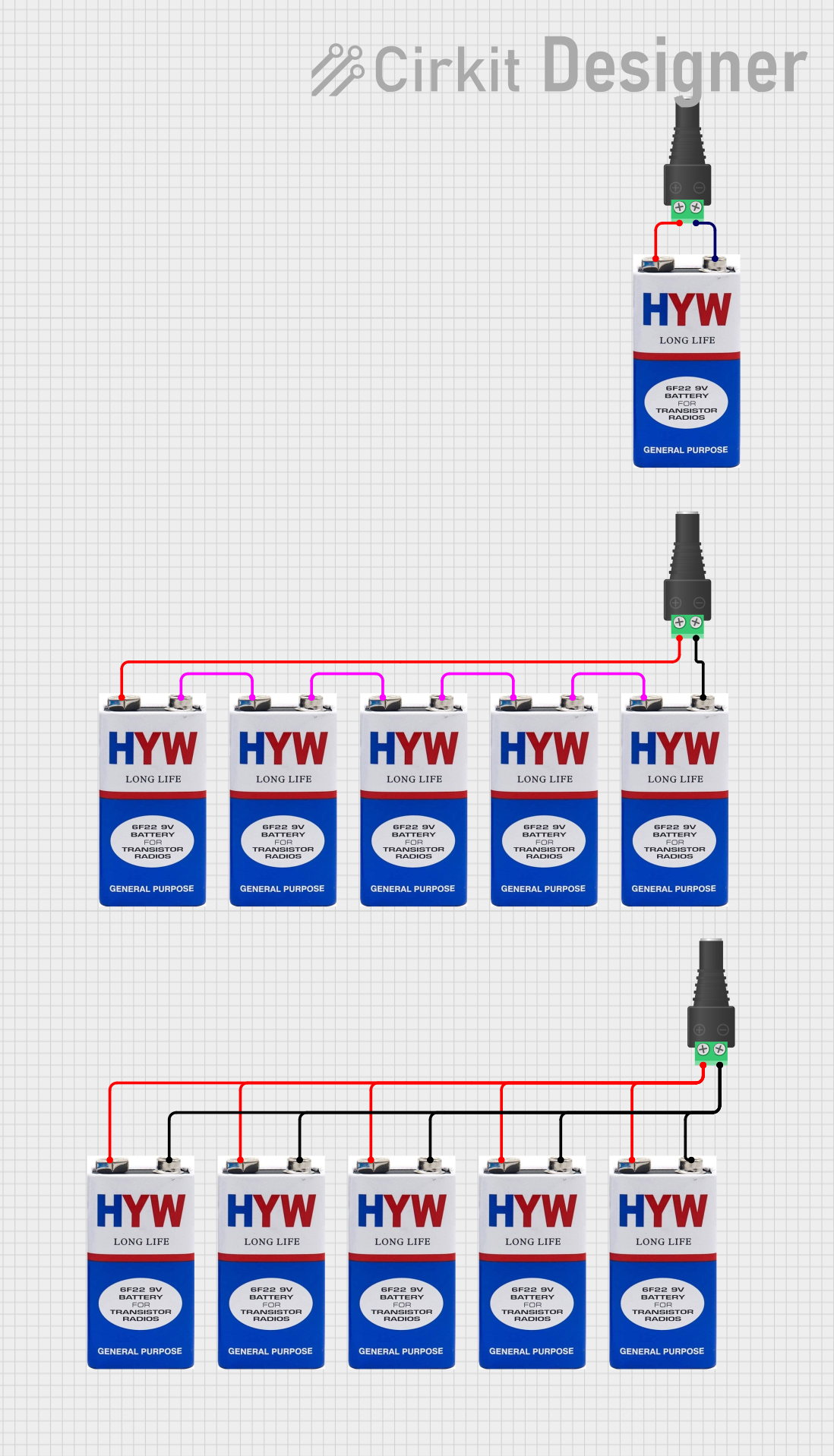 Open Project in Cirkit Designer
 Open Project in Cirkit Designer
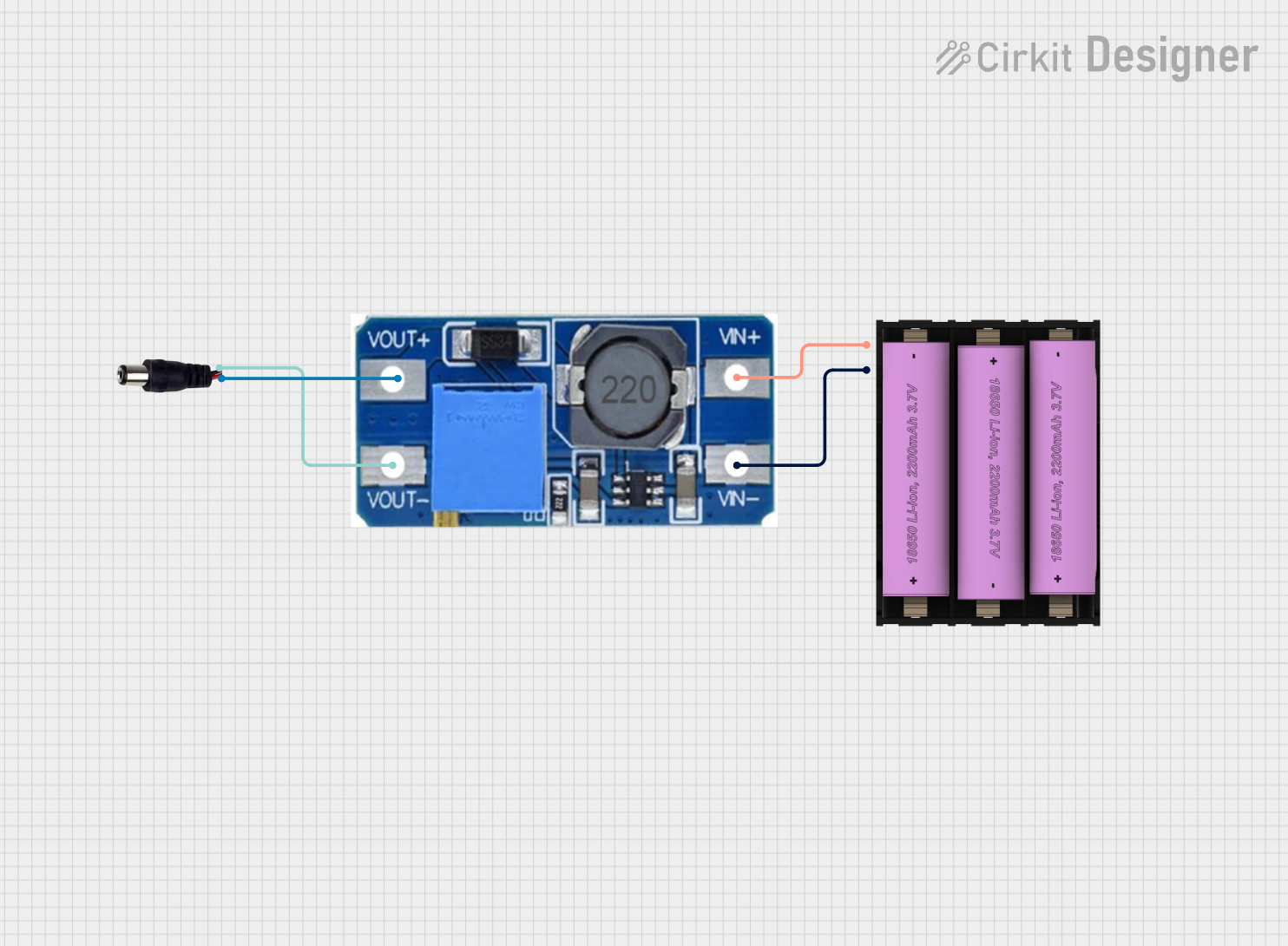 Open Project in Cirkit Designer
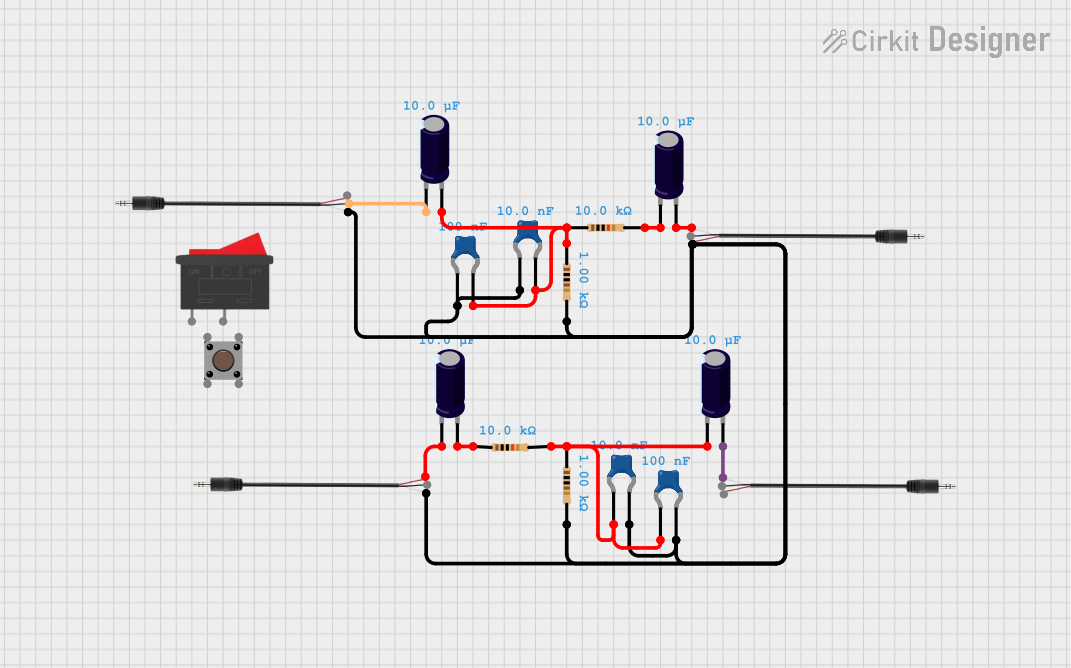 Open Project in Cirkit Designer
Explore Projects Built with DC JACK
Open Project in Cirkit DesignerOpen Project in Cirkit DesignerOpen Project in Cirkit DesignerOpen Project in Cirkit DesignerCommon Applications and Use Cases
- Powering electronic devices like laptops, routers, and portable speakers
- Providing a standardized power input for DIY electronics projects
- Used in prototyping and development boards for external power supply
- Replacing damaged power connectors in electronic devices
Technical Specifications
Below are the general technical specifications for a standard DC jack. Note that specific models may vary slightly, so always refer to the datasheet of the exact component you are using.
Key Technical Details
- Voltage Rating: Typically 12V to 24V (varies by model)
- Current Rating: 1A to 5A (depending on the jack type)
- Connector Type: Barrel connector (inner pin and outer sleeve)
- Inner Pin Diameter: Commonly 2.1mm or 2.5mm
- Outer Sleeve Diameter: Commonly 5.5mm
- Mounting Style: Panel mount or PCB mount
- Polarity: Center pin is usually positive (+), and the outer sleeve is negative (-)
Pin Configuration and Descriptions
The DC jack typically has three pins for connection. Below is a table describing the pin configuration:
| Pin Name | Description |
|---|---|
| Pin 1 (VCC) | Positive terminal (center pin) for the DC input voltage. |
| Pin 2 (GND) | Negative terminal (outer sleeve) for the DC input voltage. |
| Pin 3 (Switch) | Optional pin used to detect if a plug is inserted or to disconnect internal power. |
Usage Instructions
How to Use the DC Jack in a Circuit
- Identify the Pins: Use the pin configuration table above to identify the VCC, GND, and optional switch pin.
- Connect Power Source: Ensure the DC plug matches the jack's specifications (e.g., voltage, current, and polarity).
- Soldering: If using a PCB mount jack, solder the pins to the appropriate pads on the PCB. For panel mount jacks, secure the jack to the panel and connect wires to the pins.
- Polarity Check: Verify the polarity of the DC plug and ensure it matches the polarity of the jack. Most DC jacks use center-positive polarity.
- Test the Circuit: After connecting the DC jack, test the circuit with a multimeter to ensure proper voltage and polarity before powering the device.
Important Considerations and Best Practices
- Voltage and Current Ratings: Always ensure the DC jack can handle the voltage and current of your power source.
- Polarity: Double-check the polarity of the DC plug and jack to avoid damaging your circuit.
- Heat Dissipation: For high-current applications, ensure proper heat dissipation to prevent overheating.
- Secure Connections: Use heat shrink tubing or insulation to protect soldered connections from short circuits.
Example: Connecting a DC Jack to an Arduino UNO
The Arduino UNO can be powered using a DC jack with a 2.1mm inner pin and 5.5mm outer sleeve. The recommended input voltage is 7V to 12V.
// Example code to blink an LED when powered via a DC jack
// Connect the DC jack to the Arduino UNO's power input

int ledPin = 13; // Pin 13 is connected to the onboard LED

void setup() {
  pinMode(ledPin, OUTPUT); // Set pin 13 as an output
}

void loop() {
  digitalWrite(ledPin, HIGH); // Turn the LED on
  delay(1000);               // Wait for 1 second
  digitalWrite(ledPin, LOW);  // Turn the LED off
  delay(1000);               // Wait for 1 second
}
Troubleshooting and FAQs
Common Issues Users Might Face
No Power to the Device:
- Cause: Incorrect polarity or loose connections.
- Solution: Verify the polarity of the DC plug and jack. Ensure all connections are secure.
Overheating of the DC Jack:
- Cause: Exceeding the current rating of the jack.
- Solution: Use a DC jack with a higher current rating or reduce the load on the circuit.
Intermittent Power Loss:
- Cause: Worn-out or damaged DC jack.
- Solution: Replace the DC jack with a new one.
Short Circuit:
- Cause: Improper soldering or exposed wires.
- Solution: Inspect the solder joints and insulate exposed wires with heat shrink tubing.
FAQs
Q: Can I use a DC jack with a higher voltage rating than my power source?
A: Yes, the voltage rating of the DC jack indicates the maximum voltage it can handle. Ensure the current rating is also sufficient for your application.
Q: How do I determine the polarity of my DC plug?
A: Most DC plugs have a diagram indicating polarity. The center pin is usually positive (+), and the outer sleeve is negative (-).
Q: Can I use a DC jack for AC power?
A: No, DC jacks are designed specifically for direct current (DC) and should not be used with alternating current (AC).
Q: What is the purpose of the switch pin on a DC jack?
A: The switch pin can be used to detect when a plug is inserted or to disconnect an internal power source (e.g., a battery) when external power is supplied.