
How to Use accelerometer: Examples, Pinouts, and Specs
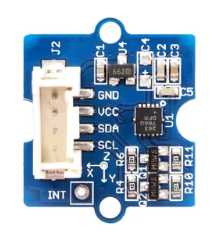
 Design with accelerometer in Cirkit Designer
Introduction
An accelerometer is a sensor that measures acceleration forces, which can be static (like gravity) or dynamic (caused by motion or vibration). These sensors are widely used in applications such as motion detection, orientation sensing, vibration monitoring, and gesture recognition. Common use cases include smartphones, fitness trackers, drones, robotics, and automotive systems.
Explore Projects Built with accelerometer
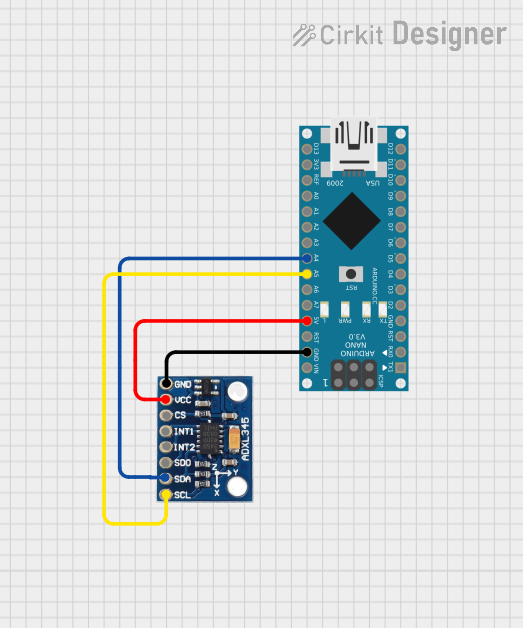 Open Project in Cirkit Designer
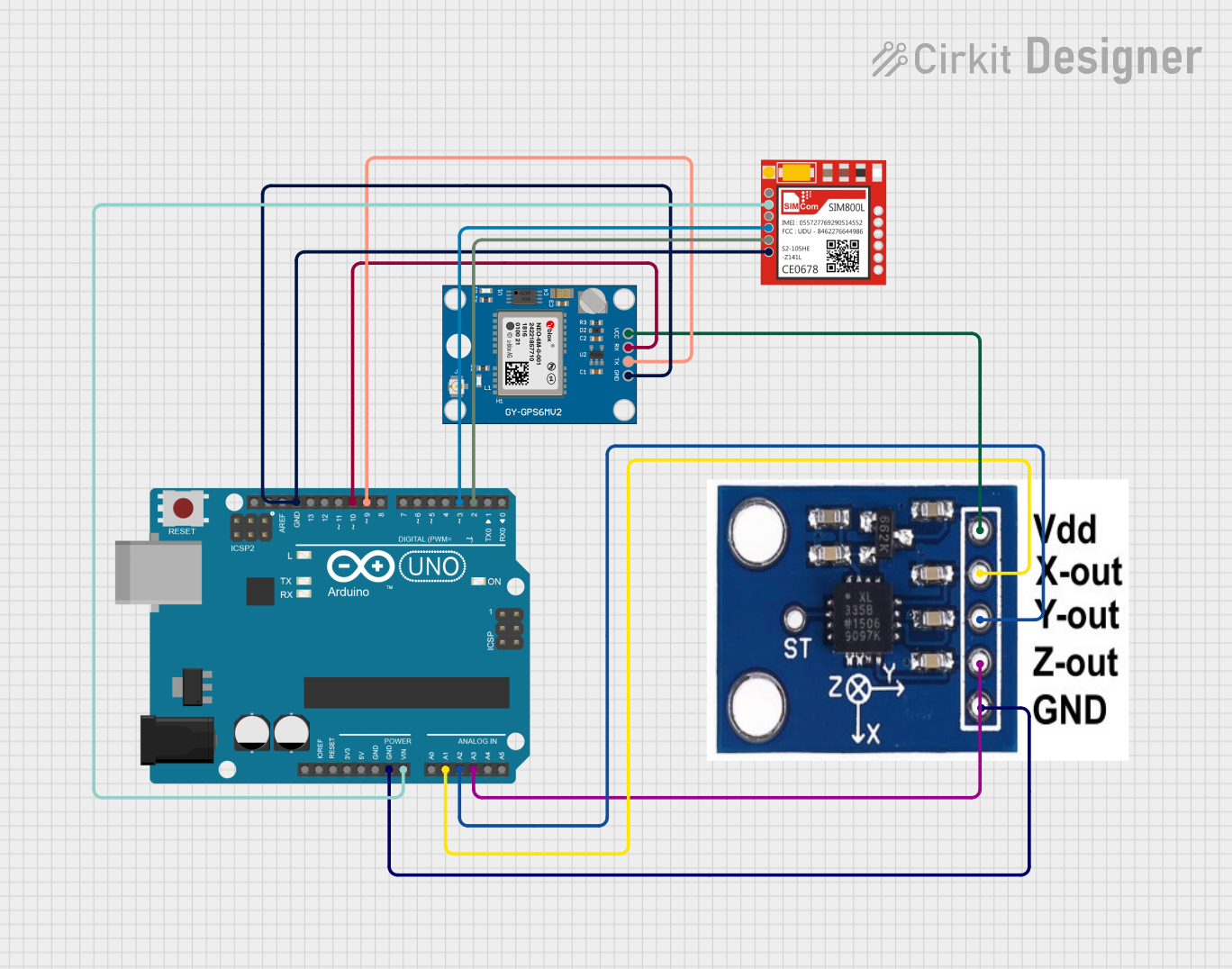 Open Project in Cirkit Designer
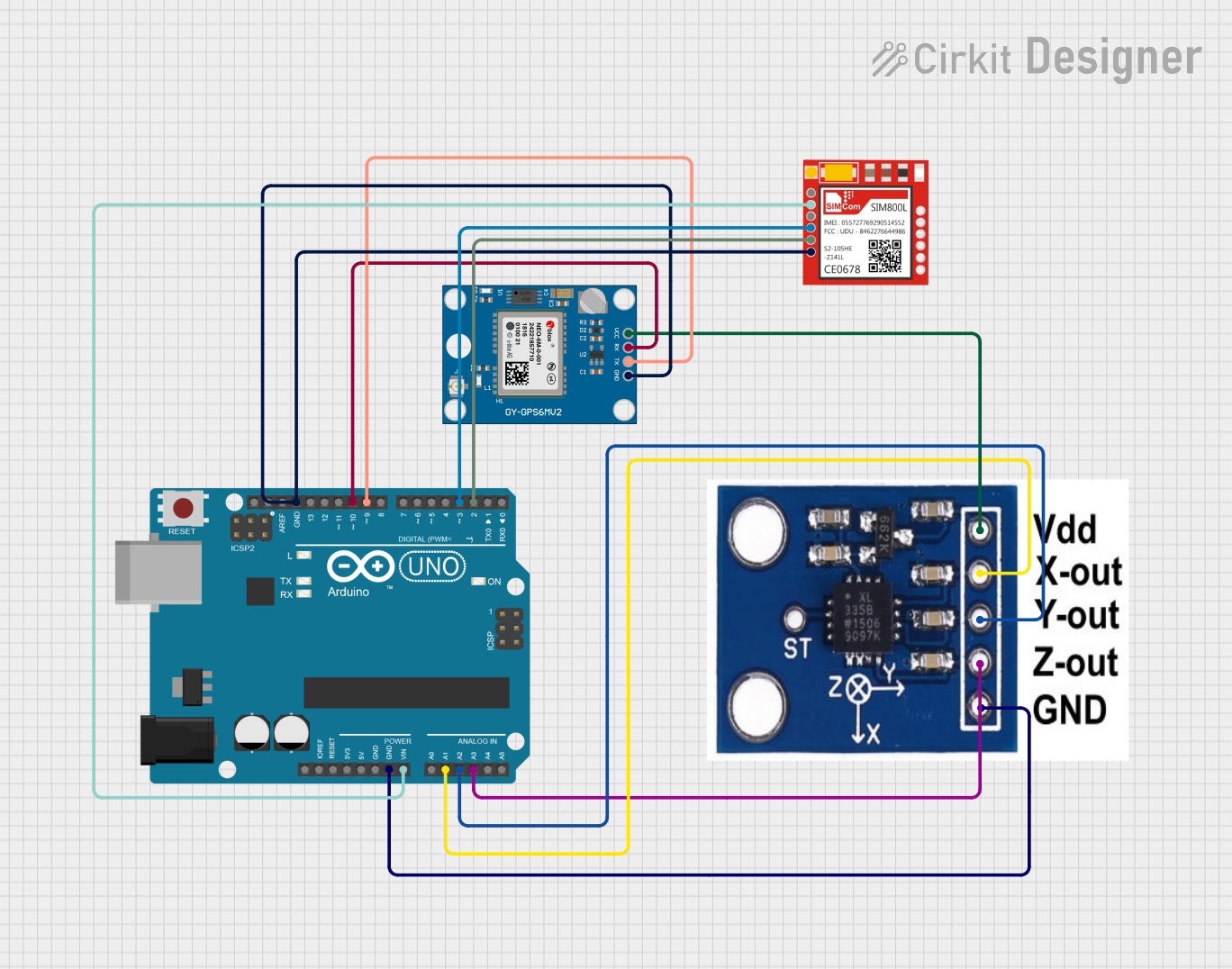 Open Project in Cirkit Designer
 Open Project in Cirkit Designer
Explore Projects Built with accelerometer
Open Project in Cirkit DesignerOpen Project in Cirkit DesignerOpen Project in Cirkit DesignerOpen Project in Cirkit DesignerTechnical Specifications
Below are the general technical specifications for a typical 3-axis accelerometer (e.g., ADXL345 or MPU6050):
- Operating Voltage: 3.3V to 5V
- Measurement Range: ±2g, ±4g, ±8g, ±16g (configurable)
- Sensitivity: Varies based on range (e.g., 256 LSB/g for ±16g)
- Communication Interface: I2C or SPI
- Power Consumption: ~0.1 mA in active mode, ~10 µA in sleep mode
- Operating Temperature: -40°C to +85°C
- Axes: 3 (X, Y, Z)
Pin Configuration and Descriptions
Below is the pinout for a common accelerometer module (e.g., MPU6050):
| Pin | Name | Description |
|---|---|---|
| 1 | VCC | Power supply input (3.3V or 5V, depending on the module). |
| 2 | GND | Ground connection. |
| 3 | SCL | Serial Clock Line for I2C communication. |
| 4 | SDA | Serial Data Line for I2C communication. |
| 5 | INT | Interrupt pin, used to signal events like data availability (optional). |
| 6 | AD0/CS | Address selection for I2C (AD0) or Chip Select for SPI (CS), depending on mode. |
Usage Instructions
How to Use the Accelerometer in a Circuit
- Power the Module: Connect the VCC pin to a 3.3V or 5V power source and GND to ground.
- Connect Communication Lines:
- For I2C: Connect the SDA and SCL pins to the corresponding pins on your microcontroller (e.g., Arduino UNO).
- For SPI: Connect the CS, MOSI, MISO, and SCK pins as per your microcontroller's SPI configuration.
- Pull-Up Resistors: If using I2C, ensure pull-up resistors (typically 4.7kΩ) are connected to the SDA and SCL lines.
- Configure the Sensor: Use the appropriate library or code to initialize the accelerometer and set the desired measurement range and sensitivity.
- Read Data: Continuously read acceleration values from the X, Y, and Z axes.
Important Considerations and Best Practices
- Power Supply: Ensure the module's operating voltage matches your microcontroller's logic level.
- Noise Filtering: Use software filtering or hardware capacitors to reduce noise in the readings.
- Mounting: Secure the accelerometer module firmly to avoid false readings caused by vibrations.
- Orientation: Be aware of the sensor's orientation when interpreting acceleration data.
Example Code for Arduino UNO
Below is an example of how to use an MPU6050 accelerometer with an Arduino UNO via I2C:
#include <Wire.h>
#include <Adafruit_MPU6050.h>
#include <Adafruit_Sensor.h>

// Create an MPU6050 object
Adafruit_MPU6050 mpu;

void setup() {
  Serial.begin(115200);
  while (!Serial) {
    delay(10); // Wait for Serial Monitor to open
  }

  // Initialize I2C communication
  if (!mpu.begin()) {
    Serial.println("Failed to find MPU6050 chip. Check connections.");
    while (1) {
      delay(10); // Halt execution if initialization fails
    }
  }

  Serial.println("MPU6050 initialized successfully!");

  // Configure accelerometer range
  mpu.setAccelerometerRange(MPU6050_RANGE_8_G);
  Serial.print("Accelerometer range set to: ");
  switch (mpu.getAccelerometerRange()) {
    case MPU6050_RANGE_2_G: Serial.println("±2g"); break;
    case MPU6050_RANGE_4_G: Serial.println("±4g"); break;
    case MPU6050_RANGE_8_G: Serial.println("±8g"); break;
    case MPU6050_RANGE_16_G: Serial.println("±16g"); break;
  }
}

void loop() {
  // Create a sensor event object
  sensors_event_t a, g, temp;
  mpu.getEvent(&a, &g, &temp);

  // Print acceleration data
  Serial.print("Acceleration (m/s^2): X=");
  Serial.print(a.acceleration.x);
  Serial.print(", Y=");
  Serial.print(a.acceleration.y);
  Serial.print(", Z=");
  Serial.println(a.acceleration.z);

  delay(500); // Delay for readability
}
Troubleshooting and FAQs
Common Issues
No Data or Incorrect Readings:
- Cause: Loose connections or incorrect wiring.
- Solution: Double-check all connections and ensure proper pull-up resistors are used for I2C.
Initialization Fails:
- Cause: Incorrect I2C address or faulty module.
- Solution: Verify the I2C address (default is usually
0x68) and try scanning for devices using an I2C scanner sketch.
Noisy or Unstable Readings:
- Cause: External vibrations or electrical noise.
- Solution: Use software filtering or add capacitors to stabilize the power supply.
Incorrect Orientation:
- Cause: Misaligned sensor placement.
- Solution: Reorient the module and adjust your code to account for the new orientation.
FAQs
Q: Can I use the accelerometer with a 5V microcontroller?
A: Yes, most modules include onboard voltage regulators and level shifters to support 5V logic.Q: How do I interpret the raw data from the sensor?
A: Raw data is typically in units of g-force (g). Multiply the raw values by the sensitivity factor to convert to m/s².Q: Can the accelerometer detect free fall?
A: Yes, by monitoring for near-zero acceleration on all axes, you can detect free fall events.Q: What is the difference between I2C and SPI modes?
A: I2C uses fewer pins and is simpler to implement, while SPI offers faster communication speeds. Choose based on your application needs.