
How to Use A7670c: Examples, Pinouts, and Specs
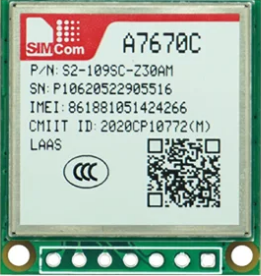
 Design with A7670c in Cirkit Designer
Introduction
The A7670c is a compact, low-power, high-performance RF transceiver designed for wireless communication applications. Operating in the 2.4 GHz ISM band, it supports various modulation schemes, including GFSK, O-QPSK, and DSSS, making it ideal for Internet of Things (IoT) devices, short-range wireless networks, and industrial automation systems. Its small form factor and energy efficiency make it a popular choice for battery-powered devices.
Explore Projects Built with A7670c
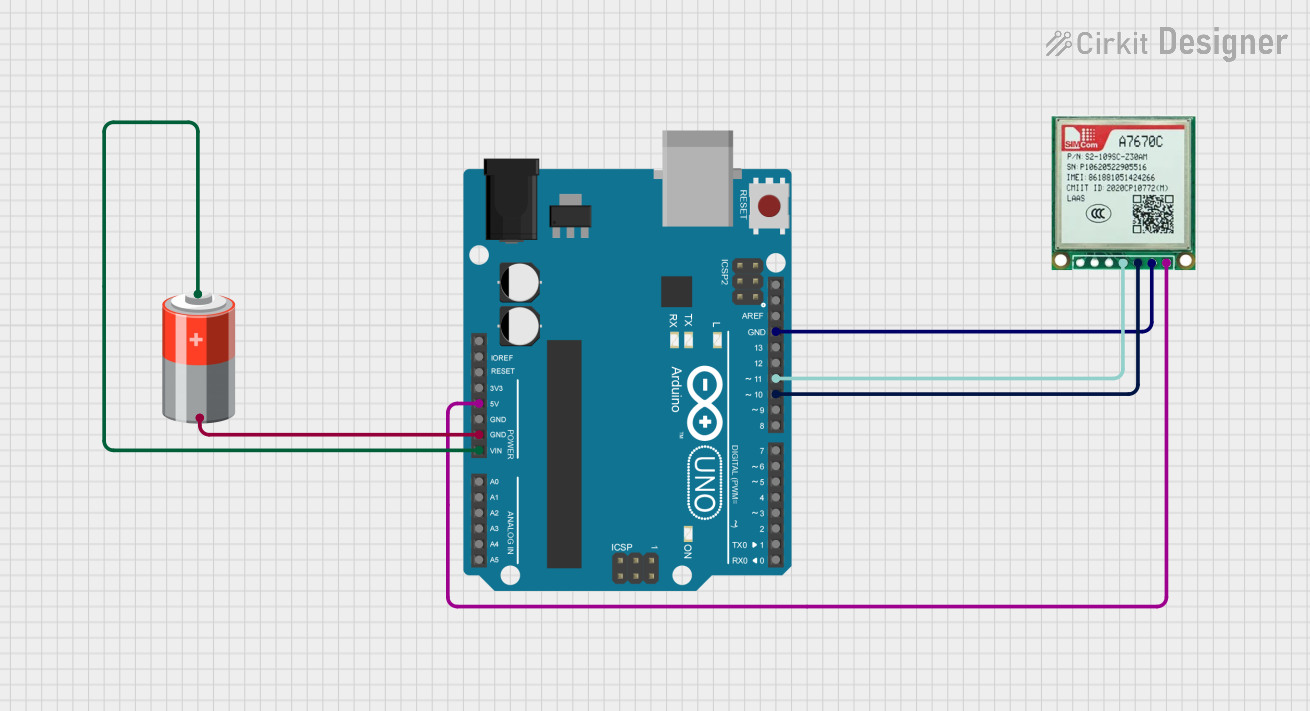 Open Project in Cirkit Designer
 Open Project in Cirkit Designer
 Open Project in Cirkit Designer
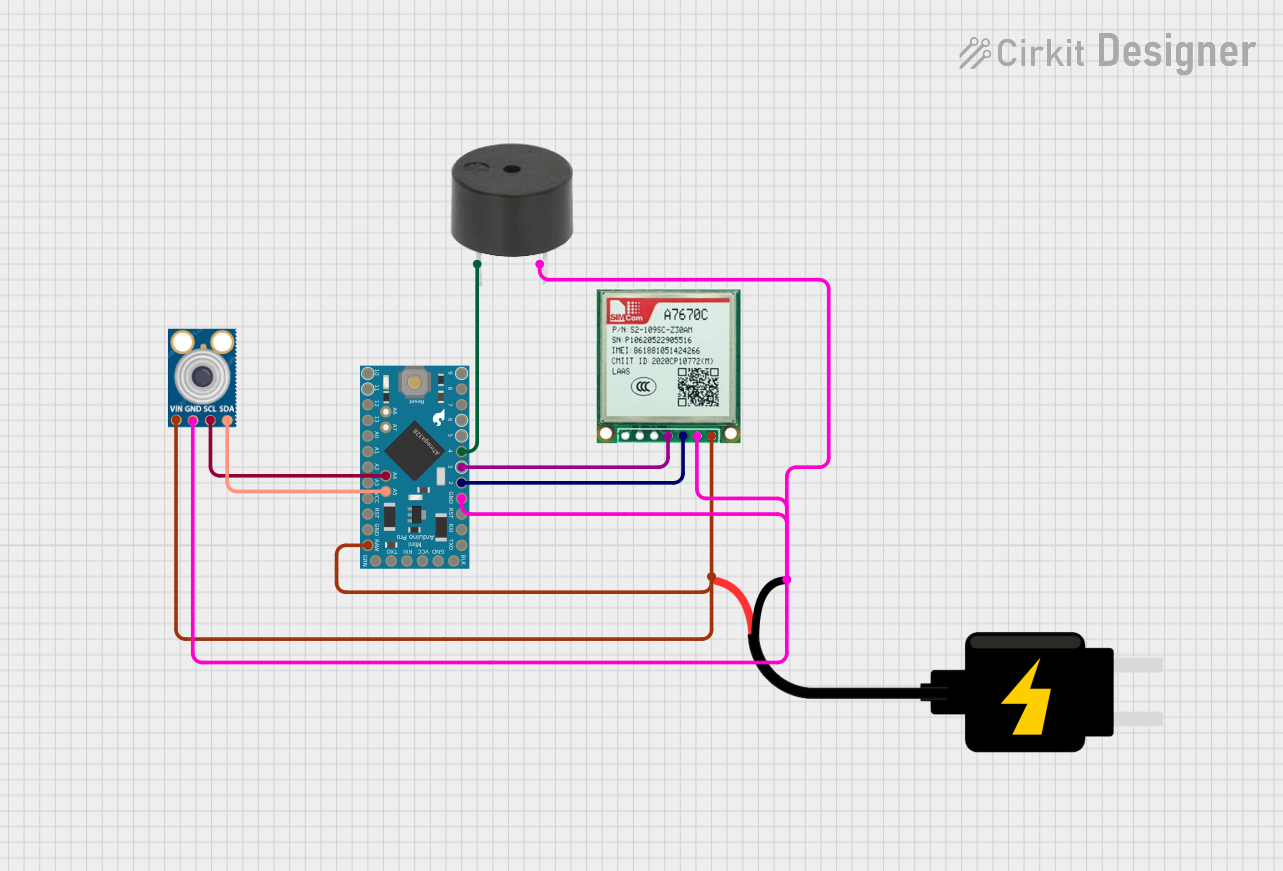 Open Project in Cirkit Designer
Explore Projects Built with A7670c
Open Project in Cirkit DesignerOpen Project in Cirkit DesignerOpen Project in Cirkit DesignerOpen Project in Cirkit DesignerCommon Applications
- IoT devices (e.g., smart home sensors, wearables)
- Short-range wireless communication networks
- Industrial automation and control systems
- Wireless data transmission in medical devices
- Consumer electronics (e.g., wireless keyboards, mice)
Technical Specifications
The A7670c is designed to deliver reliable performance in a wide range of wireless communication scenarios. Below are its key technical specifications:
| Parameter | Value |
|---|---|
| Operating Frequency | 2.4 GHz ISM Band |
| Modulation Schemes | GFSK, O-QPSK, DSSS |
| Data Rate | Up to 2 Mbps |
| Supply Voltage | 1.8V to 3.6V |
| Current Consumption | 15 mA (TX mode), 12 mA (RX mode) |
| Sleep Mode Current | < 1 µA |
| Operating Temperature | -40°C to +85°C |
| Communication Interface | SPI |
| Output Power | Up to +4 dBm |
| Sensitivity | -95 dBm at 1 Mbps |
| Package Type | QFN-24 |
Pin Configuration and Descriptions
The A7670c comes in a 24-pin QFN package. Below is the pin configuration and description:
| Pin Number | Pin Name | Description |
|---|---|---|
| 1 | VDD | Power supply input (1.8V to 3.6V) |
| 2 | GND | Ground |
| 3 | SCK | SPI clock input |
| 4 | MOSI | SPI data input (Master Out, Slave In) |
| 5 | MISO | SPI data output (Master In, Slave Out) |
| 6 | CSN | Chip select (active low) |
| 7 | IRQ | Interrupt request output |
| 8 | TX_EN | Transmit enable |
| 9 | RX_EN | Receive enable |
| 10 | ANT | Antenna connection |
| 11-24 | NC | Not connected (reserved for future use) |
Usage Instructions
How to Use the A7670c in a Circuit
- Power Supply: Connect the VDD pin to a stable power source (1.8V to 3.6V) and the GND pin to ground.
- SPI Communication: Interface the A7670c with a microcontroller using the SPI pins (SCK, MOSI, MISO, and CSN). Ensure the SPI clock frequency is within the supported range.
- Antenna Connection: Attach a suitable 2.4 GHz antenna to the ANT pin for optimal wireless performance.
- Mode Selection: Use the TX_EN and RX_EN pins to toggle between transmit and receive modes.
- Interrupt Handling: Connect the IRQ pin to the microcontroller to handle events such as data reception or transmission completion.
Important Considerations
- Use decoupling capacitors (e.g., 0.1 µF) near the VDD pin to reduce noise and ensure stable operation.
- Keep the antenna trace as short as possible and use impedance matching techniques for better RF performance.
- Avoid placing the A7670c near high-frequency components or metal enclosures to minimize interference.
- Ensure proper grounding to reduce noise and improve signal integrity.
Example: Connecting the A7670c to an Arduino UNO
Below is an example of how to connect the A7670c to an Arduino UNO and send data wirelessly:
Wiring Diagram
| A7670c Pin | Arduino UNO Pin |
|---|---|
| VDD | 3.3V |
| GND | GND |
| SCK | D13 |
| MOSI | D11 |
| MISO | D12 |
| CSN | D10 |
| IRQ | D2 |
Arduino Code Example
#include <SPI.h>

// Define A7670c pins
#define CSN_PIN 10  // Chip select pin
#define IRQ_PIN 2   // Interrupt pin

void setup() {
  // Initialize SPI communication
  SPI.begin();
  pinMode(CSN_PIN, OUTPUT);
  pinMode(IRQ_PIN, INPUT);

  // Set CSN high to deselect the A7670c
  digitalWrite(CSN_PIN, HIGH);

  // Initialize serial communication for debugging
  Serial.begin(9600);
  Serial.println("A7670c Initialization...");

  // Example: Configure the A7670c (pseudo-configuration)
  configureA7670c();
}

void loop() {
  // Example: Send data wirelessly
  sendData("Hello, A7670c!");
  delay(1000);  // Wait 1 second before sending again
}

void configureA7670c() {
  // Example configuration function
  digitalWrite(CSN_PIN, LOW);  // Select the A7670c
  SPI.transfer(0x01);          // Send a configuration command
  SPI.transfer(0x00);          // Example data
  digitalWrite(CSN_PIN, HIGH); // Deselect the A7670c
  Serial.println("A7670c Configured.");
}

void sendData(const char* data) {
  // Example function to send data
  digitalWrite(CSN_PIN, LOW);  // Select the A7670c
  SPI.transfer(0x02);          // Send a transmit command
  while (*data) {
    SPI.transfer(*data++);     // Send each character
  }
  digitalWrite(CSN_PIN, HIGH); // Deselect the A7670c
  Serial.println("Data Sent.");
}
Troubleshooting and FAQs
Common Issues and Solutions
No Communication with the A7670c
- Solution: Verify the SPI connections and ensure the CSN pin is correctly toggled.
- Tip: Check the SPI clock frequency and ensure it matches the A7670c's requirements.
Poor Wireless Range
- Solution: Ensure the antenna is properly connected and positioned. Avoid obstructions and interference from other devices.
- Tip: Use an external antenna with better gain if needed.
High Current Consumption
- Solution: Verify that the A7670c enters sleep mode when not in use. Check for any floating input pins.
- Tip: Use pull-up or pull-down resistors on unused pins to prevent floating states.
Data Transmission Errors
- Solution: Check the modulation scheme and data rate settings. Ensure both transmitter and receiver are configured identically.
- Tip: Use error-checking mechanisms like CRC to detect and correct transmission errors.
FAQs
Q: Can the A7670c operate at 5V?
A: No, the A7670c operates within a supply voltage range of 1.8V to 3.6V. Use a voltage regulator if your system operates at 5V.Q: What is the maximum data rate supported?
A: The A7670c supports data rates of up to 2 Mbps.Q: Is the A7670c compatible with Zigbee?
A: Yes, the A7670c supports modulation schemes like O-QPSK and DSSS, which are used in Zigbee communication.Q: How do I improve signal strength?
A: Use a high-gain antenna, minimize interference, and ensure proper grounding and impedance matching.
This concludes the documentation for the A7670c RF transceiver.