
How to Use ENS160+AHT21: Examples, Pinouts, and Specs
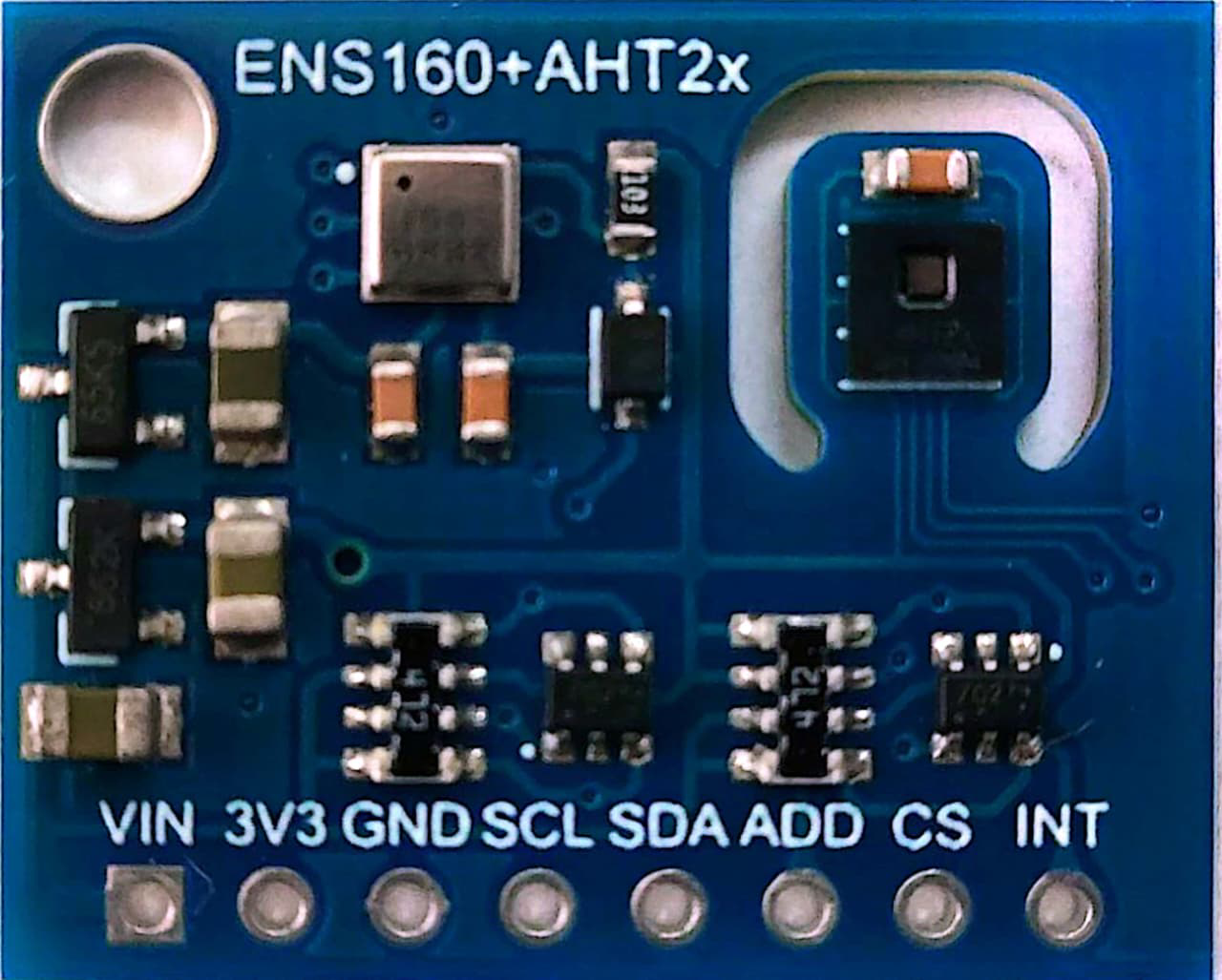
 Design with ENS160+AHT21 in Cirkit Designer
Introduction
The ENS160 is a digital metal-oxide (MOX) gas sensor designed for air quality monitoring. It provides accurate measurements of volatile organic compounds (VOCs) and equivalent CO2 (eCO2) levels. The AHT21, on the other hand, is a high-precision temperature and humidity sensor. When combined, the ENS160 and AHT21 form a powerful duo for environmental sensing, enabling applications such as indoor air quality monitoring, HVAC systems, and IoT-based environmental monitoring.
Explore Projects Built with ENS160+AHT21
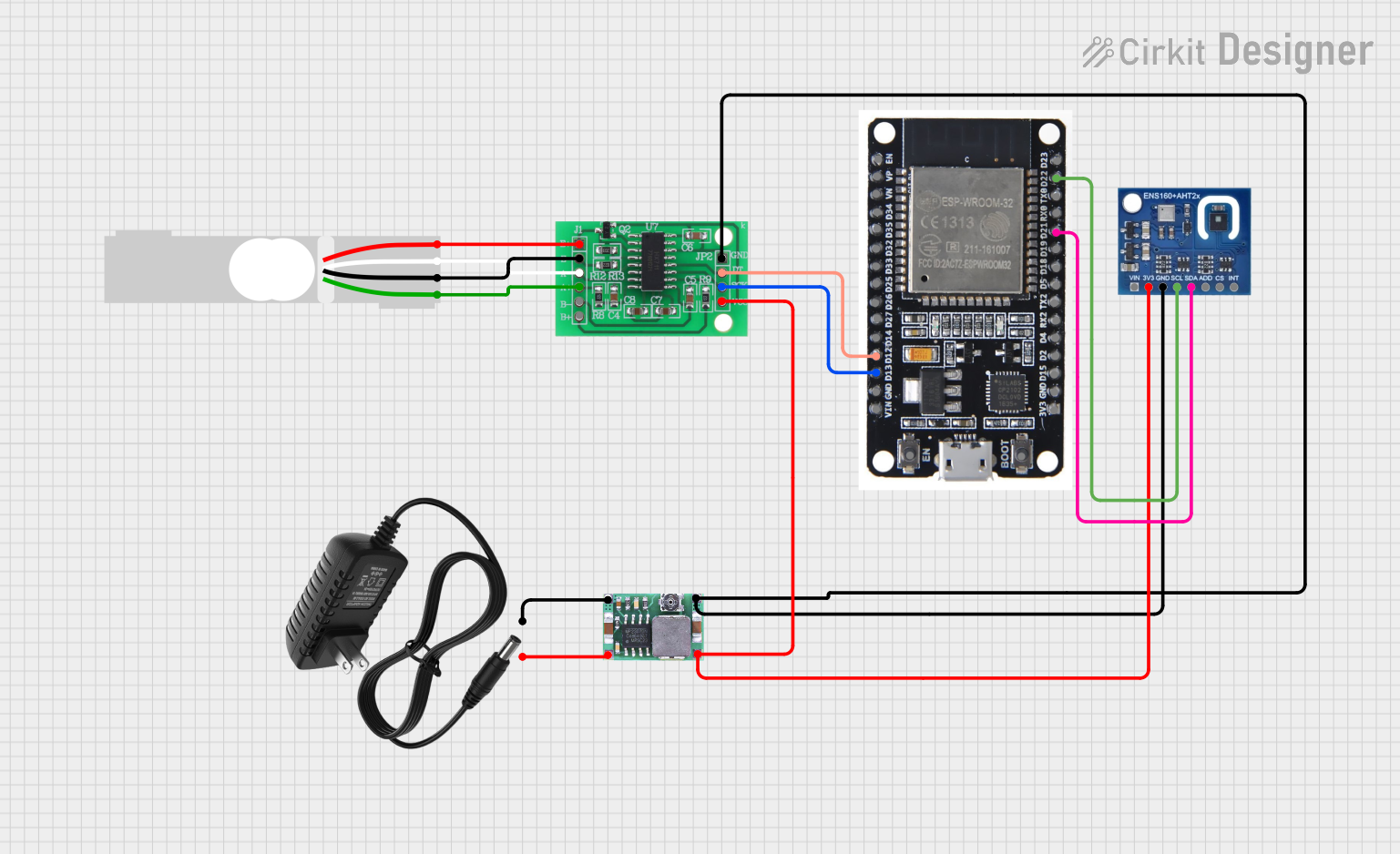 Open Project in Cirkit Designer
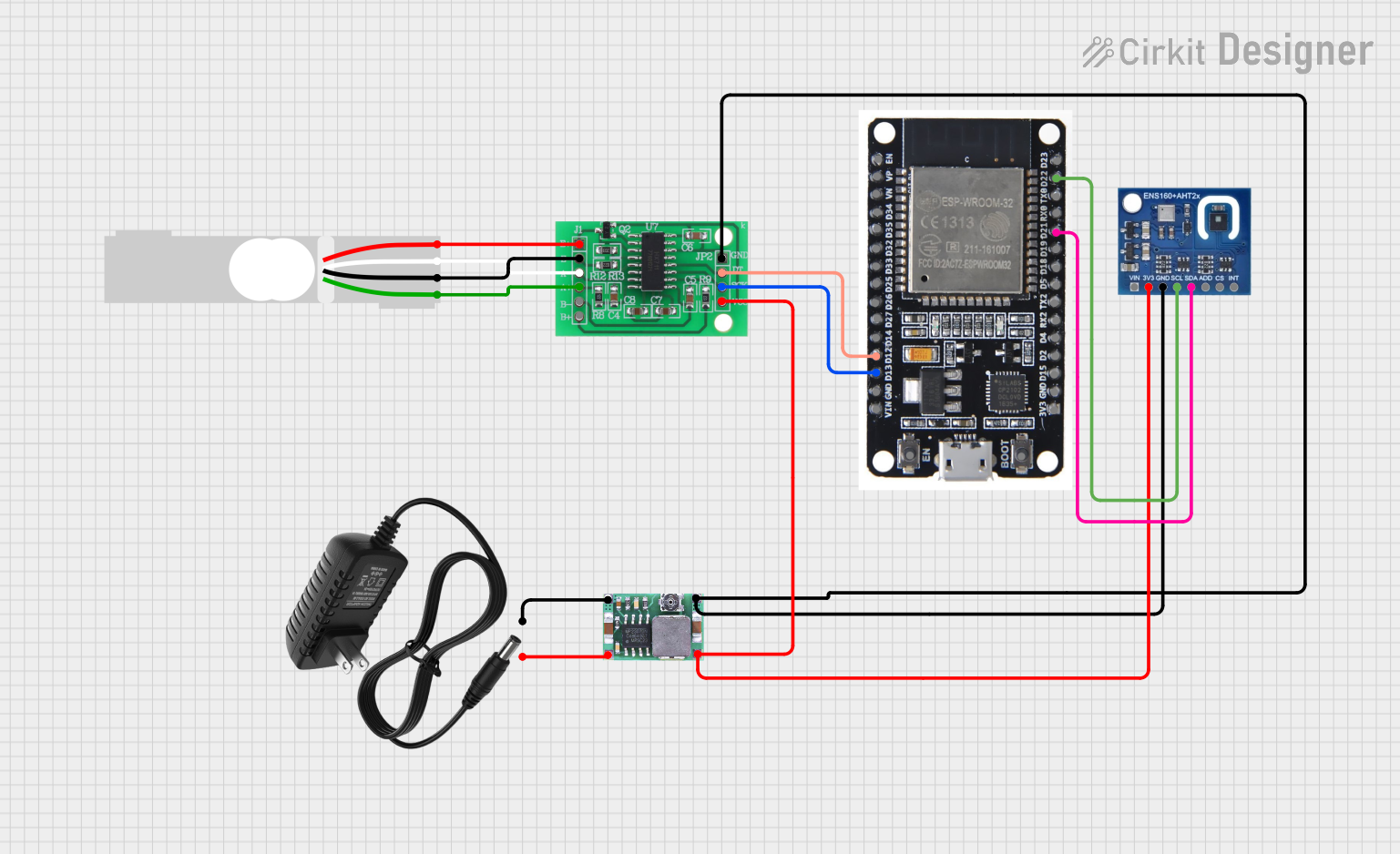 Open Project in Cirkit Designer
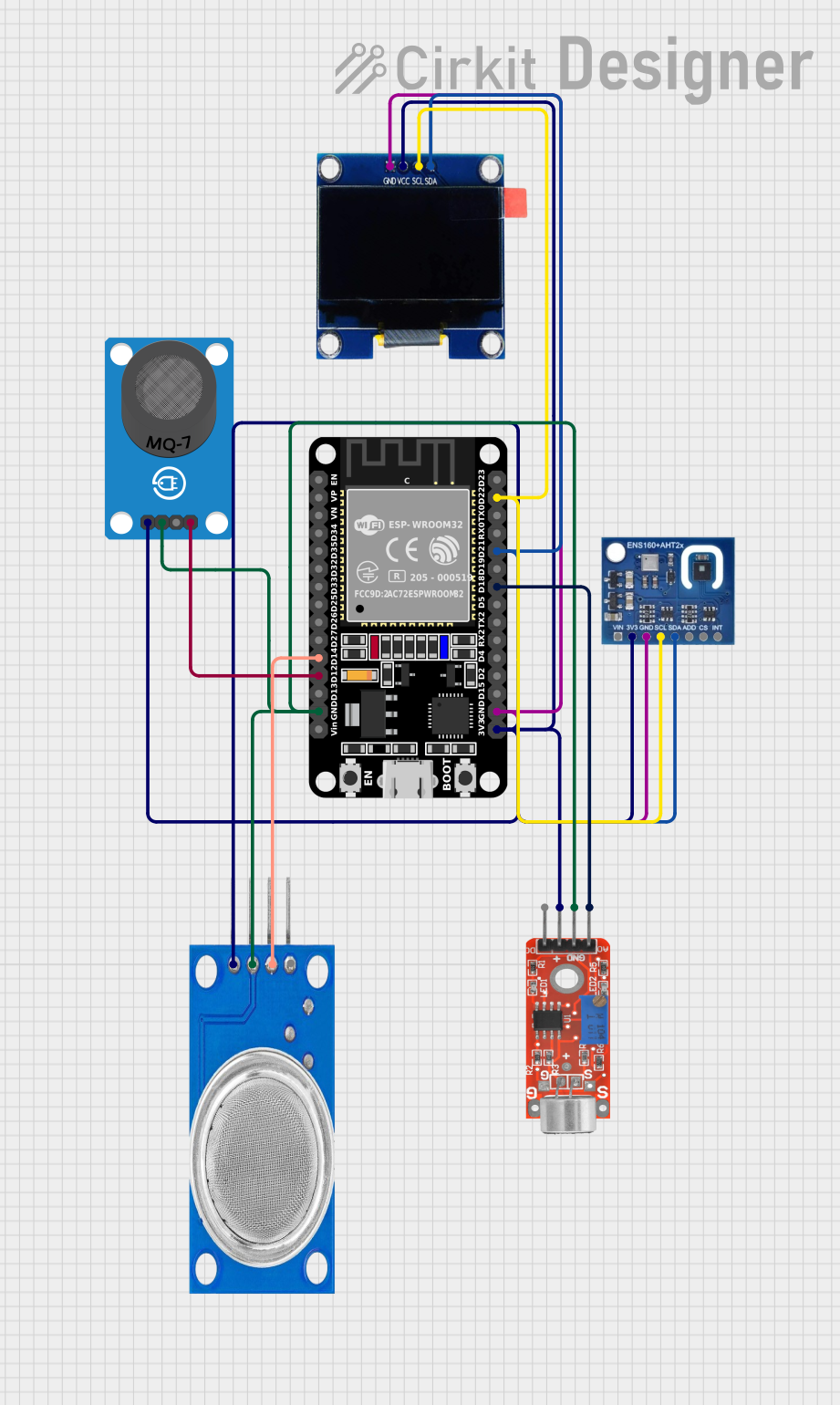 Open Project in Cirkit Designer
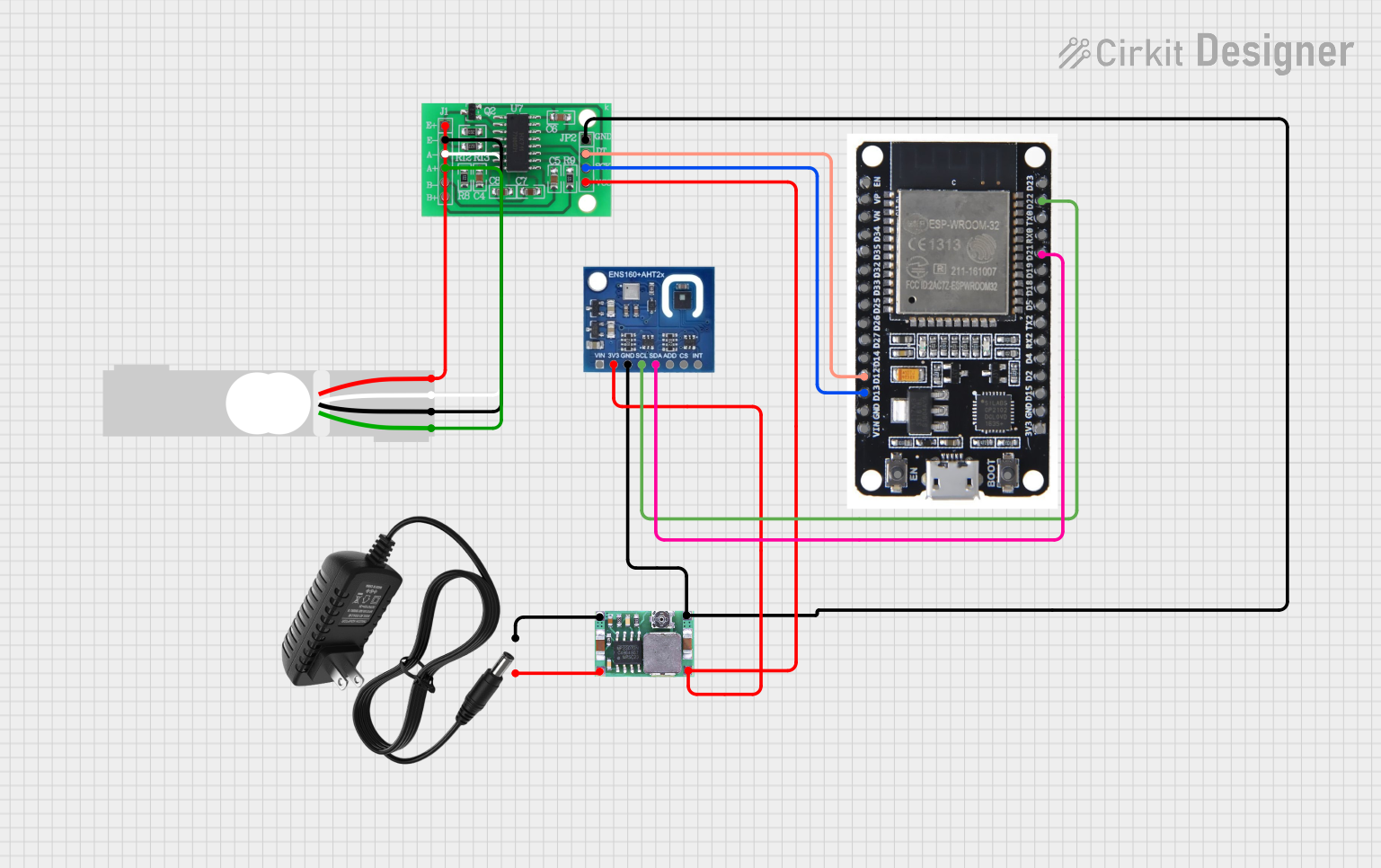 Open Project in Cirkit Designer
Explore Projects Built with ENS160+AHT21
Open Project in Cirkit DesignerOpen Project in Cirkit DesignerOpen Project in Cirkit DesignerOpen Project in Cirkit DesignerCommon Applications
- Indoor air quality monitoring
- Smart home automation
- HVAC systems
- IoT environmental sensing
- Industrial air quality control
Technical Specifications
ENS160 Specifications
| Parameter | Value |
|---|---|
| Supply Voltage | 1.8V to 3.6V |
| Operating Temperature | -40°C to +85°C |
| Communication Interface | I²C, SPI |
| VOC Measurement Range | 0 to 65,535 (arbitrary units) |
| eCO2 Measurement Range | 400 ppm to 65,535 ppm |
| Power Consumption | < 3 mA (typical) |
AHT21 Specifications
| Parameter | Value |
|---|---|
| Supply Voltage | 2.2V to 5.5V |
| Operating Temperature | -40°C to +85°C |
| Humidity Range | 0% to 100% RH |
| Temperature Accuracy | ±0.3°C |
| Humidity Accuracy | ±2% RH |
| Communication Interface | I²C |
Pin Configuration
ENS160 Pinout
| Pin Name | Description |
|---|---|
| VDD | Power supply (1.8V to 3.6V) |
| GND | Ground |
| SDA | I²C data line |
| SCL | I²C clock line |
| INT | Interrupt output |
| RST | Reset input (active low) |
AHT21 Pinout
| Pin Name | Description |
|---|---|
| VDD | Power supply (2.2V to 5.5V) |
| GND | Ground |
| SDA | I²C data line |
| SCL | I²C clock line |
Usage Instructions
Connecting ENS160 and AHT21 to an Arduino UNO
Wiring: Connect the ENS160 and AHT21 to the Arduino UNO as follows:
- ENS160:
- VDD to 3.3V on Arduino
- GND to GND on Arduino
- SDA to A4 (I²C data line)
- SCL to A5 (I²C clock line)
- AHT21:
- VDD to 5V on Arduino
- GND to GND on Arduino
- SDA to A4 (shared with ENS160)
- SCL to A5 (shared with ENS160)
- ENS160:
Install Libraries:
- Install the
Adafruit_SensorandAdafruit_AHTX0libraries for the AHT21. - Install the
ENS160library (if available) or use a custom I²C communication library.
- Install the
Arduino Code: Below is an example code snippet to read data from both sensors:
#include <Wire.h>
#include <Adafruit_AHTX0.h> // Library for AHT21
#include <ENS160.h>         // Library for ENS160 (replace with actual library)

Adafruit_AHTX0 aht; // Create AHT21 object
ENS160 ens160;      // Create ENS160 object

void setup() {
  Serial.begin(9600);
  Wire.begin();

  // Initialize AHT21
  if (!aht.begin()) {
    Serial.println("Failed to initialize AHT21!");
    while (1);
  }
  Serial.println("AHT21 initialized.");

  // Initialize ENS160
  if (!ens160.begin()) {
    Serial.println("Failed to initialize ENS160!");
    while (1);
  }
  Serial.println("ENS160 initialized.");
}

void loop() {
  // Read temperature and humidity from AHT21
  sensors_event_t humidity, temp;
  aht.getEvent(&humidity, &temp);
  Serial.print("Temperature: ");
  Serial.print(temp.temperature);
  Serial.println(" °C");
  Serial.print("Humidity: ");
  Serial.print(humidity.relative_humidity);
  Serial.println(" %");

  // Read air quality data from ENS160
  uint16_t voc = ens160.getVOC();
  uint16_t eco2 = ens160.getECO2();
  Serial.print("VOC: ");
  Serial.print(voc);
  Serial.println(" (arbitrary units)");
  Serial.print("eCO2: ");
  Serial.print(eco2);
  Serial.println(" ppm");

  delay(2000); // Wait 2 seconds before next reading
}
Important Considerations
- Ensure proper voltage levels for each sensor. Use level shifters if necessary.
- Keep the sensors away from direct heat sources or contaminants for accurate readings.
- Calibrate the ENS160 for optimal VOC and eCO2 measurements in your specific environment.
Troubleshooting and FAQs
Common Issues
Sensors not detected on I²C bus:
- Ensure correct wiring and check for loose connections.
- Verify the I²C addresses of the sensors (default: ENS160 - 0x53, AHT21 - 0x38).
Inaccurate readings:
- Allow the sensors to stabilize for a few minutes after powering on.
- Avoid placing the sensors in areas with extreme temperatures or humidity.
Arduino code not compiling:
- Ensure all required libraries are installed and up to date.
- Check for typos in the code or library function calls.
FAQs
Q: Can I use both sensors on the same I²C bus?
A: Yes, the ENS160 and AHT21 have different I²C addresses, so they can share the same bus.
Q: How do I calibrate the ENS160?
A: The ENS160 automatically calibrates itself over time. For best results, expose it to clean air periodically.
Q: What is the typical response time of the sensors?
A: The AHT21 has a response time of approximately 8 seconds for humidity and temperature. The ENS160 typically updates VOC and eCO2 values every second.