
How to Use Led module RGB: Examples, Pinouts, and Specs
 Design with Led module RGB in Cirkit Designer
Introduction
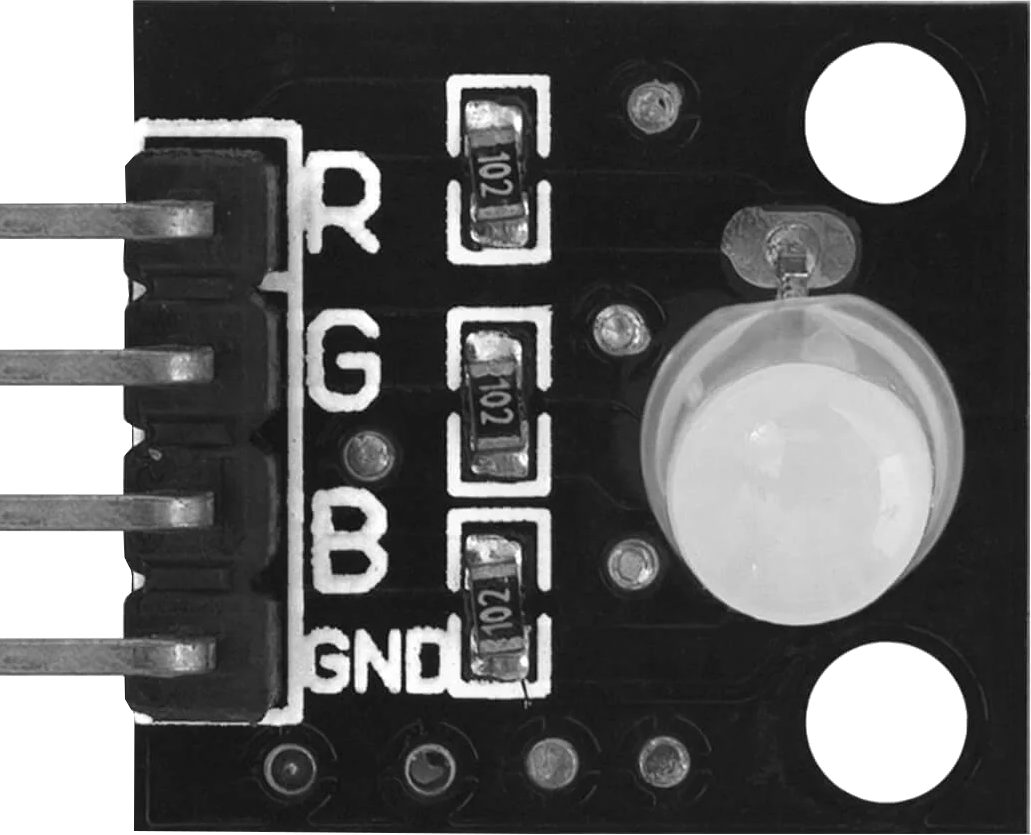
The AZDelivery KY-016 RGB LED module is a versatile light-emitting diode (LED) component capable of producing a wide range of colors by mixing red, green, and blue light. This module is ideal for applications requiring dynamic lighting effects, such as displays, decorative lighting, and status indicators. Its compact design and ease of use make it a popular choice for hobbyists, students, and professionals working on Arduino or other microcontroller-based projects.
Explore Projects Built with Led module RGB
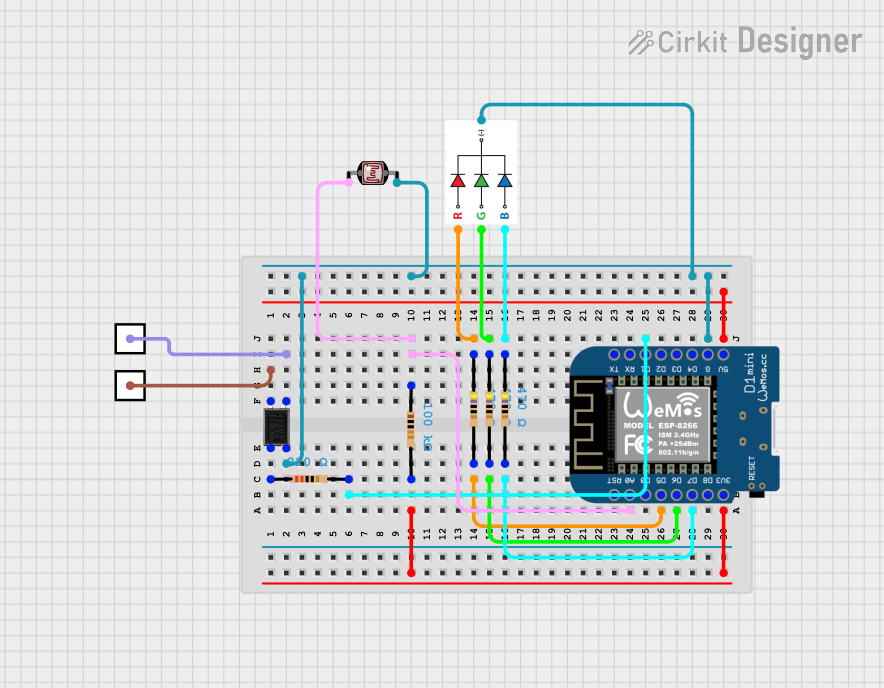 Open Project in Cirkit Designer
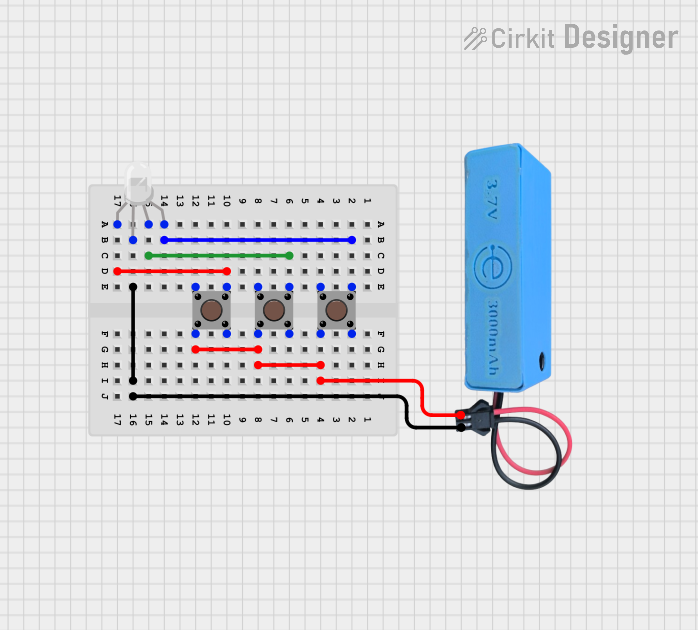 Open Project in Cirkit Designer
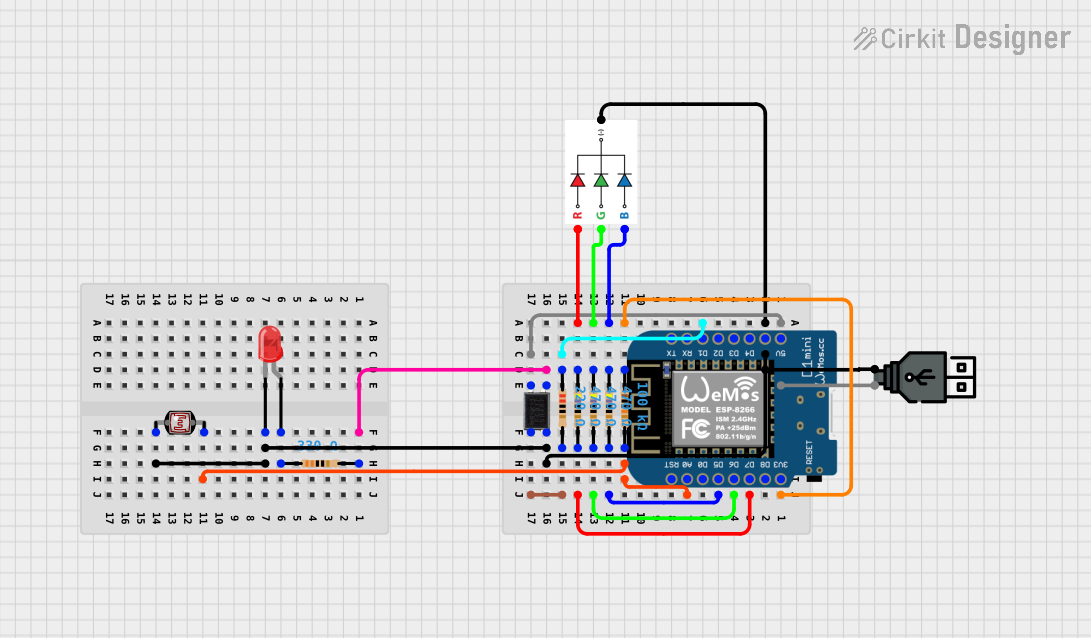 Open Project in Cirkit Designer
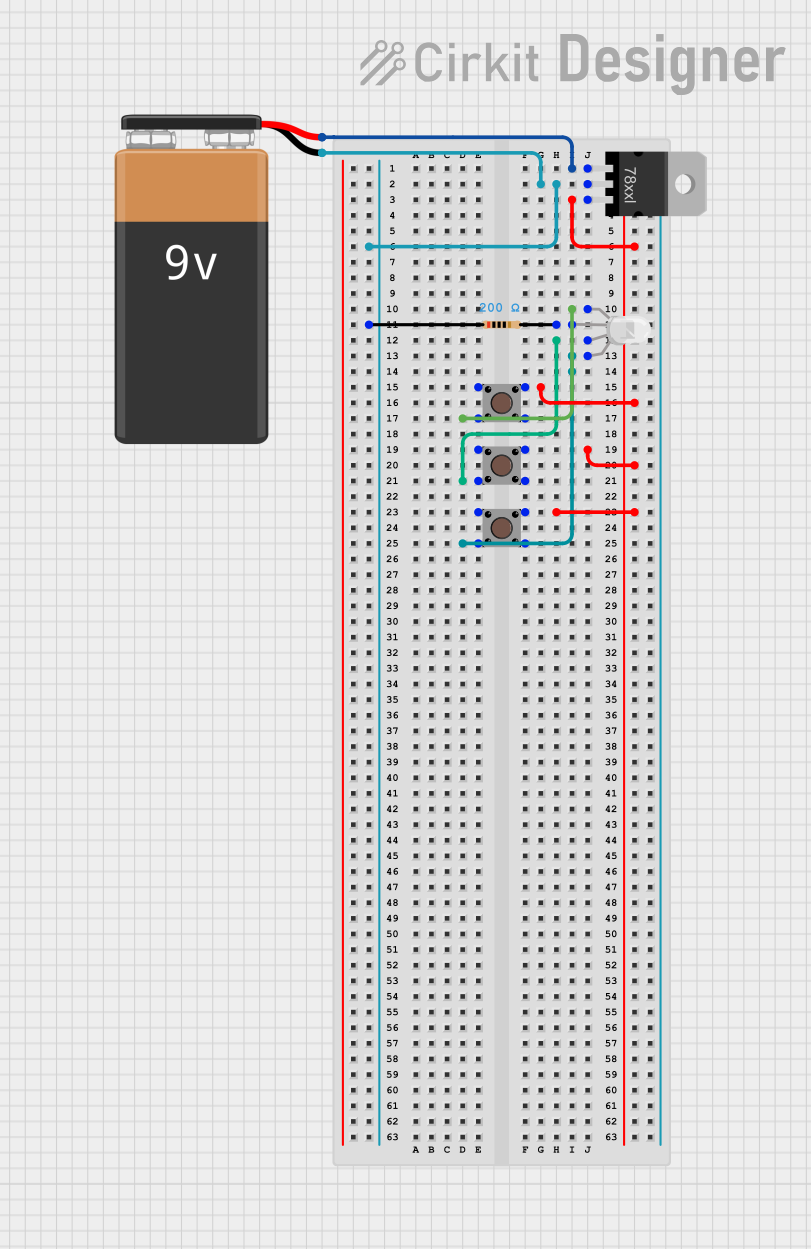 Open Project in Cirkit Designer
Explore Projects Built with Led module RGB
Open Project in Cirkit DesignerOpen Project in Cirkit DesignerOpen Project in Cirkit DesignerOpen Project in Cirkit DesignerTechnical Specifications
- Manufacturer: AZDelivery
- Part ID: KY-016
- Operating Voltage: 3.3V to 5V
- Current Consumption: ~20mA per color channel
- LED Type: Common cathode RGB LED
- Dimensions: 18mm x 15mm x 8mm
- Color Control: PWM (Pulse Width Modulation)
- Lifespan: ~50,000 hours
Pin Configuration and Descriptions
The KY-016 module has four pins, as described in the table below:
| Pin | Name | Description |
|---|---|---|
| 1 | R (Red) | Controls the red LED channel. Connect to a PWM-capable pin on the microcontroller. |
| 2 | G (Green) | Controls the green LED channel. Connect to a PWM-capable pin on the microcontroller. |
| 3 | B (Blue) | Controls the blue LED channel. Connect to a PWM-capable pin on the microcontroller. |
| 4 | GND (Ground) | Common cathode pin. Connect to the ground of the power supply or microcontroller. |
Usage Instructions
How to Use the KY-016 in a Circuit
Wiring the Module:
- Connect the
GNDpin of the module to the ground of your power supply or microcontroller. - Connect the
R,G, andBpins to PWM-capable pins on your microcontroller (e.g., Arduino UNO pins 9, 10, and 11). - Optionally, use current-limiting resistors (220Ω to 330Ω) between the RGB pins and the microcontroller to protect the LEDs.
- Connect the
Power Requirements:
- The module operates at 3.3V to 5V, making it compatible with most microcontrollers.
- Ensure the total current draw does not exceed the microcontroller's pin current limits.
Controlling Colors:
- Use PWM signals to adjust the brightness of each color channel (Red, Green, Blue).
- By varying the duty cycle of each PWM signal, you can mix colors to produce a wide spectrum.
Example Code for Arduino UNO
The following code demonstrates how to control the KY-016 RGB LED module using an Arduino UNO:
// Define the pins connected to the RGB channels
const int redPin = 9;   // PWM pin for Red
const int greenPin = 10; // PWM pin for Green
const int bluePin = 11;  // PWM pin for Blue

void setup() {
  // Set RGB pins as output
  pinMode(redPin, OUTPUT);
  pinMode(greenPin, OUTPUT);
  pinMode(bluePin, OUTPUT);
}

void loop() {
  // Example: Cycle through Red, Green, and Blue colors
  setColor(255, 0, 0);  // Red
  delay(1000);          // Wait 1 second
  setColor(0, 255, 0);  // Green
  delay(1000);          // Wait 1 second
  setColor(0, 0, 255);  // Blue
  delay(1000);          // Wait 1 second
}

// Function to set RGB color
void setColor(int redValue, int greenValue, int blueValue) {
  analogWrite(redPin, redValue);   // Set Red brightness
  analogWrite(greenPin, greenValue); // Set Green brightness
  analogWrite(bluePin, blueValue);  // Set Blue brightness
}
Important Considerations and Best Practices
- Current Limiting: Always use appropriate resistors to limit current through the LEDs and prevent damage.
- PWM Frequency: Ensure the PWM frequency is high enough to avoid visible flickering.
- Heat Management: Prolonged use at high brightness may generate heat. Ensure adequate ventilation.
Troubleshooting and FAQs
Common Issues and Solutions
The LED does not light up:
- Verify all connections, especially the
GNDpin. - Check if the microcontroller pins are configured as outputs.
- Ensure the power supply voltage is within the specified range (3.3V to 5V).
- Verify all connections, especially the
Incorrect or no color mixing:
- Confirm that the PWM pins are correctly connected to the
R,G, andBpins. - Check the PWM signal values in your code.
- Confirm that the PWM pins are correctly connected to the
Flickering or unstable colors:
- Increase the PWM frequency to reduce visible flickering.
- Ensure the power supply is stable and not overloaded.
The LED is dim:
- Verify the PWM duty cycle values. Higher values result in brighter colors.
- Check for excessive resistance in the circuit.
FAQs
Can I use the KY-016 with a 3.3V microcontroller?
Yes, the module is compatible with both 3.3V and 5V systems.Do I need external resistors?
While the module may work without resistors, it is recommended to use 220Ω to 330Ω resistors to protect the LEDs.Can I control the module without PWM?
Yes, but you will only be able to turn the LEDs fully on or off, limiting the color options.
By following this documentation, you can effectively integrate the AZDelivery KY-016 RGB LED module into your projects and create stunning lighting effects.