
How to Use Raspberry Pi Zero 2 W: Examples, Pinouts, and Specs
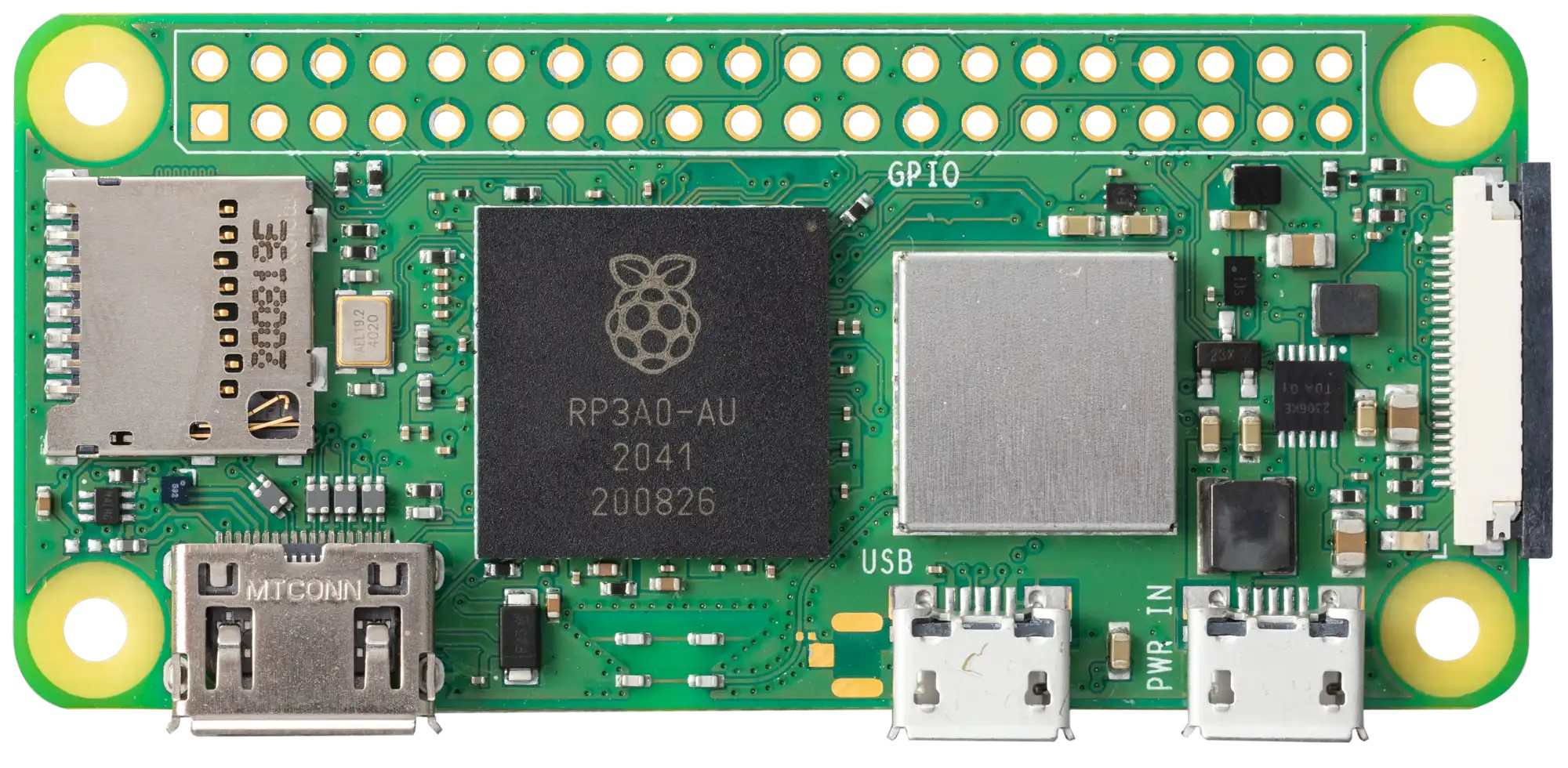
 Design with Raspberry Pi Zero 2 W in Cirkit Designer
Introduction
The Raspberry Pi Zero 2 W, manufactured by Raspberry Pi, is a compact, low-cost single-board computer designed for lightweight applications and Internet of Things (IoT) projects. It features a quad-core processor, wireless connectivity, and a small form factor, making it an excellent choice for embedded systems, prototyping, and portable computing solutions.
Explore Projects Built with Raspberry Pi Zero 2 W
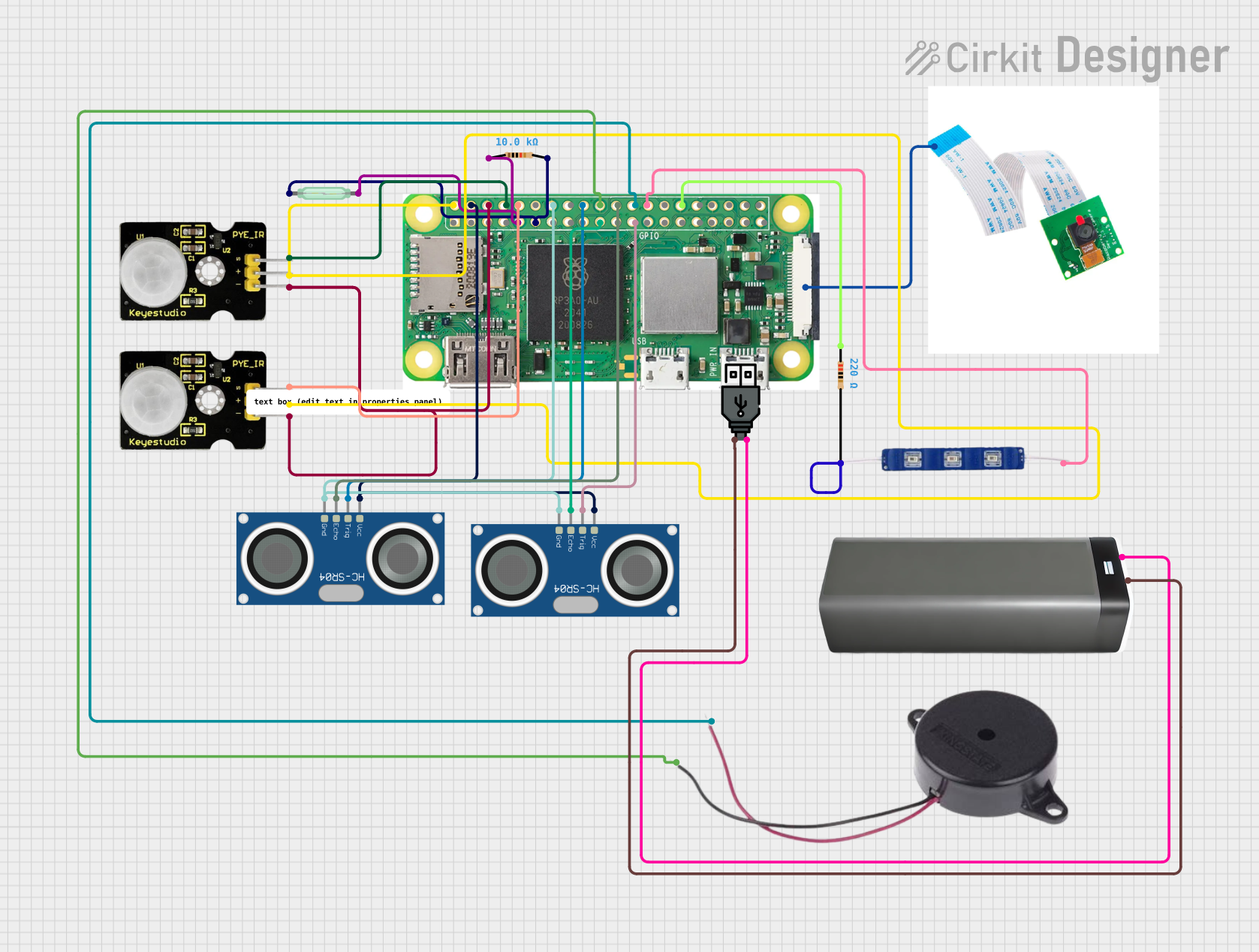 Open Project in Cirkit Designer
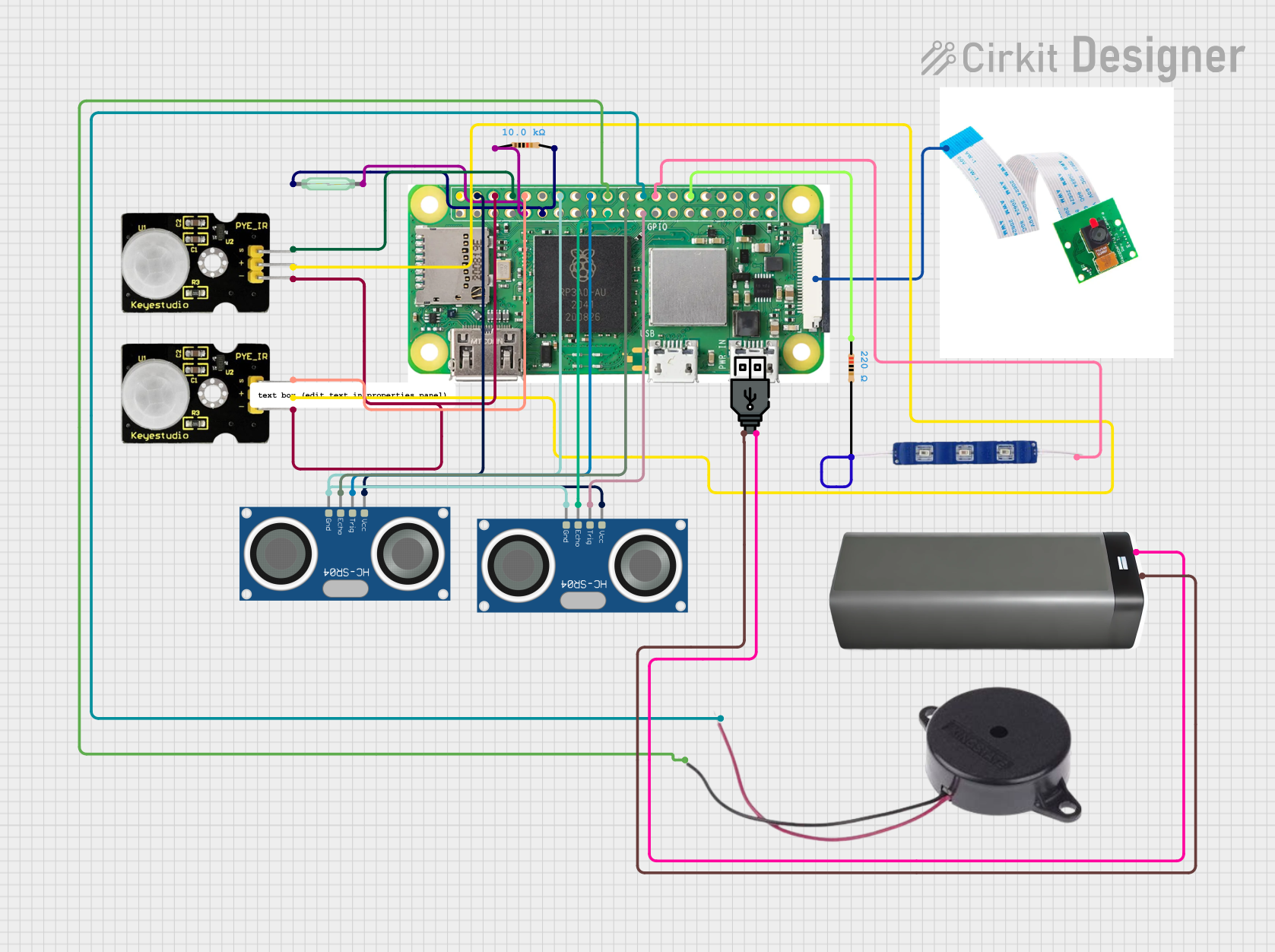 Open Project in Cirkit Designer
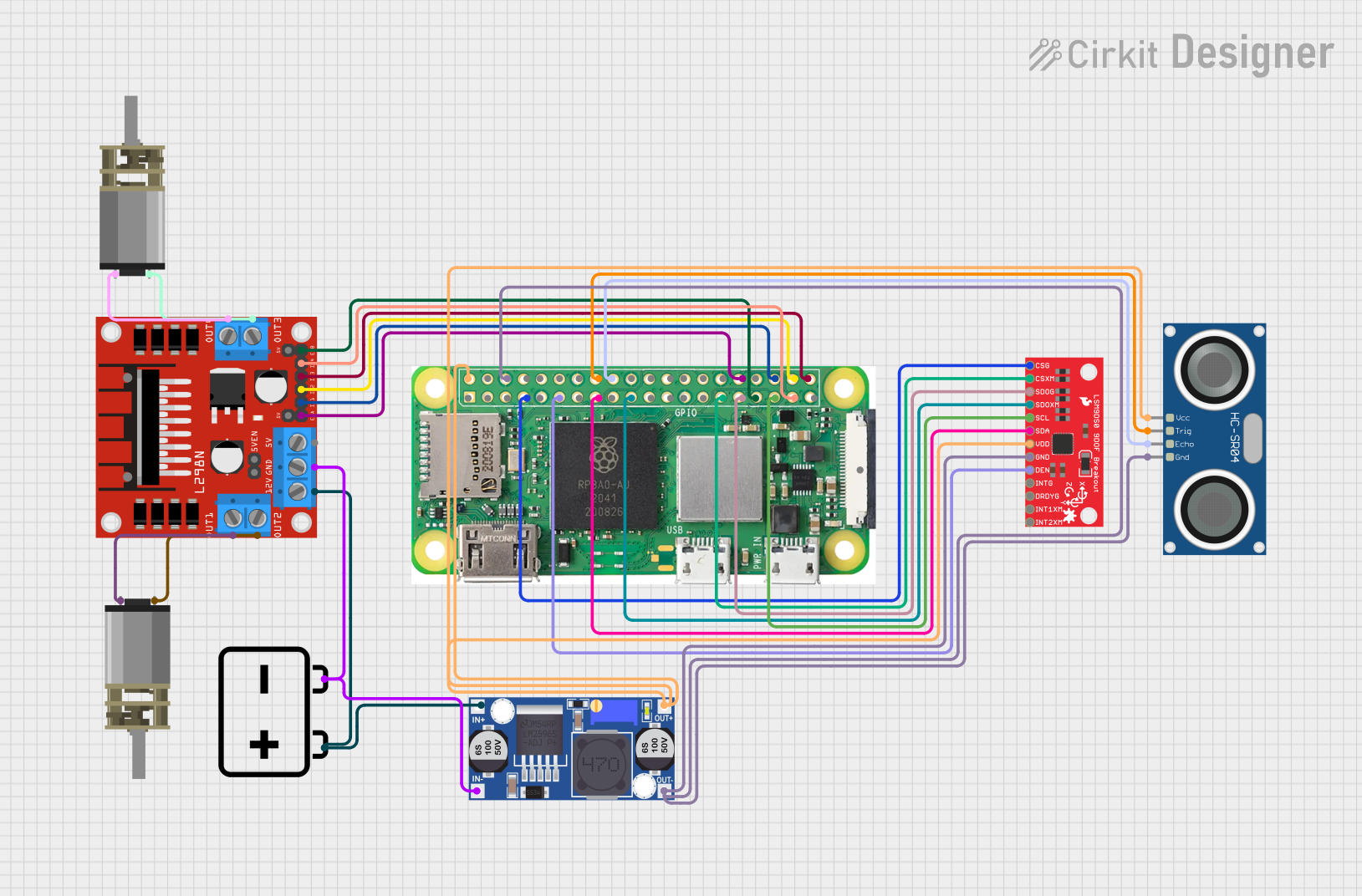 Open Project in Cirkit Designer
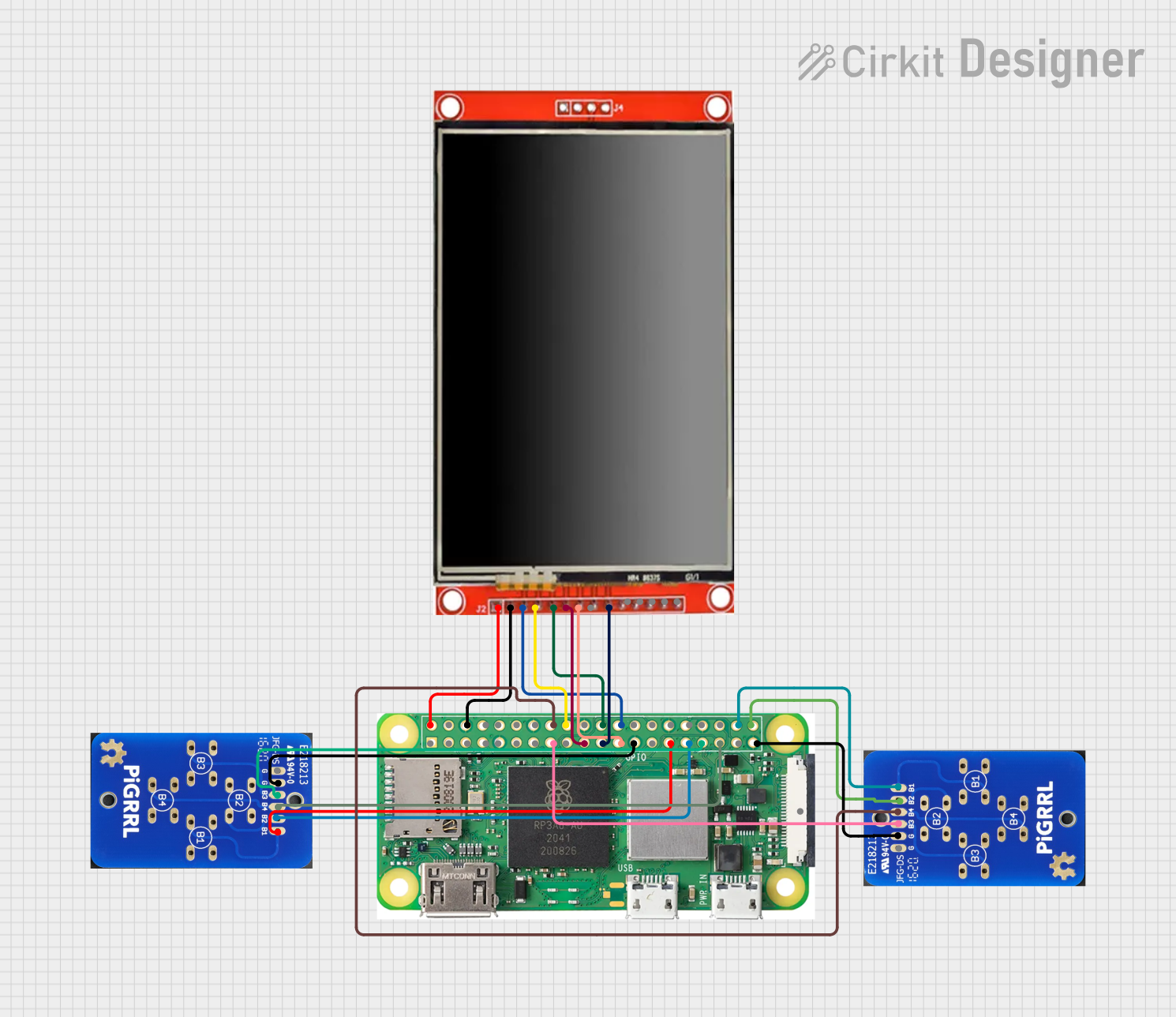 Open Project in Cirkit Designer
Explore Projects Built with Raspberry Pi Zero 2 W
Open Project in Cirkit DesignerOpen Project in Cirkit DesignerOpen Project in Cirkit DesignerOpen Project in Cirkit DesignerCommon Applications and Use Cases
- IoT devices and smart home automation
- Portable media players and streaming devices
- Robotics and embedded systems
- Retro gaming consoles
- Lightweight web servers
- Educational tools for programming and electronics
Technical Specifications
The Raspberry Pi Zero 2 W is equipped with powerful hardware and versatile connectivity options. Below are its key technical details:
Key Technical Details
| Specification | Details |
|---|---|
| Processor | Broadcom BCM2710A1, quad-core Cortex-A53 @ 1 GHz |
| RAM | 512 MB LPDDR2 |
| Wireless Connectivity | 802.11 b/g/n Wi-Fi, Bluetooth 4.2, BLE |
| GPIO | 40-pin GPIO header (unpopulated) |
| Video Output | Mini HDMI (1080p @ 30fps) |
| USB Ports | 1x Micro USB (data), 1x Micro USB (power) |
| Storage | MicroSD card slot |
| Power Supply | 5V/2.5A via Micro USB |
| Dimensions | 65mm x 30mm x 5mm |
| Weight | 9g |
Pin Configuration and Descriptions
The Raspberry Pi Zero 2 W features a 40-pin GPIO header, which is unpopulated by default. Below is the pinout for the GPIO header:
| Pin Number | Pin Name | Functionality |
|---|---|---|
| 1 | 3.3V Power | 3.3V power supply |
| 2 | 5V Power | 5V power supply |
| 3 | GPIO2 (SDA1) | I2C Data |
| 4 | 5V Power | 5V power supply |
| 5 | GPIO3 (SCL1) | I2C Clock |
| 6 | Ground | Ground |
| 7 | GPIO4 | General-purpose I/O |
| 8 | GPIO14 (TXD) | UART Transmit |
| 9 | Ground | Ground |
| 10 | GPIO15 (RXD) | UART Receive |
| ... | ... | ... |
| 39 | Ground | Ground |
| 40 | GPIO21 | General-purpose I/O |
For the full GPIO pinout, refer to the official Raspberry Pi documentation.
Usage Instructions
The Raspberry Pi Zero 2 W is versatile and can be used in a variety of projects. Below are the steps to get started and important considerations:
How to Use the Raspberry Pi Zero 2 W
Prepare the MicroSD Card:
- Download the Raspberry Pi OS from the official Raspberry Pi website.
- Use a tool like Raspberry Pi Imager or Balena Etcher to flash the OS onto a MicroSD card.
- Insert the MicroSD card into the slot on the Raspberry Pi Zero 2 W.
Connect Peripherals:
- Attach a mini HDMI cable to connect to a display.
- Use a Micro USB OTG adapter to connect a keyboard and mouse.
- Optionally, solder the GPIO header if you need to connect external components.
Power Up:
- Connect a 5V/2.5A power supply to the Micro USB power port.
- The Raspberry Pi will boot up, and you can access the desktop environment or terminal.
Enable Wireless Connectivity:
- Configure Wi-Fi and Bluetooth through the Raspberry Pi OS settings or terminal.
Program and Build:
- Use programming languages like Python, C, or JavaScript to develop your projects.
- Access GPIO pins using libraries like
RPi.GPIOorgpiozero.
Important Considerations and Best Practices
- Use a high-quality power supply to ensure stable operation.
- Avoid overheating by providing adequate ventilation or using a heatsink.
- Use a reliable MicroSD card with sufficient storage capacity for your project.
- Regularly update the Raspberry Pi OS to ensure security and compatibility.
- Be cautious when connecting external components to GPIO pins to avoid damage.
Example: Blinking an LED with GPIO and Python
Below is an example of how to blink an LED connected to GPIO pin 17 using Python:
Import necessary libraries
import RPi.GPIO as GPIO import time
Set up GPIO mode and pin
GPIO.setmode(GPIO.BCM) # Use Broadcom pin numbering GPIO.setup(17, GPIO.OUT) # Set GPIO 17 as an output pin
try: while True: GPIO.output(17, GPIO.HIGH) # Turn LED on time.sleep(1) # Wait for 1 second GPIO.output(17, GPIO.LOW) # Turn LED off time.sleep(1) # Wait for 1 second except KeyboardInterrupt: # Clean up GPIO settings on exit GPIO.cleanup()
Connecting to an Arduino UNO
The Raspberry Pi Zero 2 W can communicate with an Arduino UNO via serial communication. Use the GPIO pins for UART (TXD and RXD) and ensure proper voltage level shifting if needed.
Troubleshooting and FAQs
Common Issues and Solutions
The Raspberry Pi does not boot:
- Ensure the MicroSD card is properly inserted and contains a valid OS image.
- Check the power supply for sufficient voltage and current.
Wi-Fi is not connecting:
- Verify the Wi-Fi credentials and ensure the network is within range.
- Update the Raspberry Pi OS to the latest version.
GPIO pins are not working:
- Double-check the pin configuration and connections.
- Ensure the GPIO library is installed and properly configured.
Overheating:
- Use a heatsink or fan to improve cooling.
- Avoid running resource-intensive tasks for extended periods.
FAQs
Q: Can I power the Raspberry Pi Zero 2 W via GPIO pins?
A: Yes, you can power it using the 5V and GND pins on the GPIO header, but ensure a stable 5V supply.
Q: Does the Raspberry Pi Zero 2 W support USB boot?
A: No, the Raspberry Pi Zero 2 W does not support USB boot. It requires a MicroSD card for booting.
Q: Can I use the Raspberry Pi Zero 2 W for AI/ML projects?
A: While it is not optimized for heavy AI/ML workloads, it can handle lightweight models and edge computing tasks.
Q: Is the GPIO header pre-soldered?
A: No, the GPIO header is unpopulated, allowing flexibility for custom configurations.
By following this documentation, you can effectively utilize the Raspberry Pi Zero 2 W for a wide range of projects and applications.