
How to Use MCB 1 pole: Examples, Pinouts, and Specs
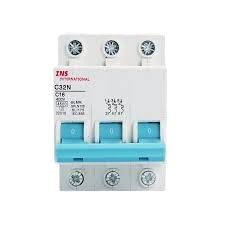
 Design with MCB 1 pole in Cirkit Designer
Introduction
The MCB 1 Pole (Manufacturer Part ID: 1p-MCB) by abdurobotics is a Miniature Circuit Breaker designed to protect electrical circuits from overloads and short circuits. This single-pole MCB automatically disconnects the circuit when a fault is detected, ensuring safety and preventing damage to connected devices. Its compact design makes it ideal for residential, commercial, and industrial applications.
Explore Projects Built with MCB 1 pole
 Open Project in Cirkit Designer
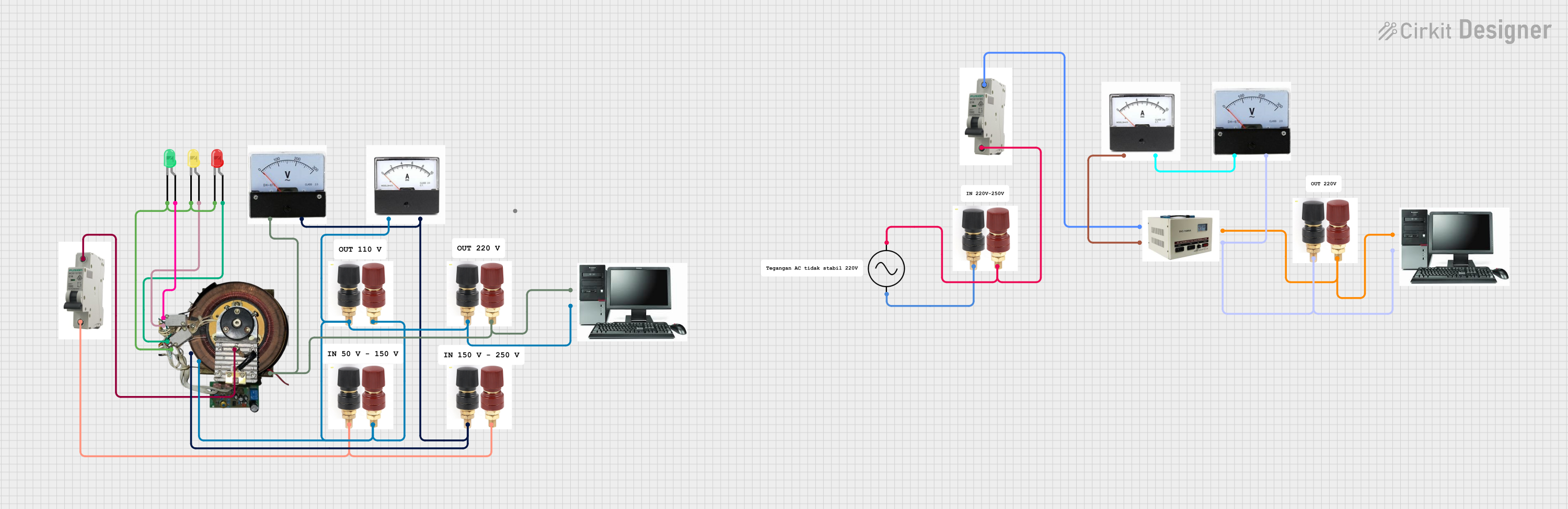 Open Project in Cirkit Designer
 Open Project in Cirkit Designer
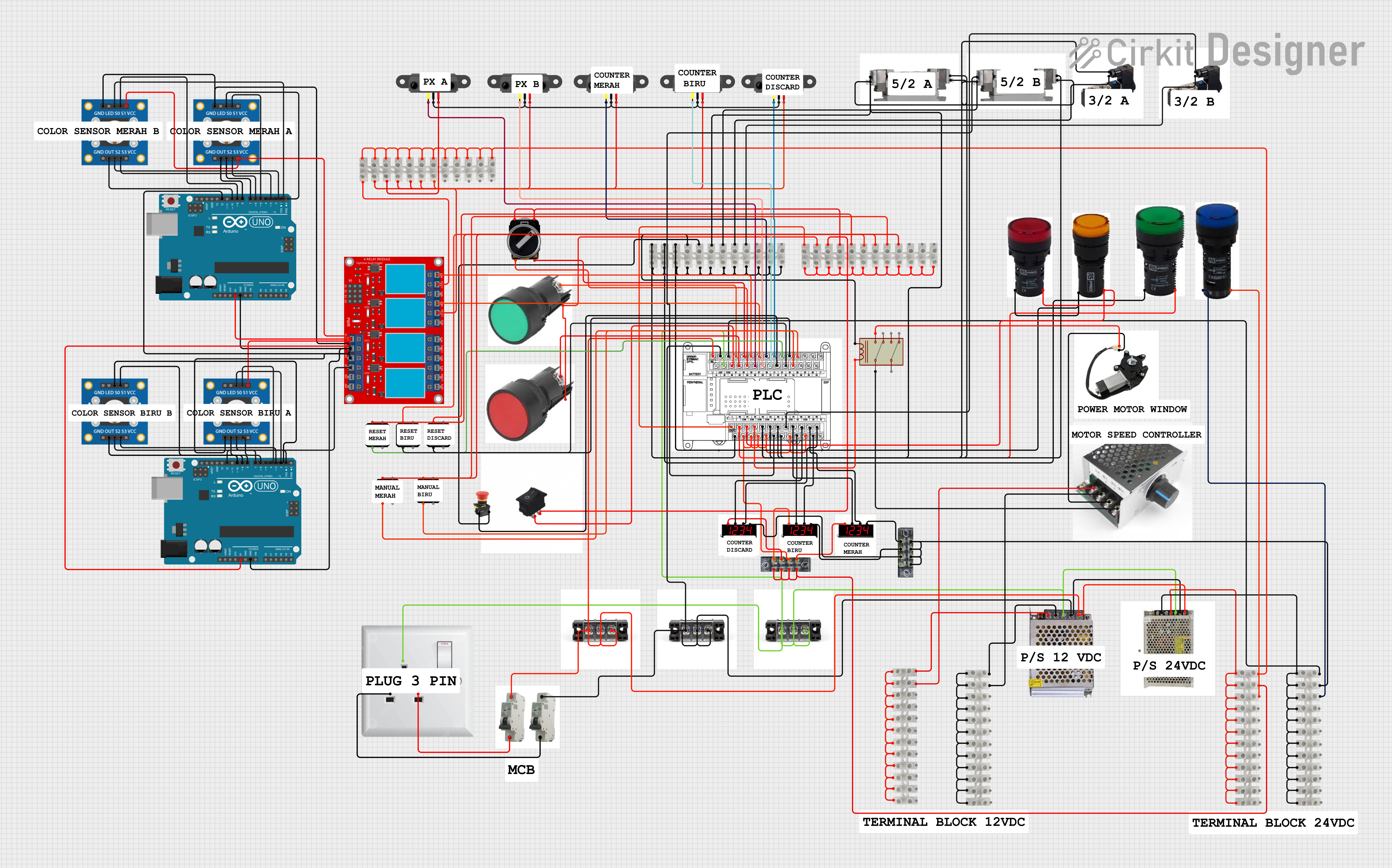 Open Project in Cirkit Designer
Explore Projects Built with MCB 1 pole
Open Project in Cirkit DesignerOpen Project in Cirkit DesignerOpen Project in Cirkit DesignerOpen Project in Cirkit DesignerCommon Applications and Use Cases
- Protection of lighting circuits in residential buildings
- Safeguarding electrical outlets and appliances
- Industrial control panels and machinery
- Circuit protection in renewable energy systems (e.g., solar panels)
- Overload and short-circuit protection in small-scale electrical installations
Technical Specifications
Key Technical Details
| Parameter | Value |
|---|---|
| Manufacturer | abdurobotics |
| Part ID | 1p-MCB |
| Number of Poles | 1 |
| Rated Voltage | 240V AC |
| Rated Current | 6A, 10A, 16A, 20A, 32A (varies by model) |
| Breaking Capacity | 6 kA |
| Frequency | 50/60 Hz |
| Trip Curve | B, C, or D (depending on model) |
| Operating Temperature | -5°C to +40°C |
| Mounting Type | DIN Rail |
| Standards Compliance | IEC 60898-1 |
Pin Configuration and Descriptions
The MCB 1 Pole has two connection terminals:
| Terminal | Description |
|---|---|
| Line (Input) | Connects to the incoming power supply |
| Load (Output) | Connects to the protected circuit or load |
Usage Instructions
How to Use the MCB 1 Pole in a Circuit
Mounting the MCB:
- Install the MCB on a standard DIN rail in the distribution box or control panel.
- Ensure the MCB is securely locked into place.
Wiring the MCB:
- Connect the Line (Input) terminal to the incoming power supply.
- Connect the Load (Output) terminal to the circuit or device you want to protect.
- Use appropriately rated wires for the current capacity of the MCB.
Testing the MCB:
- After installation, switch on the MCB and verify that the connected circuit is powered.
- Press the test button (if available) to ensure the MCB trips correctly.
Resetting the MCB:
- In case of a trip due to overload or short circuit, identify and resolve the fault.
- Flip the MCB switch to the "OFF" position, then back to the "ON" position to reset it.
Important Considerations and Best Practices
- Always select an MCB with a current rating suitable for the connected load.
- Ensure proper tightening of terminal screws to avoid loose connections.
- Do not exceed the rated voltage or current of the MCB.
- Regularly inspect the MCB for signs of wear or damage.
- For circuits with high inrush currents (e.g., motors), use an MCB with a suitable trip curve (e.g., C or D).
- Disconnect the power supply before performing any maintenance or wiring changes.
Arduino UNO Integration
While the MCB 1 Pole is not directly connected to an Arduino UNO, it can be used in circuits that power Arduino-based projects. For example, the MCB can protect the power supply line feeding the Arduino and its peripherals.
Troubleshooting and FAQs
Common Issues and Solutions
| Issue | Possible Cause | Solution |
|---|---|---|
| MCB trips frequently | Overload or short circuit in the circuit | Check the connected load and wiring. |
| MCB does not trip during a fault | Faulty MCB or incorrect wiring | Verify wiring and replace the MCB if necessary. |
| MCB cannot be reset | Persistent fault in the circuit | Identify and resolve the fault before resetting. |
| Loose connections at terminals | Improper tightening of screws | Ensure terminal screws are securely tightened. |
FAQs
Can I use the MCB 1 Pole for DC circuits?
No, this MCB is designed for AC circuits only. For DC applications, use a DC-rated MCB.What is the difference between B, C, and D trip curves?
- B Curve: Trips at 3-5 times the rated current, suitable for resistive loads (e.g., lighting).
- C Curve: Trips at 5-10 times the rated current, ideal for inductive loads (e.g., motors).
- D Curve: Trips at 10-20 times the rated current, used for high inrush current loads (e.g., transformers).
How do I select the correct MCB rating?
Calculate the total current of the connected load and choose an MCB with a slightly higher rating. Ensure the MCB rating matches the wire gauge used in the circuit.What happens if I exceed the MCB's rated current?
The MCB will trip to protect the circuit from damage due to overload or short circuit.
By following this documentation, users can safely and effectively use the MCB 1 Pole by abdurobotics in their electrical installations.