
How to Use Electromagnet: Examples, Pinouts, and Specs

 Design with Electromagnet in Cirkit Designer
Introduction
An electromagnet is a type of magnet in which the magnetic field is generated by an electric current. Manufactured by Uxcell, this component consists of a coil of wire wound around a ferromagnetic core, which amplifies the magnetic field when current flows through the coil. Electromagnets are widely used in applications where a controllable magnetic field is required.
Explore Projects Built with Electromagnet
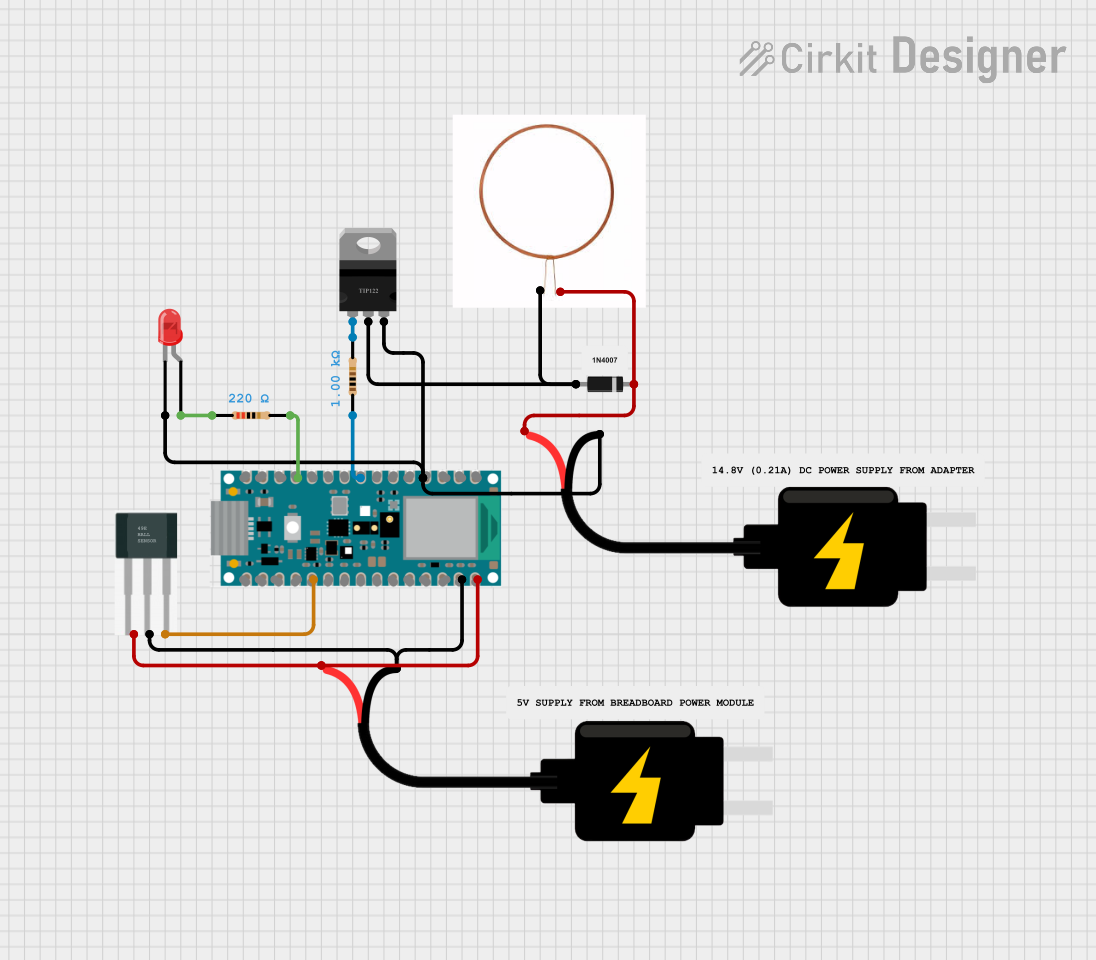 Open Project in Cirkit Designer
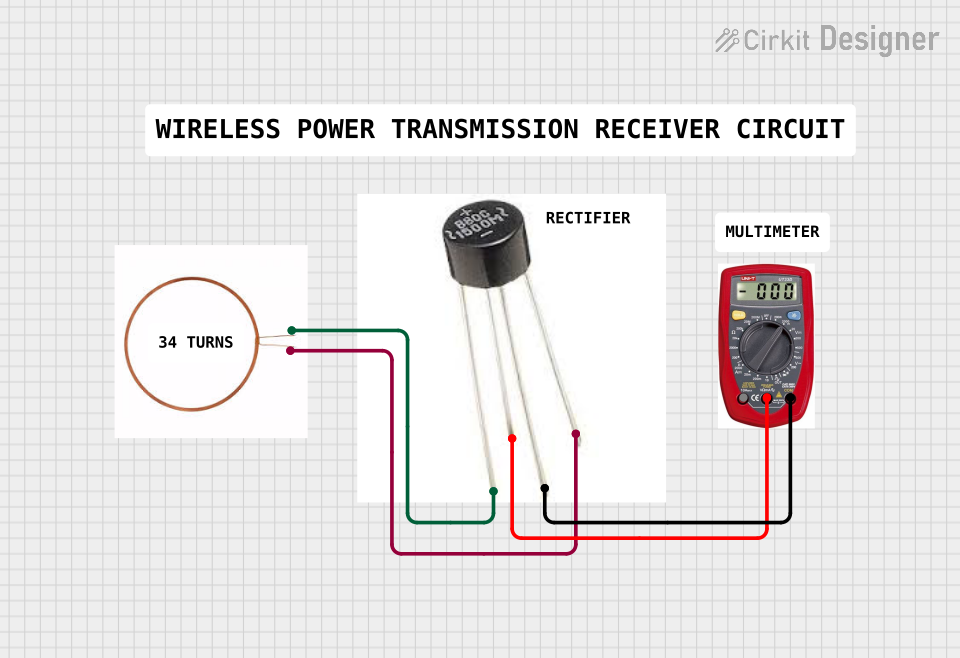 Open Project in Cirkit Designer
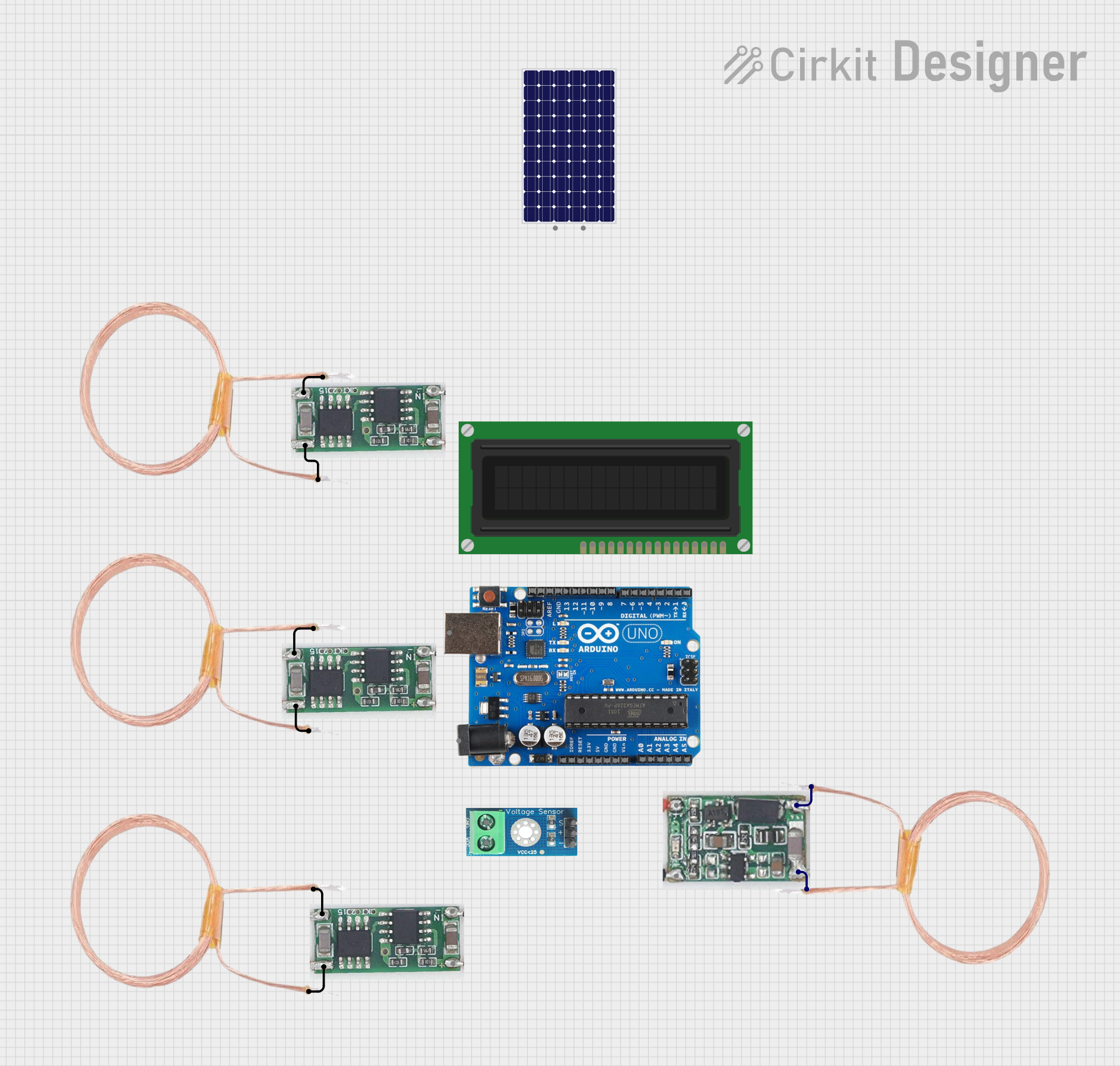 Open Project in Cirkit Designer
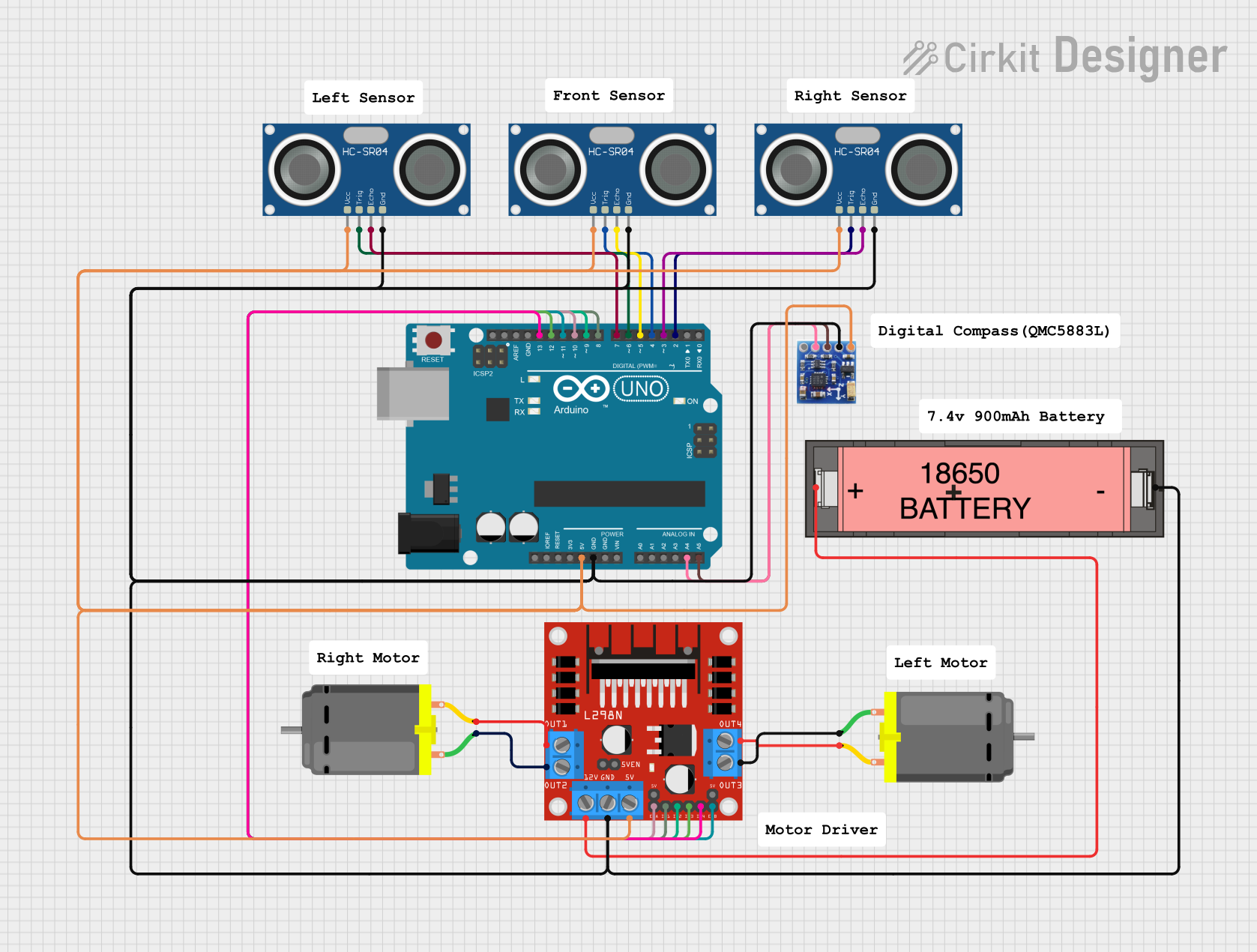 Open Project in Cirkit Designer
Explore Projects Built with Electromagnet
Open Project in Cirkit DesignerOpen Project in Cirkit DesignerOpen Project in Cirkit DesignerOpen Project in Cirkit DesignerCommon Applications and Use Cases
- Relays and Switches: Used in electromagnetic relays to control circuits.
- Motors and Generators: Essential in electric motors and generators for creating rotational motion.
- Magnetic Lifting Devices: Used in cranes to lift heavy ferromagnetic materials.
- Magnetic Locks: Found in security systems for doors and safes.
- Particle Accelerators: Used to guide charged particles in scientific research.
Technical Specifications
Below are the key technical details for the Uxcell Electromagnet:
| Parameter | Value |
|---|---|
| Operating Voltage | 12V DC |
| Current Consumption | 0.5A |
| Power Rating | 6W |
| Magnetic Force | 10N (approx.) |
| Coil Resistance | 24Ω |
| Core Material | Ferromagnetic (Iron or Steel) |
| Wire Material | Copper |
| Dimensions | 20mm (diameter) x 30mm (length) |
| Weight | 50g |
Pin Configuration and Descriptions
The Uxcell Electromagnet has two terminals for electrical connections:
| Pin | Description |
|---|---|
| Pin 1 | Positive terminal (+12V DC input) |
| Pin 2 | Negative terminal (Ground) |
Usage Instructions
How to Use the Electromagnet in a Circuit
- Power Supply: Connect the positive terminal (Pin 1) to a 12V DC power source and the negative terminal (Pin 2) to ground.
- Control Circuit: Use a switch, relay, or transistor to control the current flow through the electromagnet.
- Load Considerations: Ensure the power supply can provide at least 0.5A of current to avoid underpowering the electromagnet.
- Heat Management: Prolonged use may cause the coil to heat up. Allow cooling periods to prevent overheating.
Important Considerations and Best Practices
- Polarity: Always connect the terminals with the correct polarity to avoid damage.
- Current Limiting: Use a current-limiting resistor or a regulated power supply to prevent excessive current.
- Mounting: Secure the electromagnet firmly to avoid movement during operation.
- Magnetic Interference: Keep sensitive electronic components away from the electromagnet to avoid interference.
- Arduino Integration: The electromagnet can be controlled using an Arduino UNO with a transistor or relay module.
Example Arduino Code
Below is an example of how to control the Uxcell Electromagnet using an Arduino UNO and an NPN transistor (e.g., 2N2222):
// Define the pin connected to the transistor's base
const int electromagnetPin = 9;

void setup() {
  pinMode(electromagnetPin, OUTPUT); // Set the pin as an output
}

void loop() {
  digitalWrite(electromagnetPin, HIGH); // Turn on the electromagnet
  delay(1000); // Keep it on for 1 second
  digitalWrite(electromagnetPin, LOW);  // Turn off the electromagnet
  delay(1000); // Keep it off for 1 second
}
Circuit Notes:
- Connect the Arduino's digital pin 9 to the base of the NPN transistor through a 1kΩ resistor.
- Connect the electromagnet's positive terminal to the 12V power supply.
- Connect the electromagnet's negative terminal to the transistor's collector.
- Connect the transistor's emitter to ground.
Troubleshooting and FAQs
Common Issues and Solutions
Electromagnet Not Activating:
- Cause: Insufficient power supply or incorrect wiring.
- Solution: Verify the power supply voltage and current. Check the wiring for proper connections.
Overheating:
- Cause: Prolonged operation or excessive current.
- Solution: Use the electromagnet intermittently and ensure the current does not exceed 0.5A.
Weak Magnetic Field:
- Cause: Low input voltage or damaged coil.
- Solution: Ensure the input voltage is 12V. Check the coil resistance with a multimeter.
Interference with Other Devices:
- Cause: Magnetic field affecting nearby components.
- Solution: Increase the distance between the electromagnet and sensitive devices.
FAQs
Q1: Can I use a higher voltage to increase the magnetic force?
A1: No, exceeding the rated 12V may damage the coil or cause overheating. Use only the specified voltage.
Q2: How do I know if the electromagnet is working?
A2: Place a small ferromagnetic object (e.g., a nail) near the electromagnet. If it attracts the object when powered, it is functioning.
Q3: Can I use this electromagnet with a battery?
A3: Yes, as long as the battery provides 12V DC and can supply at least 0.5A of current.
Q4: Is the electromagnet waterproof?
A4: No, the Uxcell Electromagnet is not waterproof. Avoid exposing it to moisture or liquids.
By following this documentation, you can effectively integrate and troubleshoot the Uxcell Electromagnet in your projects.