
How to Use AC Dimmer Lamp Module: Examples, Pinouts, and Specs
 Design with AC Dimmer Lamp Module in Cirkit Designer
Introduction
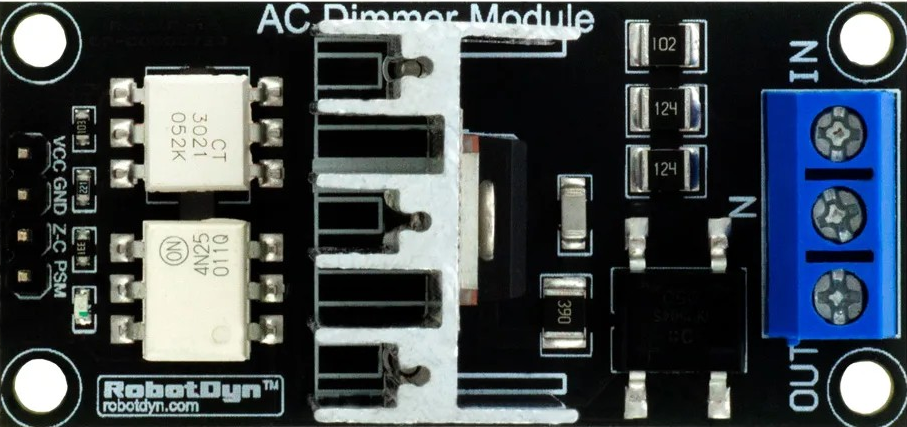
The AC Dimmer Lamp Module is a device designed to control the brightness of an AC-powered lamp by adjusting the voltage and current supplied to the lamp. This module uses phase-cutting techniques to regulate the power delivered to the load, enabling smooth dimming functionality. It is widely used in home automation, energy-saving systems, and mood lighting applications.
Explore Projects Built with AC Dimmer Lamp Module
 Open Project in Cirkit Designer
 Open Project in Cirkit Designer
 Open Project in Cirkit Designer
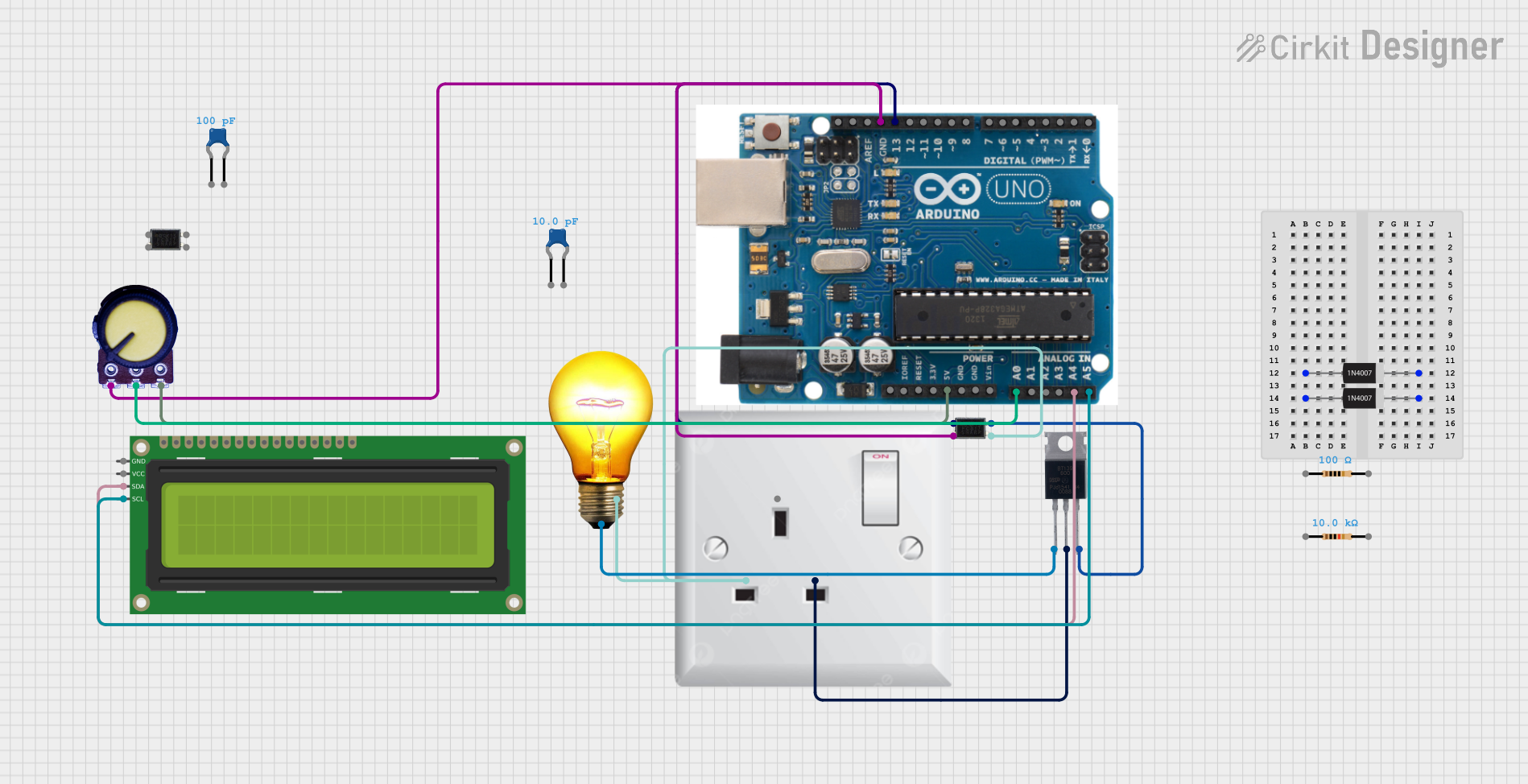 Open Project in Cirkit Designer
Explore Projects Built with AC Dimmer Lamp Module
Open Project in Cirkit DesignerOpen Project in Cirkit DesignerOpen Project in Cirkit DesignerOpen Project in Cirkit DesignerCommon Applications
- Dimming incandescent and halogen lamps
- Controlling the brightness of dimmable LED lamps (if compatible)
- Home automation systems
- Theater and stage lighting
- Energy-saving lighting solutions
Technical Specifications
Below are the key technical details of the AC Dimmer Lamp Module:
| Parameter | Value |
|---|---|
| Input Voltage | 110V AC to 220V AC |
| Output Voltage | Adjustable (based on dimming level) |
| Maximum Load Power | 400W to 2000W (varies by model) |
| Control Signal Voltage | 3.3V to 5V (compatible with microcontrollers) |
| Frequency | 50Hz / 60Hz |
| Isolation | Optocoupler-based isolation |
| Dimensions | Varies by model (e.g., 50mm x 30mm) |
| Operating Temperature | -20°C to 85°C |
Pin Configuration and Descriptions
The AC Dimmer Lamp Module typically has the following pin configuration:
| Pin Name | Description |
|---|---|
| AC-IN | Input terminals for AC mains voltage (110V-220V AC). |
| AC-OUT | Output terminals to connect the AC lamp or load. |
| GND | Ground connection for the control circuit. |
| VCC | Power supply input for the control circuit (3.3V to 5V). |
| PWM/Signal | Input pin for the control signal (PWM or digital signal from a microcontroller). |
Usage Instructions
How to Use the AC Dimmer Lamp Module in a Circuit
- Safety First: Ensure the module is powered off and disconnected from the mains before wiring. Always handle AC circuits with caution.
- Connect the AC Input: Wire the AC mains voltage to the
AC-INterminals of the module. - Connect the Load: Attach the AC lamp or load to the
AC-OUTterminals. - Control Signal: Connect the
PWM/Signalpin to a microcontroller (e.g., Arduino UNO) or a compatible control circuit. - Power the Control Circuit: Provide 3.3V to 5V DC to the
VCCpin and connect theGNDpin to the ground of the control circuit. - Programming: Use a PWM signal to control the brightness of the lamp. The duty cycle of the PWM signal determines the dimming level.
Important Considerations and Best Practices
- Isolation: Ensure proper isolation between the AC and control sides to prevent electrical hazards.
- Load Compatibility: Verify that the connected lamp is dimmable and within the module's power rating.
- Heat Dissipation: The module may generate heat during operation. Use proper ventilation or a heatsink if necessary.
- Fuse Protection: Add a fuse on the AC input line for additional safety.
- PWM Frequency: Use a PWM frequency of 100Hz to 1kHz for optimal dimming performance.
Example Code for Arduino UNO
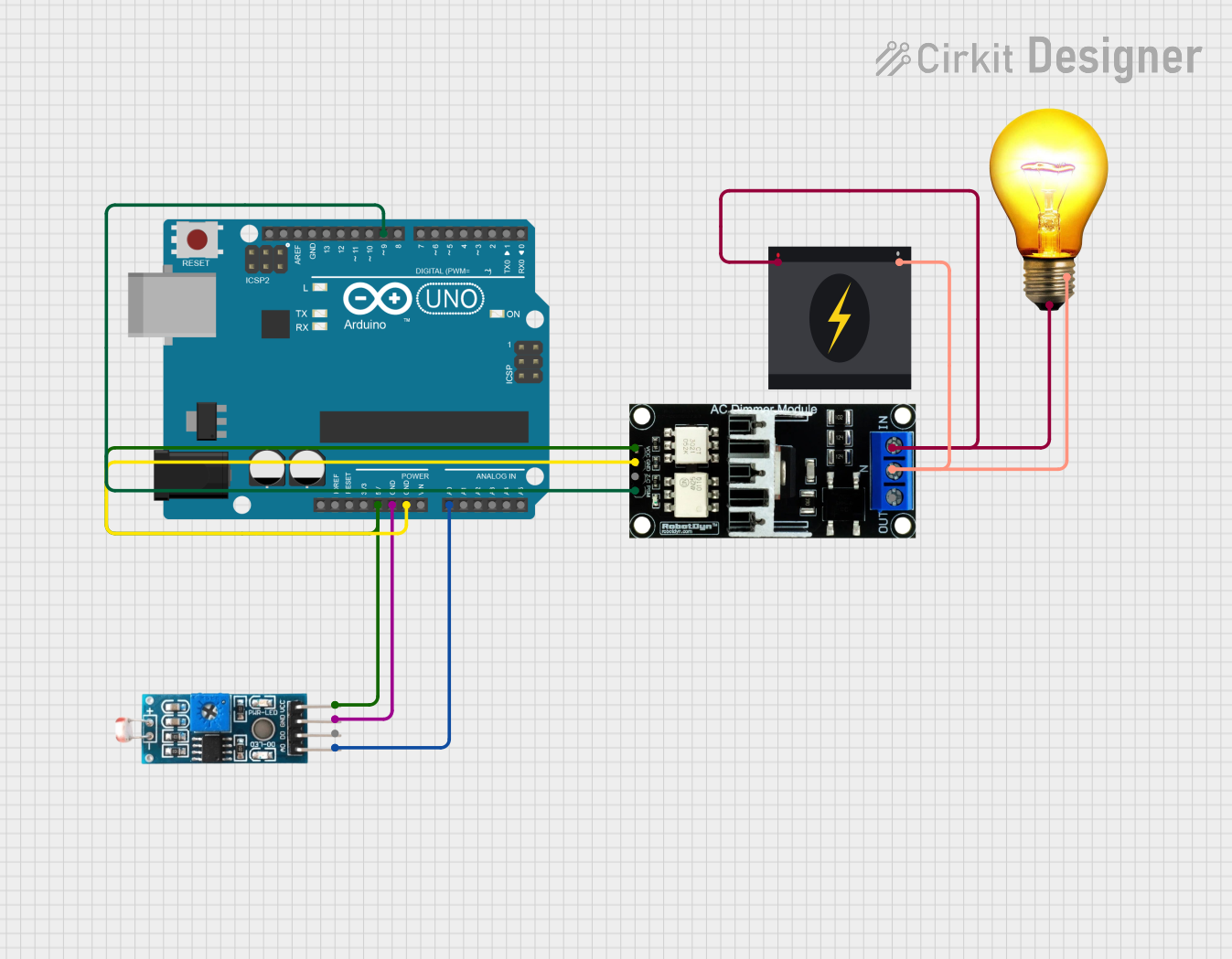
Below is an example code snippet to control the AC Dimmer Lamp Module using an Arduino UNO:
// Example code to control an AC Dimmer Lamp Module with Arduino UNO
// Ensure the PWM pin is connected to the module's Signal pin

#define DIMMER_PIN 9  // PWM pin connected to the module's Signal pin

void setup() {
  pinMode(DIMMER_PIN, OUTPUT);  // Set the PWM pin as output
}

void loop() {
  // Gradually increase brightness
  for (int brightness = 0; brightness <= 255; brightness++) {
    analogWrite(DIMMER_PIN, brightness);  // Send PWM signal
    delay(10);  // Small delay for smooth dimming
  }

  // Gradually decrease brightness
  for (int brightness = 255; brightness >= 0; brightness--) {
    analogWrite(DIMMER_PIN, brightness);  // Send PWM signal
    delay(10);  // Small delay for smooth dimming
  }
}
Troubleshooting and FAQs
Common Issues and Solutions
The lamp does not turn on:
- Ensure the AC mains voltage is properly connected to the
AC-INterminals. - Verify that the lamp is functional and properly connected to the
AC-OUTterminals. - Check the control signal (PWM) from the microcontroller.
- Ensure the AC mains voltage is properly connected to the
Flickering or unstable brightness:
- Ensure the lamp is dimmable and compatible with the module.
- Use a stable PWM signal with an appropriate frequency (100Hz to 1kHz).
- Check for loose connections or interference in the control circuit.
Overheating of the module:
- Ensure the load does not exceed the module's maximum power rating.
- Provide adequate ventilation or use a heatsink to dissipate heat.
Microcontroller resets when controlling the module:
- Ensure proper isolation between the AC and control sides.
- Use an optocoupler or isolation circuit to protect the microcontroller.
FAQs
Q: Can I use this module with non-dimmable LED lamps?
A: No, non-dimmable LED lamps are not compatible with this module and may get damaged.
Q: What happens if I exceed the maximum load power?
A: Exceeding the power rating can damage the module and pose a fire hazard. Always stay within the specified limits.
Q: Can I control multiple lamps with one module?
A: Yes, as long as the total power of the lamps does not exceed the module's maximum load rating.
Q: Is this module compatible with 3.3V microcontrollers like ESP8266?
A: Yes, the module can be controlled with 3.3V or 5V logic levels, making it compatible with most microcontrollers.
By following this documentation, you can safely and effectively use the AC Dimmer Lamp Module in your projects.