
How to Use AA Battery with PCB Clips: Examples, Pinouts, and Specs
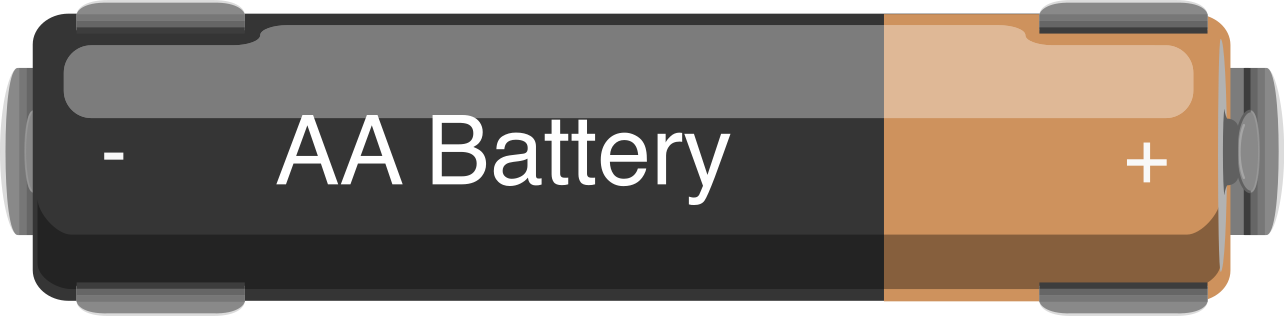
 Design with AA Battery with PCB Clips in Cirkit Designer
Introduction
The AA Battery with PCB Clips is a standard AA-sized power source designed for seamless integration into electronic circuits. It features pre-attached PCB clips, allowing for secure mounting and easy electrical connections to printed circuit boards (PCBs). This component is ideal for projects requiring a compact, reliable, and easily replaceable power source.
Explore Projects Built with AA Battery with PCB Clips
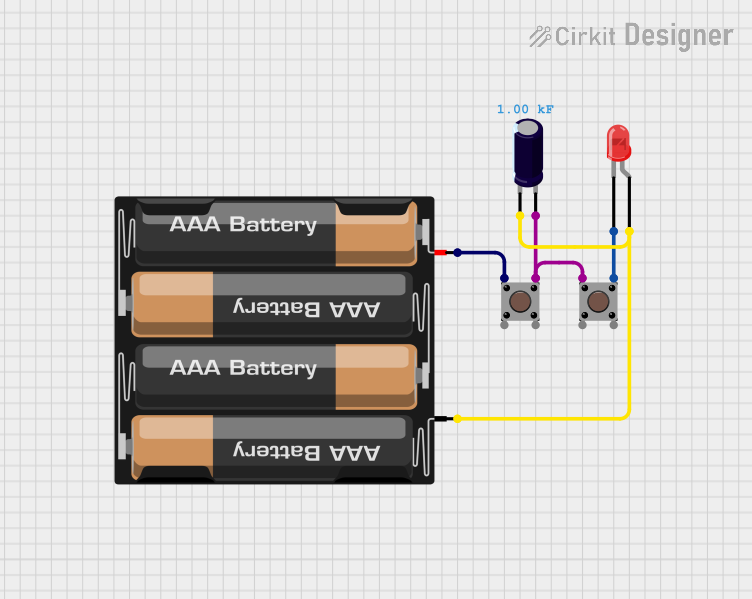 Open Project in Cirkit Designer
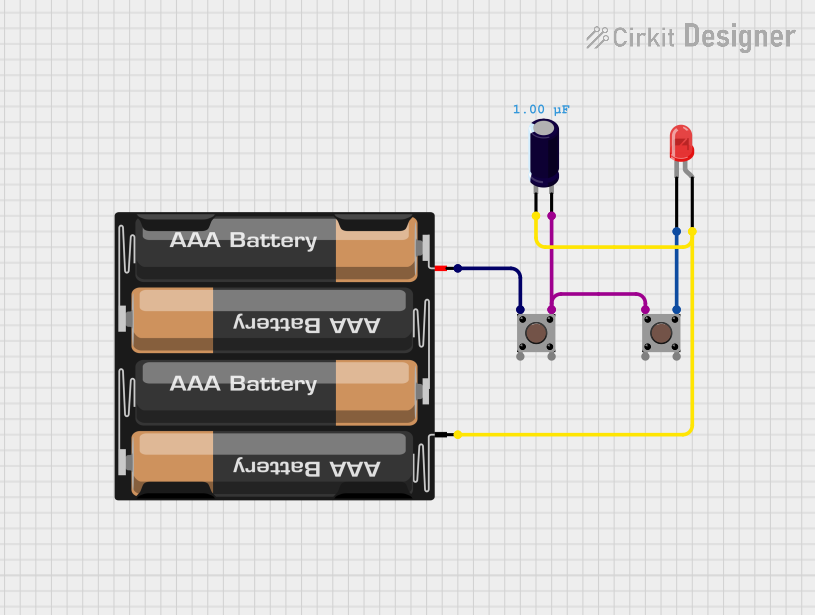 Open Project in Cirkit Designer
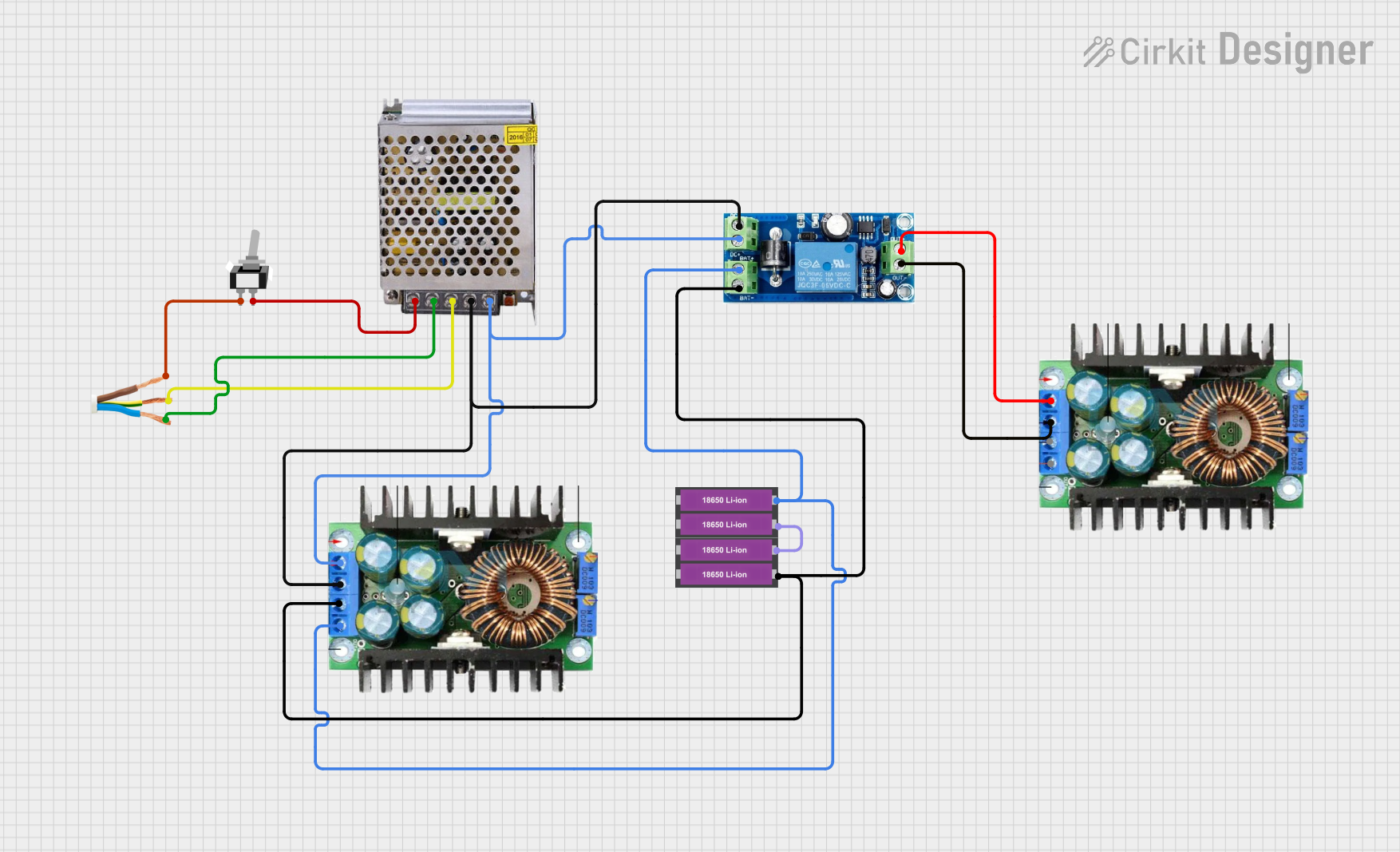 Open Project in Cirkit Designer
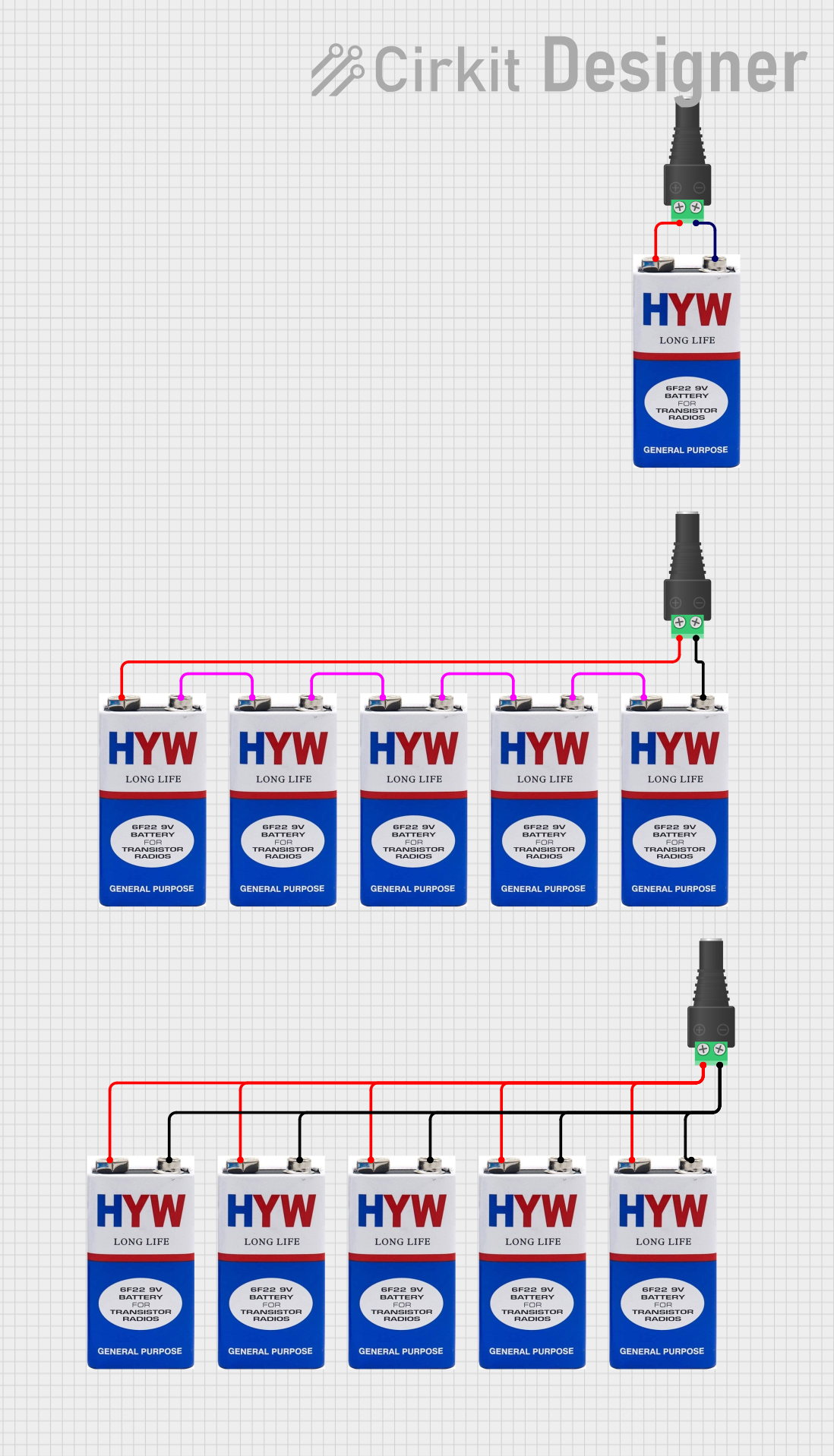 Open Project in Cirkit Designer
Explore Projects Built with AA Battery with PCB Clips
Open Project in Cirkit DesignerOpen Project in Cirkit DesignerOpen Project in Cirkit DesignerOpen Project in Cirkit DesignerCommon Applications and Use Cases
- Powering small electronic devices and circuits
- Prototyping and breadboard projects
- Embedded systems and IoT devices
- Educational kits and DIY electronics
- Battery-powered portable devices
Technical Specifications
Key Technical Details
| Parameter | Value |
|---|---|
| Battery Type | AA (1.5V Alkaline or 1.2V NiMH Rechargeable) |
| Nominal Voltage | 1.5V (Alkaline) / 1.2V (NiMH) |
| Typical Capacity | 2000–3000 mAh (Alkaline) / 600–2500 mAh (NiMH) |
| Maximum Discharge Current | 1A (continuous, varies by battery type) |
| Operating Temperature | -20°C to 60°C |
| Dimensions | 14.5 mm (diameter) x 50.5 mm (length) |
| PCB Clip Material | Nickel-plated steel |
| PCB Clip Mounting Style | Through-hole or surface mount |
Pin Configuration and Descriptions
The AA Battery with PCB Clips has two terminals for electrical connection:
| Pin Name | Description | Polarity |
|---|---|---|
| Positive (+) | Connects to the positive terminal of the battery | +1.5V (Alkaline) / +1.2V (NiMH) |
| Negative (-) | Connects to the negative terminal of the battery | 0V (Ground) |
The PCB clips are designed to securely hold the battery in place while maintaining reliable electrical contact.
Usage Instructions
How to Use the Component in a Circuit
Mounting the Battery:
- Insert the AA battery into the PCB clips, ensuring the positive and negative terminals align with the corresponding markings on the PCB.
- The clips should securely hold the battery in place without additional support.
Connecting to a Circuit:
- Solder the PCB clips to the designated through-hole or surface-mount pads on the PCB.
- Ensure proper polarity when connecting the battery to avoid damage to the circuit.
Powering the Circuit:
- Once the battery is installed and connected, it will provide power to the circuit.
- Monitor the battery voltage periodically to ensure it remains within the required range for your application.
Important Considerations and Best Practices
- Polarity: Always verify the polarity of the battery before installation. Reversing the polarity can damage the circuit.
- Battery Type: Use the appropriate battery type (Alkaline or NiMH) based on your circuit's power requirements.
- Voltage Regulation: If your circuit requires a stable voltage higher or lower than the battery's nominal voltage, consider using a voltage regulator.
- Battery Replacement: Replace the battery when the voltage drops below the minimum required for your circuit to function correctly.
- Safety: Avoid short-circuiting the battery terminals, as this can cause overheating or leakage.
Example: Connecting to an Arduino UNO
The AA Battery with PCB Clips can be used to power an Arduino UNO via its VIN pin. Below is an example circuit and code:
Circuit Setup
- Connect the positive terminal of the battery to the VIN pin of the Arduino UNO.
- Connect the negative terminal of the battery to the GND pin of the Arduino UNO.
Example Code
// Example code to blink an LED using an Arduino UNO powered by an AA battery
// Ensure the battery voltage is sufficient to power the Arduino (6-12V via VIN).

const int ledPin = 13; // Built-in LED pin on Arduino UNO

void setup() {
  pinMode(ledPin, OUTPUT); // Set the LED pin as an output
}

void loop() {
  digitalWrite(ledPin, HIGH); // Turn the LED on
  delay(1000);                // Wait for 1 second
  digitalWrite(ledPin, LOW);  // Turn the LED off
  delay(1000);                // Wait for 1 second
}
Troubleshooting and FAQs
Common Issues and Solutions
| Issue | Possible Cause | Solution |
|---|---|---|
| Circuit not powering on | Incorrect battery polarity | Verify and correct the battery polarity. |
| Battery drains quickly | High current draw or low-capacity battery | Use a higher-capacity battery or reduce circuit power consumption. |
| Loose connection to PCB clips | Improper soldering or clip alignment | Re-solder the clips and ensure proper alignment. |
| Overheating of battery | Short circuit or excessive current draw | Check for short circuits and ensure the circuit's current draw is within the battery's limits. |
FAQs
Q: Can I use rechargeable AA batteries with this component?
A: Yes, you can use NiMH rechargeable AA batteries. Ensure your circuit is compatible with the lower nominal voltage (1.2V) of NiMH batteries.
Q: How do I know when to replace the battery?
A: Monitor the battery voltage. Replace the battery when the voltage drops below the minimum required for your circuit to function correctly.
Q: Can I use multiple AA batteries with PCB clips?
A: Yes, you can connect multiple batteries in series or parallel to achieve the desired voltage or capacity. Ensure proper wiring and polarity.
Q: Are the PCB clips reusable?
A: Yes, the PCB clips are designed for repeated use. However, avoid excessive bending or stress to maintain their integrity.
This concludes the documentation for the AA Battery with PCB Clips.