
How to Use ir sensor: Examples, Pinouts, and Specs
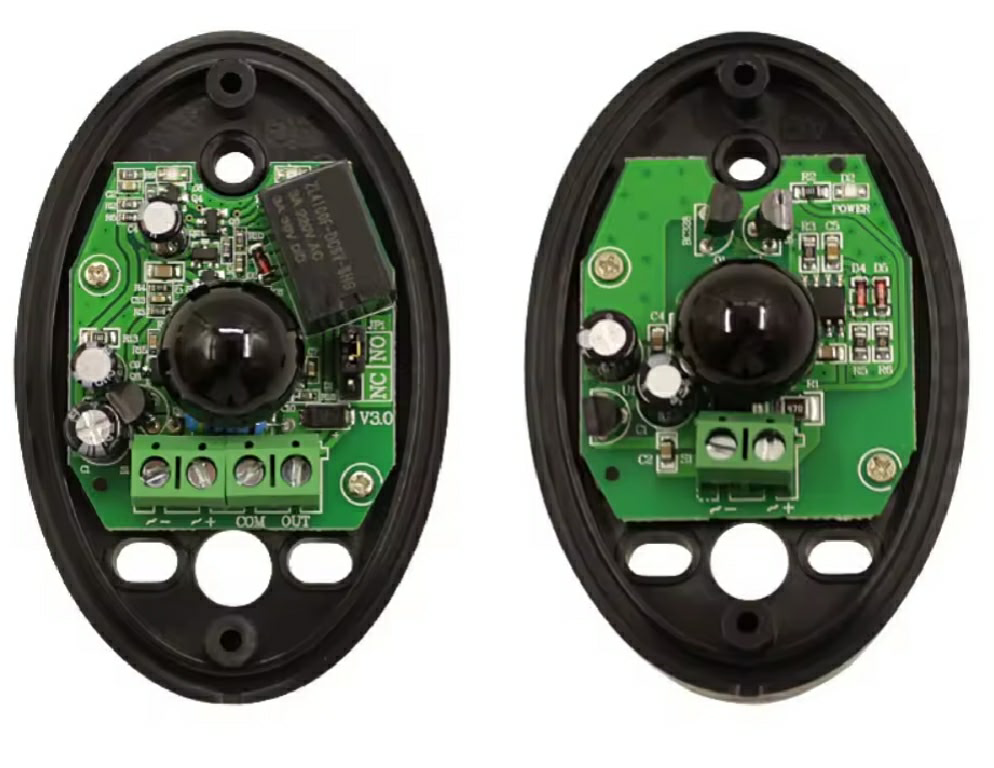
 Design with ir sensor in Cirkit Designer
Introduction
An infrared (IR) sensor detects infrared radiation, which is invisible to the human eye but can be emitted by objects as heat or light. IR sensors are widely used in various applications, including proximity sensing, motion detection, and remote control systems. These sensors are versatile, cost-effective, and easy to integrate into electronic circuits, making them a popular choice for hobbyists and professionals alike.
Common applications of IR sensors include:
- Obstacle detection in robotics
- Motion detection for security systems
- Line-following robots
- Remote control signal reception
- Automatic door systems
Explore Projects Built with ir sensor
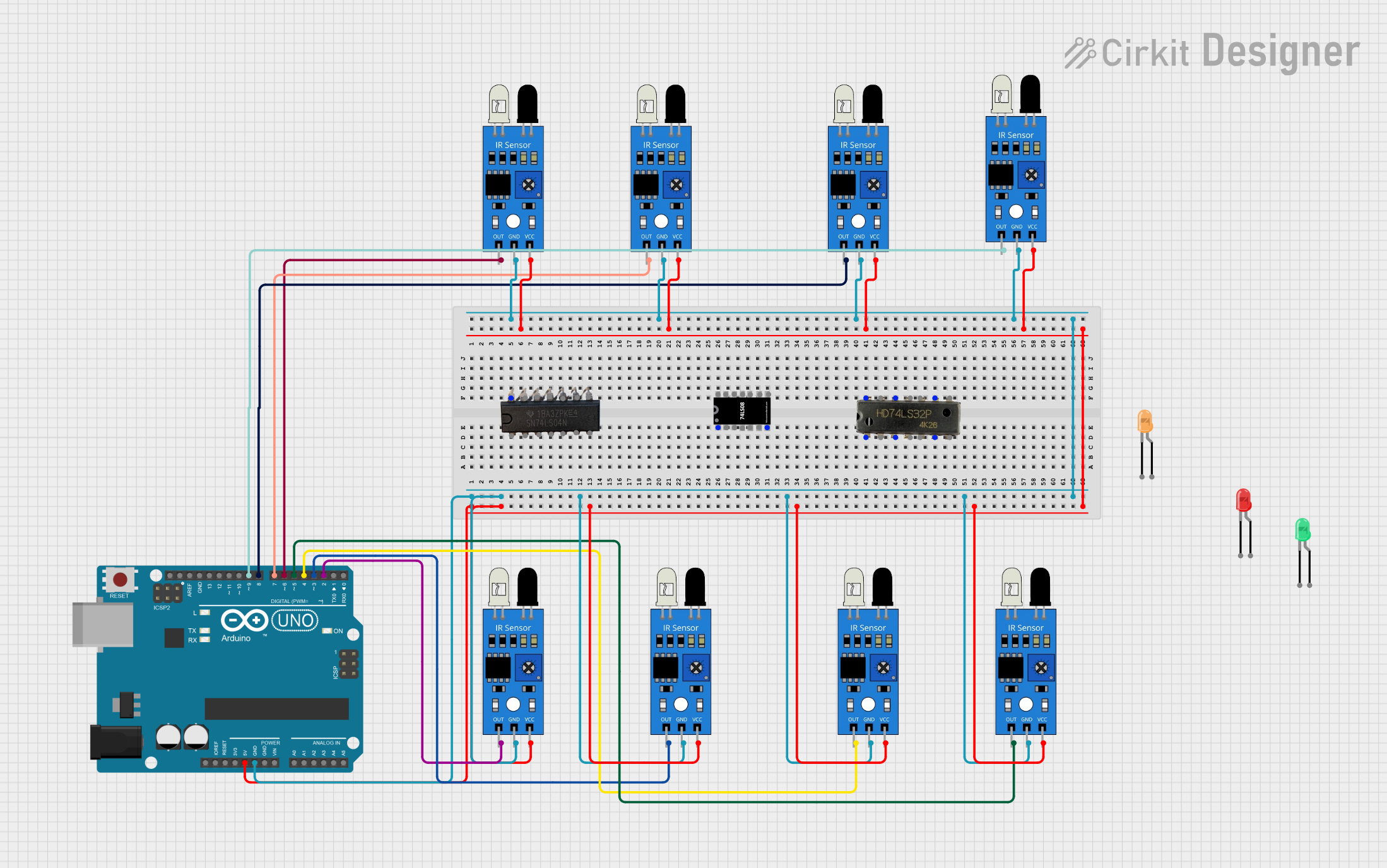 Open Project in Cirkit Designer
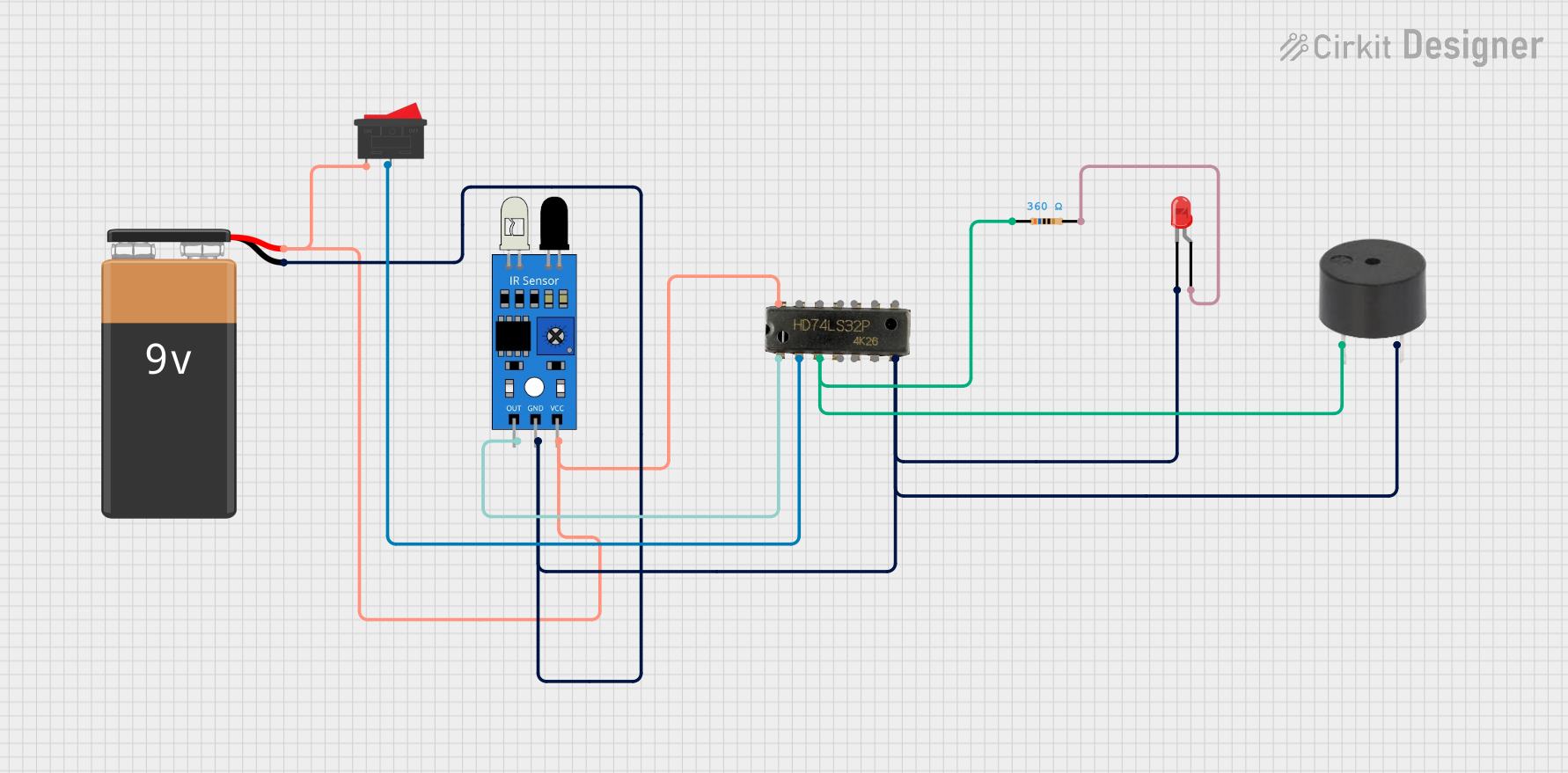 Open Project in Cirkit Designer
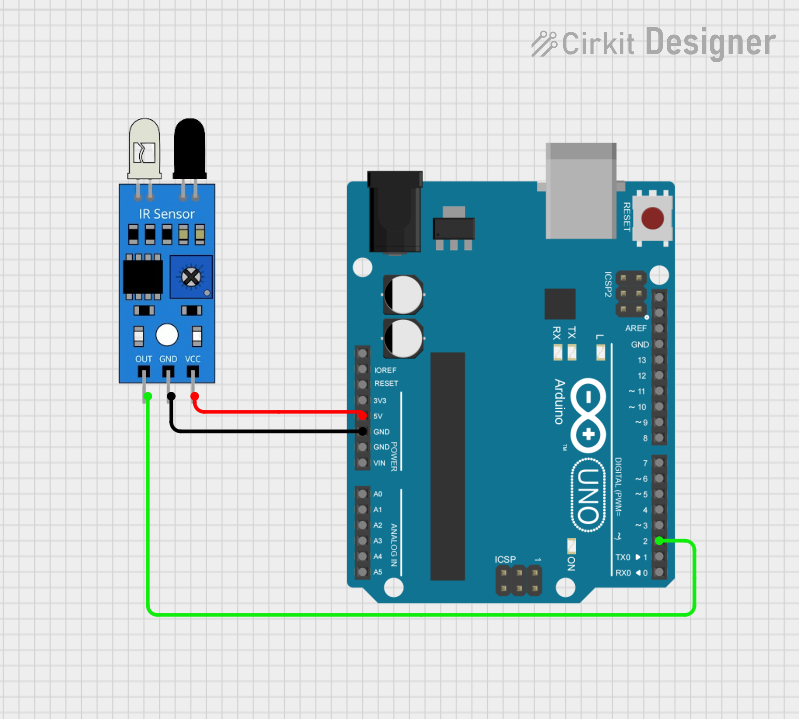 Open Project in Cirkit Designer
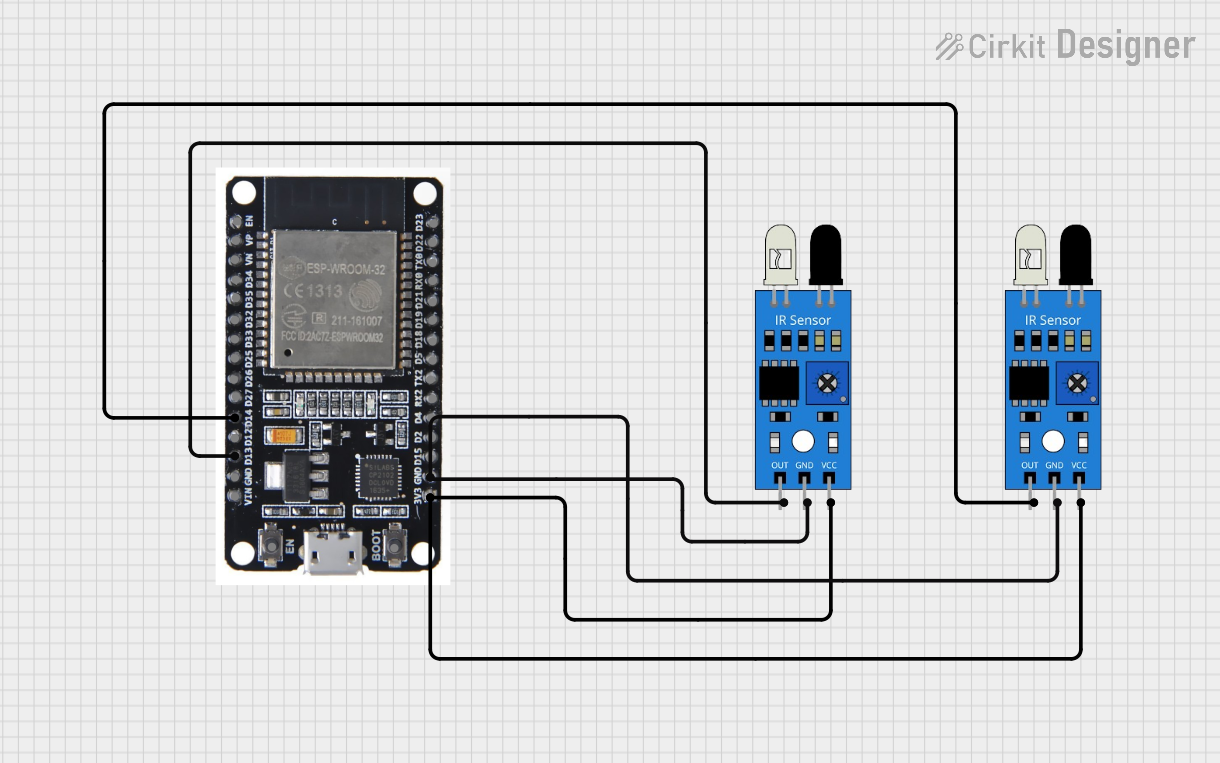 Open Project in Cirkit Designer
Explore Projects Built with ir sensor
Open Project in Cirkit DesignerOpen Project in Cirkit DesignerOpen Project in Cirkit DesignerOpen Project in Cirkit DesignerTechnical Specifications
Below are the general technical specifications for a typical IR sensor module:
| Parameter | Value |
|---|---|
| Operating Voltage | 3.3V to 5V |
| Operating Current | 20mA (typical) |
| Detection Range | 2cm to 30cm (varies by model) |
| Output Type | Digital (High/Low) or Analog |
| Wavelength | 760nm to 1100nm (infrared range) |
| Response Time | ~10ms |
| Operating Temperature | -25°C to 85°C |
Pin Configuration
The pinout for a standard IR sensor module is as follows:
| Pin | Name | Description |
|---|---|---|
| 1 | VCC | Power supply pin (3.3V to 5V) |
| 2 | GND | Ground pin |
| 3 | OUT | Output pin (Digital or Analog, depending on the sensor type) |
Usage Instructions
How to Use the IR Sensor in a Circuit
- Power the Sensor: Connect the VCC pin to a 3.3V or 5V power source and the GND pin to the ground of your circuit.
- Connect the Output: Attach the OUT pin to a microcontroller's input pin (e.g., Arduino) or to another circuit component, such as an LED or buzzer.
- Adjust Sensitivity (if applicable): Some IR sensors have a potentiometer to adjust the detection range. Turn the potentiometer clockwise or counterclockwise to fine-tune the sensitivity.
- Test the Sensor: Place an object within the detection range and observe the output signal. The OUT pin typically goes HIGH (logic 1) when an object is detected and LOW (logic 0) otherwise.
Important Considerations and Best Practices
- Ambient Light Interference: IR sensors can be affected by sunlight or other strong light sources. Use them in controlled lighting conditions or shield the sensor from direct light.
- Reflective Surfaces: Highly reflective surfaces may cause inaccurate readings. Test the sensor with the intended materials to ensure proper functionality.
- Power Supply Stability: Use a stable power source to avoid erratic behavior.
- Distance Limitations: Ensure the object is within the sensor's specified detection range for reliable operation.
Example: Connecting an IR Sensor to an Arduino UNO
Below is an example of how to use an IR sensor with an Arduino UNO to detect an object and turn on an LED:
// Define pin connections
const int irSensorPin = 2;  // IR sensor output connected to digital pin 2
const int ledPin = 13;      // Built-in LED on Arduino

void setup() {
  pinMode(irSensorPin, INPUT);  // Set IR sensor pin as input
  pinMode(ledPin, OUTPUT);      // Set LED pin as output
  Serial.begin(9600);           // Initialize serial communication for debugging
}

void loop() {
  int sensorValue = digitalRead(irSensorPin);  // Read the IR sensor output

  if (sensorValue == HIGH) {  // If an object is detected
    digitalWrite(ledPin, HIGH);  // Turn on the LED
    Serial.println("Object detected!");  // Print message to serial monitor
  } else {
    digitalWrite(ledPin, LOW);  // Turn off the LED
    Serial.println("No object detected.");  // Print message to serial monitor
  }

  delay(100);  // Small delay for stability
}
Troubleshooting and FAQs
Common Issues and Solutions
The sensor is not detecting objects.
- Ensure the sensor is powered correctly (check VCC and GND connections).
- Verify that the object is within the detection range.
- Adjust the sensitivity using the potentiometer (if available).
False triggers or erratic behavior.
- Check for ambient light interference and shield the sensor if necessary.
- Ensure the power supply is stable and free from noise.
- Avoid using the sensor near highly reflective surfaces.
Output signal is not changing.
- Confirm that the OUT pin is connected to the correct input pin on the microcontroller.
- Test the sensor with a multimeter to verify the output voltage.
FAQs
Q: Can the IR sensor detect transparent objects?
A: IR sensors may struggle to detect transparent objects, as they allow most infrared light to pass through. Use a different type of sensor, such as an ultrasonic sensor, for such applications.
Q: How do I increase the detection range of the sensor?
A: You can adjust the potentiometer (if available) to increase the sensitivity. However, note that increasing the range may reduce accuracy.
Q: Can I use the IR sensor outdoors?
A: While it is possible, outdoor use may result in reduced performance due to sunlight interference. Consider using an IR sensor with ambient light filtering for better results.