
How to Use MCP23017: Examples, Pinouts, and Specs
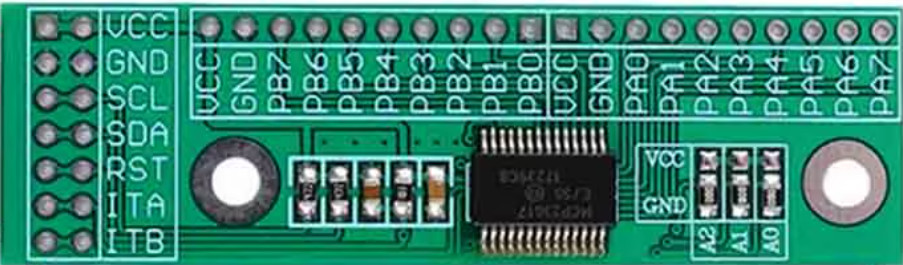
 Design with MCP23017 in Cirkit Designer
Introduction
The MCP23017 is a 16-bit I/O expander that communicates via the I2C protocol. It allows microcontrollers to expand their GPIO capabilities by providing 16 additional general-purpose input/output (GPIO) pins. This makes it an ideal solution for applications requiring a large number of I/O pins without increasing the microcontroller's pin count.
Explore Projects Built with MCP23017
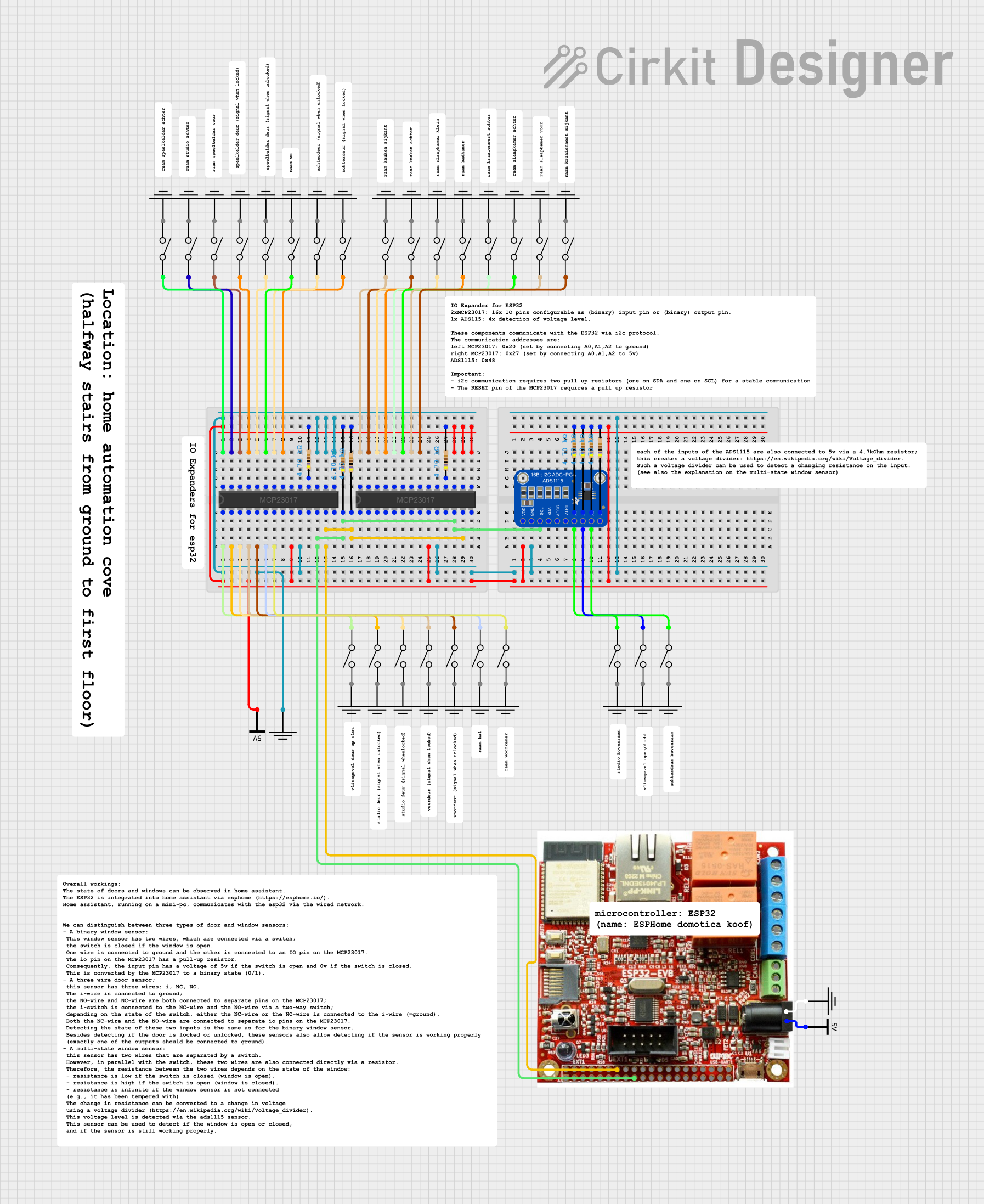 Open Project in Cirkit Designer
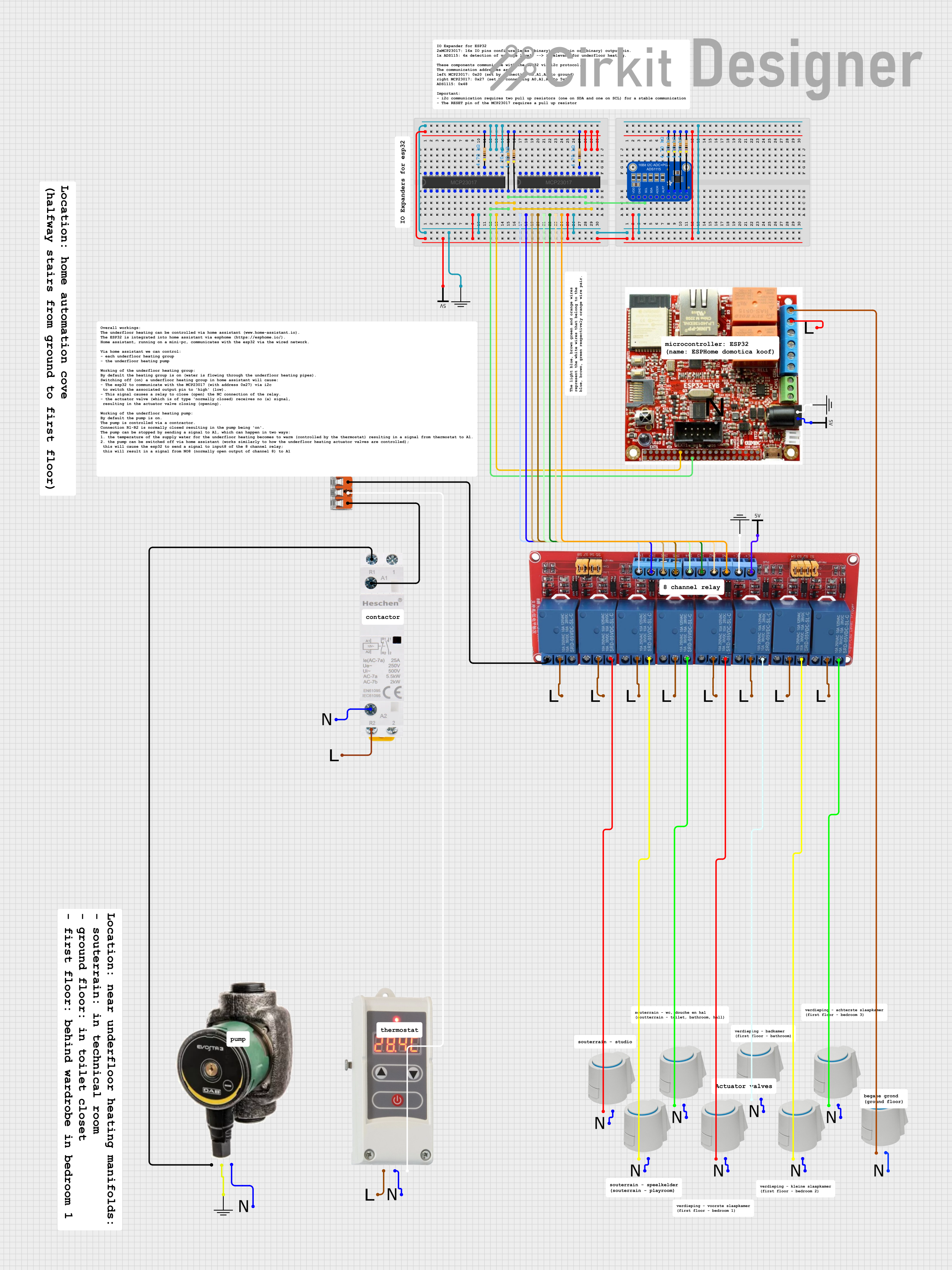 Open Project in Cirkit Designer
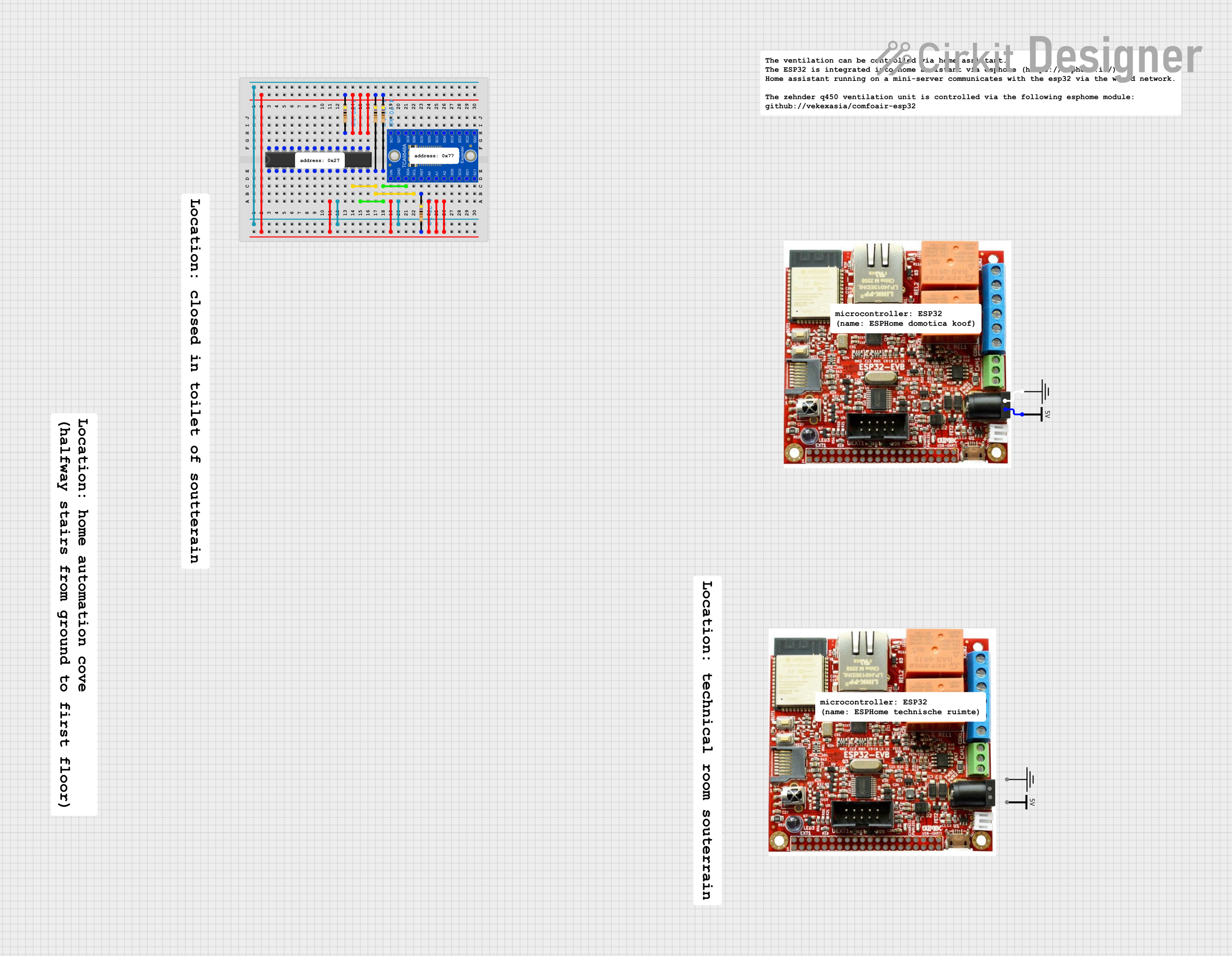 Open Project in Cirkit Designer
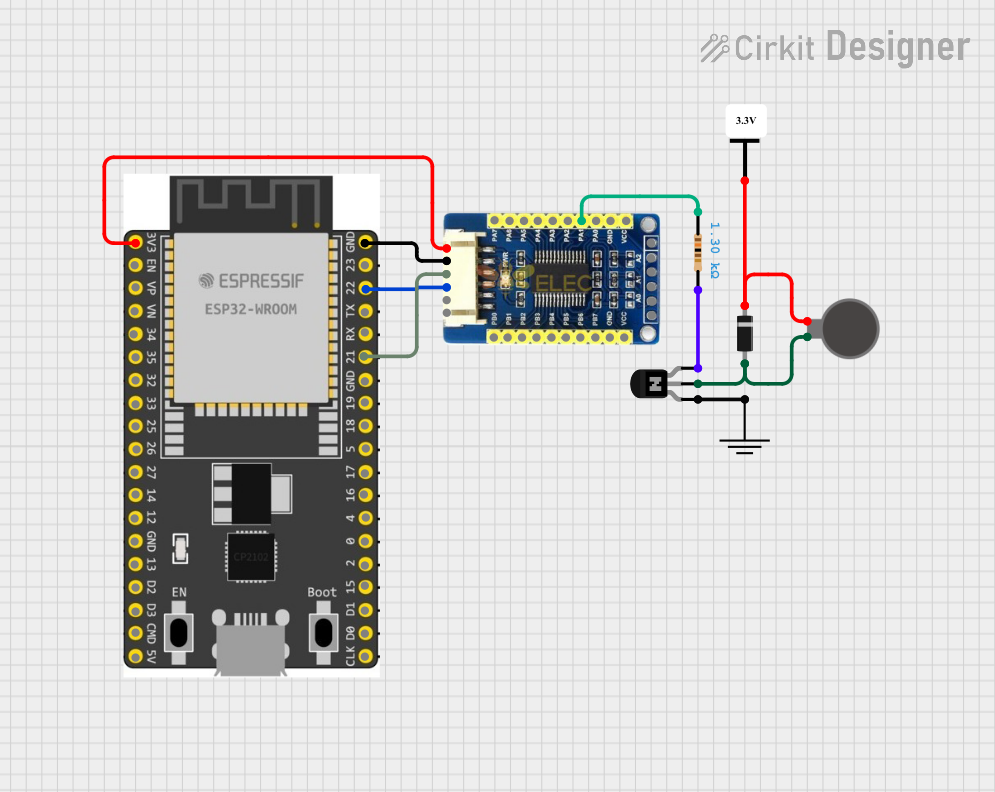 Open Project in Cirkit Designer
Explore Projects Built with MCP23017
Open Project in Cirkit DesignerOpen Project in Cirkit DesignerOpen Project in Cirkit DesignerOpen Project in Cirkit DesignerCommon Applications and Use Cases
- Expanding GPIO pins for microcontrollers like Arduino, Raspberry Pi, or ESP32
- Driving LEDs, relays, or other output devices
- Reading multiple switches, buttons, or sensors
- Home automation systems
- Industrial control systems
Technical Specifications
- Communication Protocol: I2C (Inter-Integrated Circuit)
- Operating Voltage: 1.8V to 5.5V
- Maximum I2C Clock Frequency: 1.7 MHz
- Number of GPIO Pins: 16 (organized into two 8-bit ports: PORTA and PORTB)
- GPIO Modes: Input, Output, Input with Pull-up
- Interrupt Capability: Configurable interrupt-on-change for each pin
- Package Types: PDIP, SOIC, SSOP, QFN
- Operating Temperature Range: -40°C to +125°C
Pin Configuration and Descriptions
The MCP23017 has 28 pins. Below is the pin configuration:
| Pin | Name | Description |
|---|---|---|
| 1-3 | A0, A1, A2 | I2C address selection pins (used to set the I2C address of the device) |
| 4 | RESET | Active-low reset input |
| 5 | INTB | Interrupt output for PORTB |
| 6 | INTA | Interrupt output for PORTA |
| 7 | VSS | Ground (0V) |
| 8-15 | GPA0-GPA7 | GPIO pins for PORTA |
| 16 | VDD | Power supply (1.8V to 5.5V) |
| 17-24 | GPB0-GPB7 | GPIO pins for PORTB |
| 25 | SCL | I2C clock input |
| 26 | SDA | I2C data input/output |
| 27 | NC | No connection |
| 28 | NC | No connection |
Usage Instructions
How to Use the MCP23017 in a Circuit
- Powering the MCP23017: Connect the VDD pin to a power source (1.8V to 5.5V) and the VSS pin to ground.
- I2C Address Configuration: Use the A0, A1, and A2 pins to set the I2C address. Each pin can be connected to VDD (logic high) or VSS (logic low), allowing up to 8 unique addresses.
- Connecting to a Microcontroller:
- Connect the SCL pin to the microcontroller's I2C clock line.
- Connect the SDA pin to the microcontroller's I2C data line.
- Use pull-up resistors (typically 4.7kΩ) on the SCL and SDA lines.
- GPIO Configuration:
- Configure each GPIO pin as input or output by writing to the IODIRA and IODIRB registers.
- Enable internal pull-up resistors for input pins by writing to the GPPUA and GPPUB registers.
- Read or write to GPIO pins using the GPIOA and GPIOB registers.
Important Considerations and Best Practices
- Interrupts: Use the INTA and INTB pins to handle interrupt-on-change events for PORTA and PORTB, respectively. Configure interrupt behavior using the INTCONA, INTCONB, and GPINTENA/GPINTENB registers.
- I2C Pull-up Resistors: Ensure proper pull-up resistors are used on the I2C lines to maintain signal integrity.
- Voltage Levels: Ensure the voltage levels of the MCP23017 and the microcontroller are compatible. Use level shifters if necessary.
- Unused Pins: Leave unused GPIO pins unconnected or configure them as outputs to avoid floating inputs.
Example: Using MCP23017 with Arduino UNO
Below is an example of how to use the MCP23017 with an Arduino UNO to control LEDs connected to PORTA.
Circuit Diagram
- Connect MCP23017's VDD to 5V and VSS to GND.
- Connect SCL and SDA to Arduino's A5 and A4 pins, respectively.
- Connect LEDs to GPA0-GPA7 with current-limiting resistors.
Arduino Code
#include <Wire.h> // Include the Wire library for I2C communication

#define MCP23017_ADDRESS 0x20 // Default I2C address of MCP23017

void setup() {
  Wire.begin(); // Initialize I2C communication
  // Set all PORTA pins as outputs
  Wire.beginTransmission(MCP23017_ADDRESS);
  Wire.write(0x00); // IODIRA register address
  Wire.write(0x00); // Set all pins on PORTA as outputs
  Wire.endTransmission();
}

void loop() {
  // Turn on all LEDs connected to PORTA
  Wire.beginTransmission(MCP23017_ADDRESS);
  Wire.write(0x12); // GPIOA register address
  Wire.write(0xFF); // Set all PORTA pins high
  Wire.endTransmission();
  delay(1000); // Wait for 1 second

  // Turn off all LEDs connected to PORTA
  Wire.beginTransmission(MCP23017_ADDRESS);
  Wire.write(0x12); // GPIOA register address
  Wire.write(0x00); // Set all PORTA pins low
  Wire.endTransmission();
  delay(1000); // Wait for 1 second
}
Troubleshooting and FAQs
Common Issues
MCP23017 Not Responding on I2C Bus:
- Cause: Incorrect I2C address or wiring.
- Solution: Verify the A0, A1, and A2 pin configuration and ensure proper connections to SDA and SCL.
GPIO Pins Not Functioning as Expected:
- Cause: Incorrect configuration of IODIR, GPPU, or GPIO registers.
- Solution: Double-check the register settings for input/output modes and pull-up resistors.
Interrupts Not Triggering:
- Cause: Interrupts not enabled or misconfigured.
- Solution: Ensure GPINTEN, INTCON, and DEFVAL registers are configured correctly.
I2C Communication Errors:
- Cause: Missing or incorrect pull-up resistors on SDA/SCL lines.
- Solution: Add 4.7kΩ pull-up resistors to the SDA and SCL lines.
FAQs
Q: Can I use multiple MCP23017 devices on the same I2C bus?
- A: Yes, up to 8 devices can be used by configuring unique I2C addresses using the A0, A1, and A2 pins.
Q: What is the maximum current each GPIO pin can source or sink?
- A: Each GPIO pin can source or sink up to 25mA, with a total maximum current of 125mA for all pins combined.
Q: Can the MCP23017 operate at 3.3V?
- A: Yes, the MCP23017 supports operating voltages from 1.8V to 5.5V, making it compatible with 3.3V systems.
Q: Do I need external pull-up resistors for input pins?
- A: No, the MCP23017 has internal pull-up resistors that can be enabled via the GPPU registers.