
How to Use Water Pump: Examples, Pinouts, and Specs
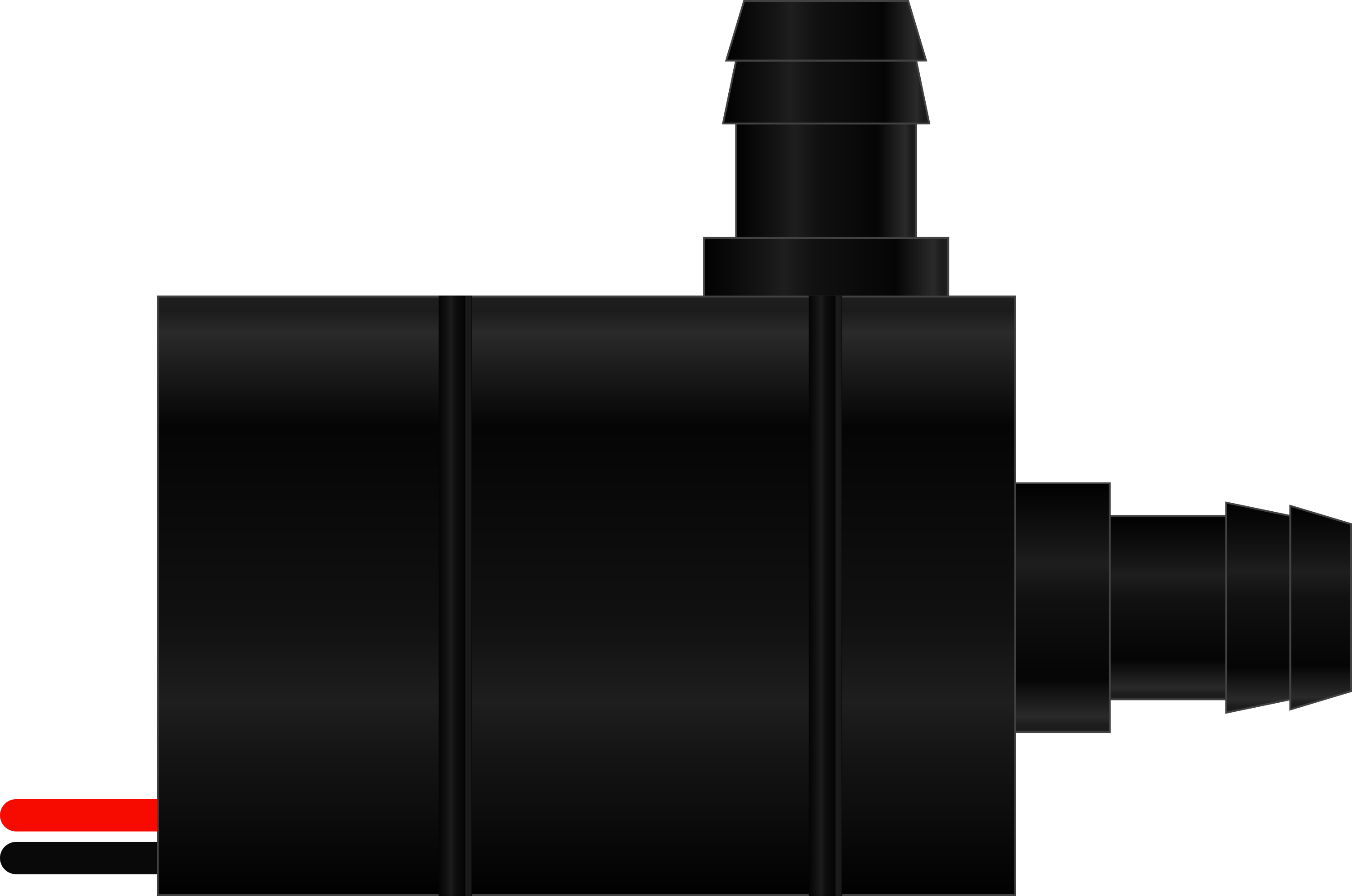
 Design with Water Pump in Cirkit Designer
Introduction
- A water pump is a device used to move water from one place to another. It is commonly employed in applications such as irrigation systems, drainage systems, water supply systems, and cooling systems.
- Water pumps are essential in both residential and industrial settings, where they help transport water efficiently and reliably. They are available in various types, including submersible pumps, centrifugal pumps, and diaphragm pumps, each suited for specific use cases.
Explore Projects Built with Water Pump
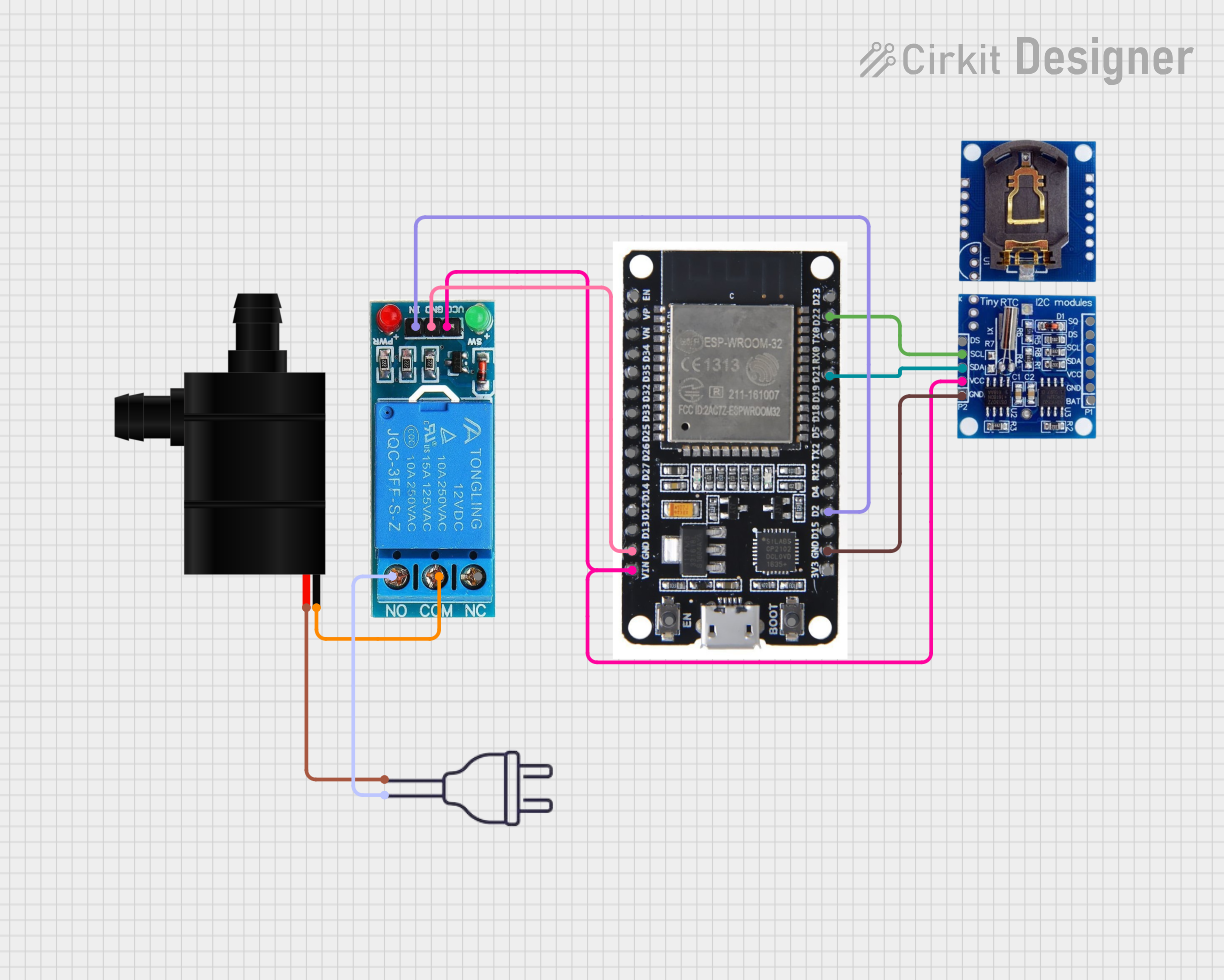 Open Project in Cirkit Designer
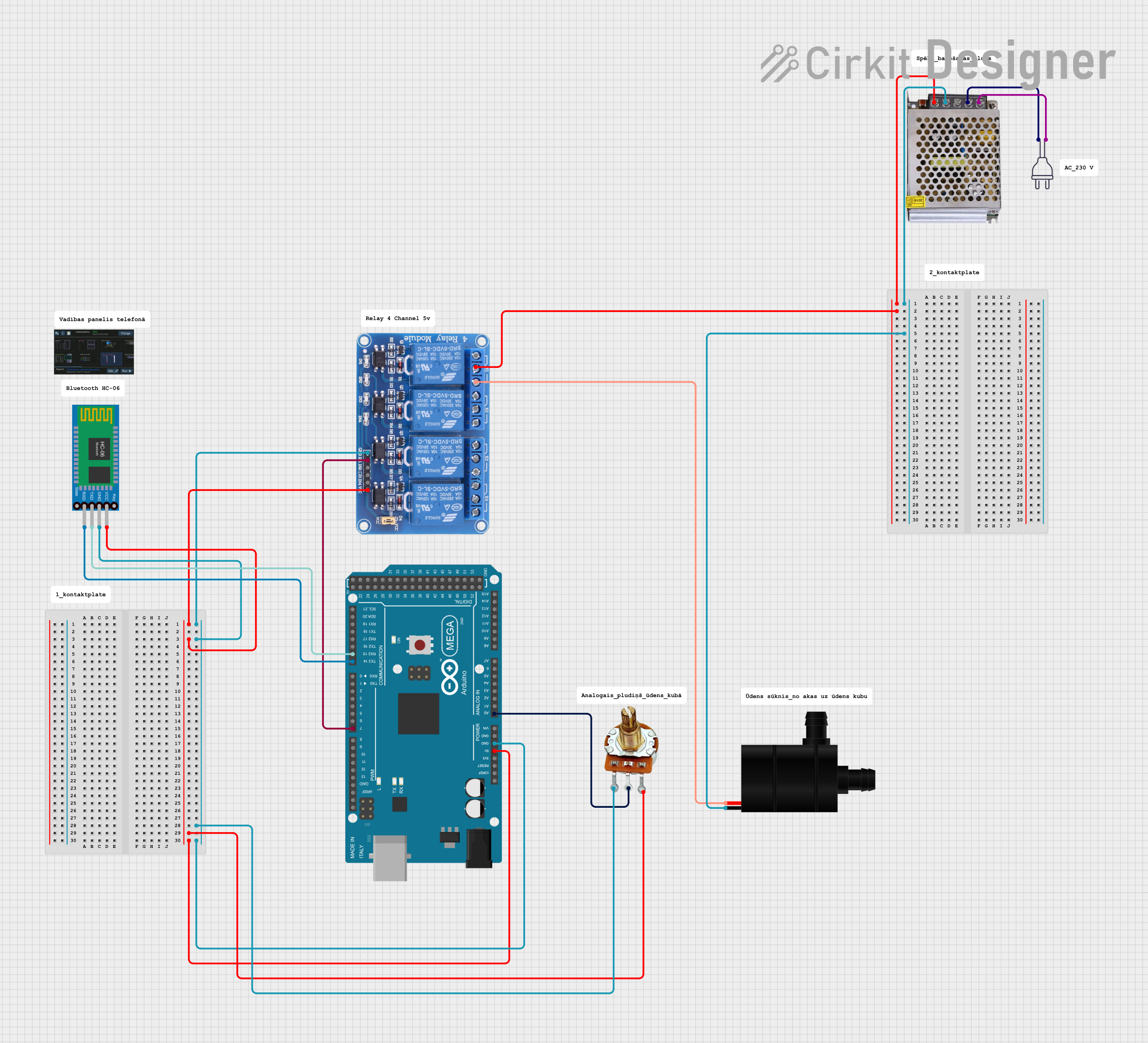 Open Project in Cirkit Designer
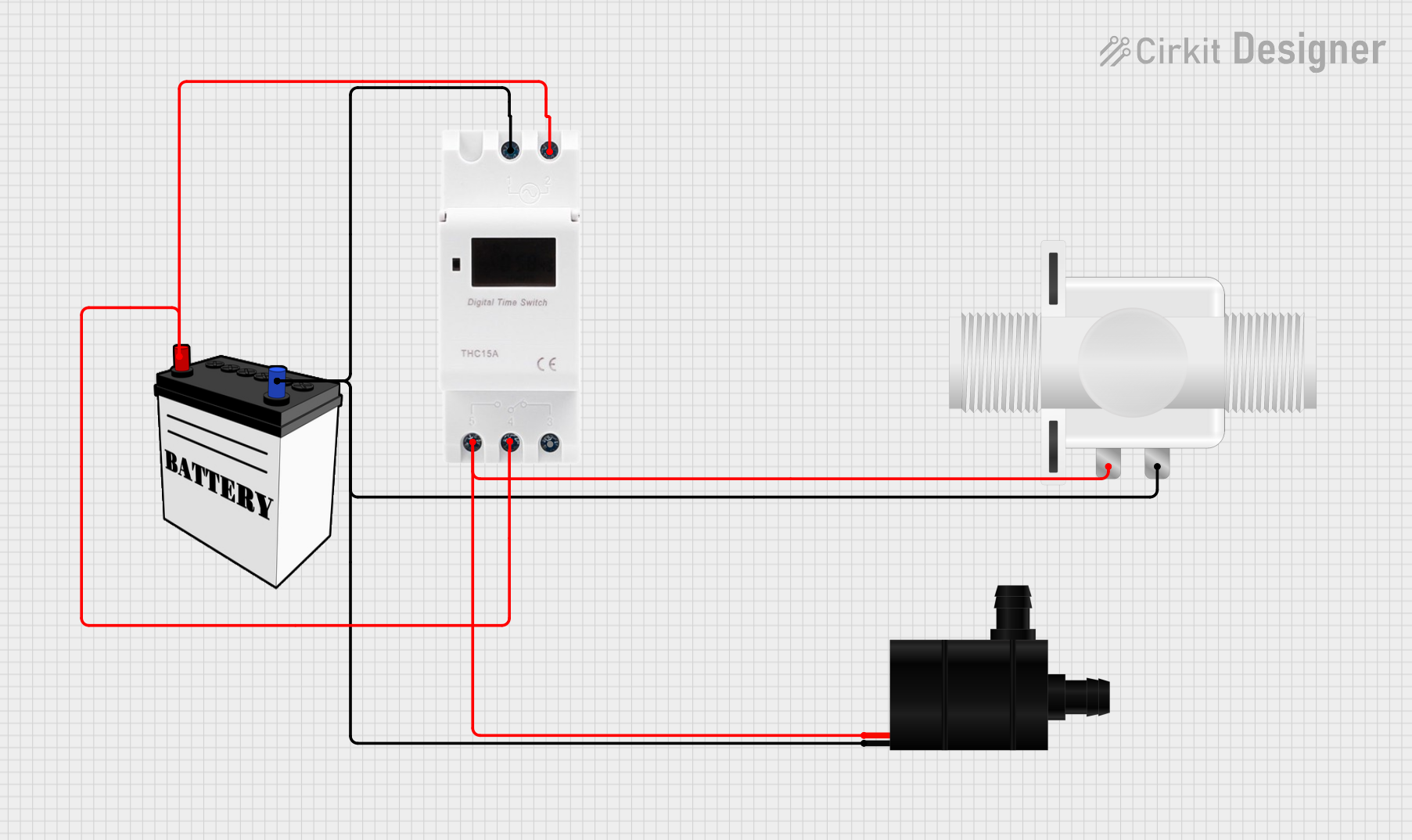 Open Project in Cirkit Designer
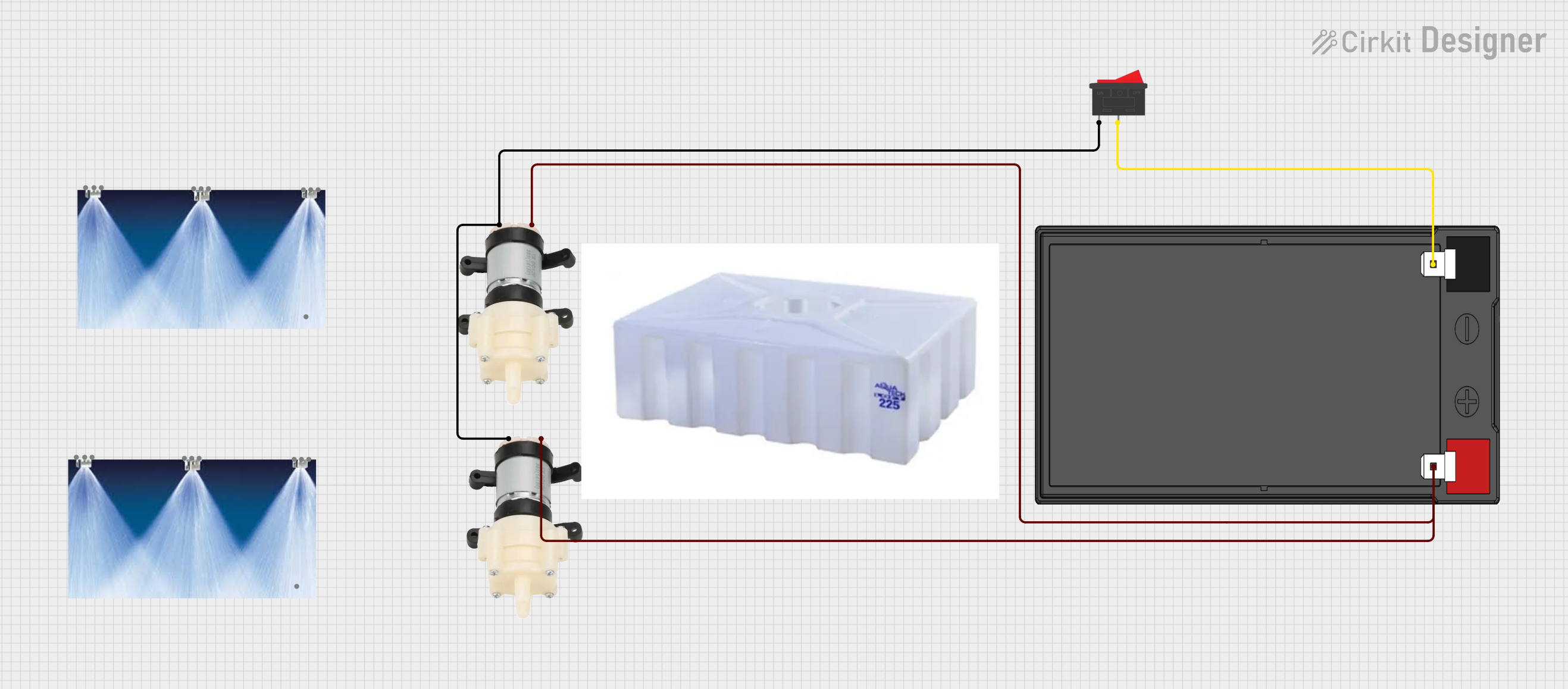 Open Project in Cirkit Designer
Explore Projects Built with Water Pump
Open Project in Cirkit DesignerOpen Project in Cirkit DesignerOpen Project in Cirkit DesignerOpen Project in Cirkit DesignerTechnical Specifications
- Operating Voltage: Typically 3V to 12V DC (varies by model)
- Operating Current: 100mA to 1.5A (depending on pump size and load)
- Flow Rate: 80 L/h to 1000 L/h (liters per hour)
- Maximum Lift: 0.5m to 5m (varies by model)
- Pump Type: Submersible or non-submersible
- Material: Plastic or metal housing (depending on the model)
- Connection Type: Two-wire or three-wire connection (positive, negative, and optional ground)
Pin Configuration and Descriptions
| Pin Name | Description |
|---|---|
| VCC (+) | Positive terminal for power input. Connect to the power supply's positive. |
| GND (-) | Negative terminal for power input. Connect to the power supply's ground. |
| (Optional) | Some pumps may include a third pin for grounding or control functionality. |
Usage Instructions
Power Supply:
- Ensure the water pump is powered by a DC voltage source within its operating range (e.g., 3V to 12V).
- Use a power supply capable of providing sufficient current to avoid underpowering the pump.
Circuit Connection:
- Connect the positive terminal (VCC) of the pump to the positive terminal of the power supply.
- Connect the negative terminal (GND) of the pump to the ground of the power supply.
- If using a microcontroller (e.g., Arduino UNO), connect the pump to a relay module or motor driver to safely control the pump.
Control with Arduino UNO:
- Use a relay module or motor driver to control the pump, as the Arduino cannot directly supply the required current.
- Below is an example Arduino code to control the water pump using a relay module:
// Example code to control a water pump using a relay module and Arduino UNO

const int relayPin = 7; // Pin connected to the relay module

void setup() {
  pinMode(relayPin, OUTPUT); // Set the relay pin as an output
  digitalWrite(relayPin, LOW); // Ensure the pump is off initially
}

void loop() {
  digitalWrite(relayPin, HIGH); // Turn the pump ON
  delay(5000); // Keep the pump ON for 5 seconds
  digitalWrite(relayPin, LOW); // Turn the pump OFF
  delay(5000); // Keep the pump OFF for 5 seconds
}
- Important Considerations:
- Always prime the pump (fill it with water) before use to prevent damage.
- Avoid running the pump dry, as this can cause overheating and permanent damage.
- Use appropriate tubing and fittings to ensure a secure and leak-free connection.
- If using a submersible pump, ensure it is fully submerged in water during operation.
Troubleshooting and FAQs
Common Issues
Pump Does Not Start:
- Cause: Insufficient power supply or loose connections.
- Solution: Verify the power supply voltage and current. Check all connections.
Low Water Flow:
- Cause: Blocked inlet/outlet or insufficient power.
- Solution: Clean the inlet/outlet and ensure the power supply meets the pump's requirements.
Pump Overheats:
- Cause: Running the pump dry or operating it beyond its rated capacity.
- Solution: Ensure the pump is primed and not running dry. Operate within the specified voltage and current limits.
Excessive Noise:
- Cause: Air trapped in the pump or loose mounting.
- Solution: Remove trapped air by priming the pump. Securely mount the pump to reduce vibrations.
FAQs
Can I use the water pump with an AC power source? No, most small water pumps are designed for DC power. Use a DC power adapter or battery.
How do I control the pump speed? You can use a PWM (Pulse Width Modulation) signal with a motor driver to control the pump speed.
Is the pump waterproof? Submersible pumps are waterproof and designed to operate underwater. Non-submersible pumps should not be exposed to water.
What is the maximum distance the pump can lift water? The maximum lift depends on the pump's specifications, typically ranging from 0.5m to 5m. Check the datasheet for your specific model.
By following this documentation, you can effectively use and troubleshoot your water pump for various applications.