
How to Use Photon 2: Examples, Pinouts, and Specs
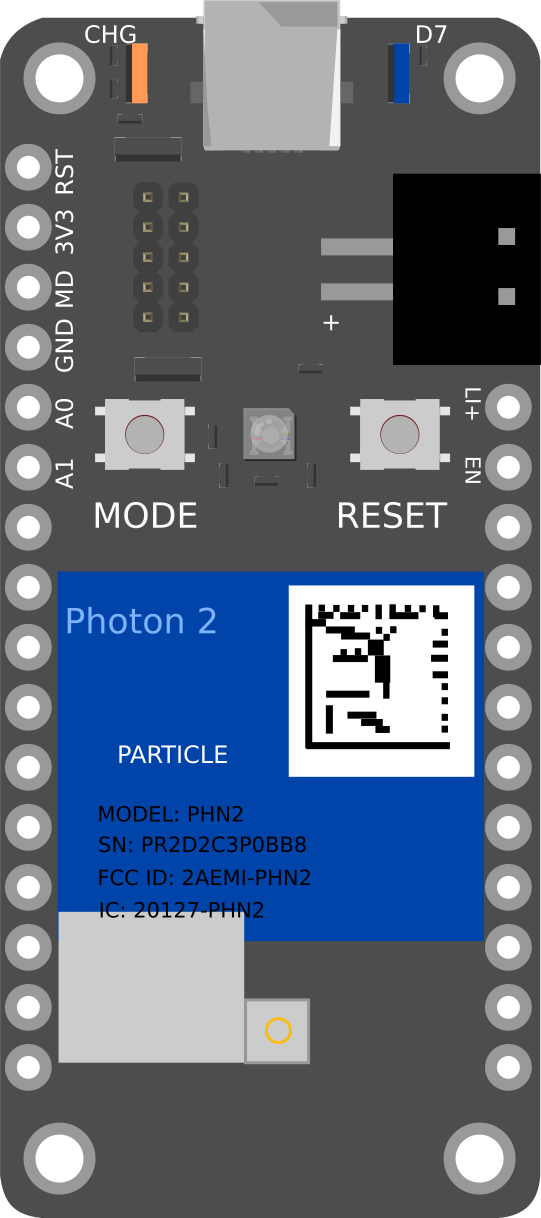
 Design with Photon 2 in Cirkit Designer
Introduction
The Photon 2 is a small, powerful Wi-Fi development kit designed for creating connected projects and products. It is an ideal choice for developers looking to integrate Wi-Fi connectivity into their applications with ease. The Photon 2 is equipped with a robust microcontroller and a reliable Wi-Fi module, making it suitable for a wide range of IoT (Internet of Things) projects.
Explore Projects Built with Photon 2
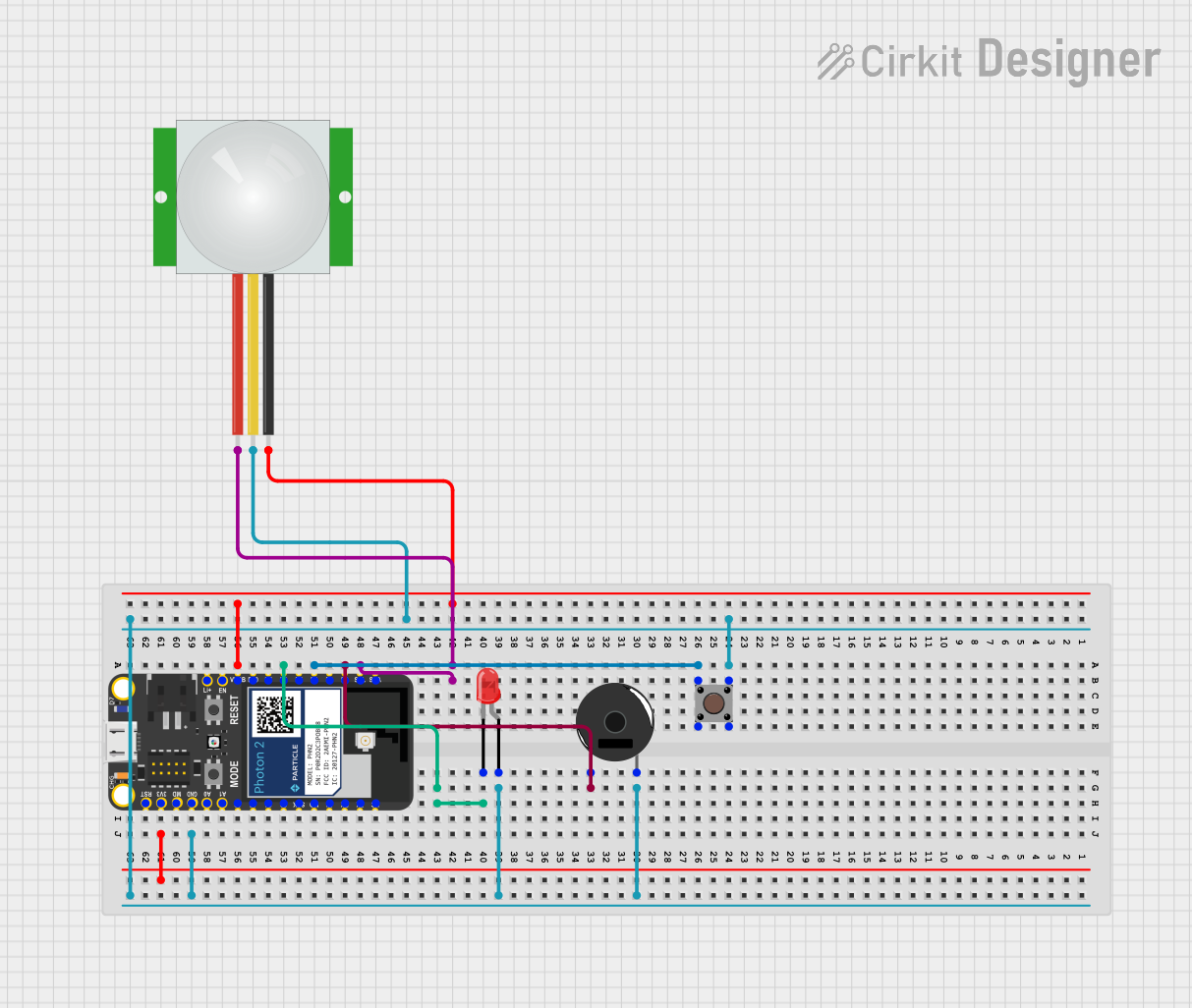 Open Project in Cirkit Designer
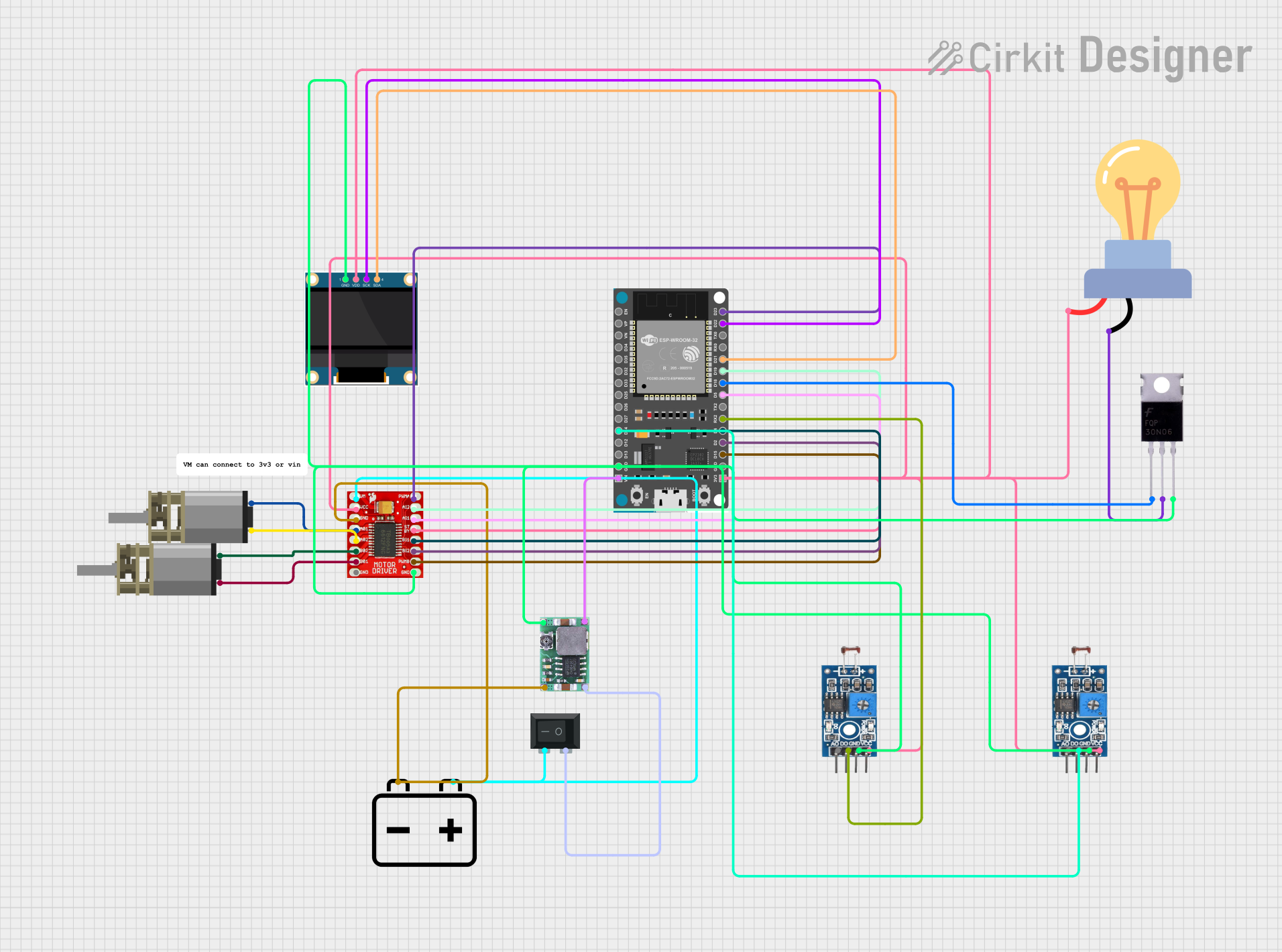 Open Project in Cirkit Designer
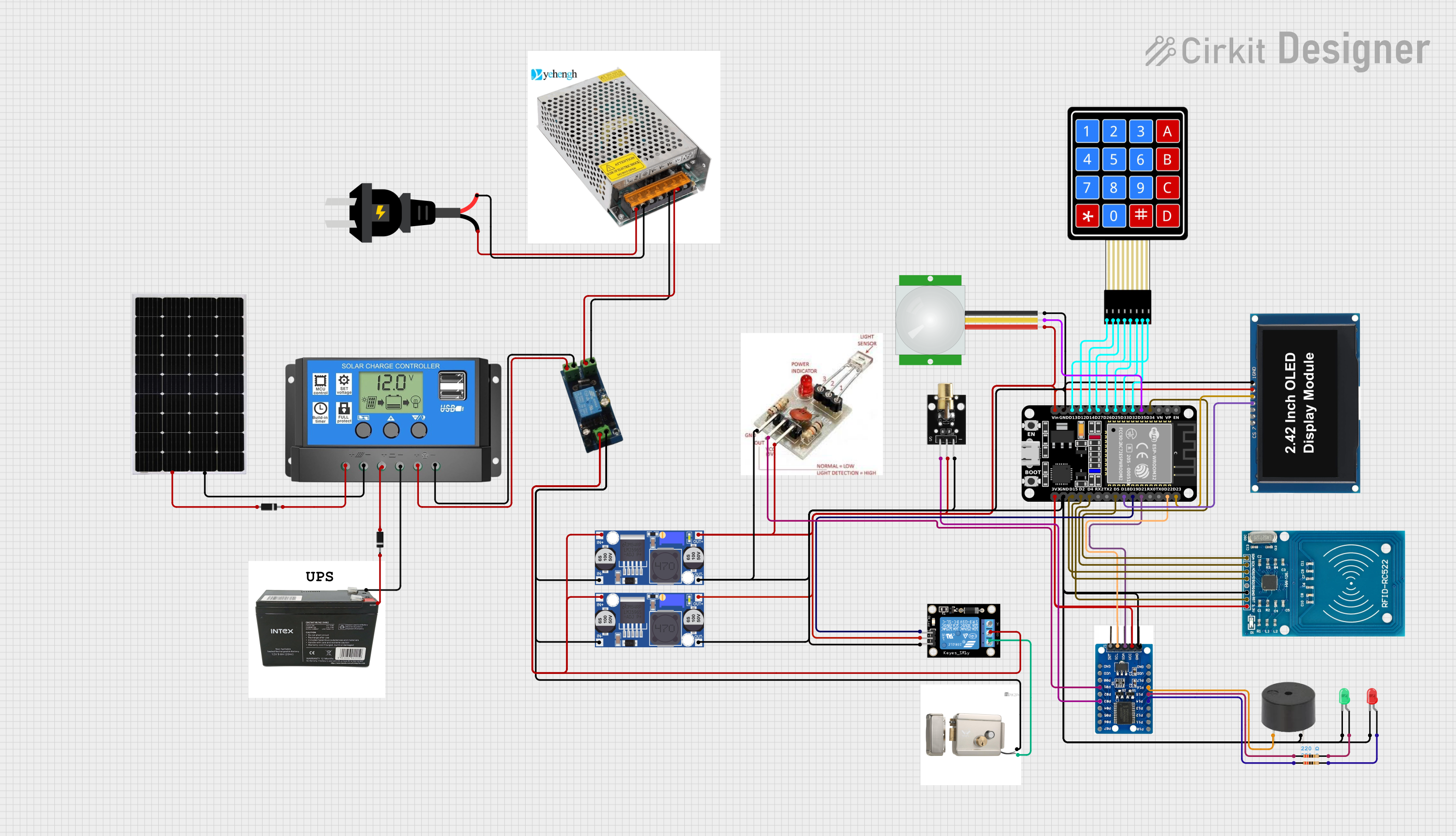 Open Project in Cirkit Designer
 Open Project in Cirkit Designer
Explore Projects Built with Photon 2
Open Project in Cirkit DesignerOpen Project in Cirkit DesignerOpen Project in Cirkit DesignerOpen Project in Cirkit DesignerCommon Applications and Use Cases
- Home automation systems
- Remote monitoring and control
- Smart appliances
- Industrial automation
- Wearable technology
- Prototyping and development of IoT devices
Technical Specifications
Key Technical Details
| Specification | Value |
|---|---|
| Microcontroller | ARM Cortex-M4 |
| Operating Voltage | 3.3V |
| Input Voltage | 3.6V to 5.5V |
| Digital I/O Pins | 18 |
| Analog Input Pins | 8 |
| Flash Memory | 1MB |
| RAM | 256KB |
| Wi-Fi | 802.11 b/g/n |
| Clock Speed | 120 MHz |
| Dimensions | 36.58mm x 20.32mm |
Pin Configuration and Descriptions
| Pin Number | Pin Name | Description |
|---|---|---|
| 1 | VIN | Input voltage (3.6V to 5.5V) |
| 2 | GND | Ground |
| 3 | D0 | Digital I/O |
| 4 | D1 | Digital I/O |
| 5 | D2 | Digital I/O |
| 6 | D3 | Digital I/O |
| 7 | D4 | Digital I/O |
| 8 | D5 | Digital I/O |
| 9 | D6 | Digital I/O |
| 10 | D7 | Digital I/O |
| 11 | A0 | Analog Input |
| 12 | A1 | Analog Input |
| 13 | A2 | Analog Input |
| 14 | A3 | Analog Input |
| 15 | A4 | Analog Input |
| 16 | A5 | Analog Input |
| 17 | A6 | Analog Input |
| 18 | A7 | Analog Input |
Usage Instructions
How to Use the Component in a Circuit
Powering the Photon 2:
- Connect the VIN pin to a power source (3.6V to 5.5V).
- Connect the GND pin to the ground of the power source.
Connecting to Wi-Fi:
- Use the Particle mobile app or Particle CLI to set up Wi-Fi credentials.
Programming the Photon 2:
- Use the Particle Web IDE, Particle Dev, or Particle CLI to write and upload code.
Connecting Sensors and Actuators:
- Use the digital I/O pins (D0-D7) for digital sensors and actuators.
- Use the analog input pins (A0-A7) for analog sensors.
Important Considerations and Best Practices
- Ensure the input voltage does not exceed the specified range (3.6V to 5.5V).
- Use appropriate pull-up or pull-down resistors for digital inputs if necessary.
- Avoid placing the Photon 2 in environments with excessive electromagnetic interference.
- Regularly update the firmware to the latest version for improved performance and security.
Example Code
Here is an example code to blink an LED connected to pin D0 using the Photon 2:
// Define the pin for the LED
int ledPin = D0;

void setup() {
  // Initialize the LED pin as an output
  pinMode(ledPin, OUTPUT);
}

void loop() {
  // Turn the LED on
  digitalWrite(ledPin, HIGH);
  delay(1000); // Wait for 1 second

  // Turn the LED off
  digitalWrite(ledPin, LOW);
  delay(1000); // Wait for 1 second
}
Troubleshooting and FAQs
Common Issues Users Might Face
Photon 2 Not Connecting to Wi-Fi:
- Ensure the Wi-Fi credentials are correct.
- Check if the Wi-Fi network is within range.
- Restart the Photon 2 and try reconnecting.
Code Not Uploading:
- Verify that the Photon 2 is in DFU mode (blinking yellow).
- Ensure the USB cable is properly connected.
- Check for any errors in the Particle CLI or Web IDE.
Sensor/Actuator Not Responding:
- Check the wiring connections.
- Ensure the correct pins are being used in the code.
- Verify the sensor/actuator is functioning properly.
Solutions and Tips for Troubleshooting
Wi-Fi Connection Issues:
- Use the Particle mobile app to reconfigure Wi-Fi settings.
- Move the Photon 2 closer to the Wi-Fi router.
Code Upload Issues:
- Use a different USB cable or port.
- Update the Particle CLI to the latest version.
Sensor/Actuator Issues:
- Test the sensor/actuator with a multimeter.
- Use serial debugging to print sensor values and check for anomalies.
By following this documentation, users can effectively utilize the Photon 2 in their projects, troubleshoot common issues, and implement best practices for optimal performance.