
How to Use SIM928A: Examples, Pinouts, and Specs
 Design with SIM928A in Cirkit Designer
Introduction
The SIM928A, manufactured by SIMCom, is a high-performance, low-power GPS receiver module designed for seamless integration into a wide range of applications. It combines GPS functionality with GSM/GPRS communication capabilities, making it ideal for navigation, tracking, and IoT applications. The module supports multiple satellite systems, ensuring accurate and reliable positioning data even in challenging environments.
Explore Projects Built with SIM928A
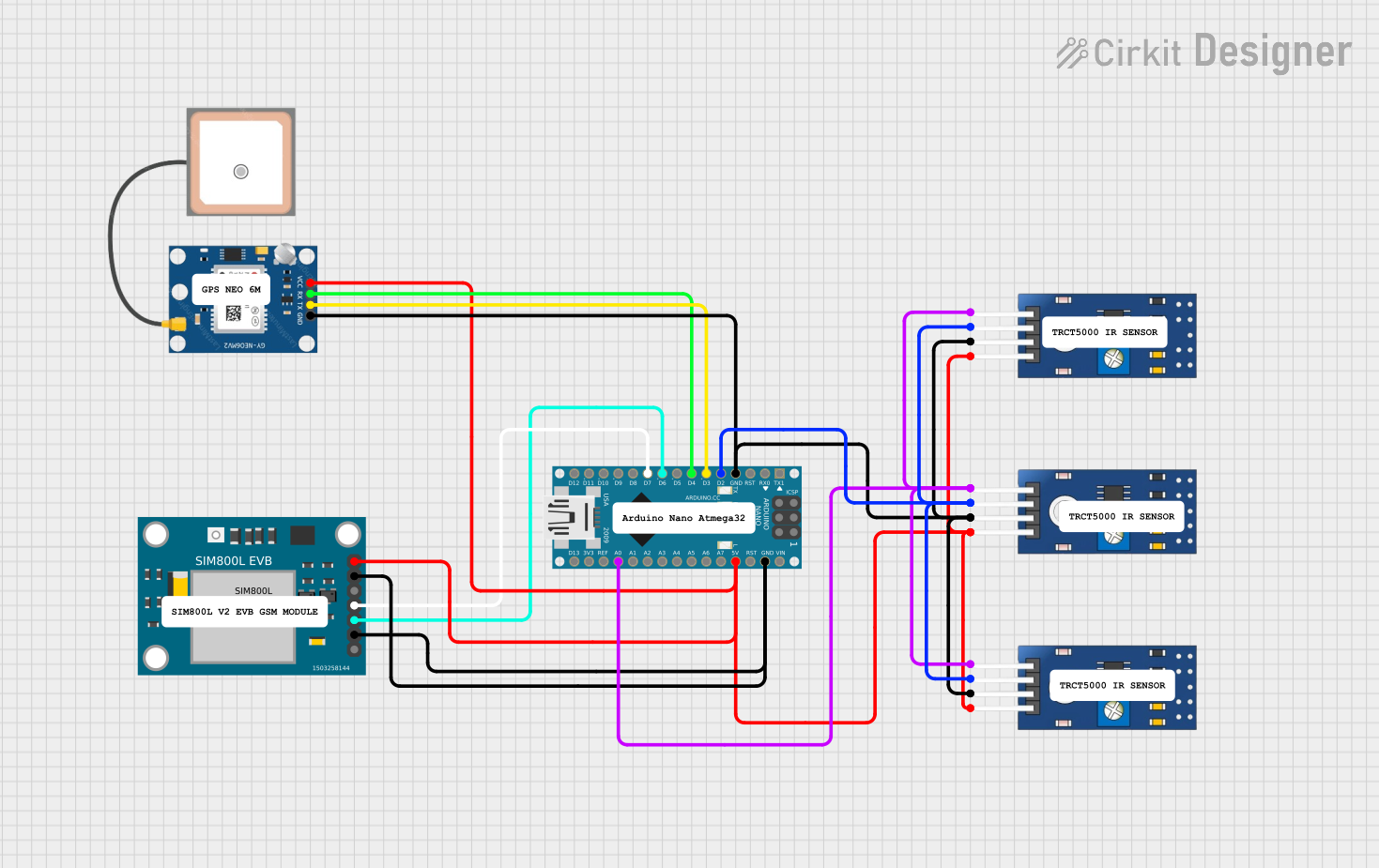 Open Project in Cirkit Designer
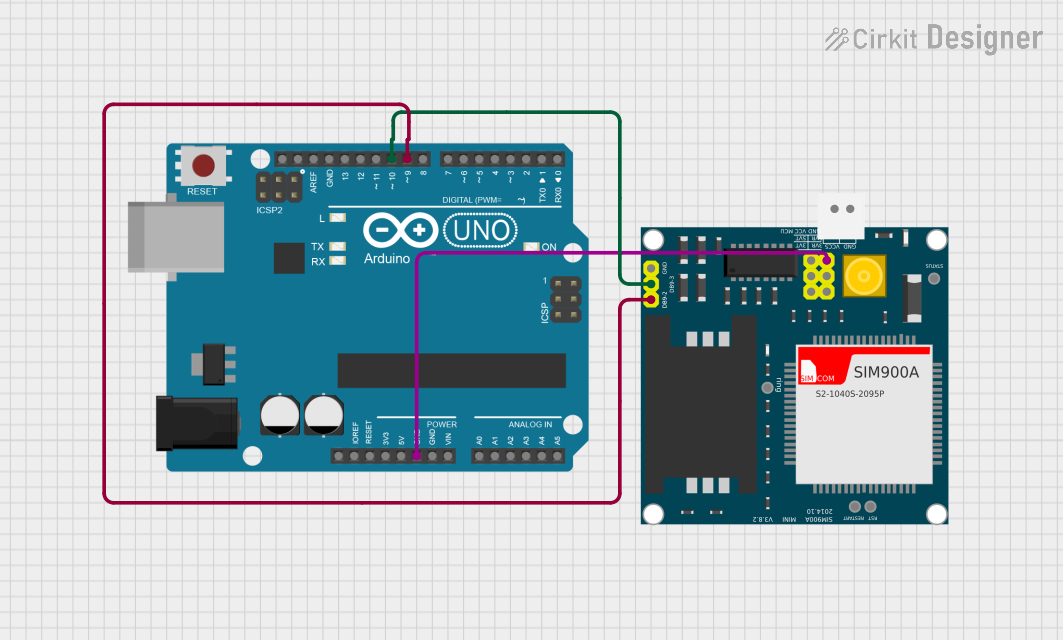 Open Project in Cirkit Designer
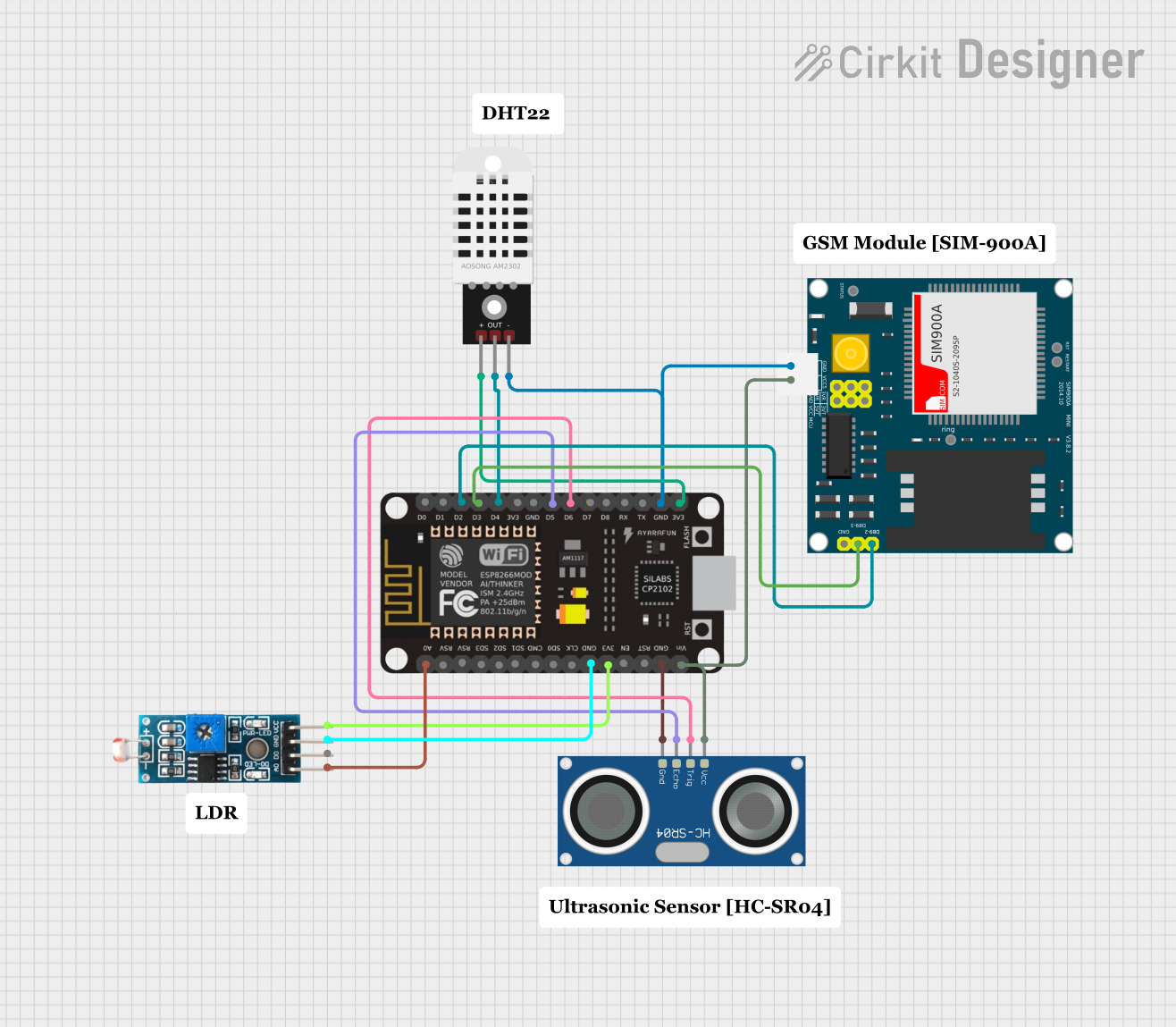 Open Project in Cirkit Designer
 Open Project in Cirkit Designer
Explore Projects Built with SIM928A
Open Project in Cirkit DesignerOpen Project in Cirkit DesignerOpen Project in Cirkit DesignerOpen Project in Cirkit DesignerCommon Applications and Use Cases
- Vehicle tracking and fleet management
- Personal navigation devices
- Asset tracking and monitoring
- IoT applications requiring location-based services
- Emergency response systems
Technical Specifications
Key Technical Details
| Parameter | Value |
|---|---|
| Manufacturer | SIMCom |
| Part Number | SIM928A |
| GPS Sensitivity | -165 dBm |
| GPS Accuracy | < 2.5 meters |
| GSM Frequency Bands | Quad-band: 850/900/1800/1900 MHz |
| GPRS Multi-slot Class | Class 12 |
| Operating Voltage | 3.4V to 4.4V |
| Power Consumption (Idle) | < 1.5 mA |
| Power Consumption (Active) | ~20 mA (GPS only), ~200 mA (GSM active) |
| Operating Temperature | -40°C to +85°C |
| Dimensions | 30 mm x 30 mm x 3 mm |
Pin Configuration and Descriptions
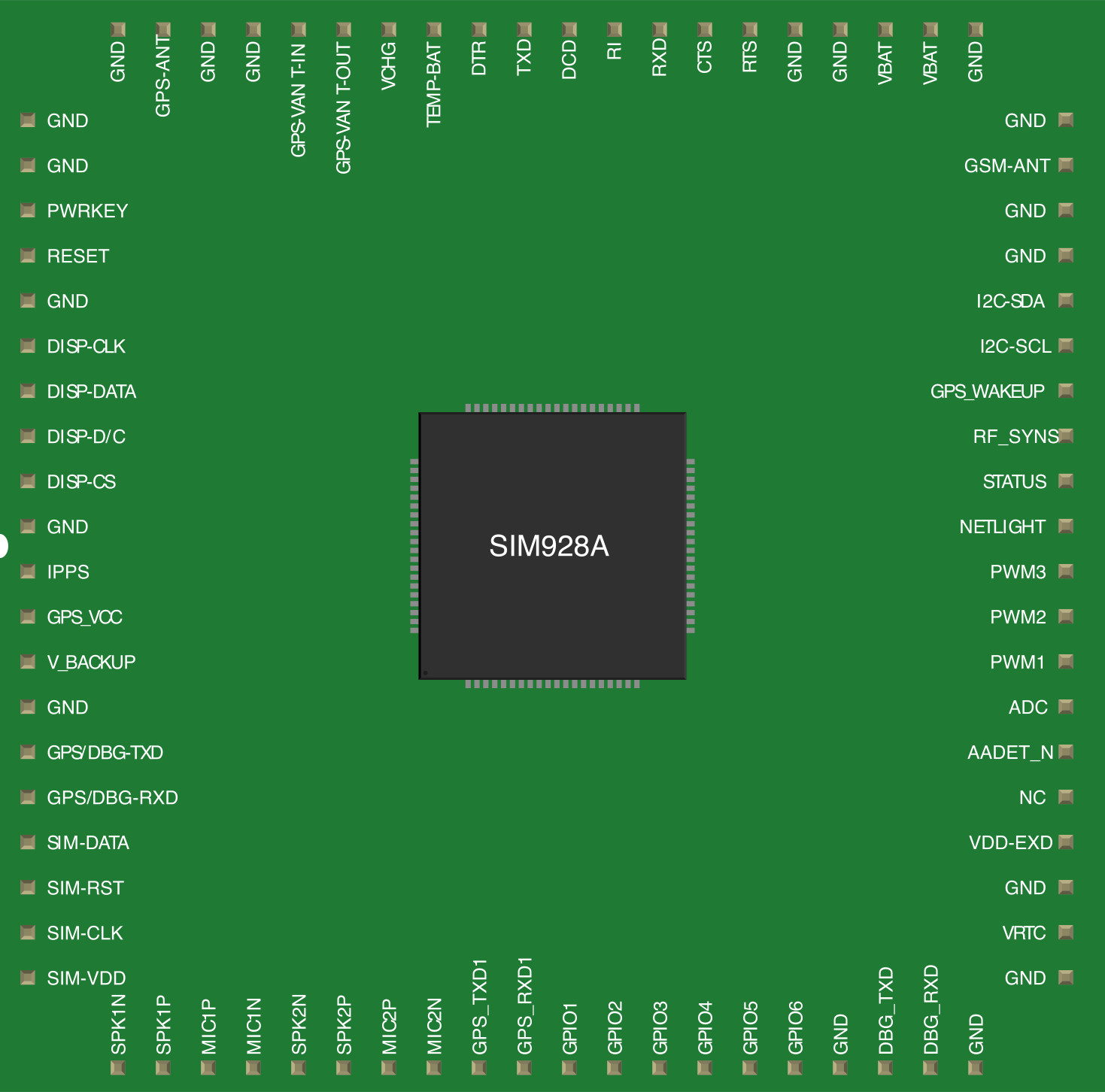
The SIM928A module has multiple pins for power, communication, and control. Below is the pin configuration:
| Pin Number | Pin Name | Description |
|---|---|---|
| 1 | VCC | Power supply input (3.4V to 4.4V) |
| 2 | GND | Ground |
| 3 | TXD | UART Transmit Data |
| 4 | RXD | UART Receive Data |
| 5 | NETLIGHT | Network status indicator |
| 6 | GPS_TXD | GPS UART Transmit Data |
| 7 | GPS_RXD | GPS UART Receive Data |
| 8 | PWRKEY | Power on/off control |
| 9 | RESET | Reset input |
| 10 | ANT_GPS | GPS antenna input |
| 11 | ANT_GSM | GSM antenna input |
Usage Instructions
How to Use the SIM928A in a Circuit
- Power Supply: Connect the VCC pin to a regulated power source (3.4V to 4.4V) and GND to the ground of the circuit.
- UART Communication: Use the TXD and RXD pins for GSM communication and GPS_TXD/GPS_RXD for GPS data. Ensure proper voltage level matching with the microcontroller.
- Antenna Connections: Attach a suitable GPS antenna to the ANT_GPS pin and a GSM antenna to the ANT_GSM pin for optimal performance.
- Power Control: Use the PWRKEY pin to turn the module on or off. Pull the pin low for at least 1 second to power on the module.
- Reset: Use the RESET pin to restart the module if needed.
Important Considerations and Best Practices
- Use decoupling capacitors near the VCC pin to stabilize the power supply.
- Ensure proper grounding to minimize noise and interference.
- Place the GPS antenna in a location with a clear view of the sky for better satellite reception.
- Use level shifters if interfacing with a 5V microcontroller, as the SIM928A operates at 3.3V logic levels.
- Avoid placing the GSM and GPS antennas too close to each other to reduce interference.
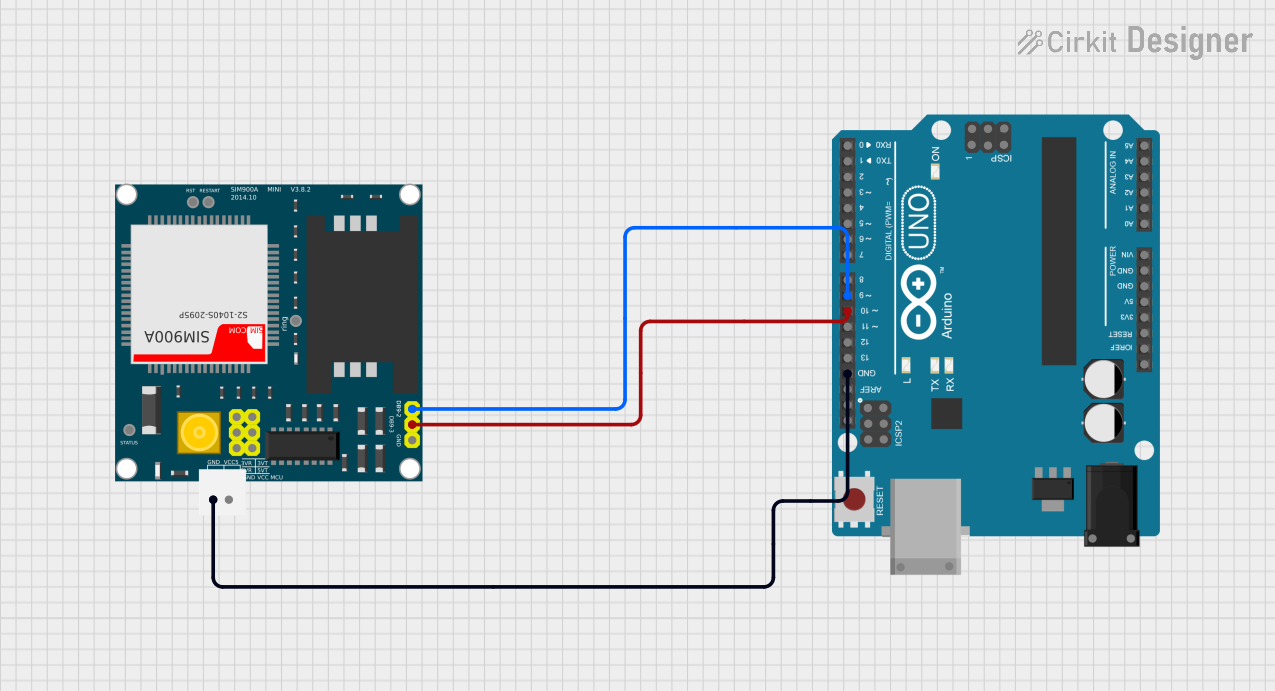
Example: Connecting SIM928A to Arduino UNO
Below is an example of how to interface the SIM928A with an Arduino UNO for GPS data retrieval:
#include <SoftwareSerial.h>

// Define RX and TX pins for SIM928A communication
SoftwareSerial sim928aSerial(10, 11); // RX = Pin 10, TX = Pin 11

void setup() {
  Serial.begin(9600); // Initialize Serial Monitor
  sim928aSerial.begin(9600); // Initialize SIM928A communication

  // Power on the SIM928A module
  pinMode(9, OUTPUT); // PWRKEY connected to Pin 9
  digitalWrite(9, LOW); // Pull PWRKEY low for 1 second
  delay(1000);
  digitalWrite(9, HIGH); // Release PWRKEY
  delay(5000); // Wait for the module to initialize

  Serial.println("SIM928A Initialized");
}

void loop() {
  // Check if data is available from SIM928A
  if (sim928aSerial.available()) {
    String gpsData = sim928aSerial.readString(); // Read GPS data
    Serial.println("GPS Data: " + gpsData); // Print GPS data to Serial Monitor
  }
}
Notes:
- Connect the SIM928A TXD pin to Arduino RX (Pin 10) and RXD pin to Arduino TX (Pin 11).
- Ensure the PWRKEY pin is connected to Arduino Pin 9 for power control.
- Use a 3.3V to 5V level shifter if necessary.
Troubleshooting and FAQs
Common Issues and Solutions
Module Not Powering On
- Ensure the VCC pin is receiving a stable voltage between 3.4V and 4.4V.
- Verify that the PWRKEY pin is pulled low for at least 1 second during startup.
No GPS Signal
- Check the GPS antenna connection and ensure it has a clear view of the sky.
- Verify that the GPS_RXD and GPS_TXD pins are correctly connected to the microcontroller.
No GSM Network Connection
- Ensure the GSM antenna is securely connected to the ANT_GSM pin.
- Verify that the SIM card is properly inserted and activated.
UART Communication Issues
- Confirm that the baud rate of the microcontroller matches the SIM928A's default baud rate (9600 bps).
- Check for proper wiring of TXD and RXD pins.
FAQs
Q: Can the SIM928A operate indoors?
A: While the SIM928A can operate indoors, GPS performance may degrade due to limited satellite visibility. Use an external GPS antenna for better results.
Q: What type of SIM card is compatible with the SIM928A?
A: The SIM928A supports standard GSM SIM cards. Ensure the SIM card is activated and supports the required frequency bands.
Q: How can I reduce power consumption?
A: Use the module's sleep mode or turn off unused features (e.g., GSM or GPS) when not needed.
Q: Can the SIM928A be used with a 5V microcontroller?
A: Yes, but you must use level shifters to convert the 5V logic levels to 3.3V for safe operation.
This concludes the documentation for the SIM928A module.