
How to Use terminalblock-04-01: Examples, Pinouts, and Specs
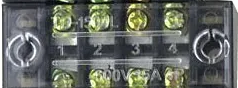
 Design with terminalblock-04-01 in Cirkit Designer
Introduction
The TerminalBlock-04-01 is a versatile and reliable terminal block designed for connecting multiple wires together in a secure and organized manner. It features screw terminals that allow for easy attachment and detachment of wires, making it ideal for both temporary and permanent connections. This component is widely used in electrical and electronic systems for distributing power, signal connections, and grounding.
Explore Projects Built with terminalblock-04-01
 Open Project in Cirkit Designer
 Open Project in Cirkit Designer
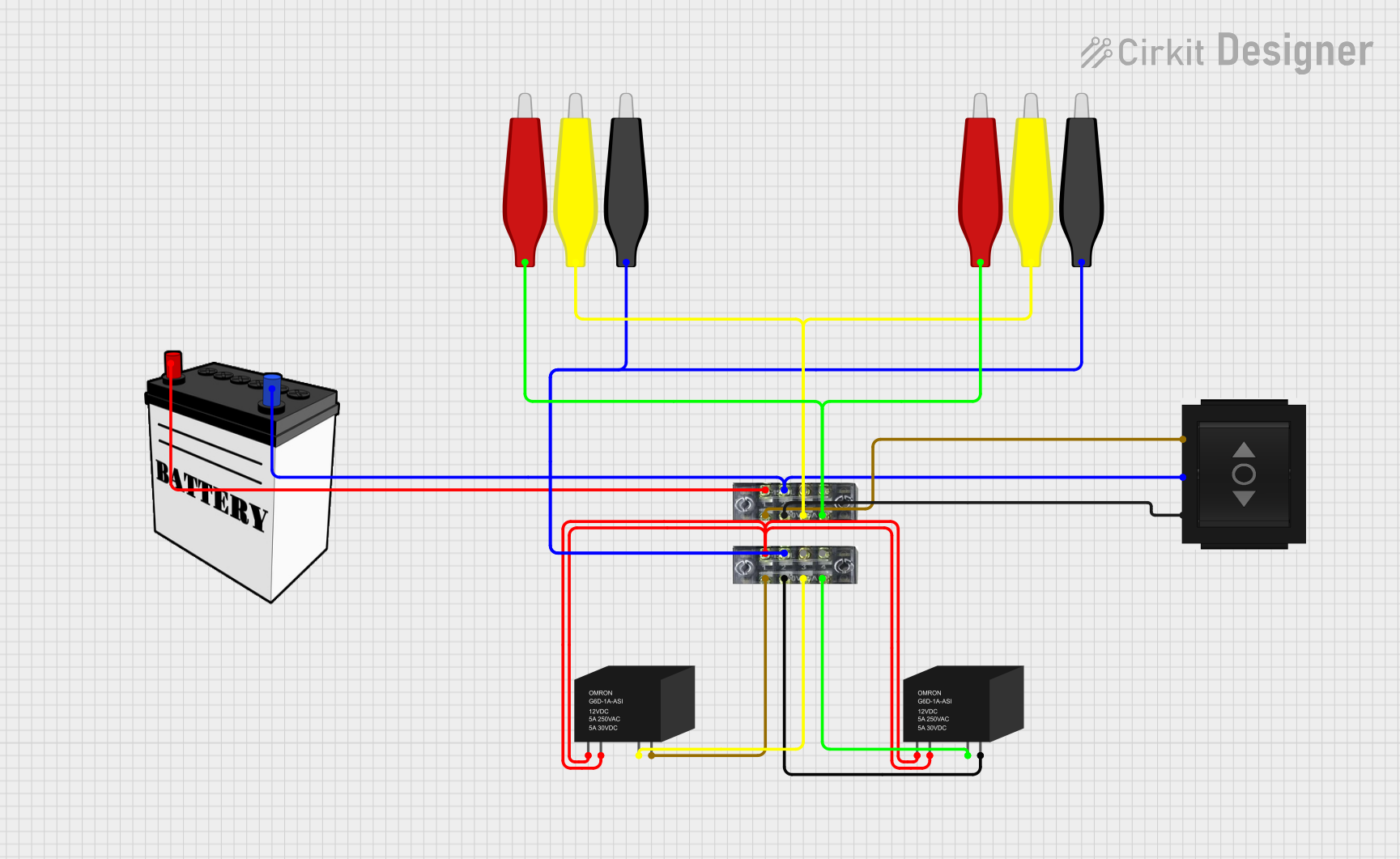 Open Project in Cirkit Designer
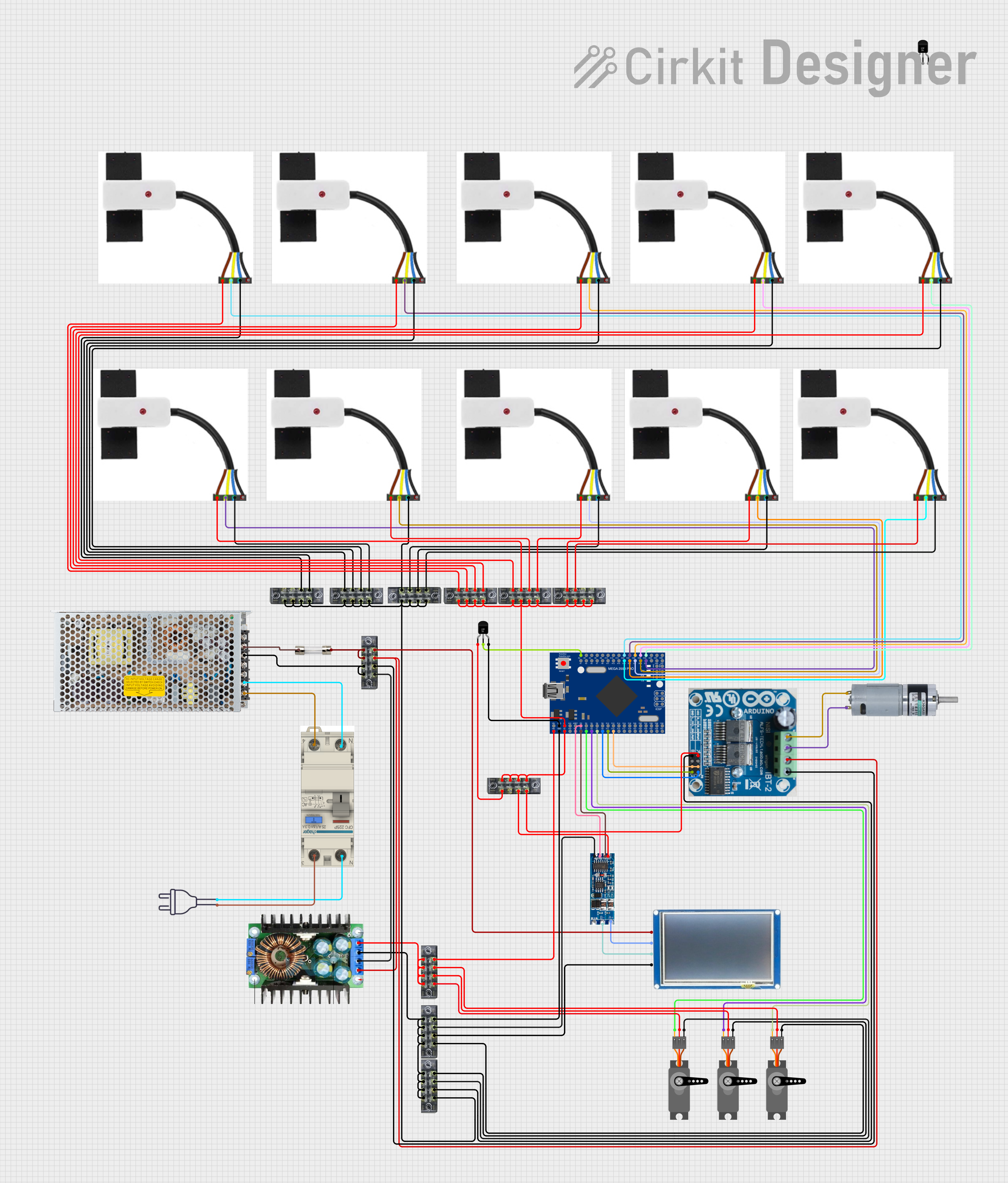 Open Project in Cirkit Designer
Explore Projects Built with terminalblock-04-01
Open Project in Cirkit DesignerOpen Project in Cirkit DesignerOpen Project in Cirkit DesignerOpen Project in Cirkit DesignerCommon Applications
- Electrical wiring in control panels and junction boxes
- Power distribution in industrial and home automation systems
- Signal connections in prototyping and testing environments
- Grounding and bonding in electrical circuits
Technical Specifications
Key Specifications
| Parameter | Value |
|---|---|
| Number of Terminals | 4 |
| Terminal Type | Screw |
| Wire Gauge Support | 22 AWG to 12 AWG |
| Maximum Voltage Rating | 300V AC/DC |
| Maximum Current Rating | 15A |
| Material | Flame-retardant thermoplastic |
| Mounting Style | PCB or DIN rail (optional) |
| Operating Temperature | -40°C to +105°C |
Pin Configuration and Descriptions
The TerminalBlock-04-01 does not have traditional pins like ICs but instead features screw terminals for wire connections. Below is a description of the terminal layout:
| Terminal Number | Description |
|---|---|
| 1 | Input/Output wire connection point |
| 2 | Input/Output wire connection point |
| 3 | Input/Output wire connection point |
| 4 | Input/Output wire connection point |
Each terminal is electrically isolated, allowing for independent connections.
Usage Instructions
How to Use the TerminalBlock-04-01
- Prepare the Wires: Strip the insulation from the ends of the wires you wish to connect. Ensure the exposed conductor length matches the terminal block's specifications (typically 5-7mm).
- Loosen the Screws: Use a screwdriver to loosen the screws on the terminal block slightly. Do not remove the screws completely.
- Insert the Wires: Insert the stripped end of each wire into the corresponding terminal slot.
- Tighten the Screws: Secure the wires by tightening the screws. Ensure the connection is firm but avoid overtightening, which could damage the wire or terminal.
- Verify the Connection: Gently tug on the wires to confirm they are securely attached.
Important Considerations
- Wire Gauge Compatibility: Ensure the wires used fall within the supported range (22 AWG to 12 AWG).
- Current and Voltage Ratings: Do not exceed the maximum current (15A) or voltage (300V) ratings to avoid overheating or damage.
- Mounting: If using the PCB mounting option, ensure the terminal block is soldered securely to the PCB. For DIN rail mounting, use the appropriate adapter.
- Environmental Conditions: Operate the terminal block within the specified temperature range (-40°C to +105°C).
Example: Connecting to an Arduino UNO
The TerminalBlock-04-01 can be used to connect external components, such as sensors or actuators, to an Arduino UNO. Below is an example of wiring a 12V DC motor through the terminal block:
- Connect the motor's positive and negative wires to terminals 1 and 2 of the terminal block.
- Use terminals 3 and 4 to connect the power supply (12V and GND).
- Use a motor driver circuit to interface the Arduino UNO with the terminal block.
// Example Arduino code to control a motor via a motor driver
const int motorPin = 9; // PWM pin connected to the motor driver

void setup() {
  pinMode(motorPin, OUTPUT); // Set motor pin as output
}

void loop() {
  analogWrite(motorPin, 128); // Run motor at 50% speed
  delay(5000);               // Keep motor running for 5 seconds
  analogWrite(motorPin, 0);  // Stop the motor
  delay(2000);               // Wait for 2 seconds before restarting
}
Troubleshooting and FAQs
Common Issues
- Loose Connections: If wires are not securely attached, the circuit may not function properly.
- Solution: Ensure screws are tightened firmly and wires are properly stripped.
- Overheating: The terminal block may overheat if current or voltage ratings are exceeded.
- Solution: Verify that the connected load does not exceed 15A or 300V.
- Wire Slippage: Wires may slip out of the terminal if not inserted correctly.
- Solution: Double-check that the stripped wire length is appropriate and fully inserted before tightening.
FAQs
Q: Can I use stranded wires with the TerminalBlock-04-01?
A: Yes, stranded wires are compatible. However, it is recommended to use ferrules for a more secure connection.Q: Is the TerminalBlock-04-01 suitable for outdoor use?
A: The terminal block is not waterproof. For outdoor applications, use an enclosure to protect it from moisture and dust.Q: Can I connect more than one wire to a single terminal?
A: While possible, it is not recommended as it may compromise the connection's reliability. Use a larger terminal block if more connections are needed.
By following these guidelines, the TerminalBlock-04-01 can be effectively used in a wide range of applications, ensuring secure and reliable wire connections.