
How to Use BMP280: Examples, Pinouts, and Specs
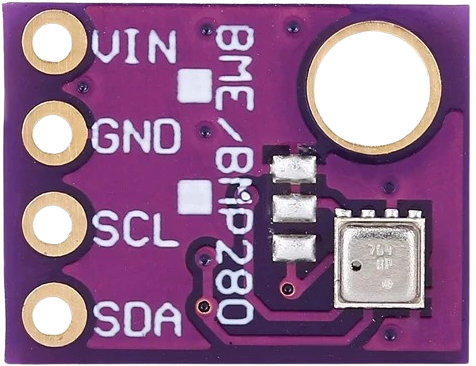
 Design with BMP280 in Cirkit Designer
Introduction
The BMP280 is a high-precision barometric pressure sensor designed for measuring atmospheric pressure and temperature. It is a compact, low-power device that provides accurate readings, making it ideal for a wide range of applications. The BMP280 is commonly used in weather stations, drones, and IoT devices for altitude measurement, environmental monitoring, and weather forecasting. Its small size and I2C/SPI communication interfaces make it easy to integrate into various projects.
Explore Projects Built with BMP280
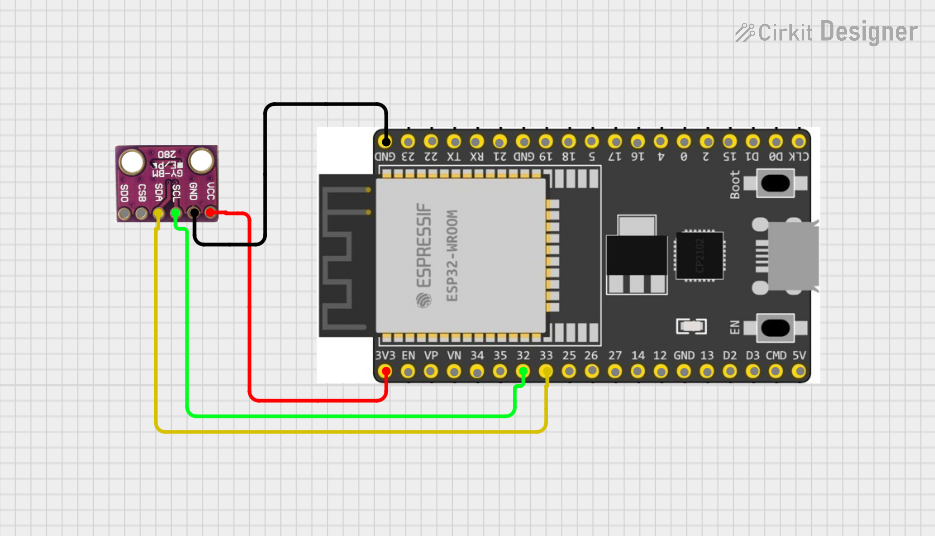 Open Project in Cirkit Designer
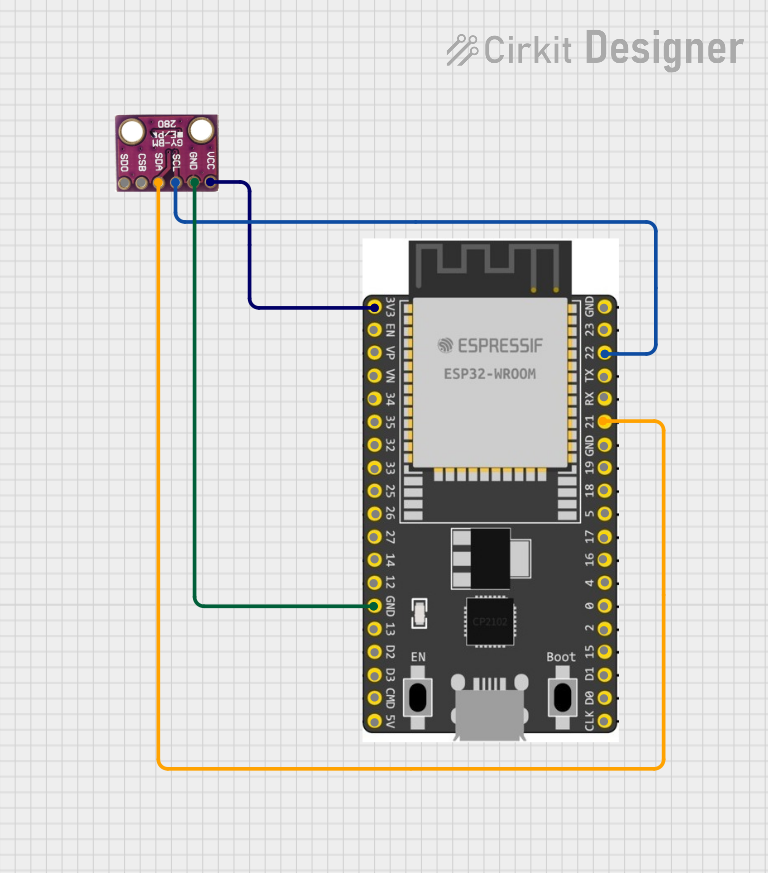 Open Project in Cirkit Designer
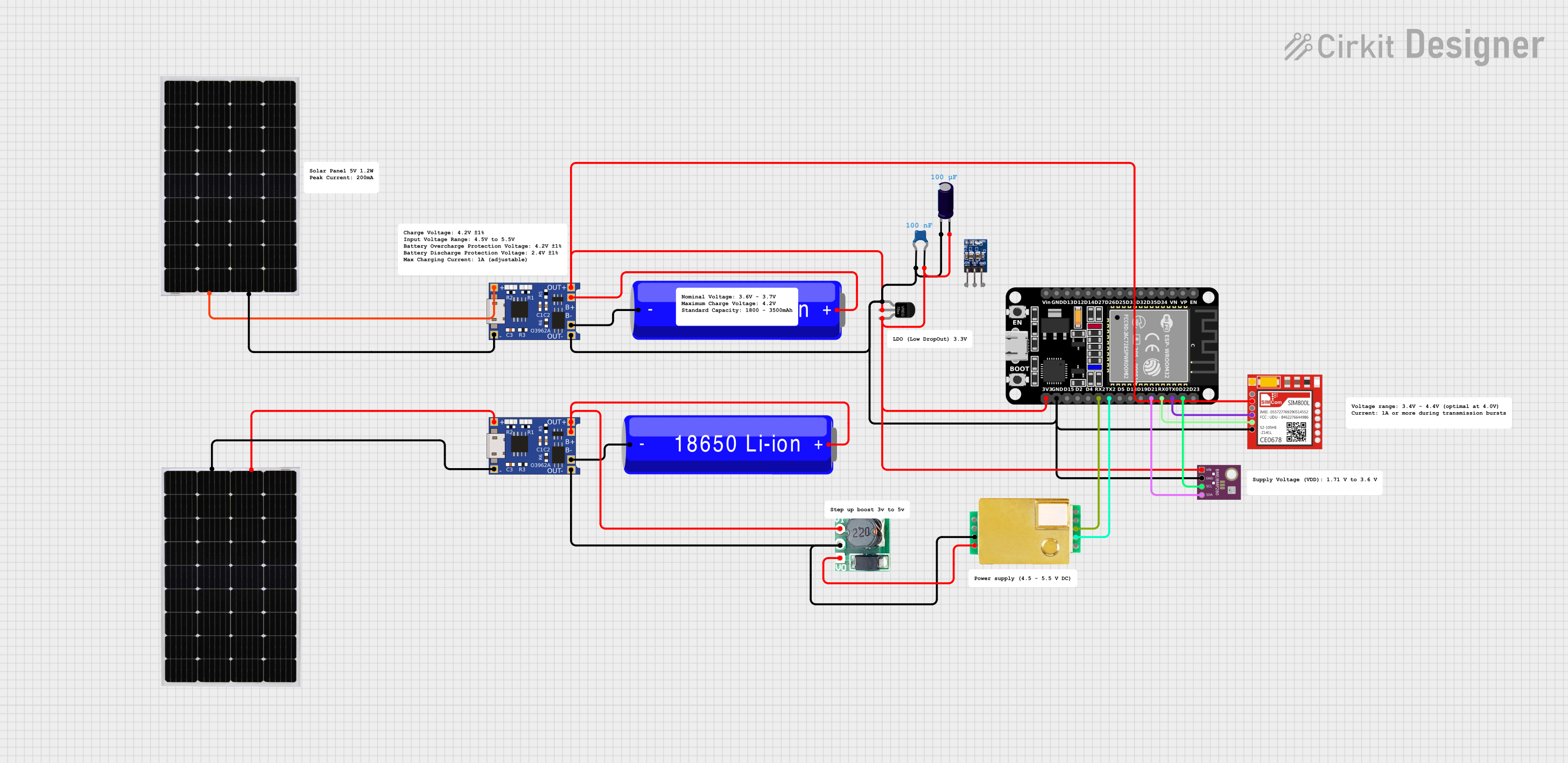 Open Project in Cirkit Designer
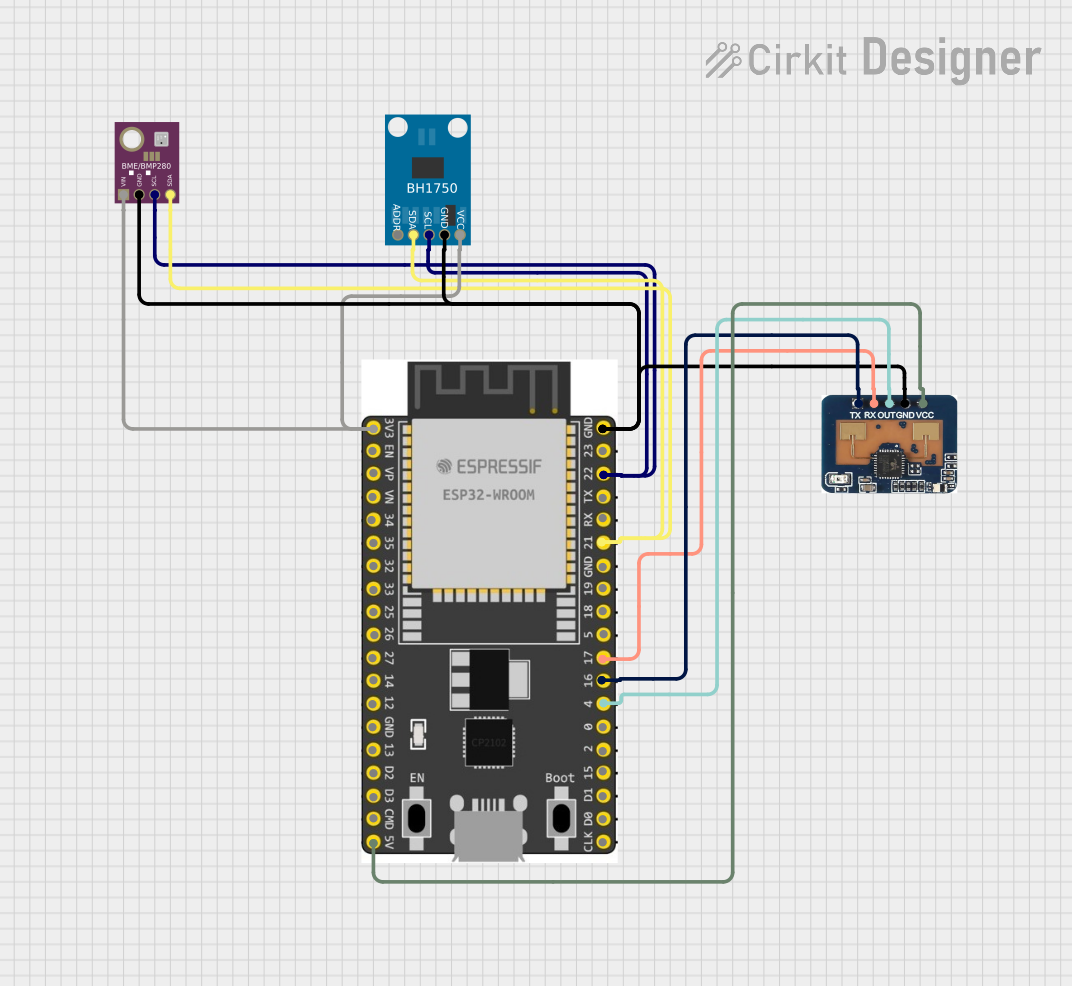 Open Project in Cirkit Designer
Explore Projects Built with BMP280
Open Project in Cirkit DesignerOpen Project in Cirkit DesignerOpen Project in Cirkit DesignerOpen Project in Cirkit DesignerTechnical Specifications
The BMP280 offers excellent performance and flexibility. Below are its key technical details:
Key Specifications
| Parameter | Value |
|---|---|
| Operating Voltage | 1.71V to 3.6V |
| Operating Current | 2.7 µA (in sleep mode) |
| Pressure Measurement Range | 300 hPa to 1100 hPa |
| Temperature Measurement Range | -40°C to +85°C |
| Communication Interfaces | I2C (up to 3.4 MHz), SPI (up to 10 MHz) |
| Pressure Resolution | 0.16 Pa |
| Temperature Resolution | 0.01°C |
| Dimensions | 2.0 mm x 2.5 mm x 0.95 mm |
Pin Configuration
The BMP280 typically comes in a breakout board format. Below is the pinout description:
| Pin Name | Description |
|---|---|
| VCC | Power supply pin (1.71V to 3.6V) |
| GND | Ground pin |
| SCL | Serial Clock Line for I2C or SPI Clock |
| SDA | Serial Data Line for I2C or SPI Data (MOSI) |
| CSB | Chip Select for SPI (active low) or I2C address |
| SDO | SPI Data Out (MISO) or I2C address selection |
Usage Instructions
The BMP280 can be used in both I2C and SPI communication modes. Below are the steps to use the BMP280 in a circuit:
Connecting the BMP280 to an Arduino UNO (I2C Mode)
Wiring:
- Connect the
VCCpin of the BMP280 to the 3.3V pin on the Arduino. - Connect the
GNDpin of the BMP280 to the GND pin on the Arduino. - Connect the
SCLpin of the BMP280 to the A5 pin on the Arduino (I2C clock line). - Connect the
SDApin of the BMP280 to the A4 pin on the Arduino (I2C data line). - Leave the
CSBandSDOpins unconnected (default I2C mode).
- Connect the
Install Required Libraries:
- Install the
Adafruit BMP280library from the Arduino Library Manager.
- Install the
Example Code: Below is an example Arduino sketch to read pressure and temperature data from the BMP280:
#include <Wire.h>
#include <Adafruit_Sensor.h>
#include <Adafruit_BMP280.h>

// Create an instance of the BMP280 sensor
Adafruit_BMP280 bmp;

void setup() {
  Serial.begin(9600);
  // Initialize the BMP280 sensor
  if (!bmp.begin(0x76)) {
    // Check if the sensor is connected at I2C address 0x76
    Serial.println("Could not find a valid BMP280 sensor, check wiring!");
    while (1); // Halt the program if the sensor is not found
  }

  // Configure the sensor
  bmp.setSampling(Adafruit_BMP280::MODE_NORMAL,     // Normal mode
                  Adafruit_BMP280::SAMPLING_X2,     // Temperature oversampling x2
                  Adafruit_BMP280::SAMPLING_X16,    // Pressure oversampling x16
                  Adafruit_BMP280::FILTER_X16,      // Filter coefficient x16
                  Adafruit_BMP280::STANDBY_MS_500); // Standby time 500ms
}

void loop() {
  // Read and print temperature and pressure data
  Serial.print("Temperature = ");
  Serial.print(bmp.readTemperature());
  Serial.println(" *C");

  Serial.print("Pressure = ");
  Serial.print(bmp.readPressure());
  Serial.println(" Pa");

  Serial.print("Approx. Altitude = ");
  Serial.print(bmp.readAltitude(1013.25)); // Adjust sea level pressure as needed
  Serial.println(" m");

  delay(2000); // Wait 2 seconds before the next reading
}
Important Considerations
- Power Supply: Ensure the BMP280 is powered with 3.3V. If using a 5V microcontroller, use a level shifter for I2C lines.
- I2C Address: The default I2C address is
0x76. If theSDOpin is connected toVCC, the address changes to0x77. - Altitude Calculation: The altitude calculation depends on the sea-level pressure, which may vary based on your location.
Troubleshooting and FAQs
Common Issues
Sensor Not Detected:
- Ensure the wiring is correct and matches the pinout.
- Verify the I2C address (
0x76or0x77) in the code. - Check if the BMP280 is receiving the correct voltage (3.3V).
Incorrect Readings:
- Ensure proper calibration of the sensor.
- Avoid placing the sensor near heat sources or in areas with rapid airflow.
Communication Errors:
- Check the pull-up resistors on the I2C lines (typically 4.7kΩ).
- Ensure the I2C clock speed is within the supported range (up to 3.4 MHz).
FAQs
Q: Can the BMP280 measure humidity?
A: No, the BMP280 only measures pressure and temperature. For humidity measurements, consider using the BME280 sensor.
Q: Can I use the BMP280 with a 5V microcontroller?
A: Yes, but you must use a logic level shifter for the I2C or SPI lines to avoid damaging the sensor.
Q: How accurate is the altitude measurement?
A: The altitude accuracy depends on the pressure resolution and the accuracy of the sea-level pressure value used in the calculation. It is typically accurate to within ±1 meter under ideal conditions.
Q: Can I use the BMP280 in outdoor environments?
A: The BMP280 is not waterproof or weatherproof. If used outdoors, it must be enclosed in a protective housing.