
How to Use LED matrix 8x32 DOT: Examples, Pinouts, and Specs
 Design with LED matrix 8x32 DOT in Cirkit Designer
Introduction
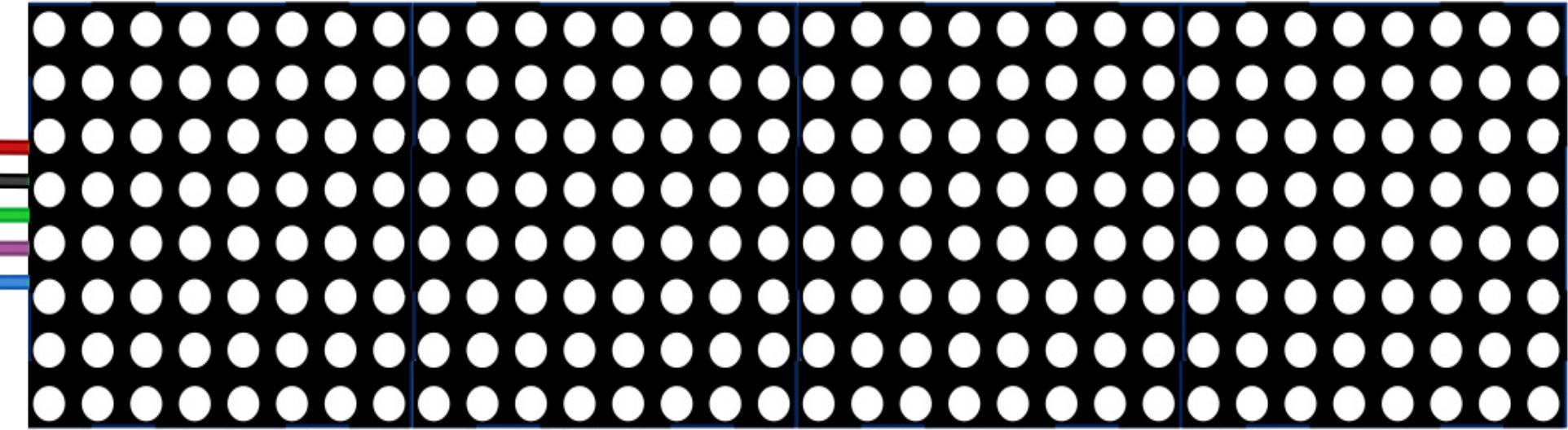
The AZDelivery MAX7219 8x32 LED Matrix is a versatile display module consisting of 8 rows and 32 columns of individually addressable LEDs. This component is powered by the MAX7219 driver IC, which simplifies the control of the LED matrix by reducing the number of required microcontroller pins. It is ideal for creating scrolling text, animations, and visual indicators in a compact and efficient form factor.
Explore Projects Built with LED matrix 8x32 DOT
 Open Project in Cirkit Designer
 Open Project in Cirkit Designer
 Open Project in Cirkit Designer
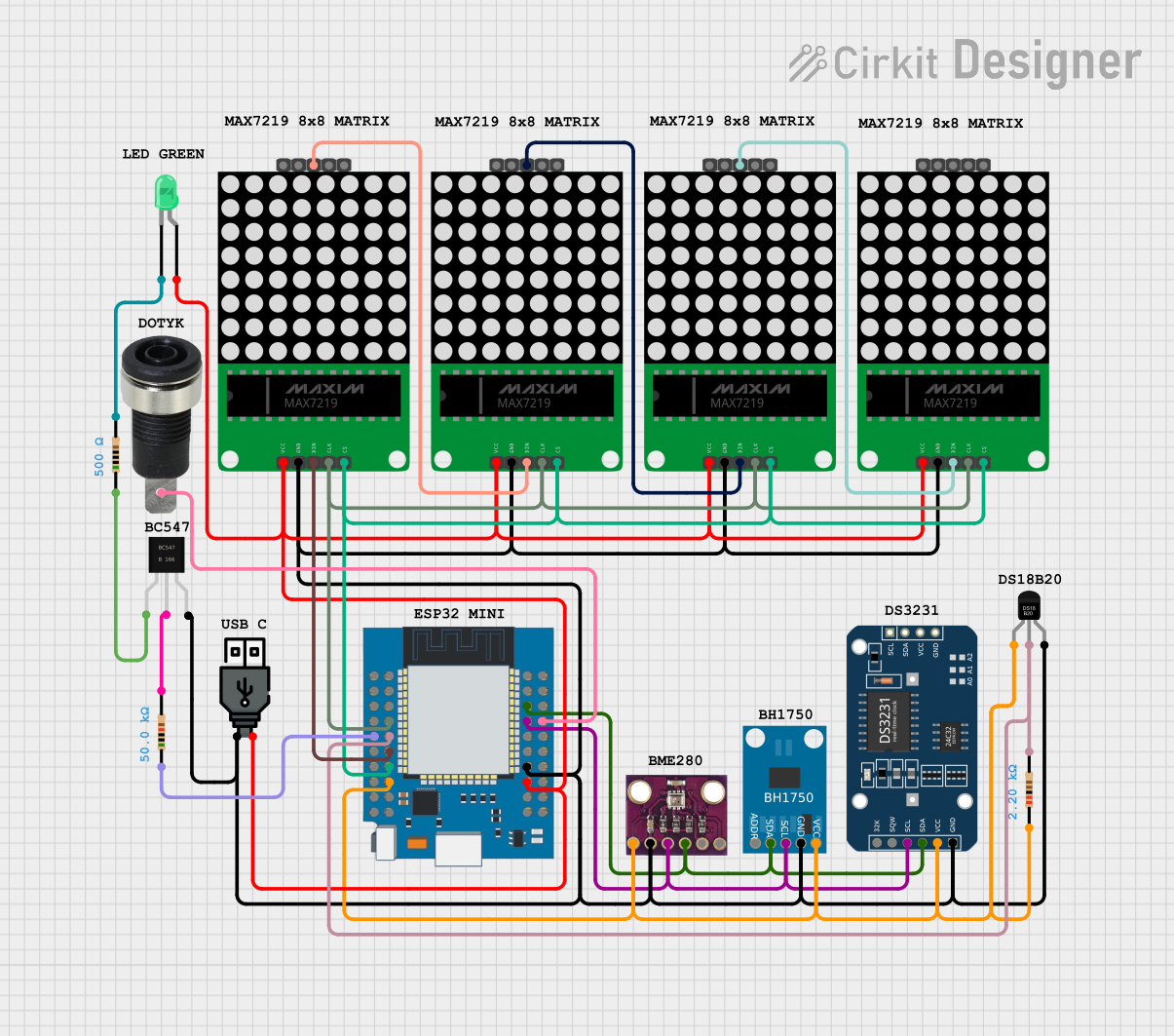 Open Project in Cirkit Designer
Explore Projects Built with LED matrix 8x32 DOT
Open Project in Cirkit DesignerOpen Project in Cirkit DesignerOpen Project in Cirkit DesignerOpen Project in Cirkit DesignerCommon Applications
- Scrolling text displays
- Digital clocks and counters
- Visual indicators for IoT devices
- Simple animations and graphics
- Educational projects and prototyping
Technical Specifications
Below are the key technical details for the AZDelivery MAX7219 8x32 LED Matrix:
| Parameter | Value |
|---|---|
| Manufacturer | AZDelivery |
| Part ID | MAX7219 8x32 |
| Operating Voltage | 5V DC |
| Current Consumption | ~320mA (typical, depends on usage) |
| Communication Protocol | SPI (Serial Peripheral Interface) |
| Dimensions | 32mm x 128mm x 15mm |
| LED Configuration | 8 rows x 32 columns |
| Driver IC | MAX7219 |
Pin Configuration
The LED matrix has a 5-pin interface for connecting to a microcontroller. The pinout is as follows:
| Pin | Name | Description |
|---|---|---|
| 1 | VCC | Power supply input (5V DC) |
| 2 | GND | Ground connection |
| 3 | DIN | Data input for serial communication |
| 4 | CS | Chip select (active low) |
| 5 | CLK | Clock input for synchronizing data transmission |
Usage Instructions
Connecting the LED Matrix to an Arduino UNO
To use the AZDelivery MAX7219 8x32 LED Matrix with an Arduino UNO, follow these steps:
Wiring: Connect the LED matrix to the Arduino UNO as shown below:
VCC→5Von ArduinoGND→GNDon ArduinoDIN→D11(MOSI pin on Arduino UNO)CS→D10CLK→D13(SCK pin on Arduino UNO)
Install Required Library: Install the
LedControllibrary in the Arduino IDE:- Go to Sketch > Include Library > Manage Libraries.
- Search for "LedControl" and install it.
Upload Example Code: Use the following example code to display scrolling text on the LED matrix:
#include <LedControl.h>

// Initialize the LED matrix (DIN=D11, CLK=D13, CS=D10, 1 device)
LedControl lc = LedControl(11, 13, 10, 1);

void setup() {
  // Wake up the MAX7219 from power-saving mode
  lc.shutdown(0, false);
  // Set brightness level (0 = dim, 15 = bright)
  lc.setIntensity(0, 8);
  // Clear the display
  lc.clearDisplay(0);

  // Display a simple pattern (e.g., a horizontal line)
  for (int row = 0; row < 8; row++) {
    lc.setRow(0, row, 0xFF); // Turn on all LEDs in each row
  }
}

void loop() {
  // Add your scrolling text or animation logic here
}
Important Considerations
- Power Supply: Ensure the module is powered with a stable 5V DC source. Using a higher voltage may damage the LEDs or the MAX7219 IC.
- Current Limitation: Avoid driving all LEDs at full brightness simultaneously, as this can exceed the current rating of the module.
- Daisy-Chaining: Multiple MAX7219 modules can be daisy-chained to create larger displays. Connect the
DOUTpin of one module to theDINpin of the next.
Troubleshooting and FAQs
Common Issues and Solutions
No Display Output
- Cause: Incorrect wiring or loose connections.
- Solution: Double-check all connections, especially
DIN,CS, andCLK.
Flickering LEDs
- Cause: Insufficient power supply or unstable voltage.
- Solution: Use a dedicated 5V power source with sufficient current capacity.
Partial Display Not Working
- Cause: Faulty LED matrix or driver IC.
- Solution: Test the module with a different microcontroller or replace the faulty module.
Scrolling Text Not Displaying Properly
- Cause: Incorrect library configuration or code logic.
- Solution: Verify the library installation and ensure the code matches the module's configuration.
FAQs
Q1: Can I use this module with a 3.3V microcontroller?
A1: The MAX7219 requires a 5V power supply, but its logic pins are 3.3V-tolerant. Use a level shifter if needed for reliable operation.
Q2: How many modules can I daisy-chain together?
A2: Up to 8 modules can be daisy-chained, but this depends on the microcontroller's memory and processing power.
Q3: Can I control individual LEDs?
A3: Yes, the MAX7219 allows precise control of each LED by addressing its row and column.
Q4: Is the brightness adjustable?
A4: Yes, the brightness can be adjusted programmatically using the setIntensity() function in the LedControl library.
By following this documentation, you can effectively integrate the AZDelivery MAX7219 8x32 LED Matrix into your projects and create stunning visual displays.