
How to Use Jetson Orin Nano: Examples, Pinouts, and Specs
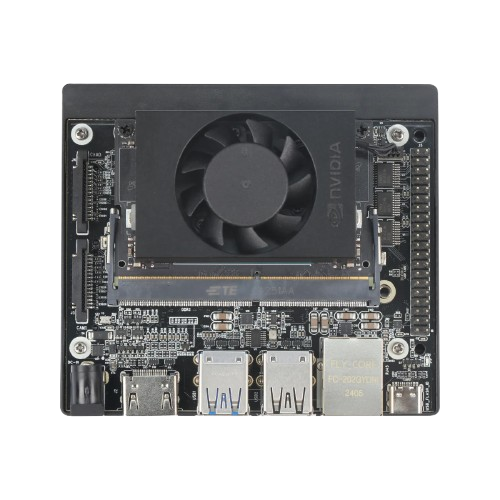
 Design with Jetson Orin Nano in Cirkit Designer
Introduction
The Jetson Orin Nano is a compact AI computing platform developed by NVIDIA, designed specifically for edge applications. It combines a powerful GPU and CPU to deliver exceptional performance for deep learning, computer vision, and other AI-driven tasks. This module is ideal for developers and engineers looking to deploy AI solutions in robotics, IoT devices, smart cameras, and more.
Explore Projects Built with Jetson Orin Nano
 Open Project in Cirkit Designer
 Open Project in Cirkit Designer
 Open Project in Cirkit Designer
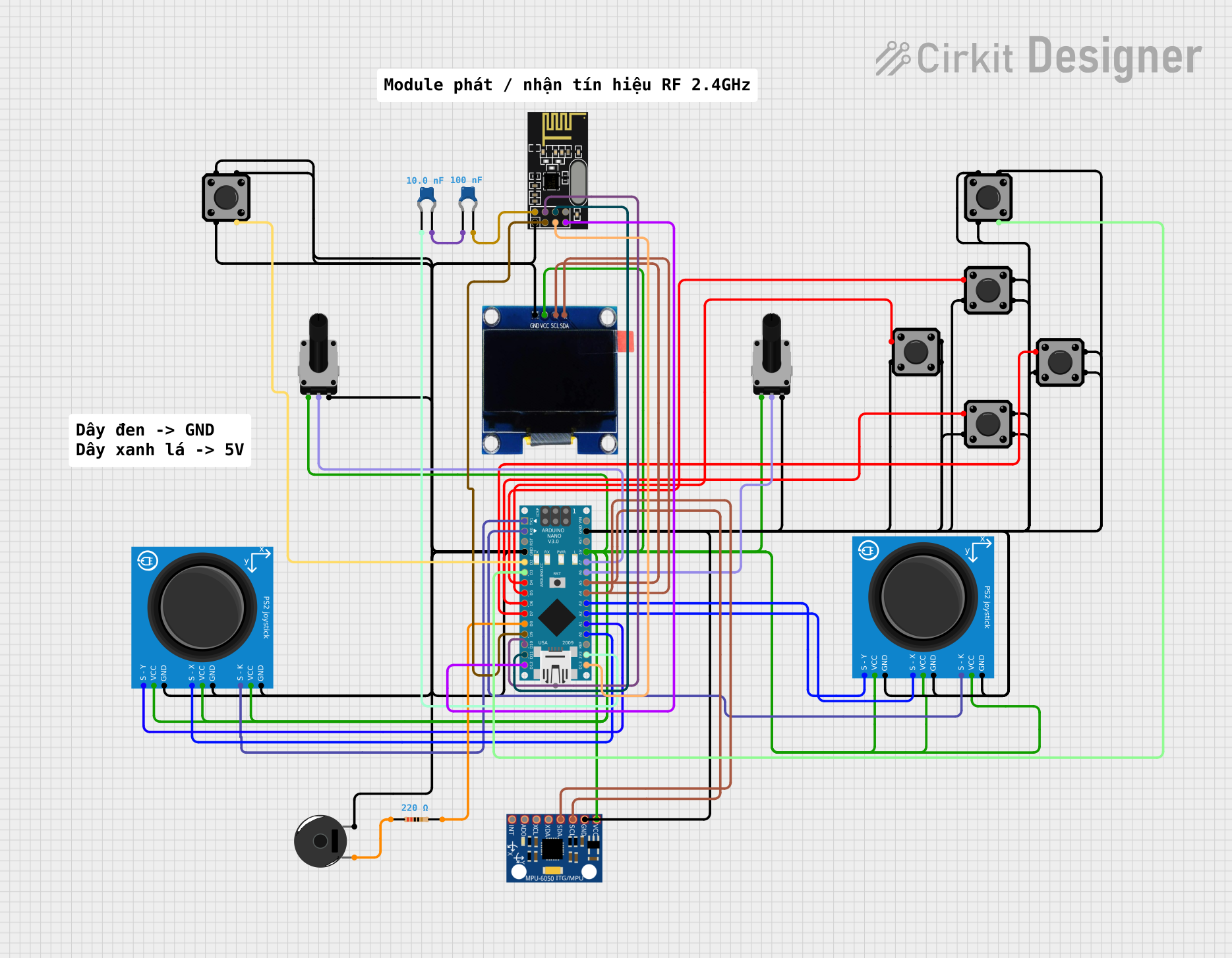 Open Project in Cirkit Designer
Explore Projects Built with Jetson Orin Nano
Open Project in Cirkit DesignerOpen Project in Cirkit DesignerOpen Project in Cirkit DesignerOpen Project in Cirkit DesignerCommon Applications and Use Cases
- Robotics and autonomous systems
- Smart surveillance and security cameras
- Industrial automation and IoT devices
- AI-powered healthcare devices
- Edge AI applications requiring real-time processing
Technical Specifications
The Jetson Orin Nano is available in two variants: the Orin Nano 4GB and Orin Nano 8GB. Below are the key technical details:
General Specifications
| Feature | Orin Nano 4GB | Orin Nano 8GB |
|---|---|---|
| GPU | 512-core NVIDIA Ampere GPU | 512-core NVIDIA Ampere GPU |
| CPU | 6-core ARM Cortex-A78AE | 6-core ARM Cortex-A78AE |
| Memory | 4GB LPDDR5 | 8GB LPDDR5 |
| Storage | microSD (user-provided) | microSD (user-provided) |
| AI Performance | Up to 20 TOPS | Up to 40 TOPS |
| Power Consumption | 7W (configurable) | 15W (configurable) |
| Networking | Gigabit Ethernet | Gigabit Ethernet |
| Operating System | NVIDIA JetPack SDK (Linux-based) | NVIDIA JetPack SDK (Linux-based) |
Pin Configuration and Descriptions
The Jetson Orin Nano module connects to a carrier board via a 260-pin SO-DIMM connector. Below is a summary of key pin groups:
| Pin Group | Description |
|---|---|
| GPIO | General-purpose input/output pins for custom peripherals |
| I2C | Inter-Integrated Circuit interface for sensors and peripherals |
| SPI | Serial Peripheral Interface for high-speed communication |
| UART | Universal Asynchronous Receiver-Transmitter for serial communication |
| USB | USB 3.2 and USB 2.0 support for peripherals and data transfer |
| CSI | Camera Serial Interface for connecting MIPI cameras |
| PCIe | Peripheral Component Interconnect Express for high-speed expansion |
| Power | Power input pins (3.3V, 5V, and 12V depending on configuration) |
Refer to the official NVIDIA Jetson Orin Nano datasheet for a complete pinout diagram.
Usage Instructions
How to Use the Jetson Orin Nano in a Circuit
Prepare the Hardware:
- Mount the Jetson Orin Nano module onto a compatible carrier board.
- Connect a power supply (ensure it matches the power requirements of your variant).
- Insert a microSD card with the NVIDIA JetPack SDK pre-installed.
- Connect peripherals such as a monitor, keyboard, and mouse for initial setup.
Initial Setup:
- Power on the device and follow the on-screen instructions to configure the operating system.
- Use the JetPack SDK to install necessary libraries and tools for AI development.
Connecting Sensors and Peripherals:
- Use GPIO, I2C, SPI, or UART pins to connect external sensors or devices.
- For cameras, connect MIPI CSI cameras to the CSI ports on the carrier board.
Deploying AI Models:
- Train your AI model using frameworks like TensorFlow or PyTorch on a separate system.
- Optimize the model using NVIDIA TensorRT for deployment on the Jetson Orin Nano.
- Transfer the model to the device and run it using NVIDIA DeepStream or custom applications.
Important Considerations and Best Practices
- Power Management: Ensure the power supply meets the module's requirements to avoid instability.
- Thermal Management: Use a heatsink or active cooling solution to prevent overheating during intensive tasks.
- Software Updates: Regularly update the JetPack SDK to access the latest features and security patches.
- Peripheral Compatibility: Verify that connected peripherals are compatible with the Jetson Orin Nano.
Example: Using the Jetson Orin Nano with an Arduino UNO
The Jetson Orin Nano can communicate with an Arduino UNO via UART. Below is an example Python script for the Jetson Orin Nano to send data to the Arduino:
import serial
import time
Initialize serial communication with the Arduino
Replace '/dev/ttyUSB0' with the correct port for your setup
arduino = serial.Serial('/dev/ttyUSB0', baudrate=9600, timeout=1)
Wait for the connection to establish
time.sleep(2)
Send data to the Arduino
try: while True: message = "Hello from Jetson Orin Nano!" arduino.write(message.encode()) # Send the message as bytes print(f"Sent: {message}") time.sleep(1) # Wait 1 second before sending the next message except KeyboardInterrupt: print("Exiting program...") finally: arduino.close() # Close the serial connection
**Note**: Ensure the Arduino is programmed to receive and process the data sent by the Jetson Orin Nano.
Troubleshooting and FAQs
Common Issues and Solutions
Device Does Not Boot:
- Ensure the power supply is connected and meets the required voltage and current ratings.
- Verify that the microSD card is properly inserted and contains a valid JetPack SDK image.
Overheating:
- Check that the heatsink or cooling fan is properly installed.
- Reduce the power mode if the workload allows.
Peripheral Not Detected:
- Confirm that the peripheral is compatible with the Jetson Orin Nano.
- Check the connections and ensure the correct pins are used.
AI Model Runs Slowly:
- Optimize the model using NVIDIA TensorRT.
- Ensure the device is running in maximum performance mode.
FAQs
Q: Can I power the Jetson Orin Nano via USB-C?
A: No, the Jetson Orin Nano requires a dedicated power supply through the carrier board.
Q: What cameras are compatible with the Jetson Orin Nano?
A: The module supports MIPI CSI cameras. Check the NVIDIA Jetson ecosystem for compatible models.
Q: How do I update the JetPack SDK?
A: Use the NVIDIA SDK Manager on a host PC to download and flash the latest JetPack SDK to the microSD card.
Q: Can I use the Jetson Orin Nano for gaming?
A: While the GPU is powerful, the module is optimized for AI and edge computing tasks, not gaming.
For additional support, refer to the official NVIDIA Jetson developer forums and documentation.