Cirkit Designer LogoCirkit DesignerYour all-in-one circuit design IDE Launch Cirkit Designer App

How to Use MCB 1 Phase schneider: Examples, Pinouts, and Specs

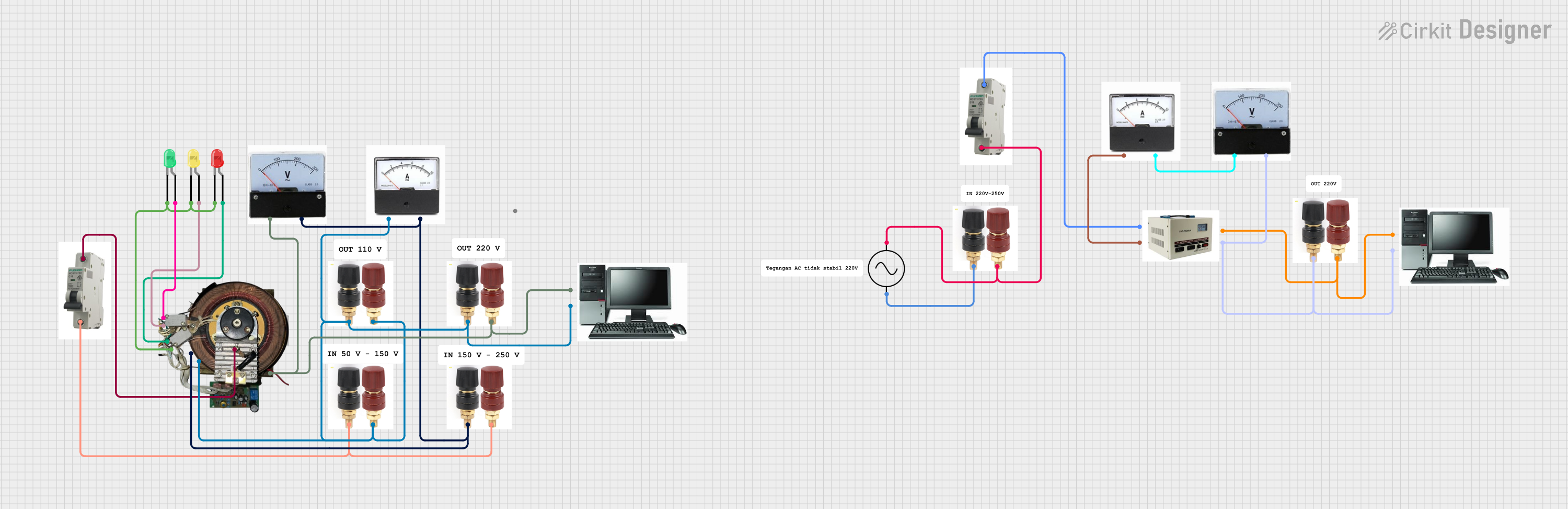
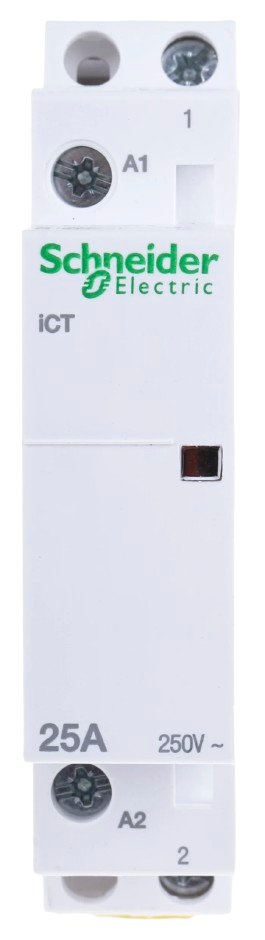
Image of MCB 1 Phase schneiderDesign with MCB 1 Phase schneider in Cirkit Designer

Introduction

The MCB 1 Phase Schneider is a Miniature Circuit Breaker (MCB) designed for single-phase electrical circuits. Manufactured by Schneider Electric, this component provides automatic protection by disconnecting the circuit in the event of an overload or short circuit. It ensures the safety of electrical installations and prevents damage to connected devices.

Explore Projects Built with MCB 1 Phase schneider

Use Cirkit Designer to design, explore, and prototype these projects online. Some projects support real-time simulation. Click "Open Project" to start designing instantly!
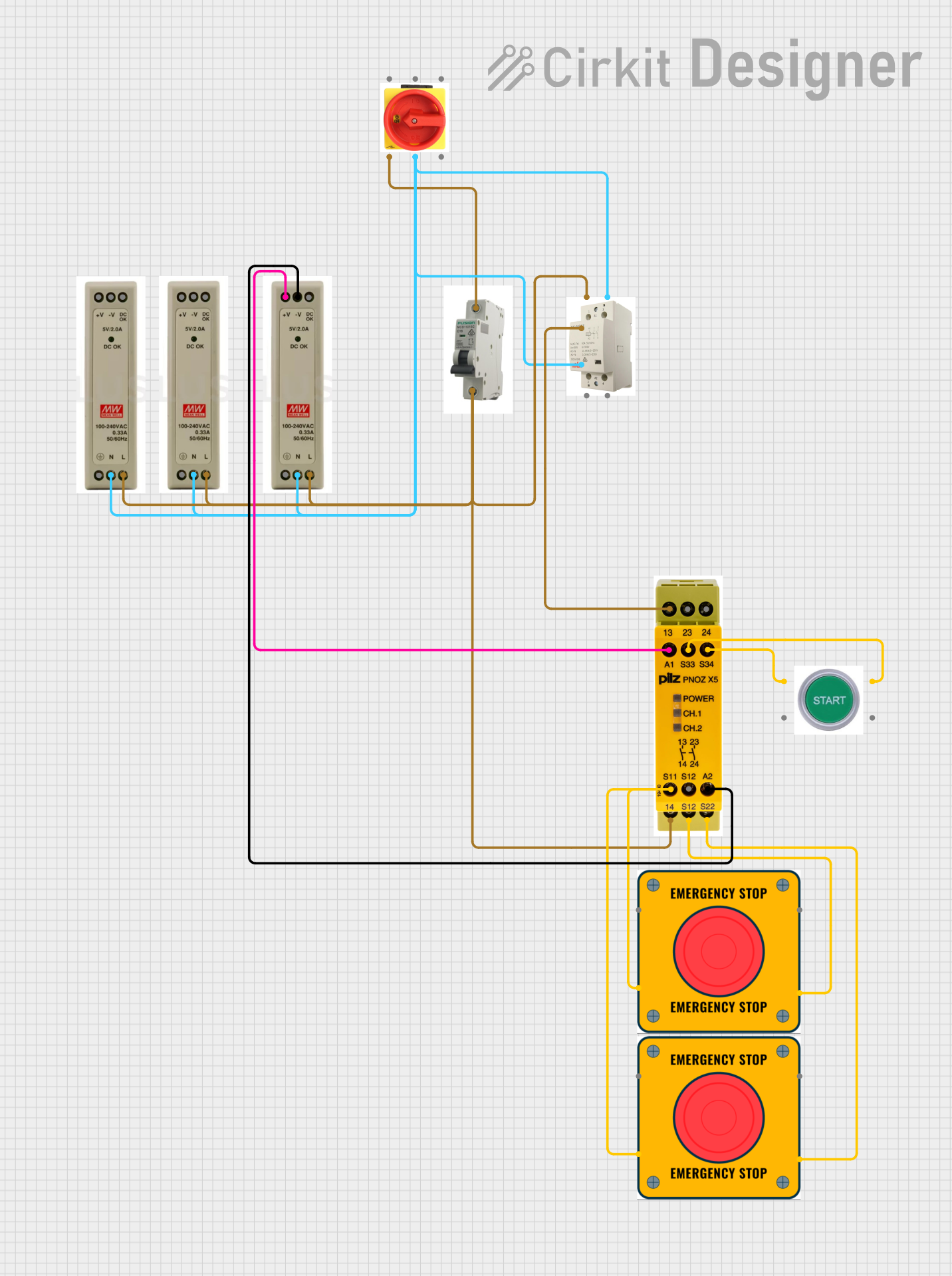
Image of Industrial Power Distribution and Safety Control System: A project utilizing MCB 1 Phase schneider in a practical application
Industrial Power Distribution and Safety Control System

This circuit is designed for power distribution and safety control in an industrial setting. It features a main isolator and circuit breaker for power management, multiple PSUs for 5V, 12V, and 24V outputs, and a safety relay system that interfaces with E-stop buttons and a start switch to control a main contactor, ensuring safe operation and emergency power cut-off capabilities.

Open Project in Cirkit Designer
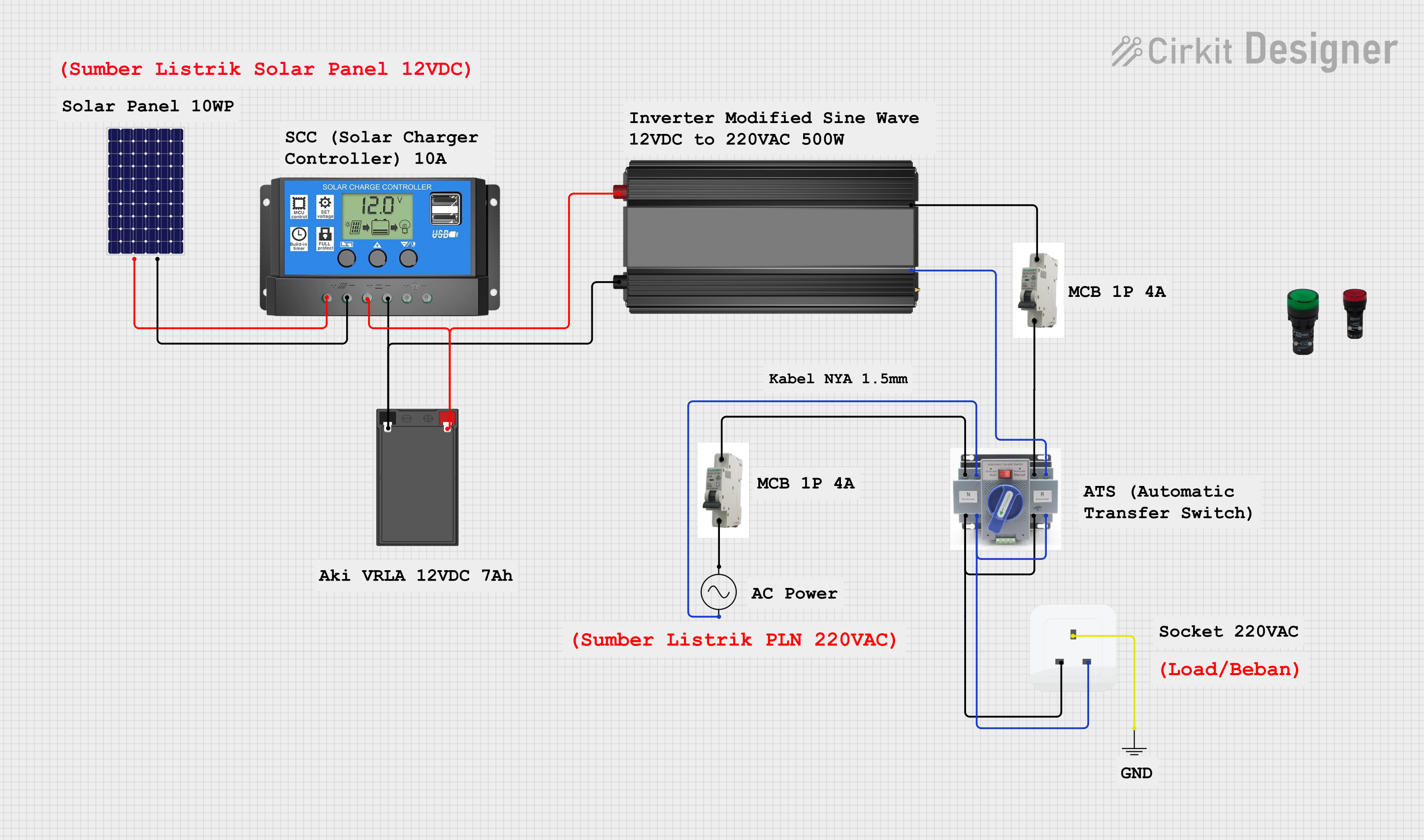
Image of Solar-Powered Home Energy System with Automatic Transfer Switch and Battery Backup: A project utilizing MCB 1 Phase schneider in a practical application
Solar-Powered Home Energy System with Automatic Transfer Switch and Battery Backup

This circuit is a solar power system with an automatic transfer switch (ATS) that manages power from both a solar panel and an AC supply. The solar panel charges a battery through a solar charge controller, and the power inverter converts the stored DC power to AC, which is then distributed through an MCB to a socket. The ATS ensures seamless switching between solar and AC power sources.

Open Project in Cirkit Designer

Common Applications and Use Cases

Technical Specifications

Key Technical Details

Parameter Value
Manufacturer Schneider Electric
Part ID MCB 1 Phase Schneider
Rated Voltage 230/240 V AC
Rated Current 6 A, 10 A, 16 A, 20 A, 32 A, 40 A
Breaking Capacity 6 kA
Number of Poles 1 (Single Phase)
Tripping Curve B, C, or D (depending on model)
Frequency 50/60 Hz
Mounting Type DIN Rail
Operating Temperature -5°C to +55°C
Standards Compliance IEC 60898-1, IEC 60947-2

Pin Configuration and Descriptions

The MCB 1 Phase Schneider does not have traditional pins but instead features screw terminals for electrical connections. Below is a description of the terminal configuration:

Terminal Name Description
Line (Input) Connects to the incoming live wire from the power source.
Load (Output) Connects to the outgoing live wire to the load or circuit.
Neutral Not applicable (single-phase MCBs do not switch the neutral).

Usage Instructions

How to Use the MCB in a Circuit

  1. Mounting the MCB:

    • Install the MCB on a standard DIN rail in the distribution box or panel.
    • Ensure the MCB is securely locked into place.
  2. Wiring the MCB:

    • Connect the incoming live wire (line) to the input terminal of the MCB.
    • Connect the outgoing live wire (load) to the output terminal of the MCB.
    • Tighten the screws securely to ensure proper electrical contact.
  3. Testing the MCB:

    • After installation, switch on the MCB and test its functionality by simulating an overload or short circuit (if safe to do so).
    • Verify that the MCB trips and disconnects the circuit as expected.
  4. Resetting the MCB:

    • After a trip, identify and resolve the cause of the fault.
    • Flip the MCB switch to the "OFF" position, then back to the "ON" position to reset it.

Important Considerations and Best Practices

Arduino UNO Integration

While MCBs are not directly interfaced with microcontrollers like the Arduino UNO, they can be used in circuits that power Arduino-based systems. For example, an MCB can protect the power supply line feeding an Arduino project.

Here is an example of how an MCB might be used in a circuit with an Arduino UNO:

Power Source (230V AC) --> MCB 1 Phase Schneider --> Step-Down Transformer 
--> DC Power Supply --> Arduino UNO

Troubleshooting and FAQs

Common Issues and Solutions

Issue Possible Cause Solution
MCB trips frequently Overload or short circuit in the circuit Check the connected load and wiring for faults.
MCB does not trip during a fault Faulty MCB or incorrect installation Verify wiring and replace the MCB if necessary.
MCB cannot be reset Persistent fault in the circuit Inspect and resolve the fault before resetting.
Loose connections at terminals Improper tightening of screws Re-tighten the terminal screws securely.

FAQs

  1. Can I use the MCB 1 Phase Schneider for DC circuits?
    No, this MCB is designed for AC circuits only. For DC applications, use a DC-rated circuit breaker.

  2. What is the difference between B, C, and D tripping curves?

    • B Curve: Trips at 3-5 times the rated current, suitable for residential circuits.
    • C Curve: Trips at 5-10 times the rated current, ideal for commercial and industrial loads.
    • D Curve: Trips at 10-20 times the rated current, used for high inrush current devices like motors.
  3. How do I select the correct MCB rating for my circuit?
    Calculate the total load current of the circuit and choose an MCB with a slightly higher rated current. Ensure the MCB's breaking capacity matches the fault current of the system.

  4. Can I install the MCB horizontally?
    Yes, the MCB 1 Phase Schneider can be installed in both vertical and horizontal orientations, but ensure proper alignment for reliable operation.

By following this documentation, users can safely and effectively utilize the MCB 1 Phase Schneider in their electrical systems.