
How to Use terminal block tb1503: Examples, Pinouts, and Specs
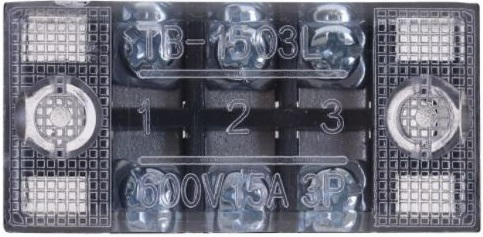
 Design with terminal block tb1503 in Cirkit Designer
Introduction
The Terminal Block TB1503 is a modular connector designed to connect and secure multiple electrical wires in a reliable and organized manner. It is widely used in electrical panels, devices, and industrial control systems to simplify wiring and ensure safe, durable connections. The TB1503 is particularly valued for its ease of use, modularity, and ability to handle high current and voltage levels, making it a versatile choice for various electrical and electronic applications.
Explore Projects Built with terminal block tb1503
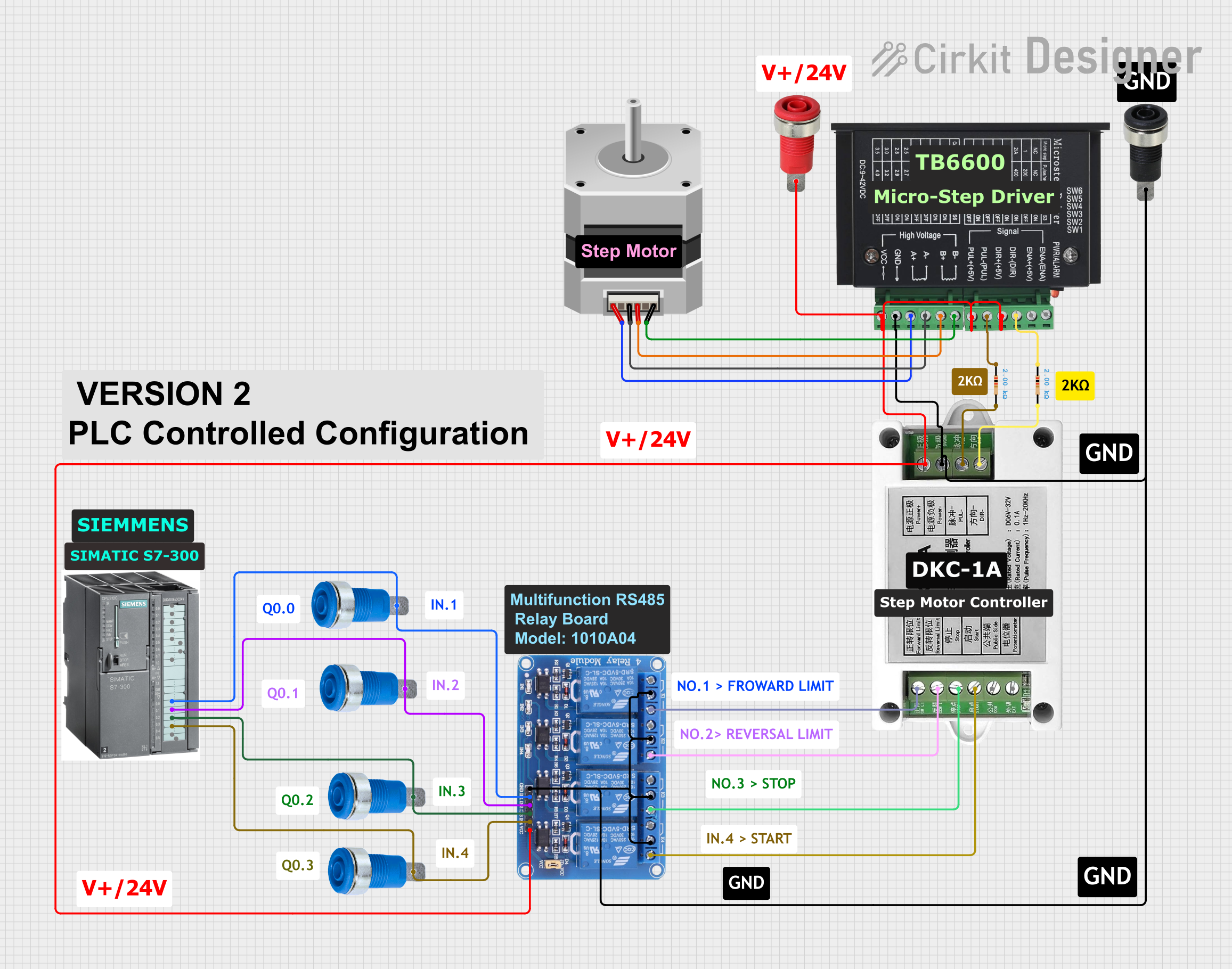
 Open Project in Cirkit Designer
 Open Project in Cirkit Designer
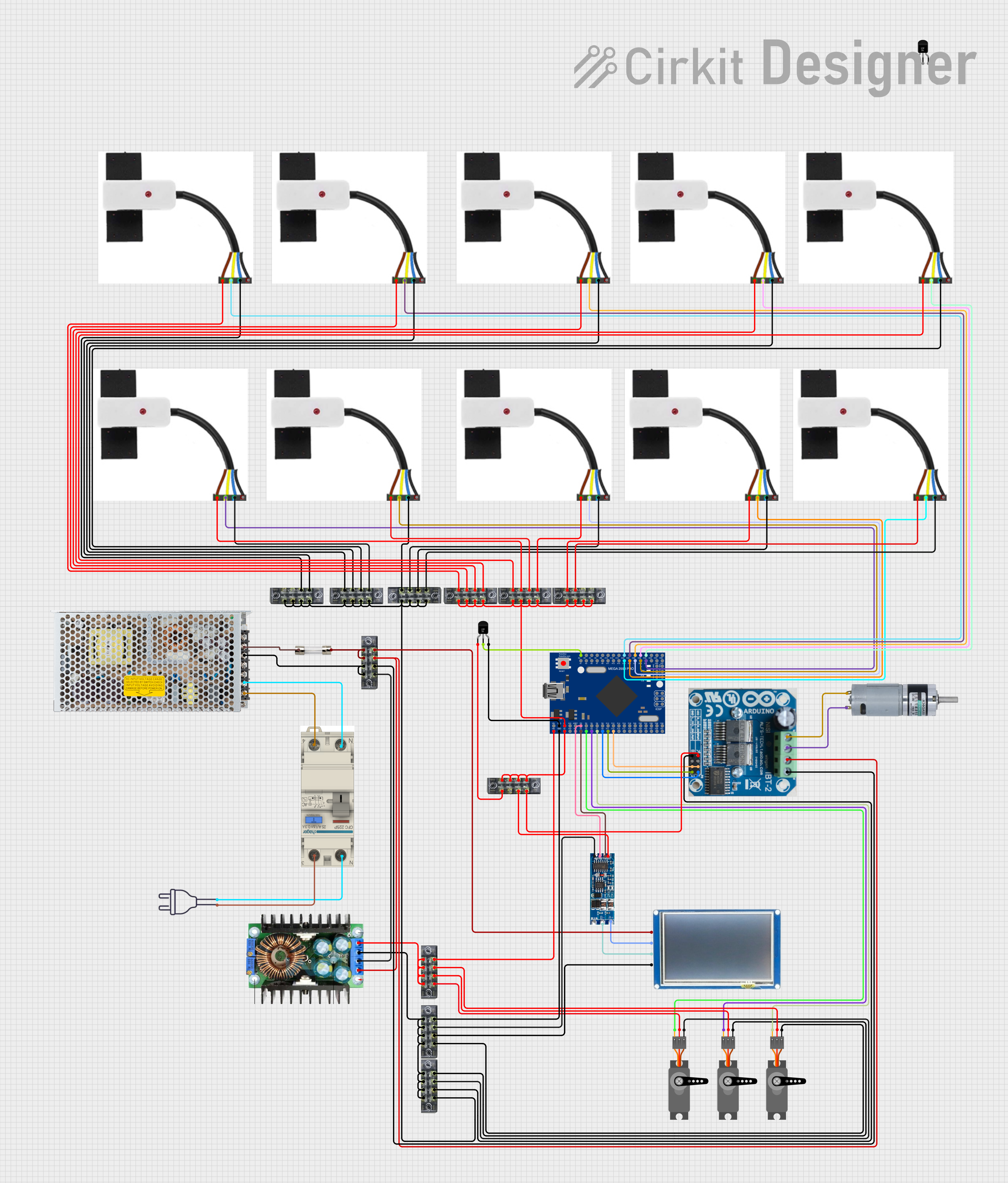 Open Project in Cirkit Designer
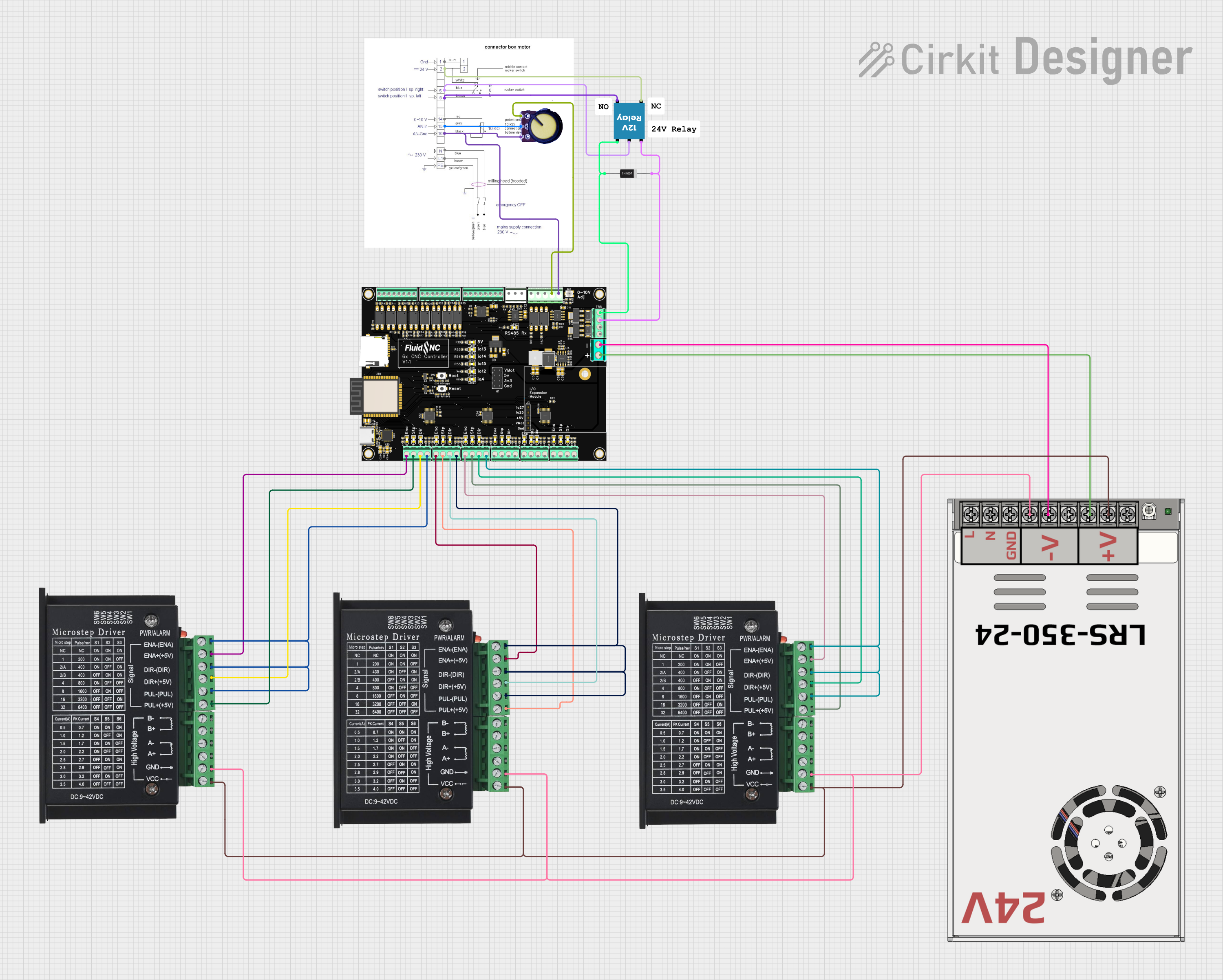 Open Project in Cirkit Designer
Explore Projects Built with terminal block tb1503
Open Project in Cirkit DesignerOpen Project in Cirkit DesignerOpen Project in Cirkit DesignerOpen Project in Cirkit DesignerCommon Applications and Use Cases
- Electrical panels and distribution boards
- Industrial control systems
- Home automation and building wiring
- Power supply connections
- Circuit testing and prototyping
- Renewable energy systems (e.g., solar panel wiring)
Technical Specifications
The TB1503 terminal block is designed to meet the needs of a wide range of electrical applications. Below are its key technical specifications:
| Parameter | Specification |
|---|---|
| Model Number | TB1503 |
| Number of Terminals | 3 |
| Rated Voltage | 600V |
| Rated Current | 15A |
| Wire Size Supported | 22-12 AWG |
| Material | Flame-retardant thermoplastic (UL94V-0) |
| Mounting Type | Screw-down or DIN rail mountable |
| Operating Temperature | -40°C to +105°C |
| Dimensions (LxWxH) | 42mm x 15mm x 20mm |
Pin Configuration and Descriptions
The TB1503 terminal block consists of three terminals, each designed to connect a pair of wires. Below is the pin configuration:
| Terminal | Description |
|---|---|
| Terminal 1 | Connects the first pair of wires (input/output) |
| Terminal 2 | Connects the second pair of wires (input/output) |
| Terminal 3 | Connects the third pair of wires (input/output) |
Each terminal is equipped with a screw mechanism to securely fasten the wires, ensuring a stable and reliable connection.
Usage Instructions
How to Use the TB1503 in a Circuit
- Prepare the Wires: Strip the insulation from the ends of the wires you wish to connect, exposing approximately 5-7mm of bare conductor.
- Insert the Wires: Loosen the screws on the terminal block using a screwdriver. Insert the stripped ends of the wires into the appropriate terminal slots.
- Secure the Wires: Tighten the screws to clamp the wires securely in place. Ensure there is no exposed conductor outside the terminal block to avoid short circuits.
- Mount the Terminal Block: If required, mount the TB1503 onto a DIN rail or secure it to a panel using screws.
- Test the Connection: Verify the connections using a multimeter to ensure proper continuity and voltage levels.
Important Considerations and Best Practices
- Wire Size: Ensure the wires used are within the supported range (22-12 AWG) to avoid loose connections or damage.
- Tightening Torque: Do not overtighten the screws, as this may damage the terminal block or the wires.
- Insulation: Ensure that no bare conductor is exposed outside the terminal block to prevent accidental short circuits.
- Environment: Use the TB1503 within its rated temperature range (-40°C to +105°C) and avoid exposure to moisture or corrosive environments.
- Load Ratings: Do not exceed the rated voltage (600V) or current (15A) to maintain safe operation.
Example: Connecting TB1503 to an Arduino UNO
The TB1503 can be used to connect external components, such as sensors or actuators, to an Arduino UNO. Below is an example of wiring a 12V DC motor to an Arduino UNO using the TB1503:
- Connect the motor's positive and negative wires to Terminal 1 of the TB1503.
- Use Terminal 2 to connect the motor driver module's output to the TB1503.
- Connect the motor driver module's input to the Arduino UNO's PWM pin and ground.
Note: Ensure the motor driver module is rated for the motor's voltage and current requirements.
Troubleshooting and FAQs
Common Issues and Solutions
Loose Connections
- Issue: Wires are not securely fastened, leading to intermittent connections.
- Solution: Ensure the screws are tightened properly and the wires are fully inserted into the terminal slots.
Overheating
- Issue: The terminal block becomes hot during operation.
- Solution: Check if the current exceeds the rated 15A. Use wires of appropriate gauge and ensure proper ventilation.
Short Circuits
- Issue: Exposed conductors cause a short circuit.
- Solution: Verify that no bare conductor is exposed outside the terminal block. Use heat shrink tubing or insulation tape if necessary.
Wire Slippage
- Issue: Wires slip out of the terminal block.
- Solution: Reinsert the wires and tighten the screws securely. Ensure the wire size is within the supported range (22-12 AWG).
FAQs
Q1: Can the TB1503 be used for AC and DC connections?
A1: Yes, the TB1503 is suitable for both AC and DC connections, provided the voltage and current ratings are not exceeded.
Q2: Is the TB1503 flame-retardant?
A2: Yes, the TB1503 is made of flame-retardant thermoplastic material (UL94V-0).
Q3: Can I use the TB1503 outdoors?
A3: The TB1503 is not specifically designed for outdoor use. If used outdoors, ensure it is housed in a weatherproof enclosure.
Q4: How many wires can I connect to each terminal?
A4: Each terminal is designed to connect one pair of wires. For additional connections, consider using a larger terminal block or daisy-chaining multiple TB1503 units.
By following this documentation, you can effectively use the TB1503 terminal block in your electrical and electronic projects.