
How to Use Gravity: 10 DOF IMU AHRS BNO055 + BMP280: Examples, Pinouts, and Specs
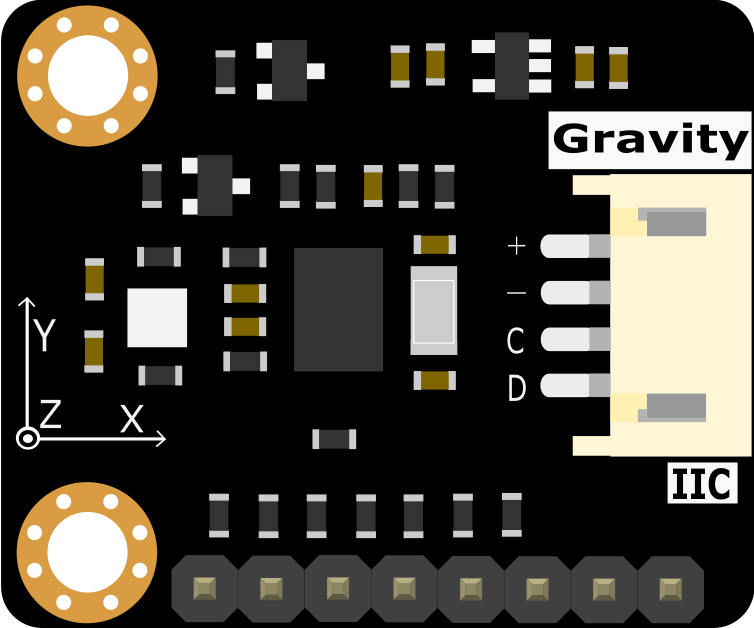
 Design with Gravity: 10 DOF IMU AHRS BNO055 + BMP280 in Cirkit Designer
Introduction
The Gravity: 10 DOF IMU AHRS (Attitude and Heading Reference System) is a high-performance sensor module developed by DFRobot. It integrates the Bosch BNO055, a 9-axis absolute orientation sensor, and the BMP280, a high-precision barometric pressure sensor. This combination provides a comprehensive solution for motion tracking, orientation sensing, and environmental monitoring.
This module is ideal for applications such as robotics, drones, wearable devices, and IoT projects requiring precise motion and environmental data. Its plug-and-play design, combined with DFRobot's Gravity interface, makes it easy to integrate into projects.
Explore Projects Built with Gravity: 10 DOF IMU AHRS BNO055 + BMP280
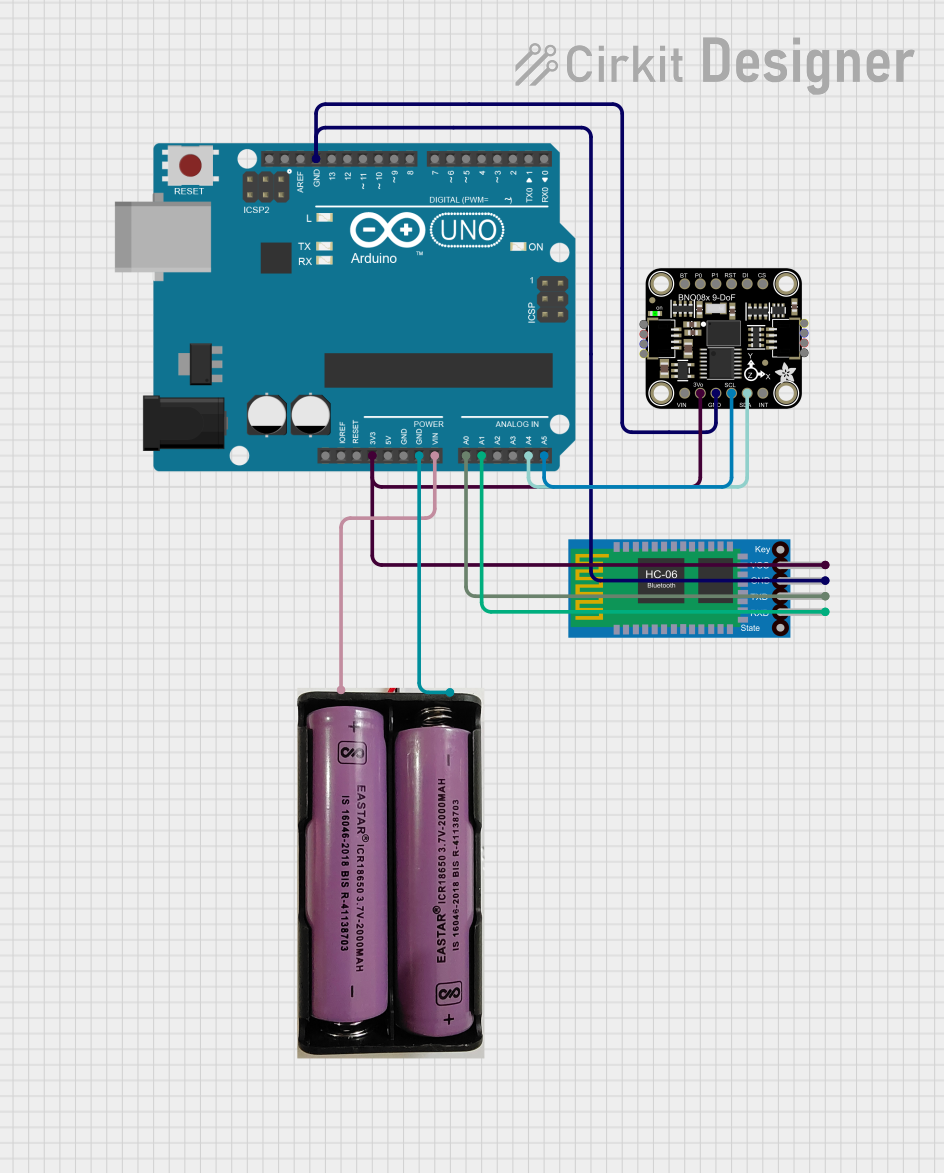 Open Project in Cirkit Designer
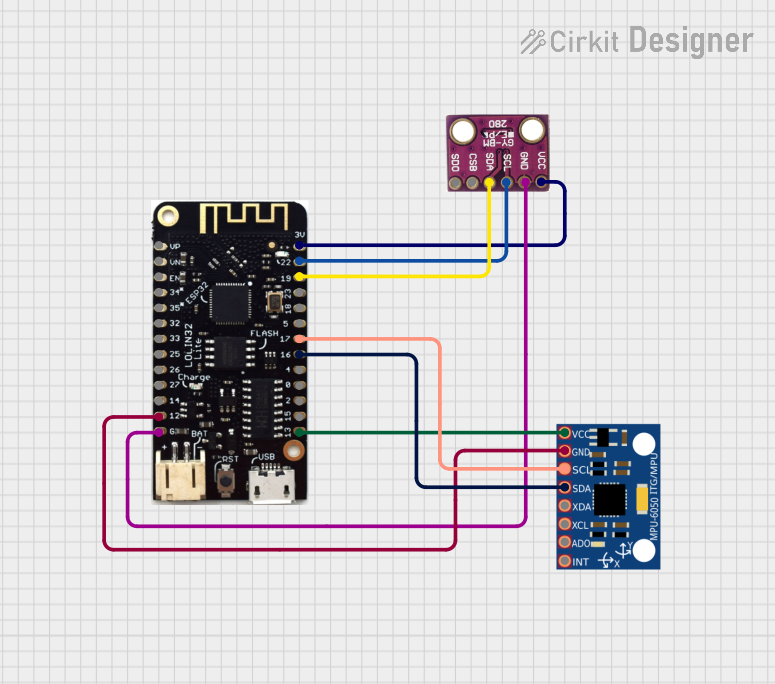 Open Project in Cirkit Designer
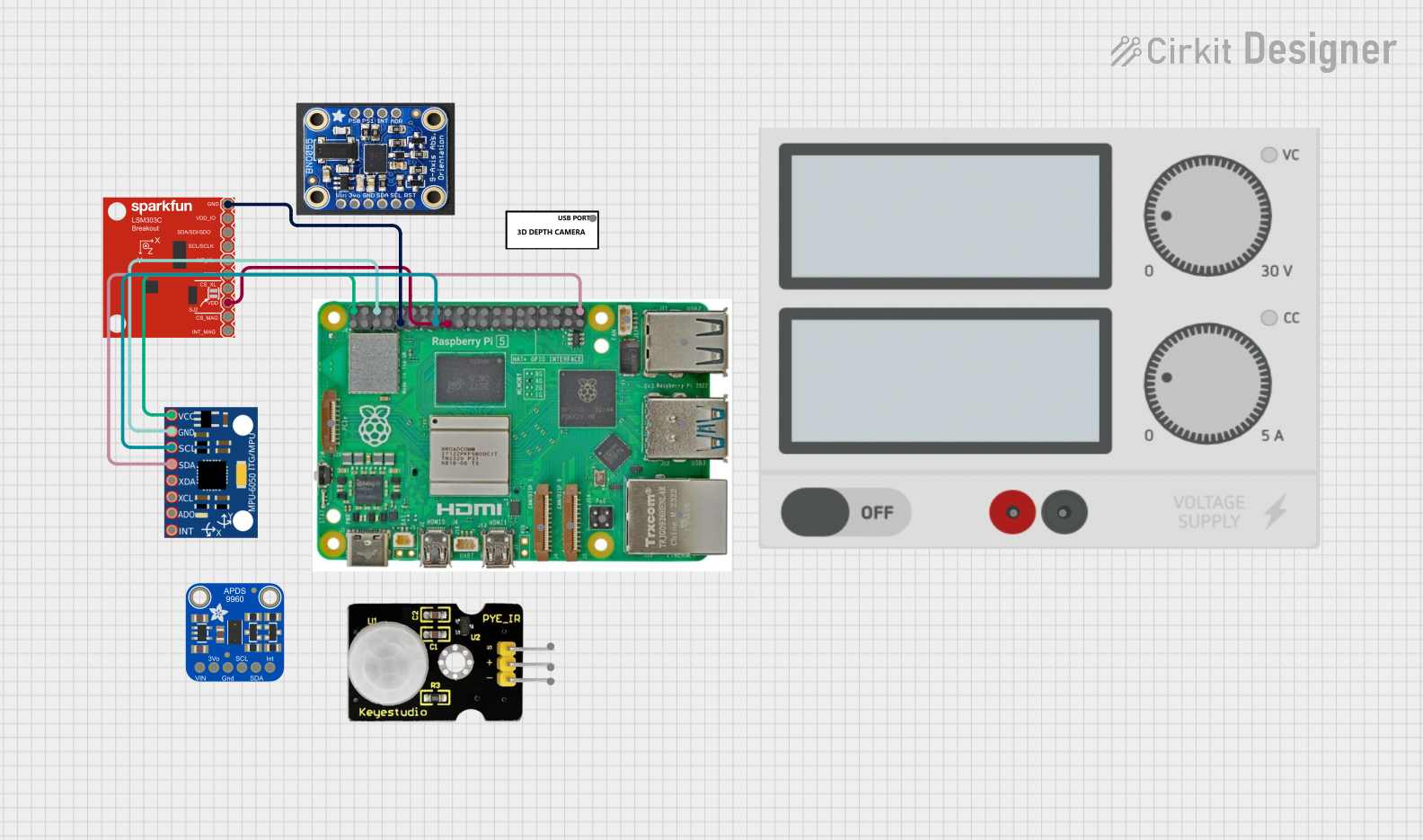 Open Project in Cirkit Designer
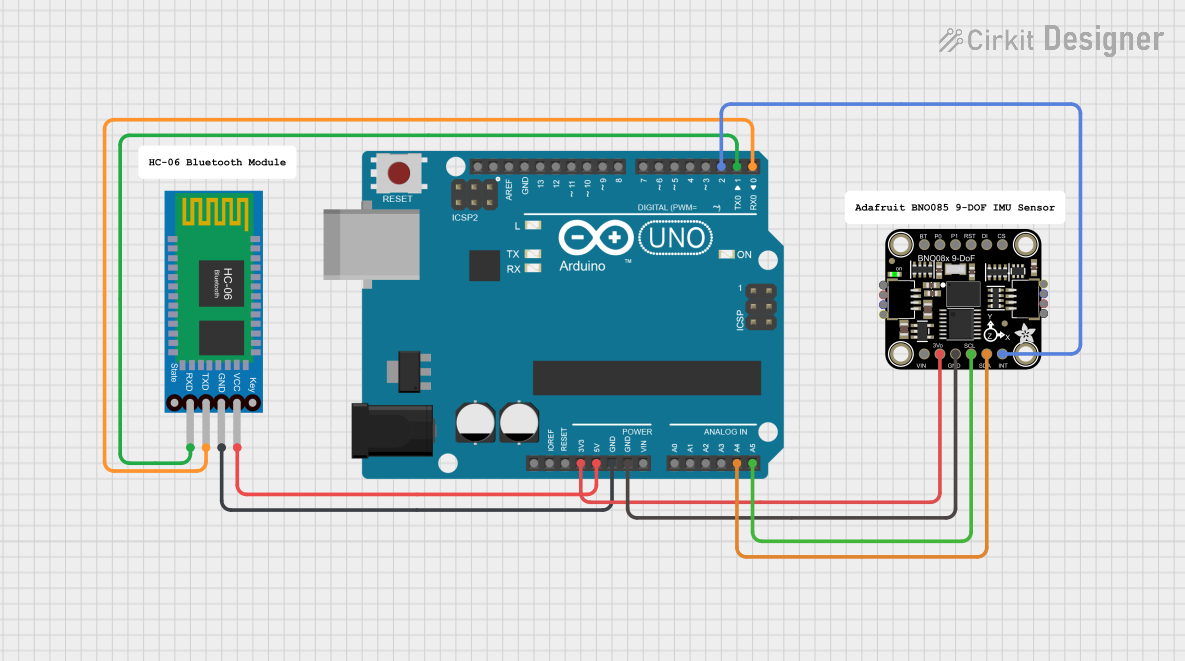 Open Project in Cirkit Designer
Explore Projects Built with Gravity: 10 DOF IMU AHRS BNO055 + BMP280
Open Project in Cirkit DesignerOpen Project in Cirkit DesignerOpen Project in Cirkit DesignerOpen Project in Cirkit DesignerTechnical Specifications
Key Specifications
| Parameter | Value |
|---|---|
| Operating Voltage | 3.3V - 5V |
| Communication Interface | I2C |
| I2C Address (Default) | 0x28 (BNO055), 0x76 (BMP280) |
| Orientation Sensor | Bosch BNO055 (9-axis IMU) |
| Barometric Sensor | Bosch BMP280 |
| Operating Temperature | -40°C to +85°C |
| Dimensions | 30mm x 22mm |
Pin Configuration
| Pin Name | Description |
|---|---|
| VCC | Power supply (3.3V - 5V) |
| GND | Ground |
| SDA | I2C data line |
| SCL | I2C clock line |
Usage Instructions
Connecting the Module
- Power Supply: Connect the
VCCpin to a 3.3V or 5V power source and theGNDpin to ground. - I2C Communication: Connect the
SDApin to the SDA pin on your microcontroller and theSCLpin to the SCL pin on your microcontroller. - Pull-Up Resistors: Ensure that the I2C bus has appropriate pull-up resistors (typically 4.7kΩ) if not already present.
Using with Arduino UNO
The Gravity: 10 DOF IMU AHRS module is compatible with Arduino boards. Below is an example code to read orientation data from the BNO055 and pressure data from the BMP280.
Example Code
#include <Wire.h>
#include <Adafruit_Sensor.h>
#include <Adafruit_BNO055.h>
#include <Adafruit_BMP280.h>

// Initialize BNO055 and BMP280 objects
Adafruit_BNO055 bno = Adafruit_BNO055(55);
Adafruit_BMP280 bmp;

void setup() {
  Serial.begin(9600);
  // Initialize BNO055
  if (!bno.begin()) {
    Serial.println("Error: BNO055 not detected. Check wiring or I2C address.");
    while (1);
  }
  Serial.println("BNO055 initialized successfully.");

  // Initialize BMP280
  if (!bmp.begin(0x76)) {
    Serial.println("Error: BMP280 not detected. Check wiring or I2C address.");
    while (1);
  }
  Serial.println("BMP280 initialized successfully.");
}

void loop() {
  // Read orientation data from BNO055
  sensors_event_t event;
  bno.getEvent(&event);
  Serial.print("Orientation - X: ");
  Serial.print(event.orientation.x);
  Serial.print(" Y: ");
  Serial.print(event.orientation.y);
  Serial.print(" Z: ");
  Serial.println(event.orientation.z);

  // Read pressure and temperature from BMP280
  Serial.print("Pressure: ");
  Serial.print(bmp.readPressure());
  Serial.println(" Pa");
  Serial.print("Temperature: ");
  Serial.print(bmp.readTemperature());
  Serial.println(" °C");

  delay(1000); // Delay for readability
}
Best Practices
- Use a stable power supply to avoid noise in sensor readings.
- Keep I2C lines as short as possible to reduce interference.
- Calibrate the BNO055 sensor for accurate orientation data. Follow the calibration steps in the BNO055 datasheet or library documentation.
Troubleshooting and FAQs
Common Issues
Sensor Not Detected:
- Ensure the I2C connections (SDA, SCL) are correct.
- Verify the I2C address matches the default (0x28 for BNO055, 0x76 for BMP280).
- Check for loose or faulty wiring.
Inaccurate Orientation Data:
- Perform a full calibration of the BNO055 sensor.
- Avoid placing the module near magnetic or metallic objects that can interfere with readings.
No Pressure or Temperature Data:
- Confirm the BMP280 is properly initialized in the code.
- Check the power supply voltage and ensure it is within the operating range.
Tips for Troubleshooting
- Use an I2C scanner sketch to confirm the module's I2C addresses.
- Test the module with a different microcontroller to rule out hardware issues.
- Refer to the DFRobot Gravity: 10 DOF IMU AHRS product page for additional resources and support.