Cirkit Designer LogoCirkit DesignerYour all-in-one circuit design IDE Launch Cirkit Designer App

How to Use predictive sensor: Examples, Pinouts, and Specs

Image of predictive sensorDesign with predictive sensor in Cirkit Designer

Introduction

A predictive sensor is a sophisticated electronic device that leverages data analysis and algorithms to anticipate future events or conditions. By analyzing patterns and trends in real-time or historical data, predictive sensors provide actionable insights, enabling systems to make informed decisions proactively. These sensors are widely used in automation, smart systems, and industrial applications to enhance efficiency, reduce downtime, and improve overall system performance.

Explore Projects Built with predictive sensor

Use Cirkit Designer to design, explore, and prototype these projects online. Some projects support real-time simulation. Click "Open Project" to start designing instantly!
Image of Raspberry Pi Zero W-Based Health Monitoring System with LoRa and GPS: A project utilizing predictive sensor in a practical application
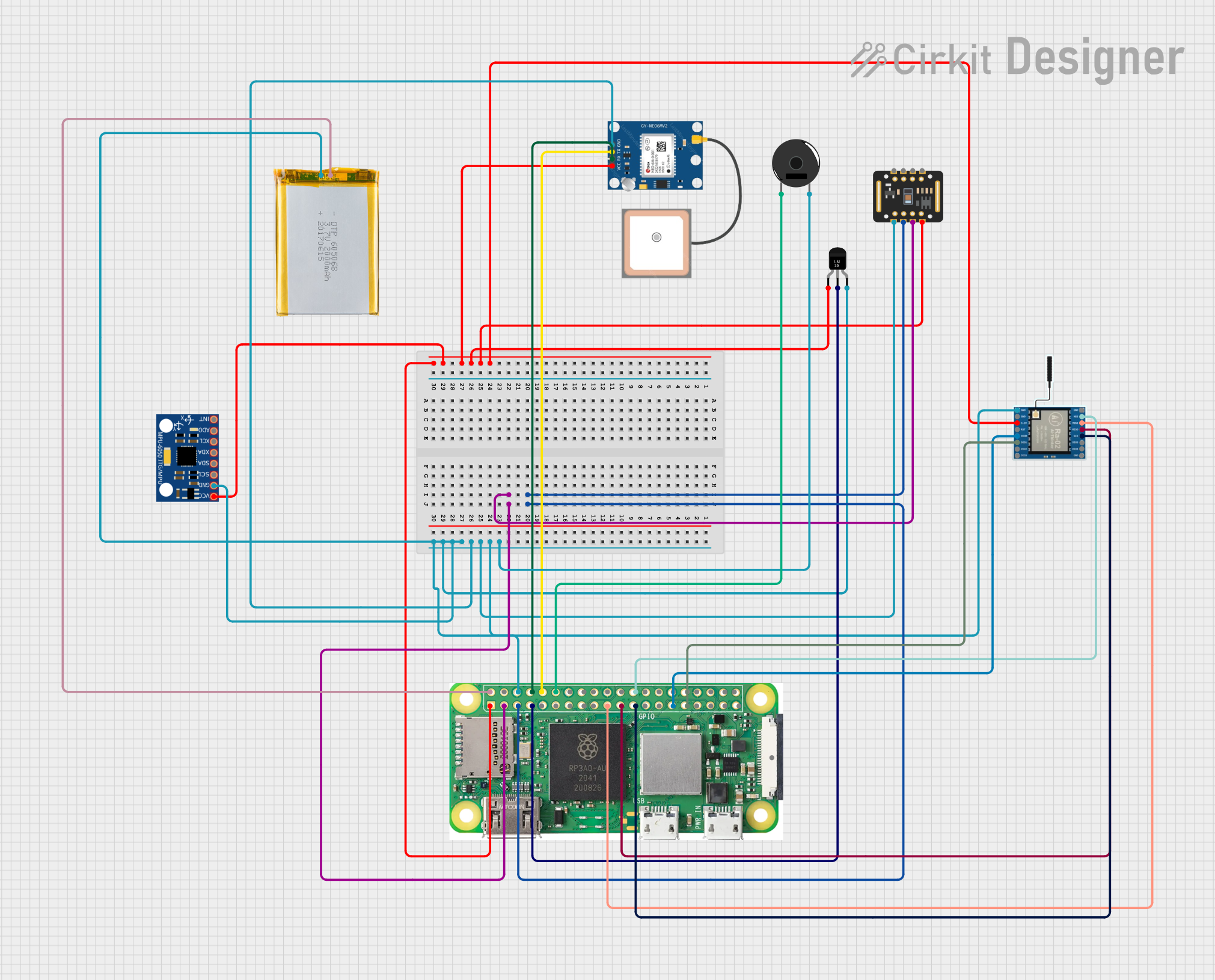
Raspberry Pi Zero W-Based Health Monitoring System with LoRa and GPS

This circuit is a multi-sensor data acquisition system powered by a Raspberry Pi Zero W. It integrates various sensors including a temperature sensor (LM35), an MPU-6050 accelerometer and gyroscope, a MAX30102 pulse oximeter, a GPS module, and a LoRa module for wireless communication. The system collects environmental and physiological data, which can be transmitted wirelessly via the LoRa module.

Open Project in Cirkit Designer
Image of ESP32 and ESP8266 Wi-Fi Controlled Sensor Hub with Battery Backup: A project utilizing predictive sensor in a practical application
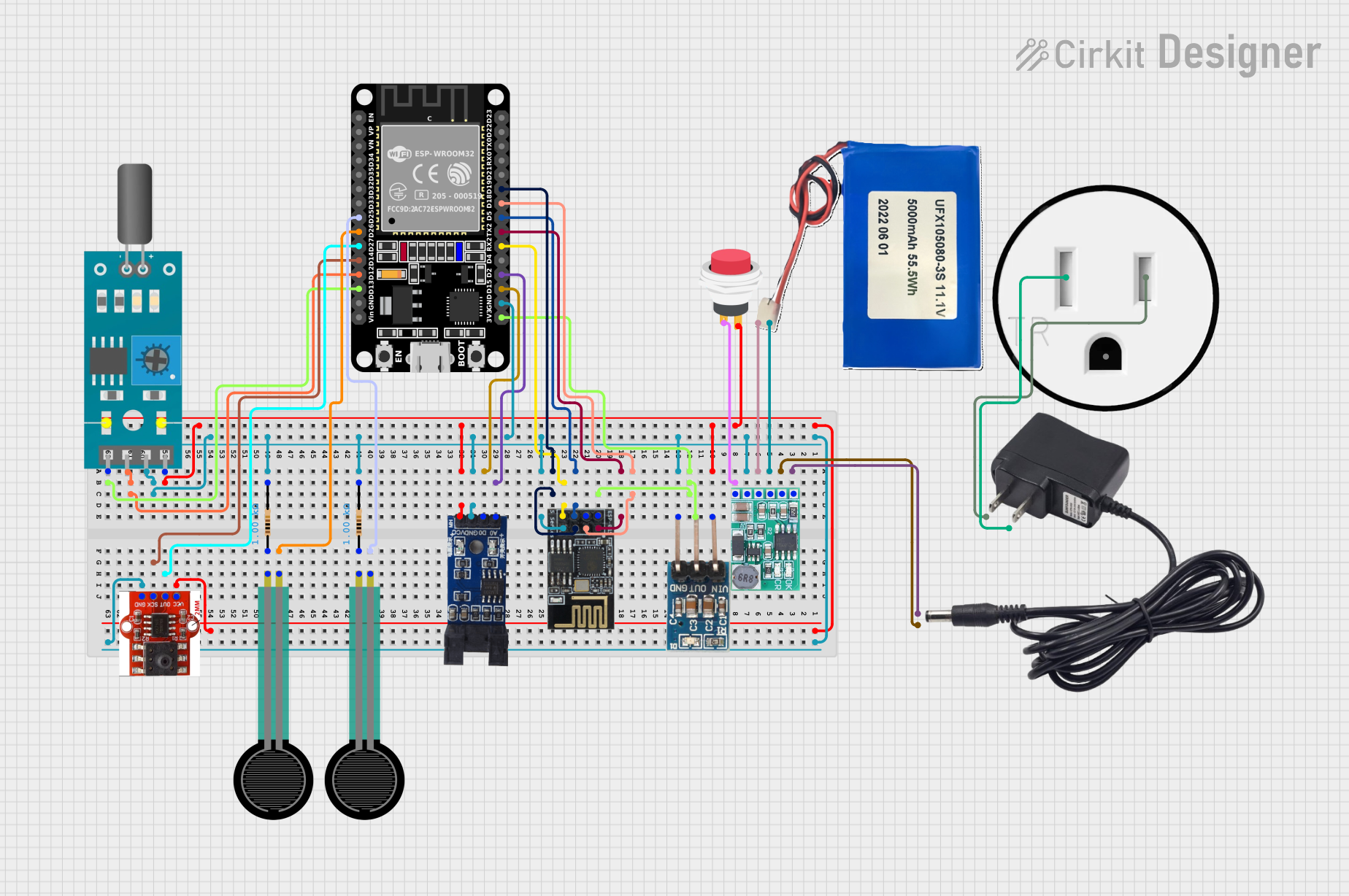
ESP32 and ESP8266 Wi-Fi Controlled Sensor Hub with Battery Backup

This circuit is a sensor monitoring and data transmission system powered by a Li-ion battery and a 12V adapter. It includes various sensors (tilt, optical encoder, force sensing resistors, and air pressure) connected to an ESP32 microcontroller, which reads sensor data and transmits it via a WiFi module (ESP8266-01). The system is designed to provide real-time sensor data over a WiFi network.

Open Project in Cirkit Designer
Image of ESP8266-Based Environmental Monitoring System with GPS, GSM, and Sensor Integration: A project utilizing predictive sensor in a practical application
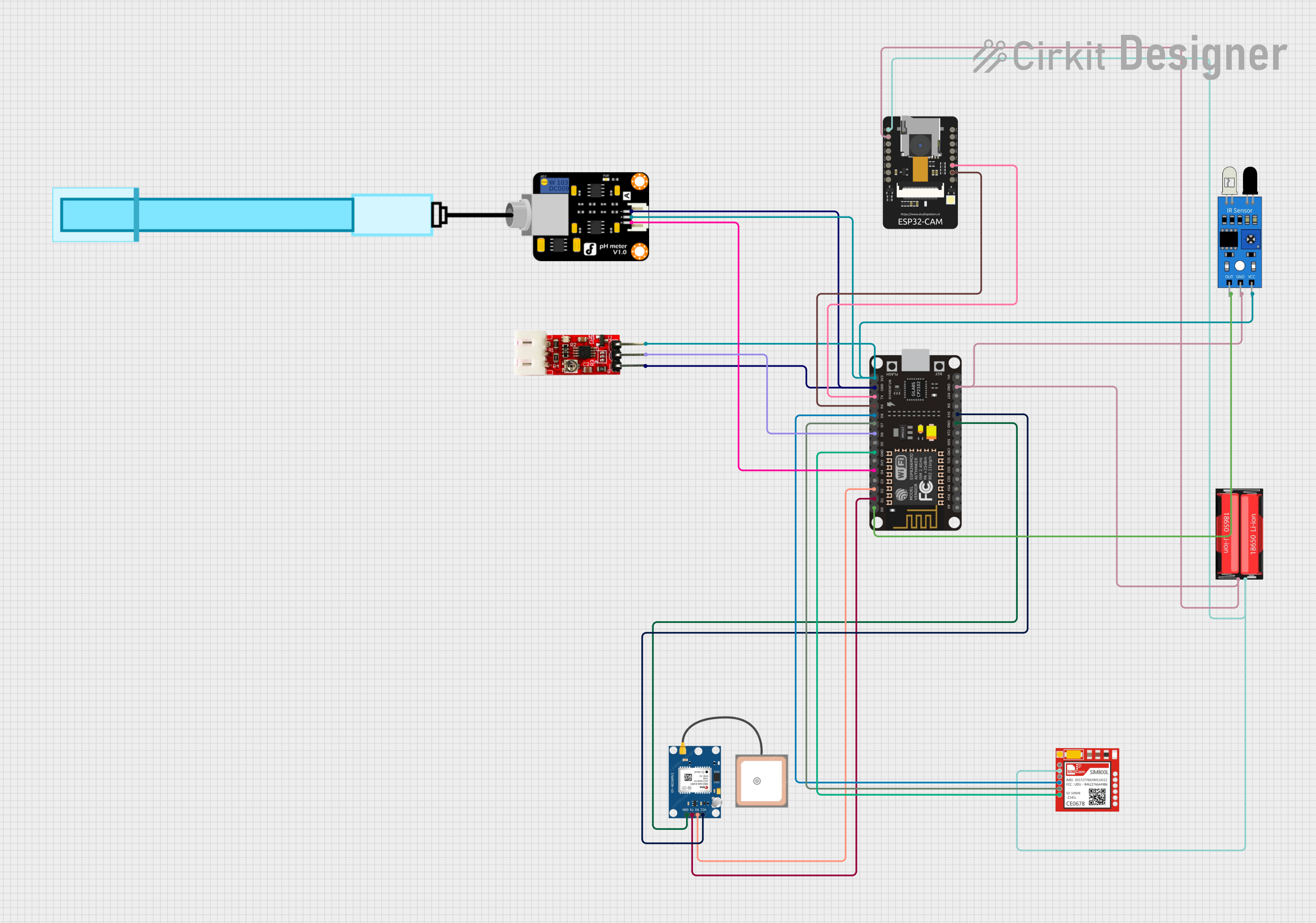
ESP8266-Based Environmental Monitoring System with GPS, GSM, and Sensor Integration

This is a sensor-rich IoT circuit designed for environmental monitoring, featuring an ESP8266 NodeMCU for data processing and Wi-Fi connectivity, a GPS for location tracking, a SIM800L module for GSM communication, and various sensors (IR, pH, turbidity) for measuring environmental parameters. An ESP32-CAM module adds image capture capabilities, and the system is powered by an 18650 Li-Ion battery.

Open Project in Cirkit Designer

Common Applications and Use Cases

Technical Specifications

Below are the general technical specifications for a predictive sensor. Note that specific models may vary slightly in their parameters.

Key Technical Details

Pin Configuration and Descriptions

The pinout for a typical predictive sensor module is as follows:

Pin Name Description
1 VCC Power supply input (3.3V to 5V DC).
2 GND Ground connection.
3 SDA Data line for I2C communication.
4 SCL Clock line for I2C communication.
5 TX Transmit pin for UART communication.
6 RX Receive pin for UART communication.
7 INT Interrupt pin for signaling events or alerts.
8 NC/Custom Pin Not connected or reserved for custom functionality (varies by manufacturer).

Usage Instructions

How to Use the Component in a Circuit

  1. Power the Sensor: Connect the VCC pin to a 3.3V or 5V power source and the GND pin to the ground.
  2. Choose a Communication Protocol:
    • For I2C: Connect the SDA and SCL pins to the corresponding pins on your microcontroller.
    • For UART: Connect the TX and RX pins to the UART pins on your microcontroller.
  3. Interrupt Pin (Optional): Use the INT pin to receive alerts or event notifications from the sensor.
  4. Data Processing: Use the microcontroller to read and process the data output by the sensor.

Important Considerations and Best Practices

Example Code for Arduino UNO

Below is an example of how to interface a predictive sensor with an Arduino UNO using the I2C protocol:

#include <Wire.h> // Include the Wire library for I2C communication

#define SENSOR_ADDRESS 0x40 // Replace with the sensor's I2C address

void setup() {
  Wire.begin(); // Initialize I2C communication
  Serial.begin(9600); // Start serial communication for debugging

  // Send initialization command to the sensor
  Wire.beginTransmission(SENSOR_ADDRESS);
  Wire.write(0x01); // Example command to initialize the sensor
  Wire.endTransmission();

  Serial.println("Predictive sensor initialized.");
}

void loop() {
  Wire.beginTransmission(SENSOR_ADDRESS);
  Wire.write(0x02); // Example command to request data
  Wire.endTransmission();

  Wire.requestFrom(SENSOR_ADDRESS, 2); // Request 2 bytes of data
  if (Wire.available() == 2) {
    int highByte = Wire.read(); // Read the high byte
    int lowByte = Wire.read();  // Read the low byte
    int sensorData = (highByte << 8) | lowByte; // Combine bytes into a single value

    Serial.print("Sensor Data: ");
    Serial.println(sensorData); // Print the sensor data
  }

  delay(1000); // Wait 1 second before the next reading
}

Troubleshooting and FAQs

Common Issues and Solutions

  1. No Data Output:

    • Cause: Incorrect wiring or communication protocol settings.
    • Solution: Double-check the connections and ensure the microcontroller is configured for the correct protocol.
  2. Inaccurate Predictions:

    • Cause: Sensor not calibrated or exposed to environmental interference.
    • Solution: Perform calibration as per the manufacturer's instructions and ensure the sensor is used within its specified operating conditions.
  3. Sensor Not Responding:

    • Cause: Power supply issues or incorrect I2C address.
    • Solution: Verify the power supply voltage and check the sensor's datasheet for the correct I2C address.
  4. Intermittent Data Loss:

    • Cause: Noisy communication lines or insufficient pull-up resistors for I2C.
    • Solution: Add appropriate pull-up resistors (typically 4.7kΩ) to the SDA and SCL lines.

FAQs