
How to Use battery1: Examples, Pinouts, and Specs
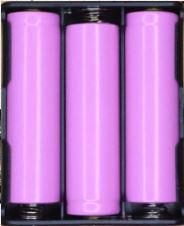
 Design with battery1 in Cirkit Designer
Introduction
A battery is a device that stores electrical energy in chemical form and converts it to electrical energy when needed, providing power to electronic circuits. Batteries are essential components in a wide range of applications, from powering small electronic devices like remote controls and sensors to larger systems such as electric vehicles and backup power supplies. They are available in various types, including primary (non-rechargeable) and secondary (rechargeable) batteries, each suited for specific use cases.
Common applications of batteries include:
- Portable electronic devices (e.g., smartphones, laptops, and cameras)
- Backup power systems (e.g., uninterruptible power supplies)
- Electric vehicles and renewable energy storage
- Wearable devices and IoT sensors
Explore Projects Built with battery1
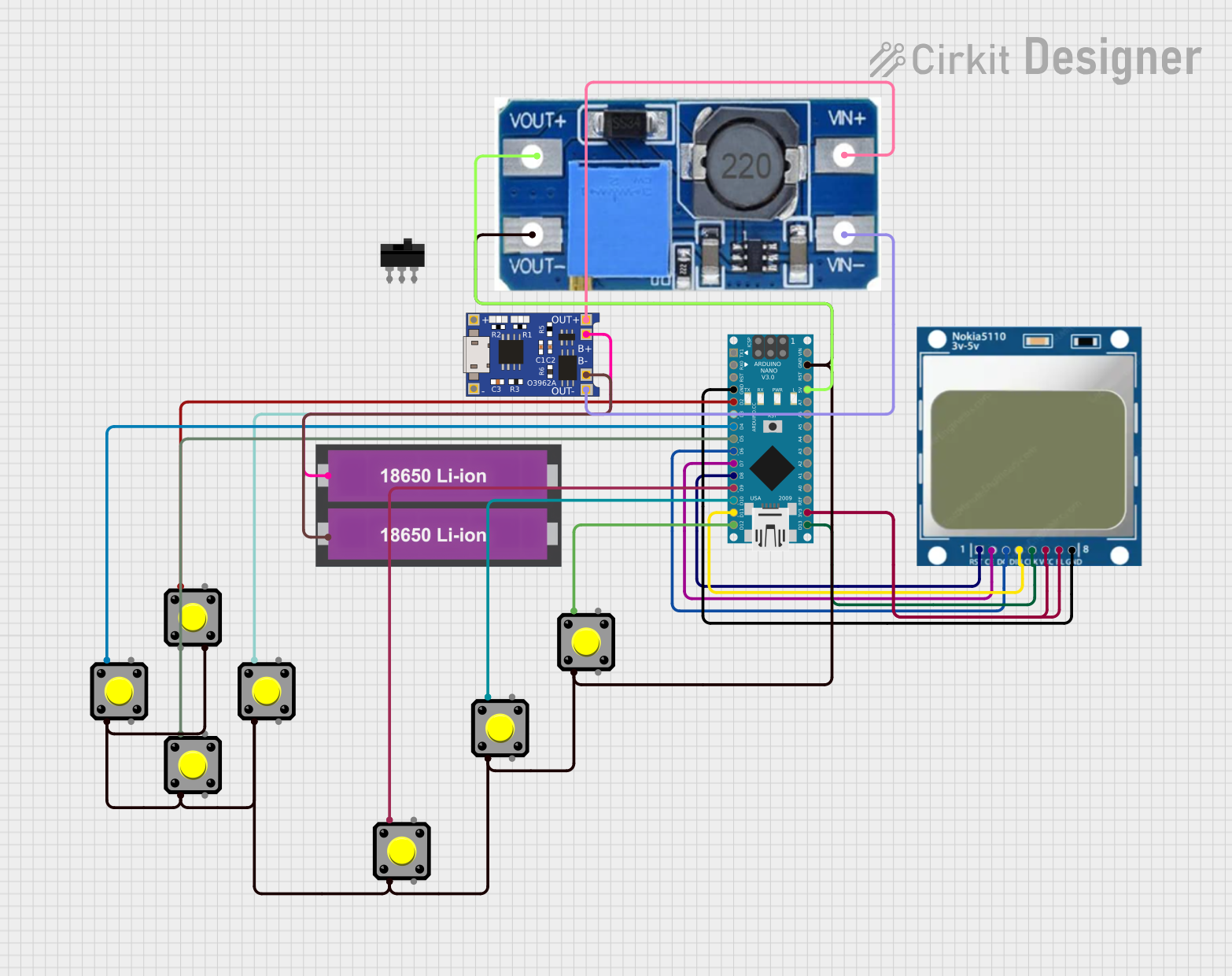 Open Project in Cirkit Designer
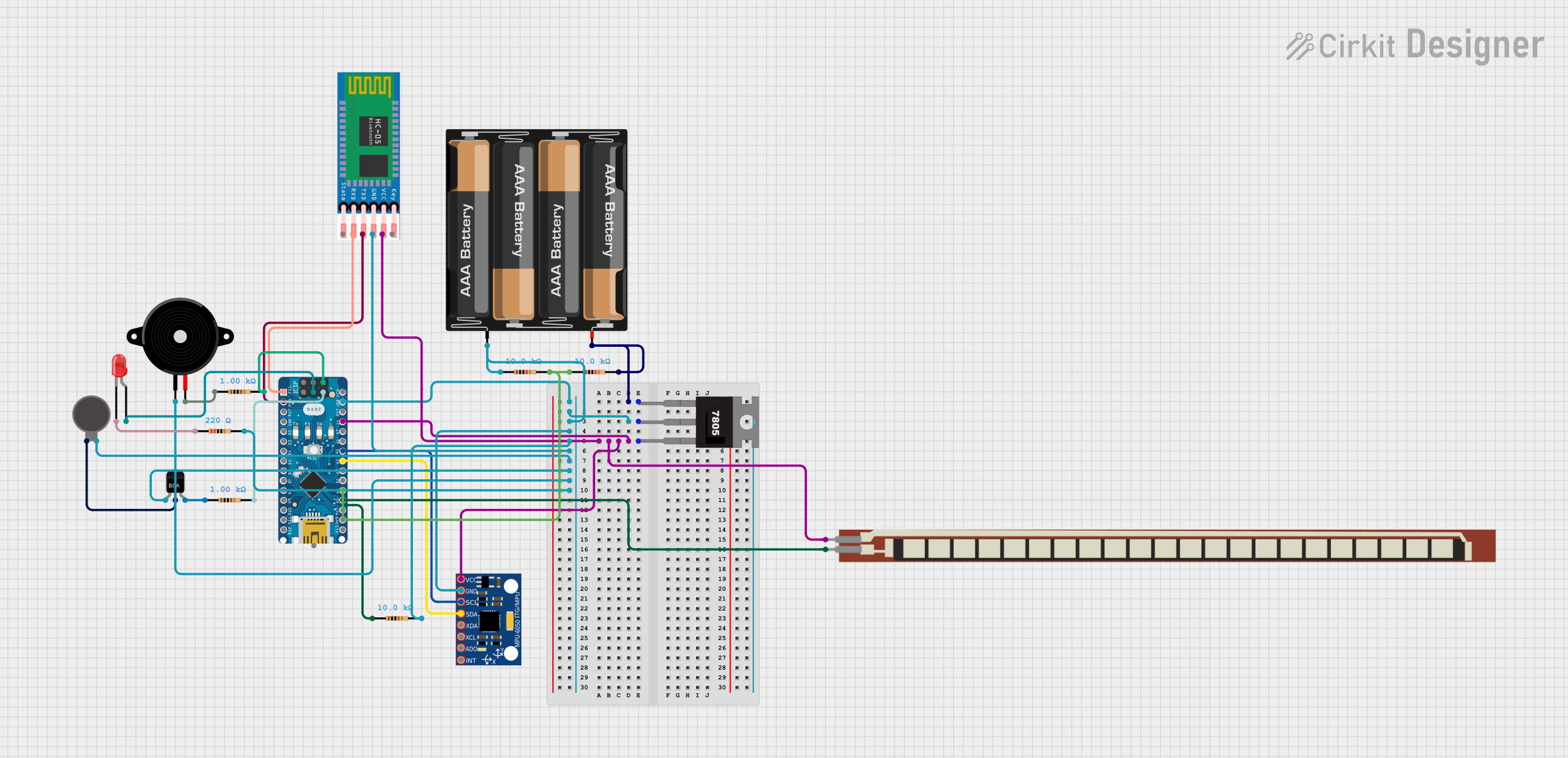 Open Project in Cirkit Designer
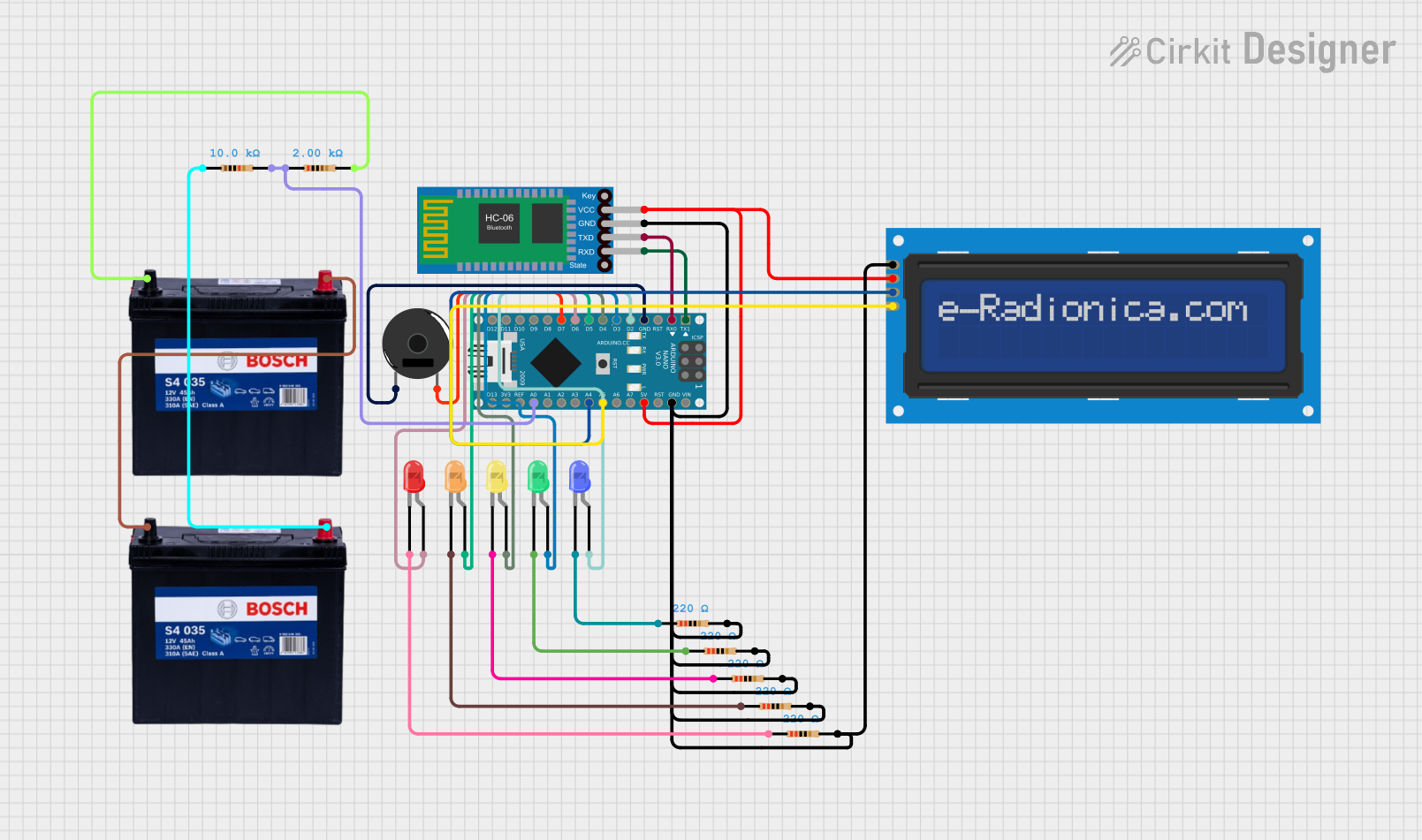 Open Project in Cirkit Designer
 Open Project in Cirkit Designer
Explore Projects Built with battery1
Open Project in Cirkit DesignerOpen Project in Cirkit DesignerOpen Project in Cirkit DesignerOpen Project in Cirkit DesignerTechnical Specifications
The specifications of a battery depend on its type, size, and chemistry. Below are general technical details for a typical AA alkaline battery as an example:
| Parameter | Value |
|---|---|
| Nominal Voltage | 1.5 V |
| Capacity | ~2000–3000 mAh |
| Chemistry | Alkaline |
| Rechargeable | No |
| Operating Temperature | -20°C to 54°C |
| Shelf Life | ~5–10 years |
For a rechargeable lithium-ion battery, the specifications might look like this:
| Parameter | Value |
|---|---|
| Nominal Voltage | 3.7 V |
| Capacity | ~1000–5000 mAh |
| Chemistry | Lithium-ion |
| Rechargeable | Yes |
| Charging Voltage | 4.2 V (max) |
| Operating Temperature | 0°C to 45°C (charging) |
| Cycle Life | ~300–500 cycles |
Pin Configuration and Descriptions
Batteries typically have two terminals:
| Pin Name | Description |
|---|---|
| Positive (+) | The positive terminal (anode) where current flows out of the battery. |
| Negative (-) | The negative terminal (cathode) where current flows into the battery. |
Usage Instructions
How to Use a Battery in a Circuit
- Identify the Terminals: Ensure you correctly identify the positive (+) and negative (-) terminals of the battery.
- Connect to the Circuit: Use appropriate connectors or battery holders to securely connect the battery to your circuit. Ensure the polarity matches the circuit's requirements.
- Voltage Matching: Verify that the battery's voltage matches the voltage requirements of your circuit. Using a battery with a higher or lower voltage than required can damage components.
- Current Considerations: Ensure the battery can supply sufficient current for your circuit. Check the battery's capacity (mAh) and discharge rate.
- Safety Precautions: Avoid short-circuiting the terminals, overcharging (for rechargeable batteries), or exposing the battery to extreme temperatures.
Example: Connecting a Battery to an Arduino UNO
To power an Arduino UNO with a 9V battery:
- Connect the positive terminal of the 9V battery to the Arduino's VIN pin.
- Connect the negative terminal of the battery to the Arduino's GND pin.
Here is a simple Arduino sketch to blink an LED while powered by a battery:
// This code blinks an LED connected to pin 13 of the Arduino UNO.
// Ensure the battery provides sufficient voltage (e.g., 9V) to power the Arduino.

void setup() {
  pinMode(13, OUTPUT); // Set pin 13 as an output pin
}

void loop() {
  digitalWrite(13, HIGH); // Turn the LED on
  delay(1000);            // Wait for 1 second
  digitalWrite(13, LOW);  // Turn the LED off
  delay(1000);            // Wait for 1 second
}
Important Considerations
- Battery Holders: Use a proper battery holder to secure the battery and prevent accidental disconnections.
- Rechargeable Batteries: Use a compatible charger and avoid overcharging or deep discharging.
- Disposal: Dispose of used batteries responsibly, following local regulations.
Troubleshooting and FAQs
Common Issues
Battery Drains Quickly
- Cause: High current draw from the circuit or a low-capacity battery.
- Solution: Use a battery with a higher capacity or reduce the circuit's power consumption.
Device Does Not Power On
- Cause: Incorrect polarity or insufficient voltage.
- Solution: Verify the battery's polarity and ensure the voltage matches the circuit's requirements.
Battery Overheats
- Cause: Short circuit or excessive current draw.
- Solution: Disconnect the battery immediately and inspect the circuit for faults.
Rechargeable Battery Does Not Charge
- Cause: Faulty charger or battery degradation.
- Solution: Check the charger and replace the battery if it has reached the end of its cycle life.
FAQs
Q: Can I use a higher voltage battery than specified for my circuit?
A: No, using a higher voltage battery can damage your components. Always match the battery voltage to the circuit's requirements.
Q: How do I store batteries safely?
A: Store batteries in a cool, dry place away from direct sunlight and heat sources. Keep them in their original packaging or a battery case to prevent short circuits.
Q: How can I extend the life of a rechargeable battery?
A: Avoid overcharging, deep discharging, and exposing the battery to extreme temperatures. Charge the battery regularly and use it within its specified operating conditions.