
How to Use servo: Examples, Pinouts, and Specs
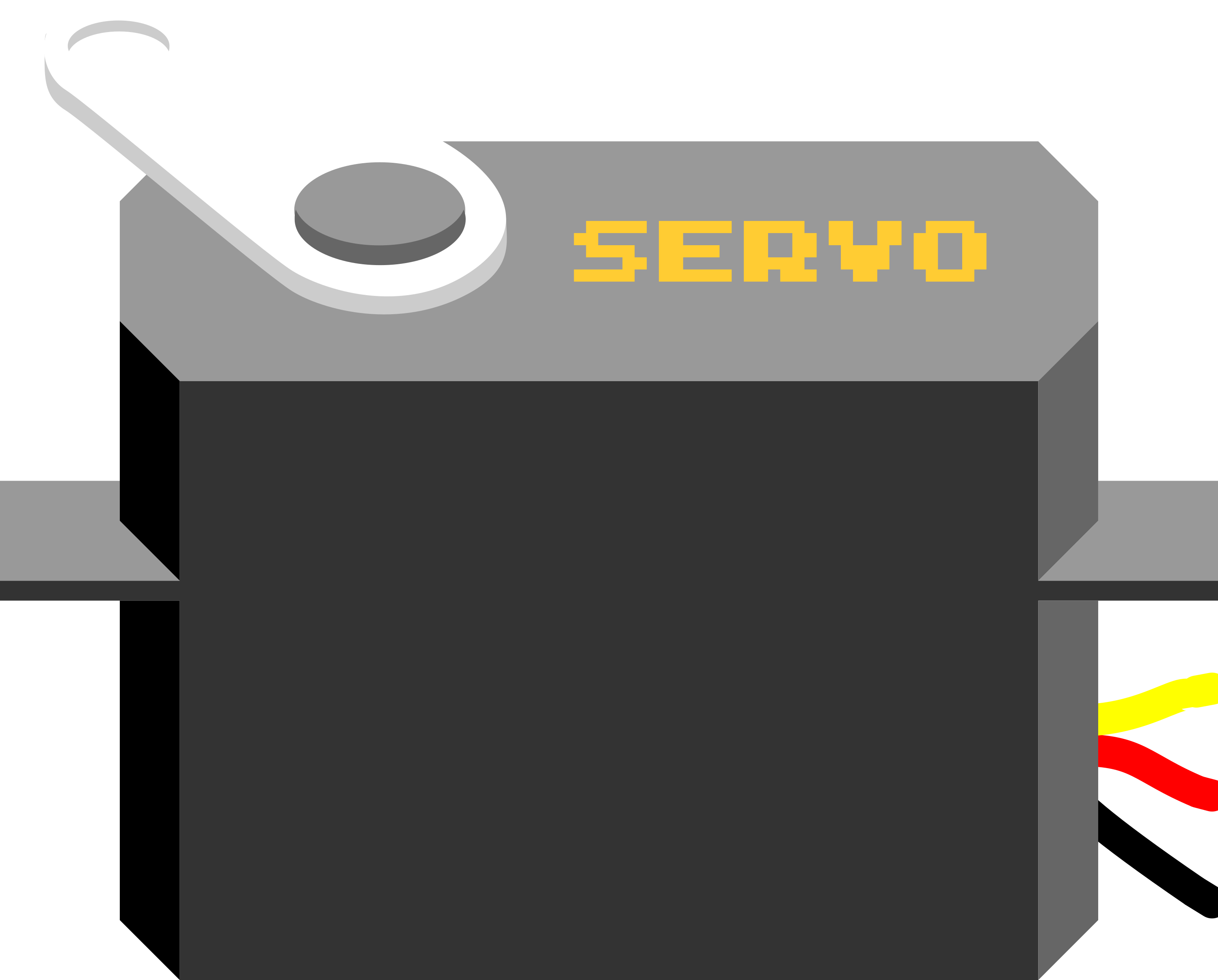
 Design with servo in Cirkit Designer
Introduction
A servo is a rotary actuator that allows for precise control of angular position, velocity, and acceleration. It consists of a motor coupled to a sensor for position feedback, along with a control circuit. Servos are widely used in robotics, automation, remote-controlled vehicles, and industrial machinery due to their ability to provide accurate and repeatable motion.
Explore Projects Built with servo
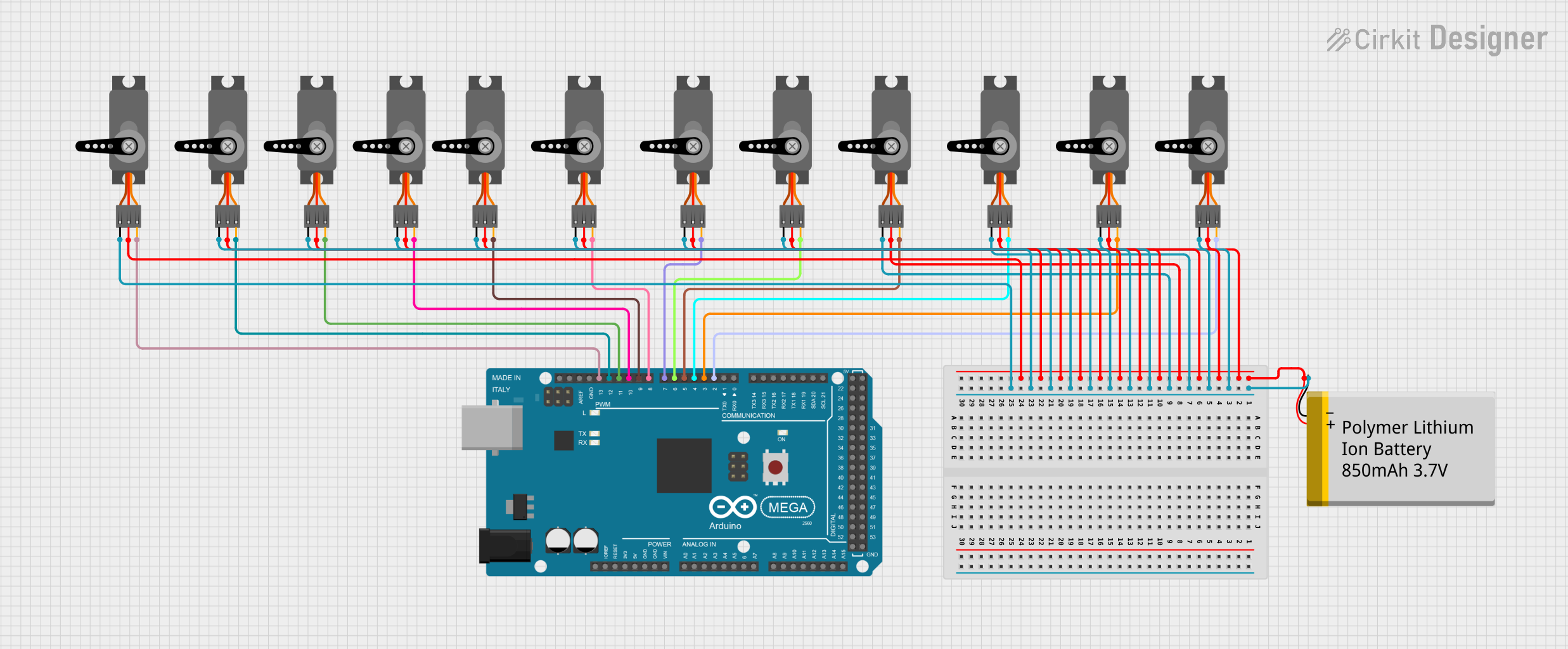 Open Project in Cirkit Designer
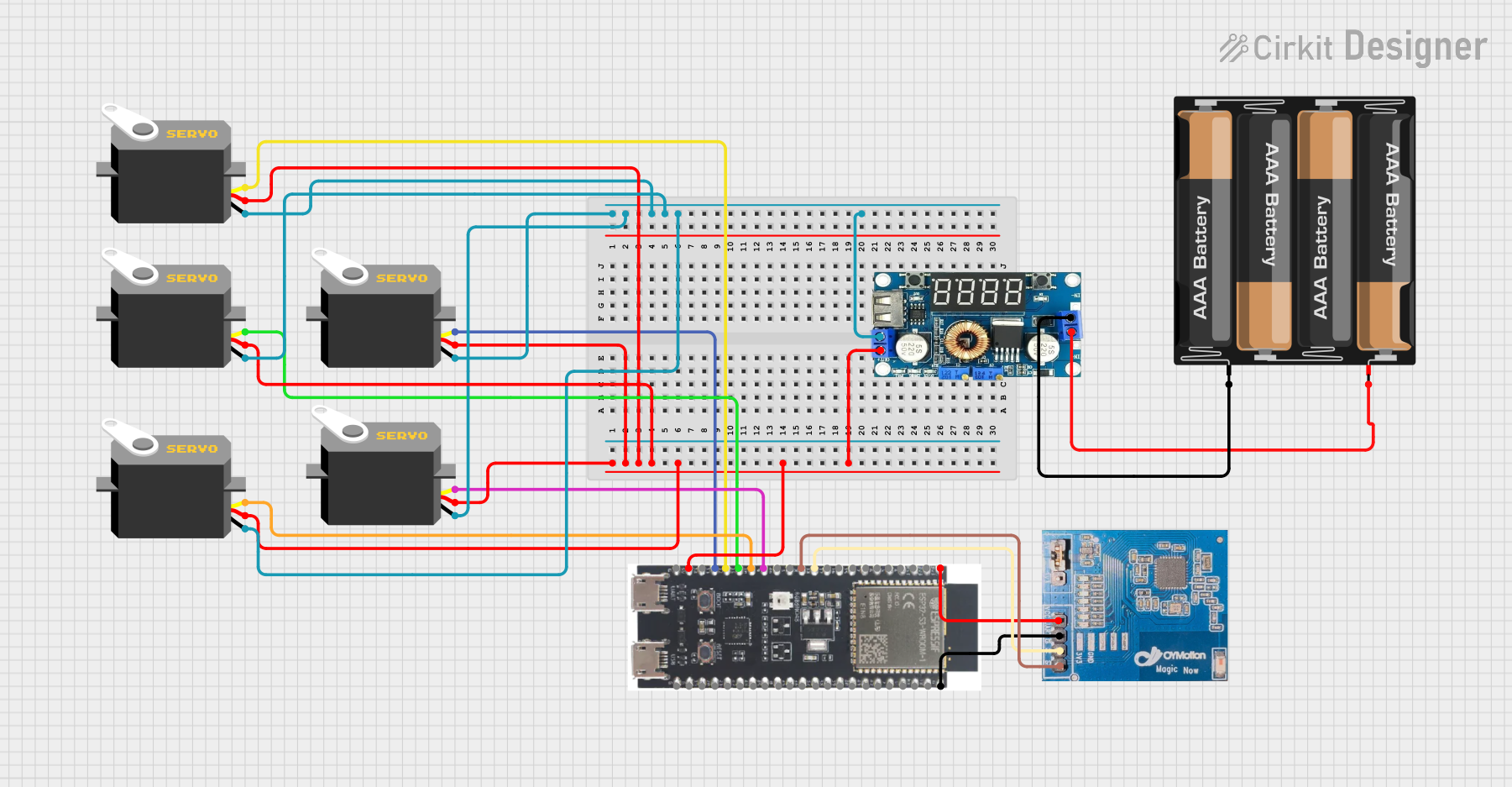 Open Project in Cirkit Designer
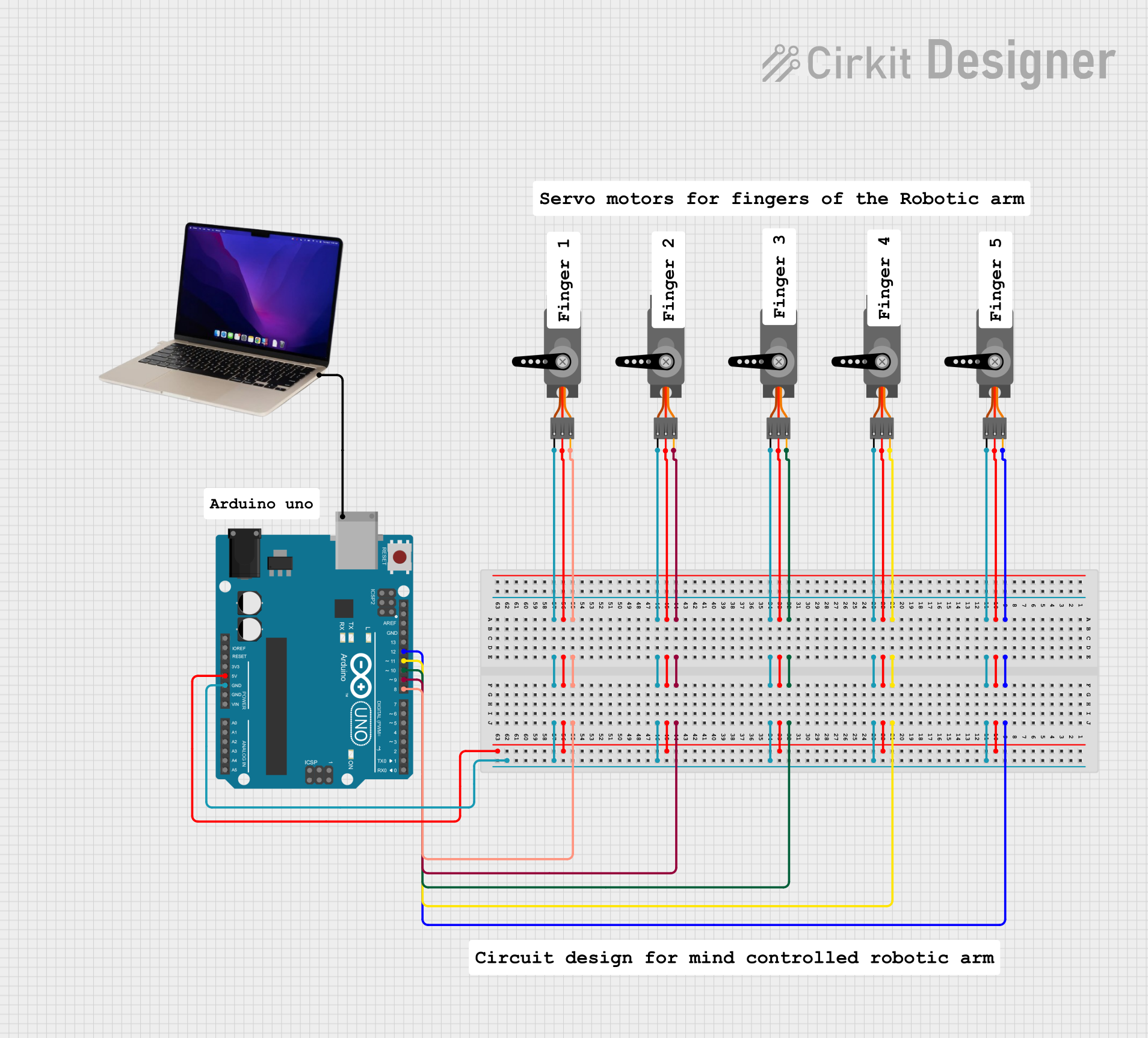 Open Project in Cirkit Designer
 Open Project in Cirkit Designer
Explore Projects Built with servo
Open Project in Cirkit DesignerOpen Project in Cirkit DesignerOpen Project in Cirkit DesignerOpen Project in Cirkit DesignerCommon Applications and Use Cases
- Robotics: For controlling robotic arms, grippers, and joints.
- Remote-controlled vehicles: Steering mechanisms and throttle control.
- Automation: Conveyor systems, camera gimbals, and automated doors.
- Hobby projects: Model airplanes, boats, and cars.
- Industrial machinery: Precision positioning in manufacturing processes.
Technical Specifications
Below are the general technical specifications for a standard servo. Note that specific values may vary depending on the model and manufacturer.
| Parameter | Value |
|---|---|
| Manufacturer | Servo |
| Manufacturer Part ID | Servo |
| Operating Voltage | 4.8V to 6.0V |
| Stall Torque | 1.5 kg-cm to 20 kg-cm (varies) |
| Operating Speed | 0.1s to 0.2s per 60° (varies) |
| Control Signal | PWM (Pulse Width Modulation) |
| PWM Frequency | 50 Hz |
| Angle Range | 0° to 180° (standard) |
| Connector Type | 3-pin (Signal, VCC, GND) |
Pin Configuration and Descriptions
The servo typically has a 3-pin connector with the following pinout:
| Pin | Name | Description |
|---|---|---|
| 1 | Signal | Receives the PWM signal to control the servo position. |
| 2 | VCC | Power supply input (4.8V to 6.0V). |
| 3 | GND | Ground connection. |
Usage Instructions
How to Use the Servo in a Circuit
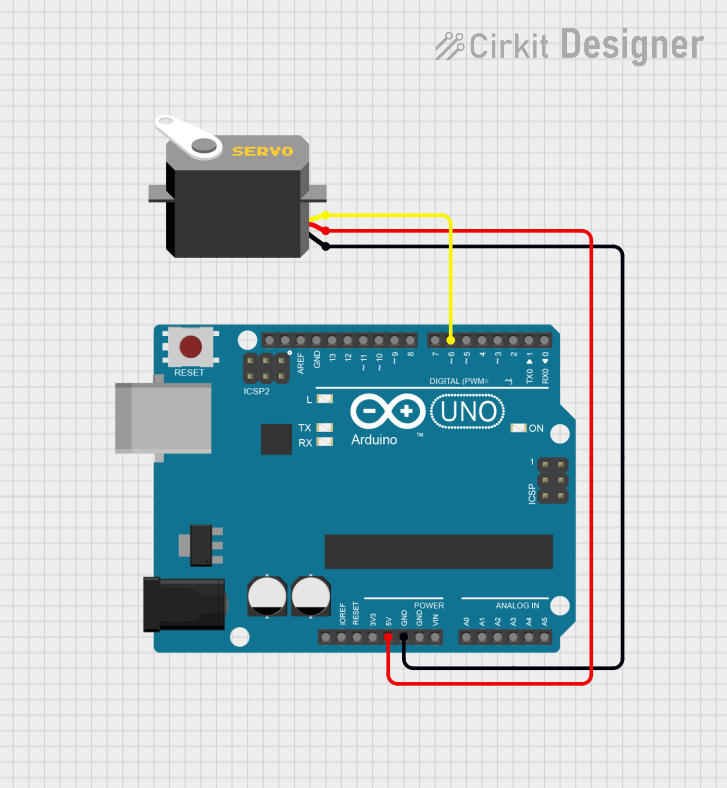
- Power the Servo: Connect the VCC pin to a 5V power source and the GND pin to the ground of your circuit.
- Control Signal: Connect the Signal pin to a microcontroller (e.g., Arduino) capable of generating a PWM signal.
- PWM Signal: Use a PWM signal with a frequency of 50 Hz. The pulse width determines the servo's position:
- 1 ms pulse width: 0° position.
- 1.5 ms pulse width: 90° position (center).
- 2 ms pulse width: 180° position.
Important Considerations and Best Practices
- Power Supply: Ensure the power supply can provide sufficient current for the servo, especially under load.
- Avoid Overloading: Do not exceed the torque rating of the servo to prevent damage.
- Signal Stability: Use a stable PWM signal to avoid erratic movements.
- Mechanical Limits: Avoid forcing the servo beyond its physical limits to prevent damage to the gears.
Example: Connecting a Servo to an Arduino UNO
Below is an example of how to control a servo using an Arduino UNO:
#include <Servo.h> // Include the Servo library

Servo myServo; // Create a Servo object

void setup() {
  myServo.attach(9); // Attach the servo to pin 9 on the Arduino
}

void loop() {
  myServo.write(0); // Move the servo to 0 degrees
  delay(1000);      // Wait for 1 second

  myServo.write(90); // Move the servo to 90 degrees
  delay(1000);       // Wait for 1 second

  myServo.write(180); // Move the servo to 180 degrees
  delay(1000);        // Wait for 1 second
}
Notes:
- The
Servo.hlibrary simplifies servo control by handling PWM signal generation. - Ensure the servo is connected to a pin capable of PWM output (e.g., pin 9 on the Arduino UNO).
Troubleshooting and FAQs
Common Issues and Solutions
Servo Not Moving
- Cause: Incorrect wiring or insufficient power supply.
- Solution: Verify the connections and ensure the power supply meets the servo's requirements.
Erratic Movements
- Cause: Unstable PWM signal or electrical noise.
- Solution: Use a decoupling capacitor near the servo's power pins and ensure a stable PWM signal.
Overheating
- Cause: Overloading the servo or continuous operation under high torque.
- Solution: Reduce the load on the servo and allow it to cool periodically.
Limited Range of Motion
- Cause: Mechanical obstruction or incorrect PWM signal.
- Solution: Check for physical obstructions and ensure the PWM signal is within the correct range (1 ms to 2 ms).
FAQs
Q: Can I power the servo directly from the Arduino?
A: While possible for small servos, it is not recommended. Use an external power supply to avoid overloading the Arduino's voltage regulator.
Q: How do I control multiple servos with an Arduino?
A: Use the Servo.h library to create multiple Servo objects, each controlling a different servo. Ensure the power supply can handle the combined current draw.
Q: Can I rotate the servo beyond 180°?
A: Standard servos are limited to 180°. For continuous rotation, use a modified or continuous rotation servo.
Q: Why is my servo jittering?
A: This could be due to electrical noise, insufficient power, or an unstable PWM signal. Check your circuit and power supply.
By following this documentation, you can effectively integrate and troubleshoot a servo in your projects.