
How to Use motion sensor: Examples, Pinouts, and Specs
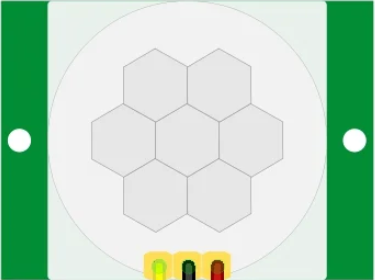
 Design with motion sensor in Cirkit Designer
Introduction
A motion sensor is a device designed to detect physical movement within a specified area. It is commonly used in security systems, home automation, lighting control, and other applications where detecting motion is essential. Motion sensors can operate using various technologies, such as infrared (PIR), ultrasonic, microwave, or a combination of these.
Explore Projects Built with motion sensor
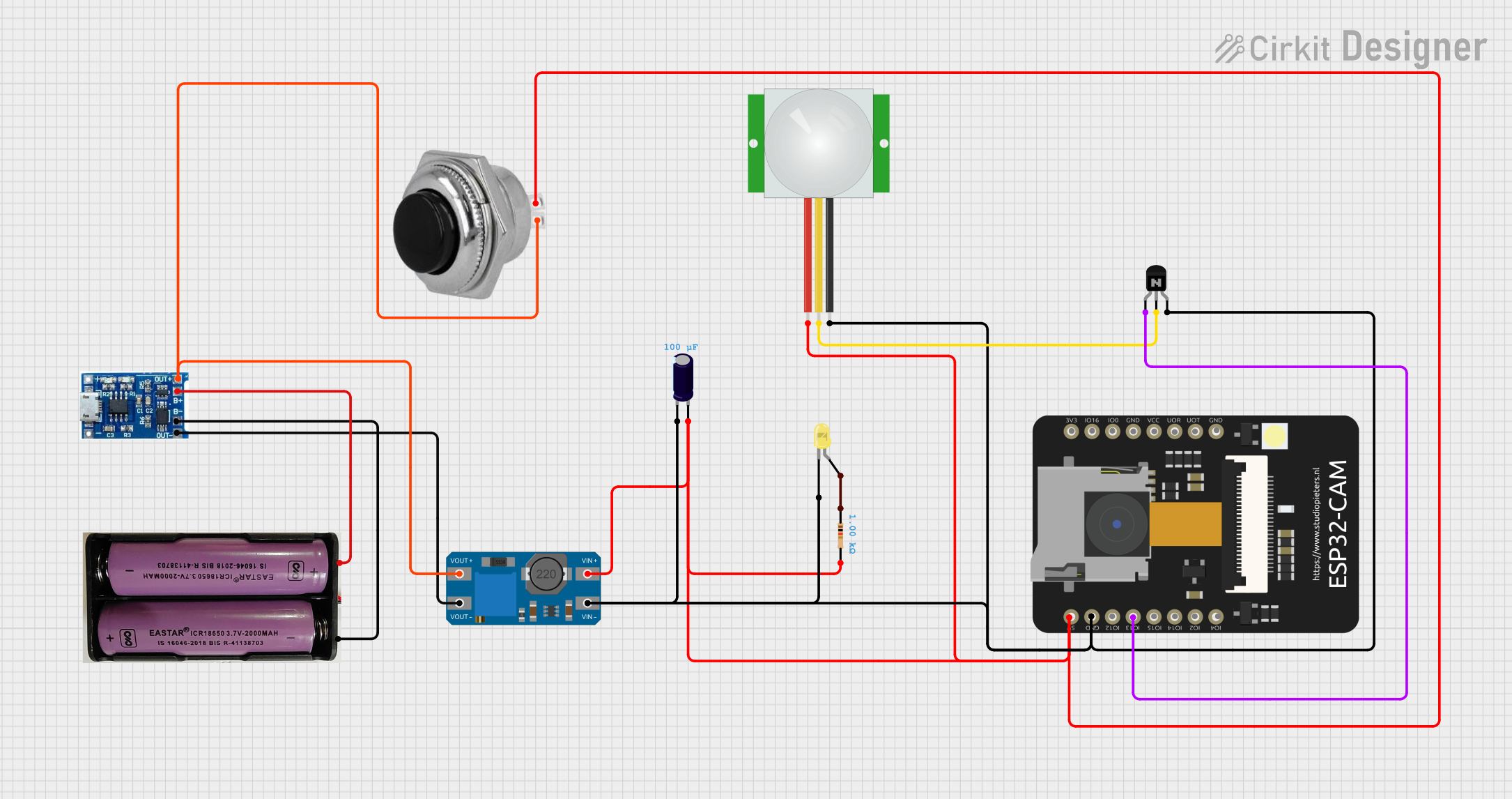 Open Project in Cirkit Designer
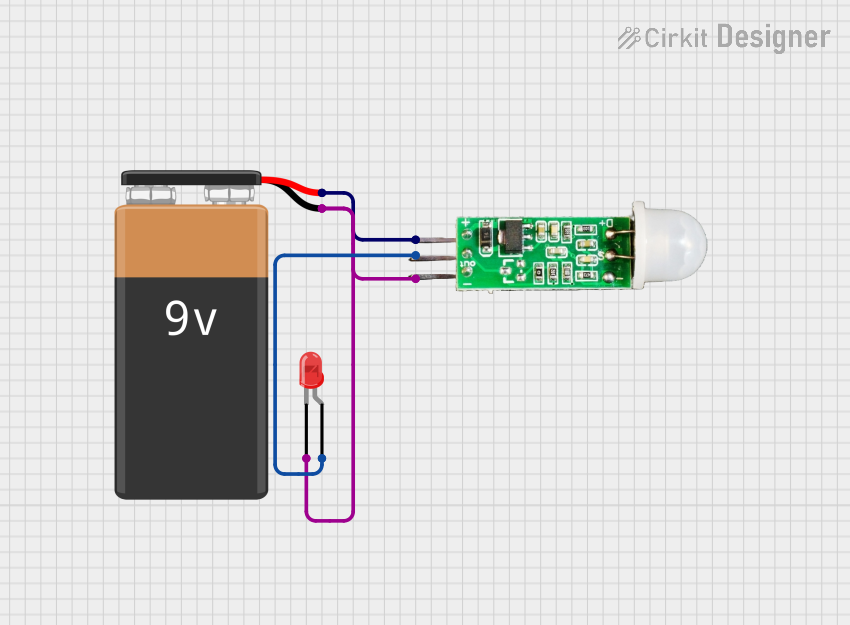 Open Project in Cirkit Designer
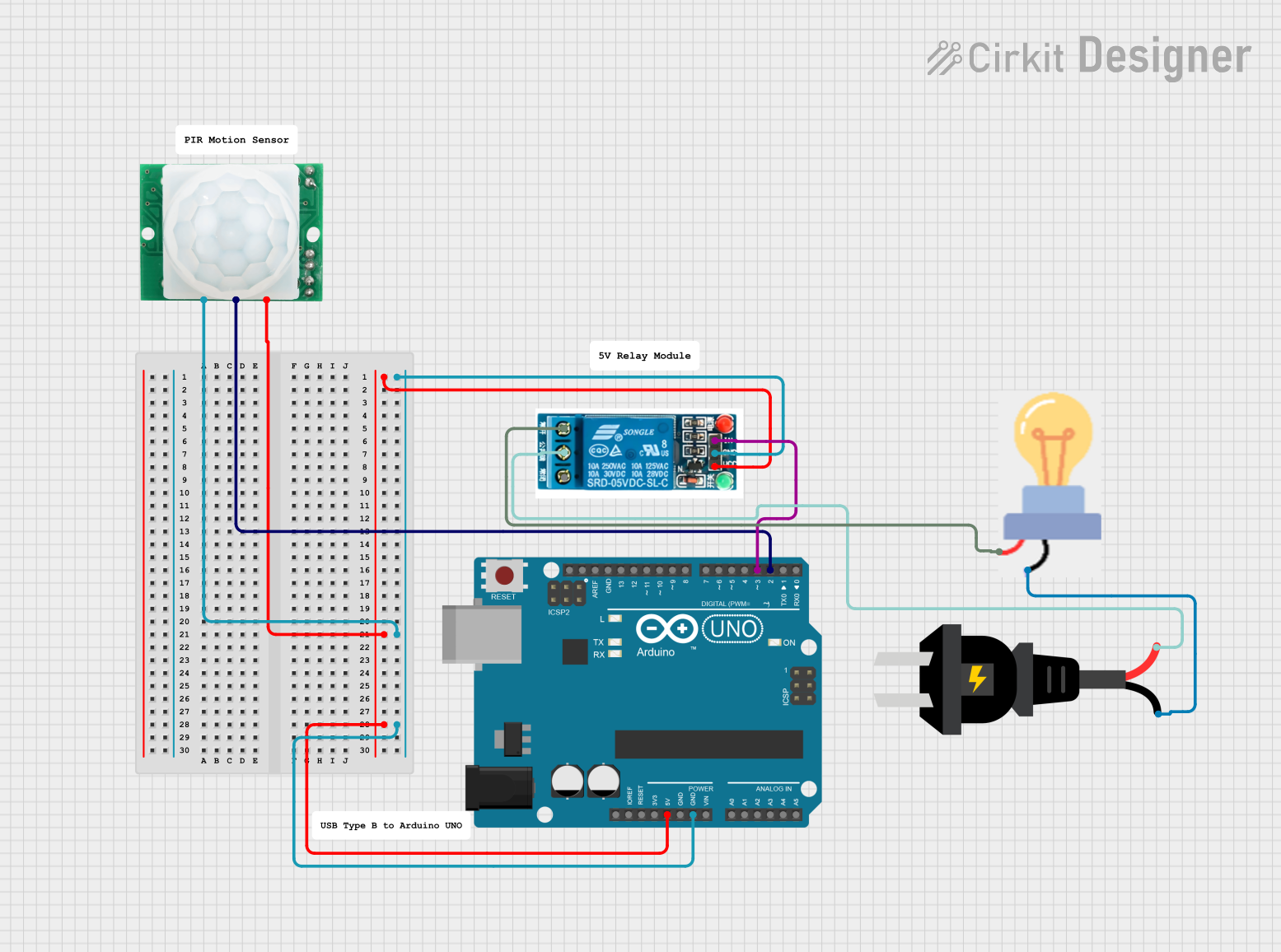 Open Project in Cirkit Designer
 Open Project in Cirkit Designer
Explore Projects Built with motion sensor
Open Project in Cirkit DesignerOpen Project in Cirkit DesignerOpen Project in Cirkit DesignerOpen Project in Cirkit DesignerCommon Applications and Use Cases
- Security systems for detecting intruders
- Automatic lighting systems
- Smart home automation
- Energy-saving devices
- Robotics and obstacle detection
- Industrial automation for monitoring movement
Technical Specifications
Below are the general technical specifications for a typical Passive Infrared (PIR) motion sensor, one of the most commonly used types of motion sensors:
| Parameter | Value |
|---|---|
| Operating Voltage | 4.5V to 20V DC |
| Operating Current | 50 µA to 60 µA (standby) |
| Detection Range | 3m to 7m (adjustable) |
| Detection Angle | 110° to 120° |
| Output Signal | High (3.3V or 5V) / Low (0V) |
| Warm-up Time | 10 to 60 seconds |
| Operating Temperature | -20°C to 50°C |
Pin Configuration and Descriptions
The PIR motion sensor typically has three pins:
| Pin | Name | Description |
|---|---|---|
| 1 | VCC | Power supply pin (4.5V to 20V DC) |
| 2 | OUT | Output pin (High when motion is detected, Low otherwise) |
| 3 | GND | Ground connection |
Usage Instructions
How to Use the Component in a Circuit
- Power the Sensor: Connect the VCC pin to a 5V power source and the GND pin to the ground.
- Connect the Output: Connect the OUT pin to a microcontroller (e.g., Arduino) or directly to a device (e.g., a relay or LED) to act upon motion detection.
- Adjust Sensitivity and Delay: Many PIR sensors have potentiometers to adjust the sensitivity (detection range) and delay time (how long the output remains HIGH after motion is detected).
- Warm-up Period: Allow the sensor to stabilize for 10-60 seconds after powering it on.
Important Considerations and Best Practices
- Avoid Direct Sunlight: Place the sensor away from direct sunlight or heat sources to prevent false triggers.
- Mounting Height: Install the sensor at an appropriate height (e.g., 2-3 meters) for optimal coverage.
- Avoid Obstructions: Ensure there are no obstacles blocking the sensor's field of view.
- Power Supply: Use a stable power supply to avoid erratic behavior.
Example: Connecting to an Arduino UNO
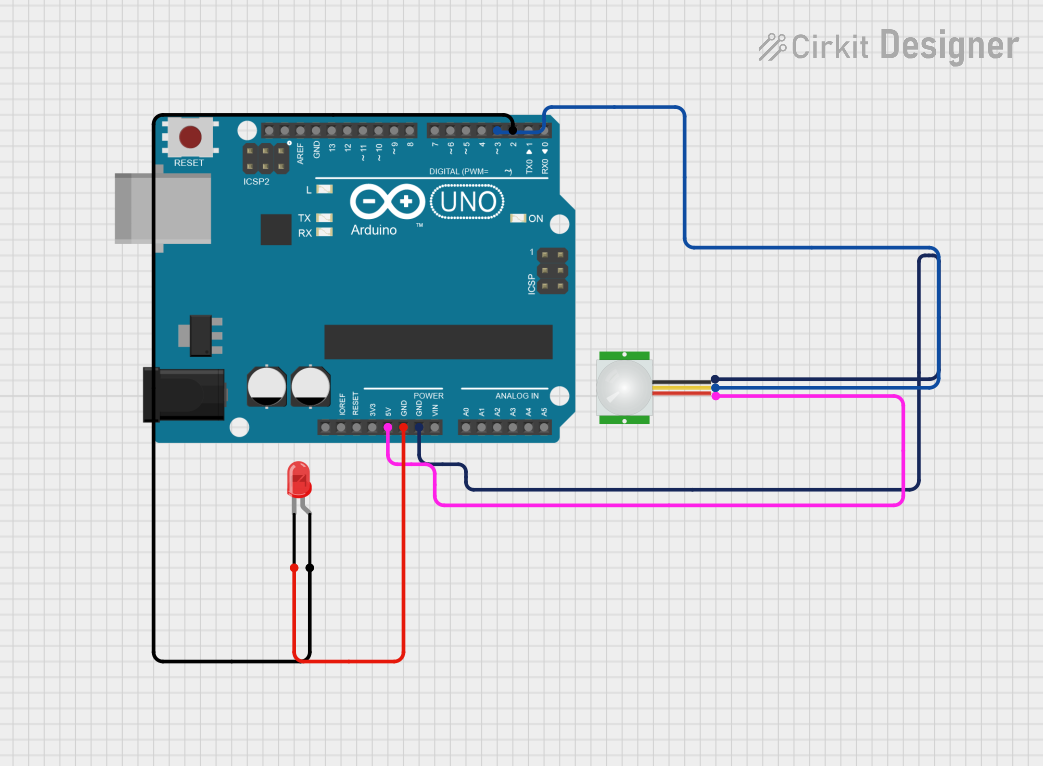
Below is an example of how to connect and use a PIR motion sensor with an Arduino UNO:
Circuit Connections
- Connect the VCC pin of the PIR sensor to the 5V pin on the Arduino.
- Connect the GND pin of the PIR sensor to the GND pin on the Arduino.
- Connect the OUT pin of the PIR sensor to digital pin 2 on the Arduino.
Arduino Code
// PIR Motion Sensor Example with Arduino UNO
// This code turns on the built-in LED when motion is detected.

#define PIR_PIN 2  // Define the pin connected to the PIR sensor's OUT pin
#define LED_PIN 13 // Define the built-in LED pin

void setup() {
  pinMode(PIR_PIN, INPUT);  // Set PIR sensor pin as input
  pinMode(LED_PIN, OUTPUT); // Set LED pin as output
  Serial.begin(9600);       // Initialize serial communication for debugging
}

void loop() {
  int motionState = digitalRead(PIR_PIN); // Read the PIR sensor output

  if (motionState == HIGH) { // If motion is detected
    digitalWrite(LED_PIN, HIGH); // Turn on the LED
    Serial.println("Motion detected!"); // Print message to serial monitor
  } else {
    digitalWrite(LED_PIN, LOW); // Turn off the LED
    Serial.println("No motion."); // Print message to serial monitor
  }

  delay(100); // Small delay to stabilize readings
}
Troubleshooting and FAQs
Common Issues and Solutions
False Triggers:
- Cause: Heat sources, sunlight, or electrical noise.
- Solution: Relocate the sensor away from heat sources and ensure proper shielding.
No Detection:
- Cause: Incorrect wiring or insufficient power supply.
- Solution: Double-check the wiring and ensure the power supply meets the sensor's requirements.
Output Stays HIGH:
- Cause: Sensitivity or delay time set too high.
- Solution: Adjust the potentiometers on the sensor to lower sensitivity or delay.
Output Stays LOW:
- Cause: Sensor not warming up or no motion in the detection area.
- Solution: Wait for the warm-up period and ensure there is movement within the sensor's range.
FAQs
Q: Can the PIR sensor detect motion through glass?
A: No, PIR sensors cannot detect motion through glass as infrared radiation does not pass through it effectively.
Q: How do I increase the detection range?
A: Adjust the sensitivity potentiometer on the sensor, but note that increasing sensitivity may also increase false triggers.
Q: Can I use the PIR sensor outdoors?
A: Yes, but ensure it is housed in a weatherproof enclosure to protect it from moisture and extreme temperatures.