
How to Use adaptor 12v: Examples, Pinouts, and Specs
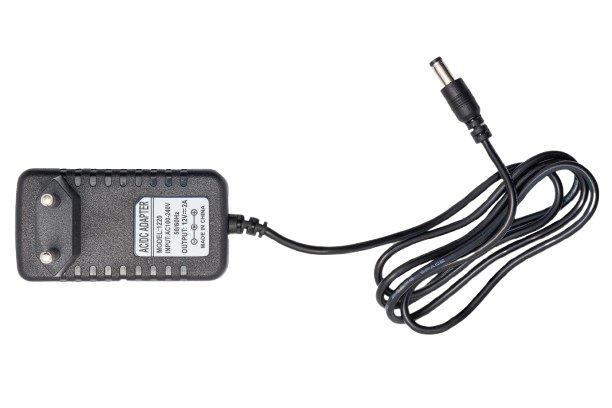
 Design with adaptor 12v in Cirkit Designer
Introduction
The Adaptor 12V by Power (Manufacturer Part ID: Power) is a device designed to convert electrical power from a standard AC outlet (typically 110V or 220V, depending on the region) to a stable 12-volt DC output. This adaptor is widely used to power a variety of electronic devices, including LED strips, small appliances, and DIY electronics projects. Its compact design and reliable performance make it a popular choice for both hobbyists and professionals.
Explore Projects Built with adaptor 12v
 Open Project in Cirkit Designer
 Open Project in Cirkit Designer
 Open Project in Cirkit Designer
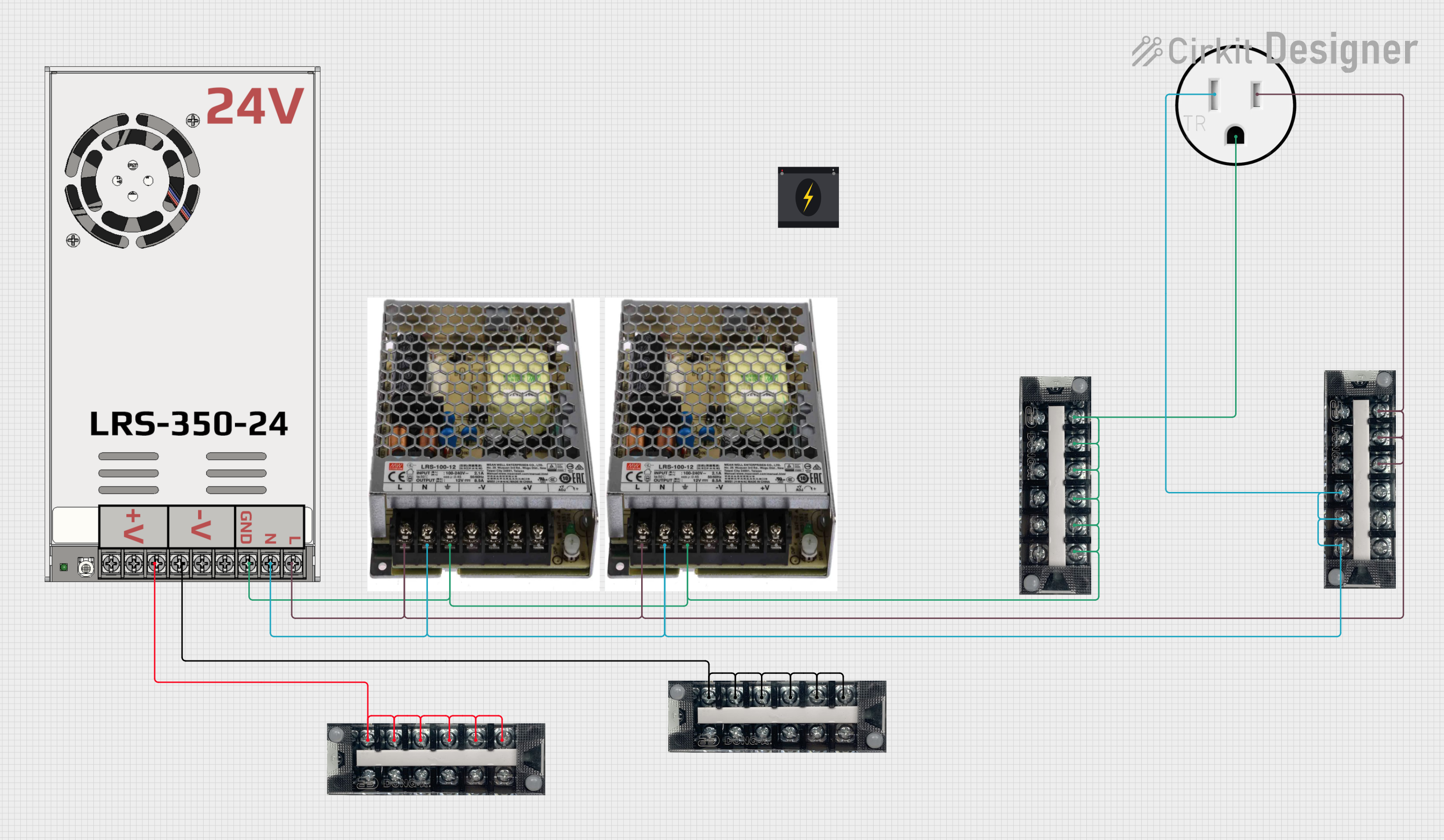 Open Project in Cirkit Designer
Explore Projects Built with adaptor 12v
Open Project in Cirkit DesignerOpen Project in Cirkit DesignerOpen Project in Cirkit DesignerOpen Project in Cirkit DesignerCommon Applications and Use Cases
- Powering LED lighting systems
- Supplying power to Arduino, Raspberry Pi, and other microcontroller-based projects
- Operating small DC motors and fans
- Charging or powering 12V-compatible devices
- Providing a stable power source for testing and prototyping circuits
Technical Specifications
Below are the key technical details for the Adaptor 12V:
| Parameter | Specification |
|---|---|
| Input Voltage | 100-240V AC, 50/60Hz |
| Output Voltage | 12V DC |
| Output Current | 1A, 2A, or 5A (varies by model) |
| Power Rating | Up to 60W (depending on model) |
| Connector Type | Barrel Jack (5.5mm outer, 2.1mm inner) |
| Efficiency | ≥ 85% |
| Operating Temperature | 0°C to 40°C |
| Storage Temperature | -20°C to 70°C |
| Safety Features | Overload protection, short-circuit protection, over-voltage protection |
Pin Configuration and Descriptions
The Adaptor 12V typically uses a barrel jack connector. Below is the pin configuration:
| Pin | Description |
|---|---|
| Outer | Ground (GND) |
| Inner | +12V DC (Positive Voltage) |
Usage Instructions
How to Use the Adaptor in a Circuit
- Check Compatibility: Ensure the device or circuit you are powering is designed to operate at 12V DC and does not exceed the adaptor's current rating.
- Connect the Barrel Jack: Plug the adaptor's barrel jack into the corresponding input port of your device or circuit.
- Power On: Plug the adaptor into a standard AC outlet and switch it on (if applicable).
- Verify Operation: Confirm that the connected device is functioning correctly and that the adaptor is not overheating.
Important Considerations and Best Practices
- Polarity: Ensure the polarity of the barrel jack matches the input requirements of your device. Most devices use a center-positive configuration.
- Current Rating: Do not exceed the maximum current rating of the adaptor. For example, if the adaptor is rated for 2A, ensure the connected device draws less than or equal to 2A.
- Ventilation: Place the adaptor in a well-ventilated area to prevent overheating.
- Avoid Overloading: Connecting devices that require more power than the adaptor can supply may cause it to shut down or fail.
- Use with Microcontrollers: When using the adaptor with an Arduino UNO, connect the barrel jack to the Arduino's DC power input port. The Arduino's onboard voltage regulator will handle the 12V input.
Example: Using with Arduino UNO
Below is an example of how to use the Adaptor 12V to power an Arduino UNO and control an LED:
// Example code to control an LED with Arduino UNO powered by Adaptor 12V
// Connect the Adaptor 12V to the Arduino's DC power input port

const int ledPin = 13; // Pin connected to the LED

void setup() {
  pinMode(ledPin, OUTPUT); // Set the LED pin as an output
}

void loop() {
  digitalWrite(ledPin, HIGH); // Turn the LED on
  delay(1000);               // Wait for 1 second
  digitalWrite(ledPin, LOW);  // Turn the LED off
  delay(1000);               // Wait for 1 second
}
Troubleshooting and FAQs
Common Issues and Solutions
| Issue | Possible Cause | Solution |
|---|---|---|
| Device does not power on | Incorrect polarity or loose connection | Verify polarity and ensure a secure connection. |
| Adaptor overheats | Overloading or poor ventilation | Reduce the load or improve ventilation. |
| Output voltage is unstable | Faulty adaptor or fluctuating input voltage | Replace the adaptor or use a voltage stabilizer. |
| Arduino does not function properly | Insufficient current or incorrect wiring | Check current requirements and wiring connections. |
FAQs
Can I use this adaptor with devices requiring less than 12V?
- No, this adaptor provides a fixed 12V output. Using it with devices requiring lower voltages may damage the device.
What happens if I connect a device that requires more current than the adaptor can supply?
- The adaptor may shut down, overheat, or fail. Always ensure the device's current requirements are within the adaptor's rated capacity.
Is the adaptor waterproof?
- No, this adaptor is not waterproof. Avoid using it in wet or humid environments.
Can I use this adaptor with a breadboard?
- Yes, but you will need a barrel jack to breadboard adapter or a voltage regulator module to safely connect it.
By following these guidelines and best practices, you can ensure safe and efficient operation of the Adaptor 12V in your projects.