
How to Use 3.3V LDO (ME6211C33): Examples, Pinouts, and Specs
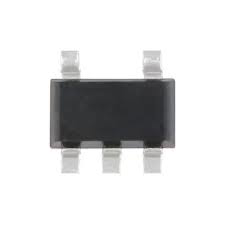
 Design with 3.3V LDO (ME6211C33) in Cirkit Designer
Introduction
The ME6211C33 is a low-dropout (LDO) linear voltage regulator manufactured by MICRONE. It is designed to provide a stable 3.3V output voltage with a minimal input-output voltage difference, making it ideal for powering low-voltage digital circuits. This component is compact, efficient, and well-suited for battery-powered devices, IoT applications, and other low-power systems.
Explore Projects Built with 3.3V LDO (ME6211C33)
 Open Project in Cirkit Designer
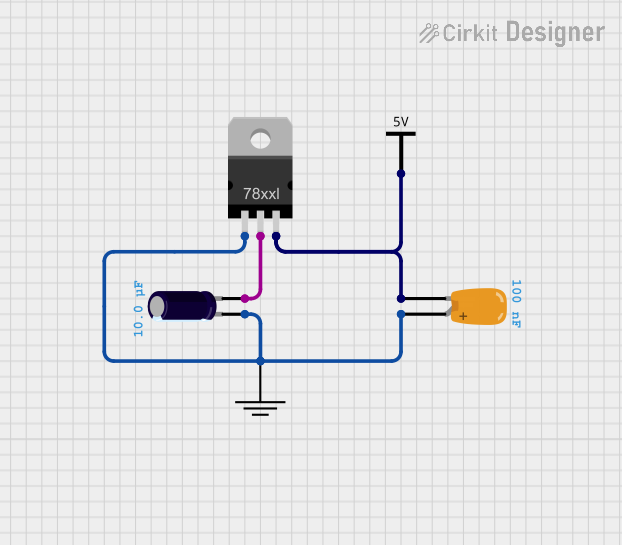 Open Project in Cirkit Designer
 Open Project in Cirkit Designer
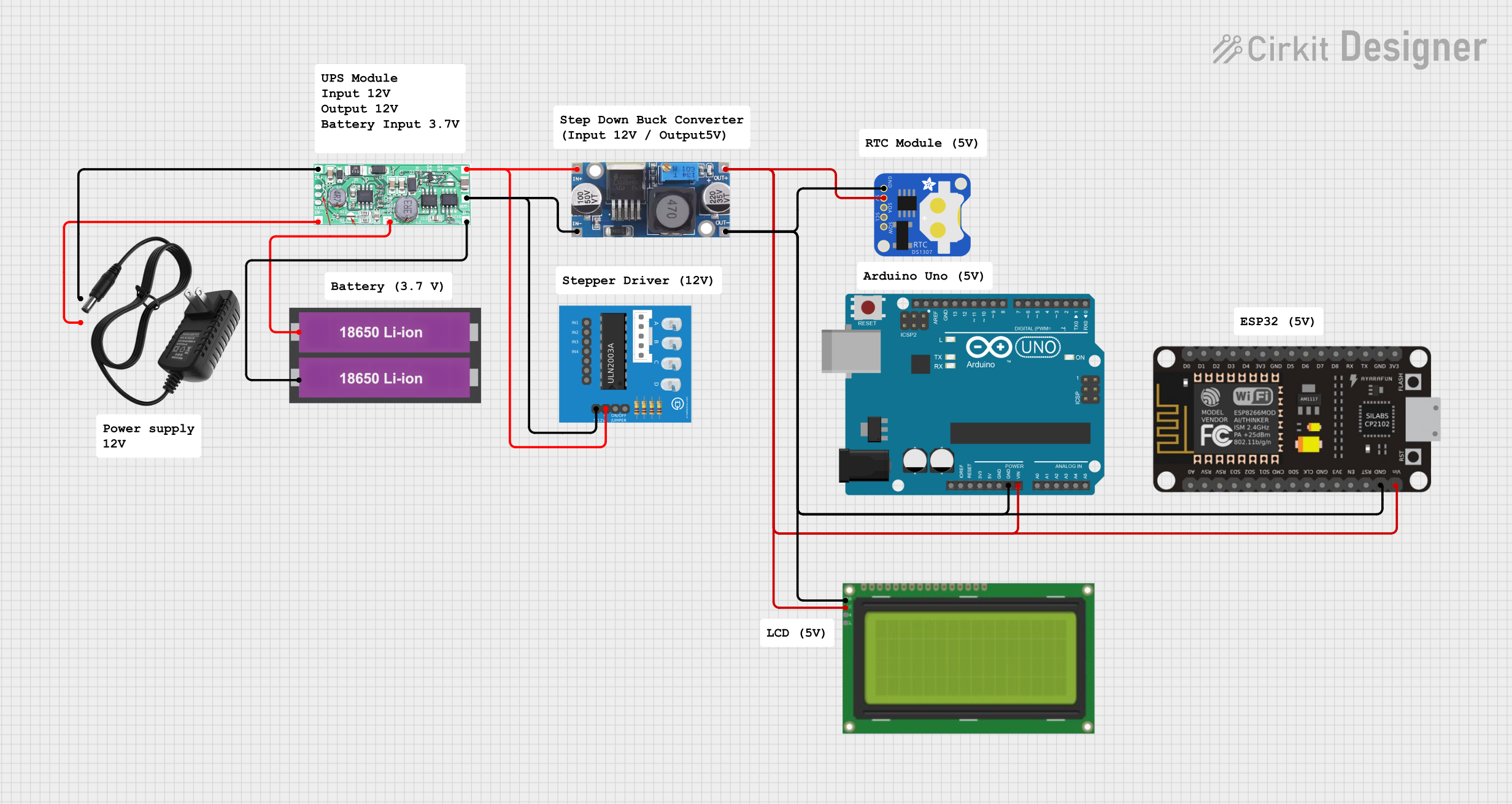 Open Project in Cirkit Designer
Explore Projects Built with 3.3V LDO (ME6211C33)
Open Project in Cirkit DesignerOpen Project in Cirkit DesignerOpen Project in Cirkit DesignerOpen Project in Cirkit DesignerCommon Applications and Use Cases
- Powering microcontrollers, sensors, and digital ICs
- Battery-powered devices such as wearables and portable electronics
- IoT devices requiring low-noise and stable voltage regulation
- Applications where space-saving and low power consumption are critical
Technical Specifications
The ME6211C33 is a high-performance LDO regulator with the following key specifications:
| Parameter | Value |
|---|---|
| Output Voltage | 3.3V |
| Input Voltage Range | 2.0V to 6.0V |
| Dropout Voltage | 200mV (typical at 100mA load) |
| Maximum Output Current | 150mA |
| Quiescent Current | 45µA (typical) |
| Output Voltage Accuracy | ±2% |
| Operating Temperature | -40°C to +85°C |
| Package Type | SOT-23-5 |
Pin Configuration and Descriptions
The ME6211C33 is available in a 5-pin SOT-23-5 package. The pinout and descriptions are as follows:
| Pin Number | Pin Name | Description |
|---|---|---|
| 1 | VIN | Input voltage (2.0V to 6.0V) |
| 2 | GND | Ground |
| 3 | EN | Enable pin (active high, logic high to enable) |
| 4 | NC | No connection (leave unconnected) |
| 5 | VOUT | Regulated 3.3V output |
Usage Instructions
How to Use the ME6211C33 in a Circuit
- Input Capacitor (CIN): Connect a ceramic capacitor (1µF or higher) between the VIN pin and GND to stabilize the input voltage and reduce noise.
- Output Capacitor (COUT): Connect a ceramic capacitor (1µF or higher) between the VOUT pin and GND to ensure stable operation and minimize output voltage ripple.
- Enable Pin (EN): To enable the regulator, connect the EN pin to a logic high voltage (e.g., VIN). To disable the regulator, connect the EN pin to GND.
- Load Connection: Connect the load to the VOUT pin, ensuring that the total current draw does not exceed 150mA.
Important Considerations and Best Practices
- Ensure the input voltage (VIN) is at least 200mV higher than the output voltage (3.3V) to maintain proper regulation.
- Use low-ESR ceramic capacitors for both CIN and COUT to ensure stability and optimal performance.
- Avoid exceeding the maximum input voltage (6.0V) or output current (150mA) to prevent damage to the component.
- Place the input and output capacitors as close as possible to the regulator to minimize noise and improve stability.
Example: Using the ME6211C33 with an Arduino UNO
The ME6211C33 can be used to power an Arduino UNO or its peripherals. Below is an example of how to connect the regulator to an Arduino-compatible circuit:
Circuit Diagram
- Connect a 5V power source to the VIN pin of the ME6211C33.
- Add a 1µF ceramic capacitor between VIN and GND.
- Connect the VOUT pin to the 3.3V input of the Arduino or a 3.3V peripheral.
- Add a 1µF ceramic capacitor between VOUT and GND.
- Tie the EN pin to VIN to enable the regulator.
Example Code
If the ME6211C33 is used to power a 3.3V sensor connected to an Arduino UNO, the following code demonstrates how to read data from the sensor:
// Example code to read data from a 3.3V sensor powered by the ME6211C33
// Ensure the sensor's VCC is connected to the ME6211C33's VOUT pin

const int sensorPin = A0; // Analog pin connected to the sensor output

void setup() {
  Serial.begin(9600); // Initialize serial communication
  pinMode(sensorPin, INPUT); // Set the sensor pin as input
}

void loop() {
  int sensorValue = analogRead(sensorPin); // Read the sensor value
  float voltage = sensorValue * (3.3 / 1023.0); // Convert to voltage (3.3V reference)

  // Print the sensor value and voltage to the Serial Monitor
  Serial.print("Sensor Value: ");
  Serial.print(sensorValue);
  Serial.print(" | Voltage: ");
  Serial.print(voltage);
  Serial.println(" V");

  delay(1000); // Wait for 1 second before the next reading
}
Troubleshooting and FAQs
Common Issues and Solutions
No Output Voltage:
- Ensure the EN pin is connected to a logic high voltage (e.g., VIN).
- Verify that the input voltage (VIN) is within the specified range (2.0V to 6.0V).
- Check the input and output capacitors for proper values and connections.
Output Voltage is Unstable:
- Use low-ESR ceramic capacitors for CIN and COUT.
- Ensure the capacitors are placed as close as possible to the regulator pins.
- Verify that the load current does not exceed 150mA.
Excessive Heat:
- Check if the input voltage is significantly higher than the output voltage, as this can increase power dissipation.
- Reduce the load current if it exceeds the regulator's maximum rating.
FAQs
Q: Can the ME6211C33 be used with a 5V input?
A: Yes, the ME6211C33 can accept a 5V input as it is within the specified input voltage range (2.0V to 6.0V).
Q: What happens if the EN pin is left floating?
A: The EN pin should not be left floating. It must be connected to either VIN (to enable the regulator) or GND (to disable the regulator).
Q: Can I use electrolytic capacitors instead of ceramic capacitors?
A: While electrolytic capacitors can be used, low-ESR ceramic capacitors are recommended for optimal performance and stability.