
How to Use Connector 1 In 1 Out: Examples, Pinouts, and Specs
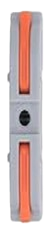
 Design with Connector 1 In 1 Out in Cirkit Designer
Introduction
The Connector 1 In 1 Out is a simple yet versatile electronic component designed to facilitate the connection between different circuit elements. It features one input terminal and one output terminal, making it ideal for routing signals or power between two points in a circuit. This component is commonly used in prototyping, modular systems, and general-purpose electronic projects where a reliable and straightforward connection is required.
Explore Projects Built with Connector 1 In 1 Out
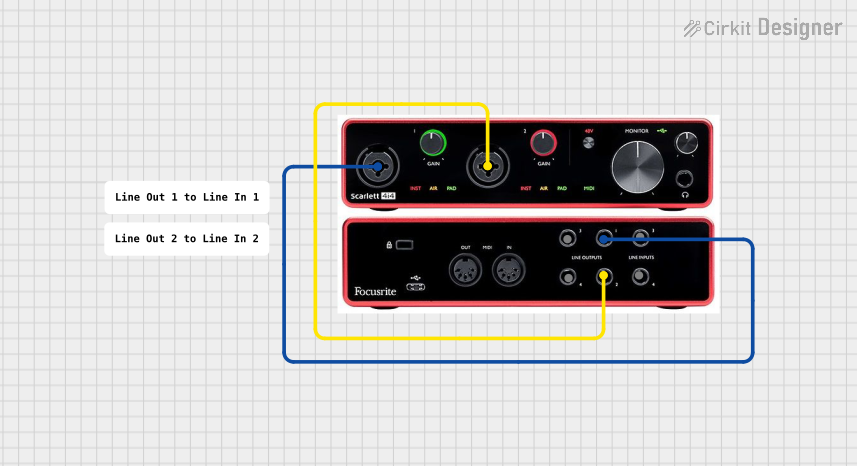 Open Project in Cirkit Designer
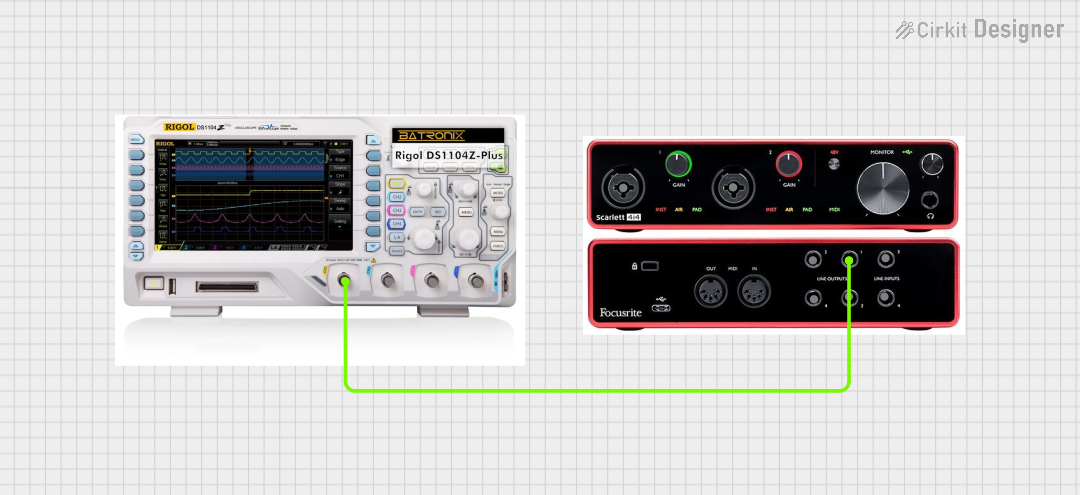 Open Project in Cirkit Designer
 Open Project in Cirkit Designer
 Open Project in Cirkit Designer
Explore Projects Built with Connector 1 In 1 Out
Open Project in Cirkit DesignerOpen Project in Cirkit DesignerOpen Project in Cirkit DesignerOpen Project in Cirkit DesignerCommon Applications and Use Cases
- Connecting power supplies to circuit boards
- Routing signals between sensors and microcontrollers
- Modular electronic systems for easy assembly and disassembly
- Prototyping and testing circuits
- Extending or bridging connections in wiring systems
Technical Specifications
The Connector 1 In 1 Out is designed to handle a wide range of applications. Below are its key technical details:
| Parameter | Value |
|---|---|
| Voltage Rating | 0–30V DC |
| Current Rating | Up to 5A |
| Contact Resistance | ≤ 20 mΩ |
| Insulation Resistance | ≥ 1000 MΩ |
| Operating Temperature | -40°C to +85°C |
| Connector Type | Screw terminal or push-fit |
| Material | Copper alloy with nickel plating |
Pin Configuration and Descriptions
The Connector 1 In 1 Out has two terminals, as described below:
| Pin | Label | Description |
|---|---|---|
| 1 | IN | Input terminal for connecting the source signal/power |
| 2 | OUT | Output terminal for connecting to the load/device |
Usage Instructions
How to Use the Connector in a Circuit
- Identify the Terminals: Locate the input (IN) and output (OUT) terminals on the connector.
- Prepare the Wires: Strip the insulation from the ends of the wires you intend to connect.
- Connect the Input: Insert the wire from the source (e.g., power supply or signal generator) into the IN terminal and secure it by tightening the screw or using the push-fit mechanism.
- Connect the Output: Insert the wire leading to the load (e.g., motor, LED, or microcontroller) into the OUT terminal and secure it.
- Verify Connections: Ensure all connections are tight and secure to prevent loose contacts.
- Power On: Once all connections are verified, power on the circuit to test the connection.
Important Considerations and Best Practices
- Polarity: Ensure correct polarity when connecting power sources to avoid damage to the circuit.
- Current Rating: Do not exceed the maximum current rating of 5A to prevent overheating or damage.
- Wire Gauge: Use appropriate wire gauge for the current being carried. For high currents, thicker wires are recommended.
- Secure Connections: Always double-check that the wires are firmly secured in the terminals to avoid intermittent connections.
- Environmental Conditions: Avoid exposing the connector to moisture or extreme temperatures beyond its operating range.
Example: Connecting to an Arduino UNO
The Connector 1 In 1 Out can be used to supply power to an Arduino UNO. Below is an example of how to connect a 9V DC power supply to the Arduino using this connector:
- Connect the positive terminal of the 9V power supply to the IN terminal of the connector.
- Connect the OUT terminal of the connector to the Arduino's VIN pin.
- Connect the ground wire from the power supply to the Arduino's GND pin.
// Example Arduino code to blink an LED when powered via the Connector 1 In 1 Out
// Ensure the connector is securely connected to the Arduino's VIN and GND pins.

int ledPin = 13; // Built-in LED pin on Arduino UNO

void setup() {
  pinMode(ledPin, OUTPUT); // Set the LED pin as an output
}

void loop() {
  digitalWrite(ledPin, HIGH); // Turn the LED on
  delay(1000);                // Wait for 1 second
  digitalWrite(ledPin, LOW);  // Turn the LED off
  delay(1000);                // Wait for 1 second
}
Troubleshooting and FAQs
Common Issues Users Might Face
- Loose Connections: If the circuit is not functioning, check for loose or improperly secured wires in the terminals.
- Overheating: If the connector becomes hot, ensure the current does not exceed the 5A rating and verify the wire gauge is appropriate.
- Signal Loss: For high-frequency signals, ensure the connector's contact resistance is minimal and connections are clean.
Solutions and Tips for Troubleshooting
- Inspect Connections: Regularly inspect the connector for signs of wear, corrosion, or loose screws.
- Use Proper Tools: Use a screwdriver or appropriate tool to tighten the screws securely.
- Test Continuity: Use a multimeter to check for continuity between the IN and OUT terminals.
- Avoid Overloading: Ensure the connected load does not exceed the voltage and current ratings of the connector.
By following these guidelines, the Connector 1 In 1 Out can provide a reliable and efficient solution for your circuit connection needs.