
How to Use Meadow F7 Micro: Examples, Pinouts, and Specs
 Design with Meadow F7 Micro in Cirkit Designer
Introduction
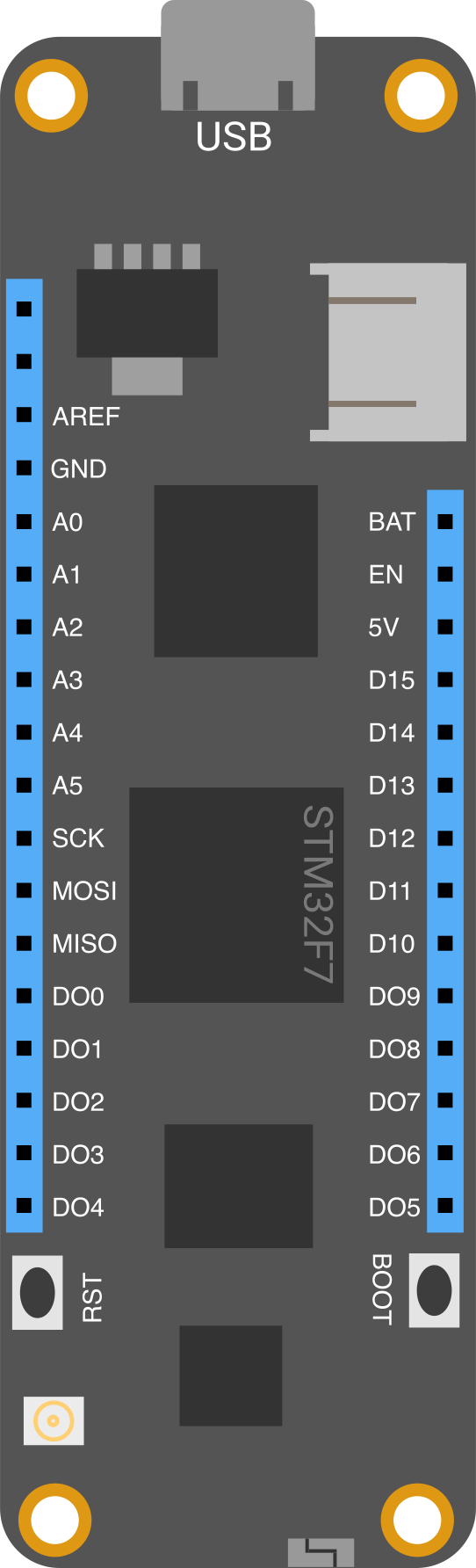
The Meadow F7 Micro, manufactured by Wilderness Labs (Part ID: Meadow F7 Micro), is a compact and versatile microcontroller board designed for Internet of Things (IoT) applications. It features a powerful ARM Cortex-M7 processor, integrated Wi-Fi and Bluetooth connectivity, and extensive support for sensors and peripherals. This board is ideal for rapid prototyping and the development of smart devices, offering a robust platform for both hobbyists and professionals.
Explore Projects Built with Meadow F7 Micro
 Open Project in Cirkit Designer
 Open Project in Cirkit Designer
 Open Project in Cirkit Designer
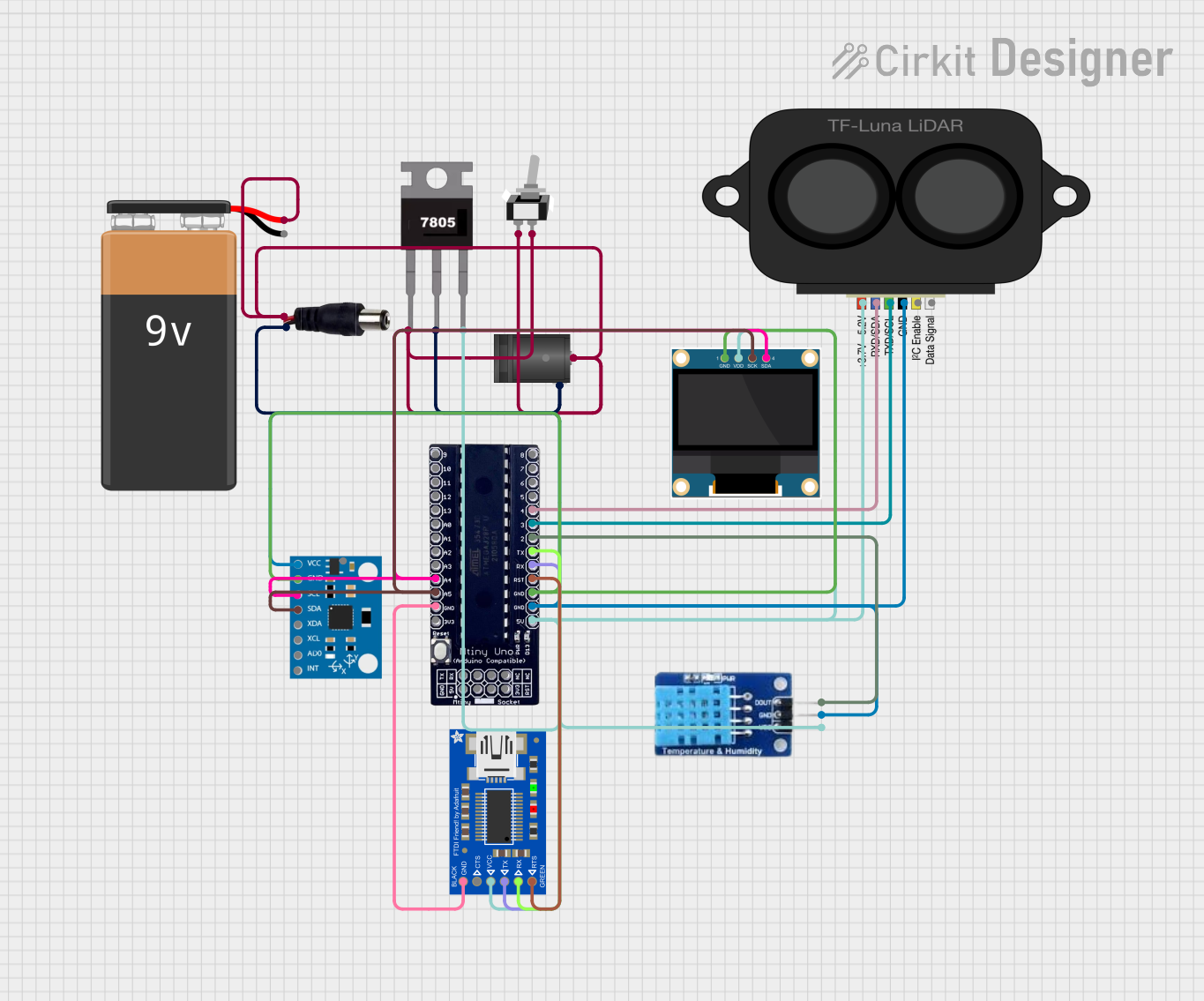 Open Project in Cirkit Designer
Explore Projects Built with Meadow F7 Micro
Open Project in Cirkit DesignerOpen Project in Cirkit DesignerOpen Project in Cirkit DesignerOpen Project in Cirkit DesignerCommon Applications
- Smart home devices (e.g., thermostats, lighting systems)
- Industrial IoT applications (e.g., predictive maintenance, monitoring systems)
- Wearable technology
- Environmental monitoring (e.g., air quality, temperature, humidity sensors)
- Robotics and automation
- Educational projects and prototyping
Technical Specifications
Key Technical Details
| Specification | Details |
|---|---|
| Processor | ARM Cortex-M7, 216 MHz |
| Flash Memory | 32 MB |
| RAM | 8 MB |
| Connectivity | Wi-Fi (802.11 b/g/n), Bluetooth 4.2 |
| Operating Voltage | 3.3V |
| Input Voltage Range | 3.3V to 5.0V |
| GPIO Pins | 16 (digital and analog capable) |
| Communication Interfaces | UART, I2C, SPI, CAN, USB |
| Dimensions | 40mm x 20mm |
| Operating Temperature Range | -40°C to +85°C |
Pin Configuration and Descriptions
The Meadow F7 Micro features a 24-pin header with the following pinout:
| Pin Number | Pin Name | Description |
|---|---|---|
| 1 | VIN | Input voltage (3.3V to 5.0V) |
| 2 | GND | Ground |
| 3 | D0 | GPIO, UART RX |
| 4 | D1 | GPIO, UART TX |
| 5 | D2 | GPIO, PWM |
| 6 | D3 | GPIO, PWM |
| 7 | A0 | Analog input, GPIO |
| 8 | A1 | Analog input, GPIO |
| 9 | SCL | I2C Clock |
| 10 | SDA | I2C Data |
| 11 | MOSI | SPI Master Out Slave In |
| 12 | MISO | SPI Master In Slave Out |
| 13 | SCK | SPI Clock |
| 14 | CAN_H | CAN Bus High |
| 15 | CAN_L | CAN Bus Low |
| 16 | USB+ | USB Data Positive |
| 17 | USB- | USB Data Negative |
| 18 | RESET | Reset Pin |
| 19 | 3.3V | 3.3V Output |
| 20 | GND | Ground |
| 21-24 | Reserved | Reserved for future use |
Usage Instructions
How to Use the Meadow F7 Micro in a Circuit
Powering the Board:
- Connect the VIN pin to a power source (3.3V to 5.0V). Alternatively, you can power the board via the USB port.
- Ensure the GND pin is connected to the ground of your circuit.
Connecting Peripherals:
- Use the GPIO pins for digital or analog input/output.
- For communication, connect peripherals using UART, I2C, SPI, or CAN interfaces.
- Attach sensors or actuators to the appropriate pins based on their specifications.
Programming the Board:
- Install the Meadow CLI and Meadow OS from the Wilderness Labs website.
- Use C# or .NET to write and deploy applications to the board.
- Connect the board to your computer via USB for programming and debugging.
Wi-Fi and Bluetooth Setup:
- Use the Meadow.Foundation libraries to configure and manage wireless connectivity.
- Refer to the Wilderness Labs documentation for detailed examples.
Important Considerations and Best Practices
- Always check the voltage and current requirements of connected peripherals to avoid damage.
- Use pull-up or pull-down resistors for GPIO pins as needed.
- Ensure proper grounding to minimize noise and interference in your circuit.
- Update the Meadow OS firmware regularly to access the latest features and bug fixes.
Example: Blinking an LED with Meadow F7 Micro
The following example demonstrates how to blink an LED connected to pin D2 using Meadow.Foundation:
using Meadow;
using Meadow.Devices;
using Meadow.Foundation.Leds;
using System;
using System.Threading.Tasks;

namespace MeadowApp
{
    public class MeadowApp : App<F7Micro, MeadowApp>
    {
        private RgbPwmLed led;

        public MeadowApp()
        {
            // Initialize the LED on pin D2
            led = new RgbPwmLed(Device, Device.Pins.D02,
                RgbPwmLed.CommonType.CommonAnode);

            BlinkLed();
        }

        private async void BlinkLed()
        {
            while (true)
            {
                led.SetColor(Color.Red); // Turn LED red
                await Task.Delay(1000); // Wait 1 second
                led.Stop(); // Turn LED off
                await Task.Delay(1000); // Wait 1 second
            }
        }
    }
}
Troubleshooting and FAQs
Common Issues
Board Not Detected by Computer:
- Ensure the USB cable is properly connected and functional.
- Verify that the Meadow CLI and drivers are installed correctly.
Wi-Fi or Bluetooth Not Connecting:
- Check the network credentials and ensure the device is within range.
- Update the Meadow OS firmware to the latest version.
Peripheral Not Responding:
- Verify the wiring and connections.
- Check the voltage and current requirements of the peripheral.
Code Deployment Fails:
- Ensure the board is in bootloader mode if required.
- Restart the Meadow CLI and try again.
Tips for Troubleshooting
- Use a multimeter to check voltage levels and continuity in your circuit.
- Refer to the Wilderness Labs forums and documentation for additional support.
- Test individual components separately to isolate issues.
By following this documentation, you can effectively utilize the Meadow F7 Micro for your IoT projects and beyond.