
How to Use moisture_sensor: Examples, Pinouts, and Specs
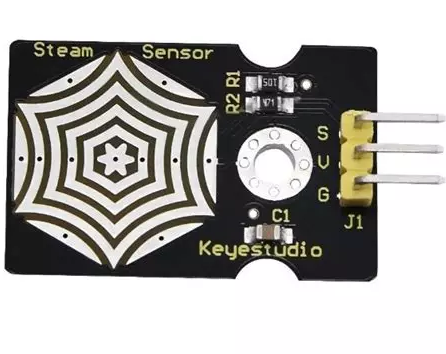
 Design with moisture_sensor in Cirkit Designer
Introduction
The IDC Moisture Sensor is a versatile electronic component designed to detect the moisture level in soil or other materials. It provides real-time data, making it an essential tool for applications such as automated irrigation systems, agricultural monitoring, and environmental studies. By measuring the conductivity of the material, the sensor determines the moisture content and outputs an analog or digital signal for further processing.
Explore Projects Built with moisture_sensor
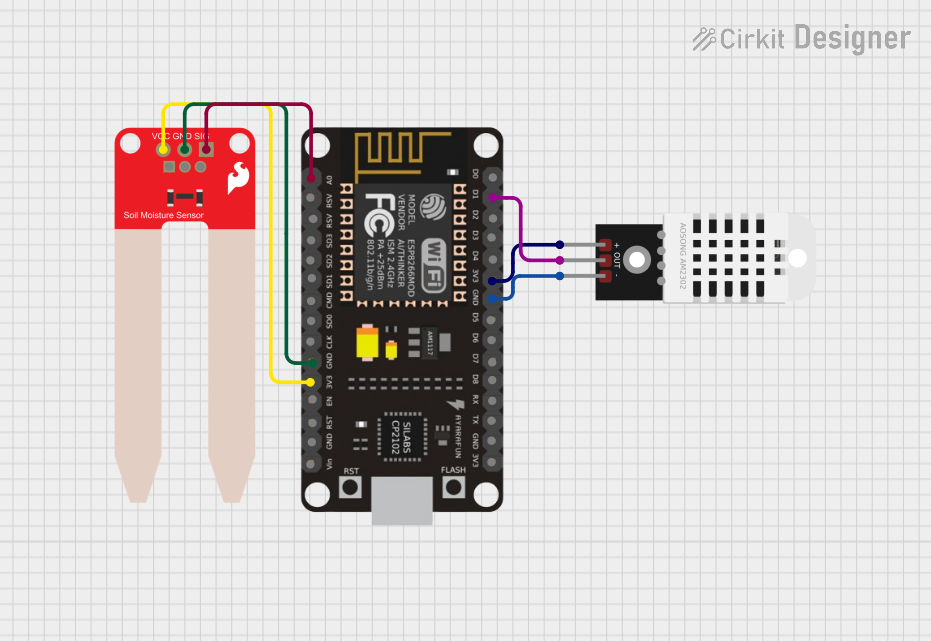 Open Project in Cirkit Designer
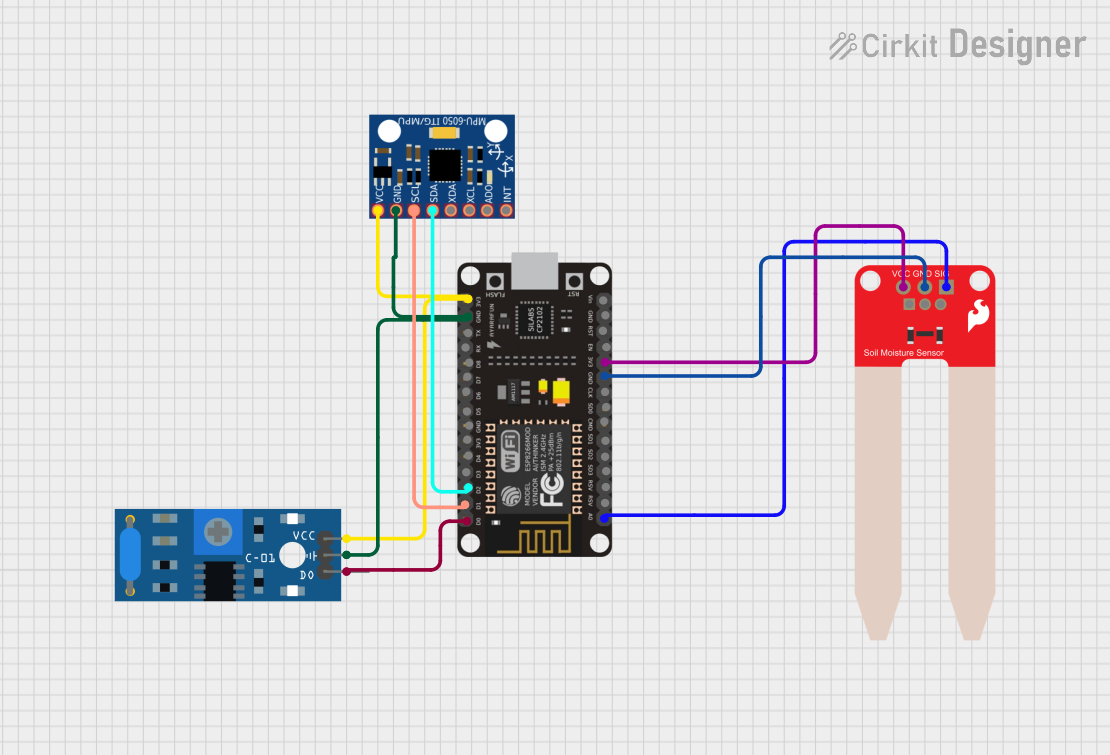 Open Project in Cirkit Designer
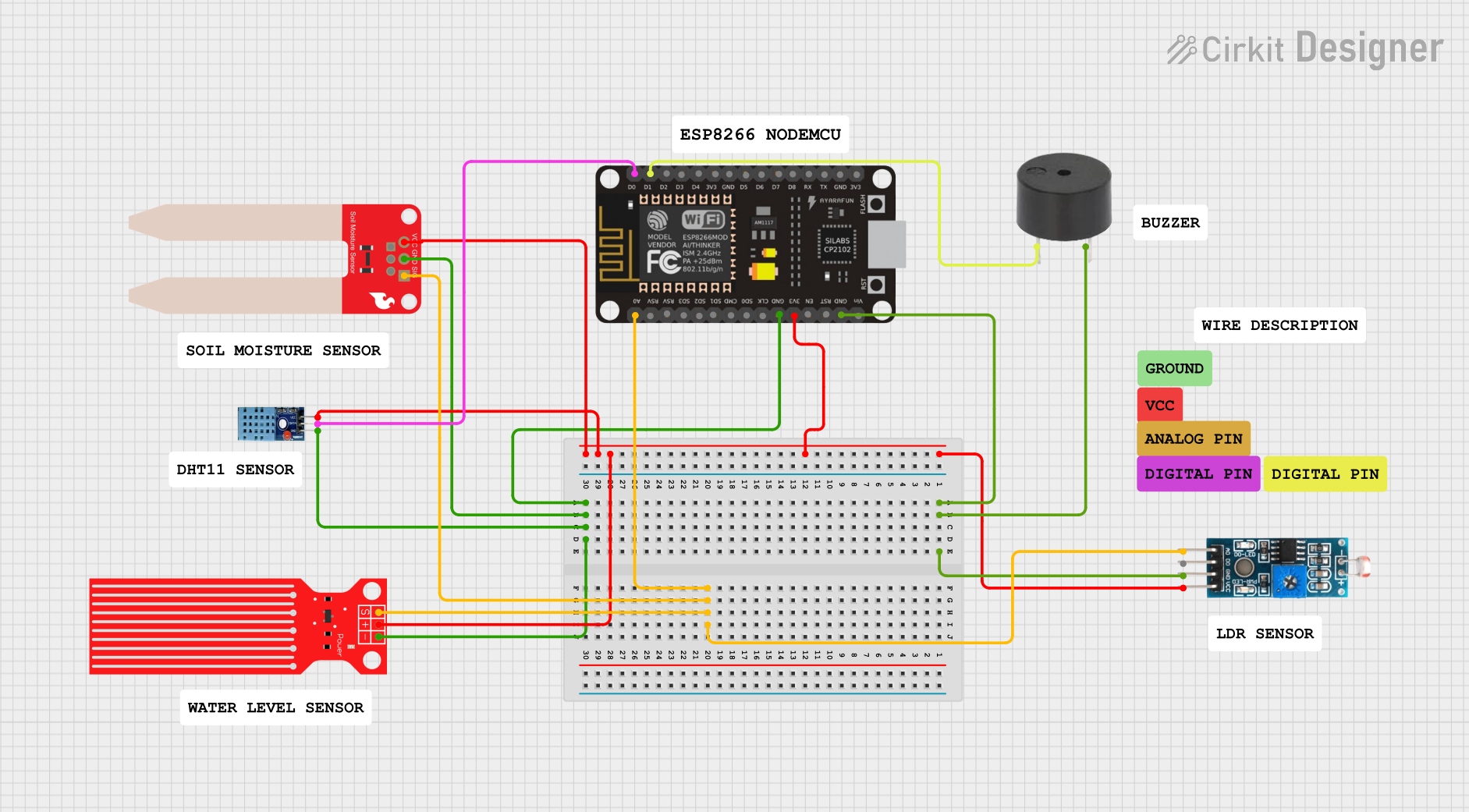 Open Project in Cirkit Designer
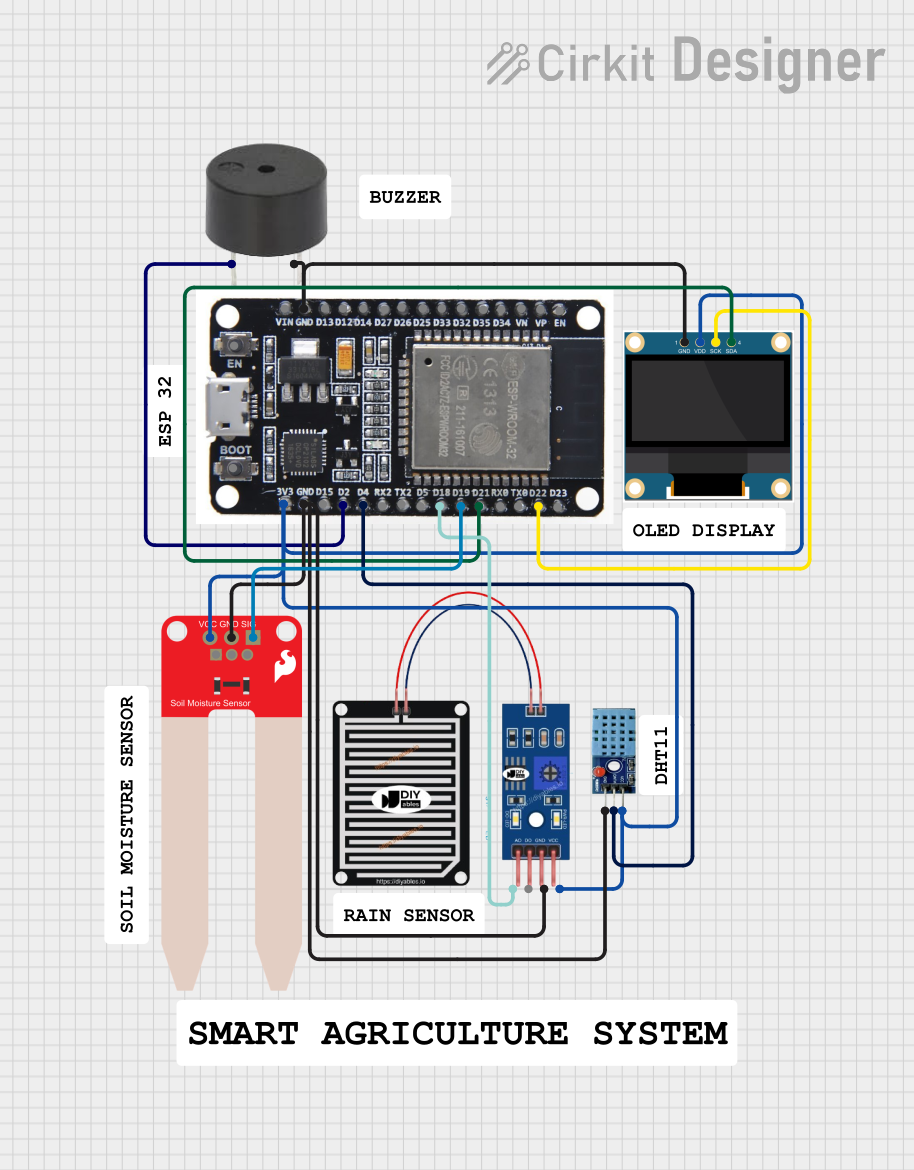 Open Project in Cirkit Designer
Explore Projects Built with moisture_sensor
Open Project in Cirkit DesignerOpen Project in Cirkit DesignerOpen Project in Cirkit DesignerOpen Project in Cirkit DesignerCommon Applications
- Automated irrigation systems for gardens and farms
- Soil moisture monitoring in agriculture
- Environmental monitoring and research
- Smart home systems for plant care
- Educational projects and prototyping with microcontrollers
Technical Specifications
The IDC Moisture Sensor is designed for ease of use and compatibility with a wide range of microcontrollers, including Arduino boards. Below are the key technical details:
General Specifications
| Parameter | Value |
|---|---|
| Operating Voltage | 3.3V - 5V |
| Output Type | Analog and Digital |
| Current Consumption | < 20 mA |
| Dimensions | 60mm x 20mm x 5mm |
| Operating Temperature | -10°C to 60°C |
| Detection Range | 0% (dry) to 100% (fully wet) |
Pin Configuration
The IDC Moisture Sensor typically comes with three pins for easy interfacing. The pinout is as follows:
| Pin Name | Description |
|---|---|
| VCC | Power supply input (3.3V - 5V) |
| GND | Ground connection |
| OUT | Signal output (analog or digital, depending on mode) |
Usage Instructions
Connecting the Moisture Sensor
- Power the Sensor: Connect the
VCCpin to a 3.3V or 5V power source and theGNDpin to the ground of your circuit. - Signal Output: Connect the
OUTpin to an analog or digital input pin on your microcontroller. For analog readings, use an analog input pin. For digital readings, ensure the sensor's onboard potentiometer is adjusted to set the desired threshold. - Placement: Insert the sensor probes into the soil or material you wish to measure. Ensure the probes are fully inserted for accurate readings.
Important Considerations
- Corrosion Prevention: The sensor probes may corrode over time if left in wet soil for extended periods. Consider using corrosion-resistant probes for long-term applications.
- Power Supply: Ensure the sensor operates within the specified voltage range to avoid damage.
- Calibration: For precise measurements, calibrate the sensor by testing it in dry and fully wet conditions and mapping the output values accordingly.
Example Code for Arduino UNO
The following code demonstrates how to use the IDC Moisture Sensor with an Arduino UNO to read analog values and display them in the Serial Monitor.
// Moisture Sensor Example Code for Arduino UNO
// Reads analog values from the sensor and displays them in the Serial Monitor.

const int sensorPin = A0; // Connect the OUT pin of the sensor to A0 on Arduino

void setup() {
  Serial.begin(9600); // Initialize serial communication at 9600 baud
  pinMode(sensorPin, INPUT); // Set the sensor pin as an input
}

void loop() {
  int sensorValue = analogRead(sensorPin); // Read the analog value from the sensor
  Serial.print("Moisture Level: ");
  Serial.println(sensorValue); // Print the moisture level to the Serial Monitor

  delay(1000); // Wait for 1 second before taking the next reading
}
Notes on Code
- The
sensorValuewill range from 0 (dry) to 1023 (fully wet) when using a 10-bit ADC on the Arduino UNO. - You can map these values to a percentage scale for easier interpretation.
Troubleshooting and FAQs
Common Issues
No Output or Incorrect Readings
- Cause: Loose or incorrect wiring.
- Solution: Double-check all connections and ensure the sensor is powered correctly.
Fluctuating Readings
- Cause: Poor contact between the sensor probes and the material.
- Solution: Ensure the probes are fully inserted and in good contact with the material.
Corroded Probes
- Cause: Prolonged exposure to moisture.
- Solution: Use corrosion-resistant probes or remove the sensor from the soil when not in use.
Sensor Not Responding
- Cause: Exceeding the operating voltage range.
- Solution: Verify the power supply voltage is within the 3.3V - 5V range.
FAQs
Q: Can the sensor be used with a Raspberry Pi?
A: Yes, the sensor can be used with a Raspberry Pi. However, since the Raspberry Pi lacks analog input pins, you will need an external ADC (Analog-to-Digital Converter) to read analog values.
Q: How do I adjust the digital output threshold?
A: Use the onboard potentiometer to set the desired moisture level threshold. The digital output will toggle when the moisture level crosses this threshold.
Q: Is the sensor waterproof?
A: The sensor probes are designed for insertion into moist materials but are not fully waterproof. Avoid submerging the entire sensor module in water.
Q: How long can the sensor be left in the soil?
A: For short-term projects, the sensor can remain in the soil. For long-term use, consider using corrosion-resistant probes or periodically removing the sensor to prevent damage.
By following this documentation, you can effectively integrate the IDC Moisture Sensor into your projects and ensure reliable performance.