The HLK-5M05B is a compact and efficient AC-DC power module manufactured by Hi-Link. It is designed to convert an input voltage range of 85-265V AC into a stable 5V DC output, delivering up to 5W of power. This module is widely used in applications requiring reliable and space-saving power solutions, such as IoT devices, home automation systems, industrial control systems, and embedded electronics.
Explore Projects Built with HLK-5M05B
Use Cirkit Designer to design, explore, and prototype these projects online. Some projects support real-time simulation. Click "Open Project" to start designing instantly!
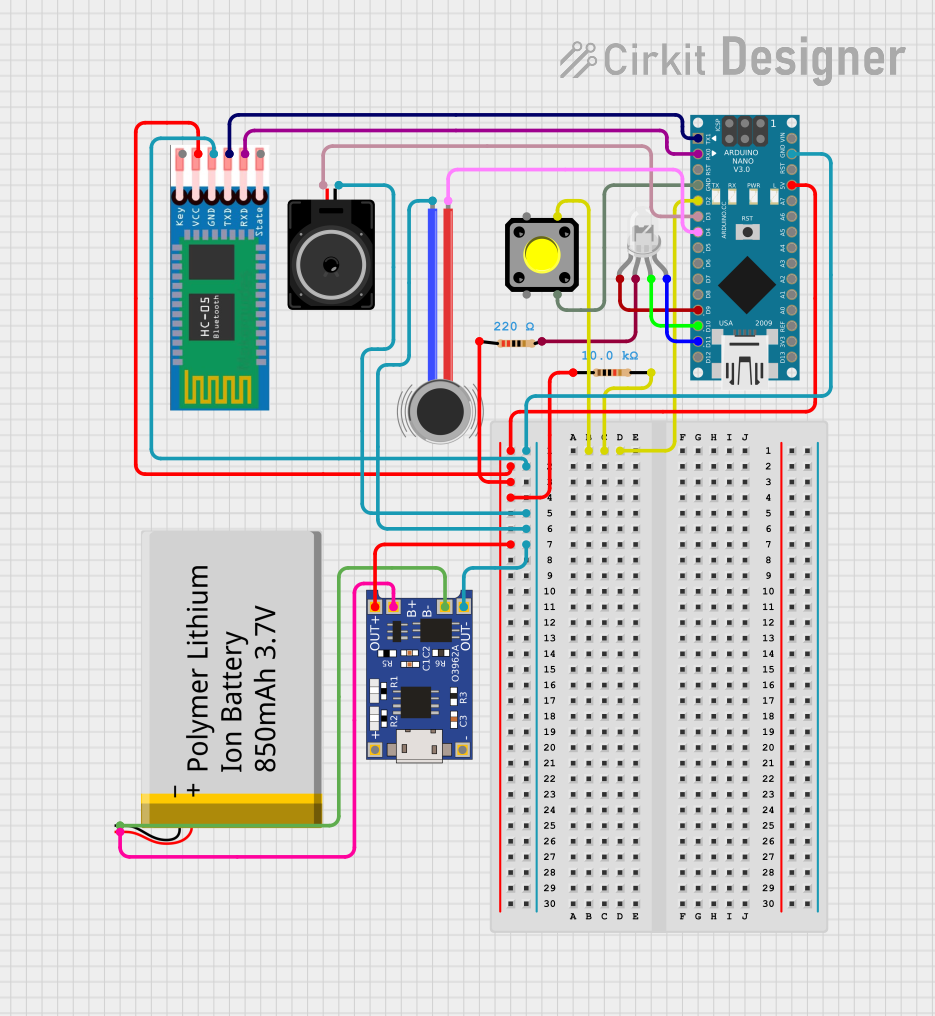
This is a portable, microcontroller-driven interactive device featuring Bluetooth connectivity, visual (RGB LED), auditory (loudspeaker), and haptic (vibration motor) feedback, user input (pushbutton), and a rechargeable power system (TP4056 with Li-ion battery).
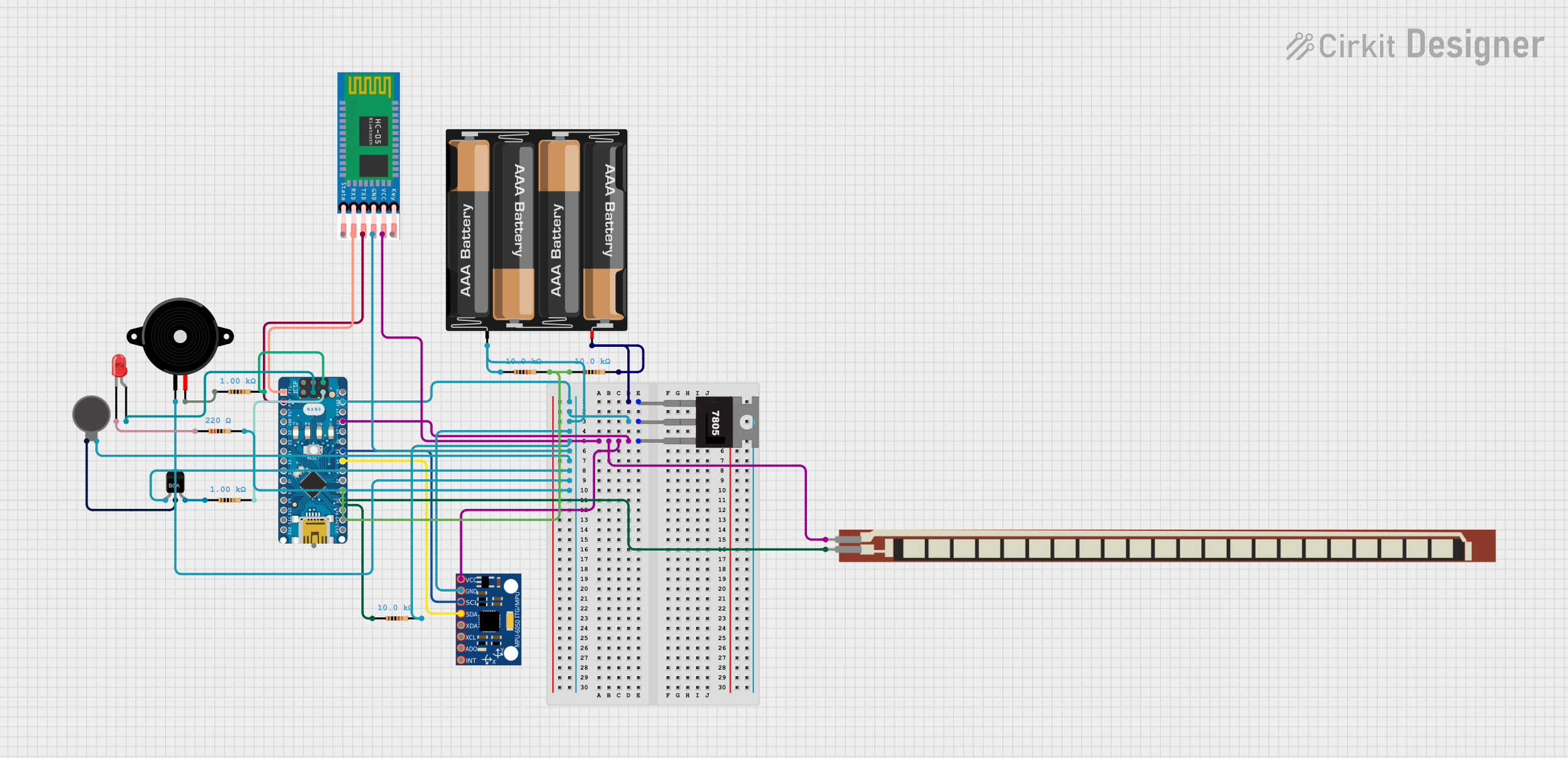
This is a battery-powered sensor system with Bluetooth communication, featuring an Arduino Nano for control, an MPU-6050 for motion sensing, and an HC-05 module for wireless data transmission. It includes a vibration motor for haptic feedback, a flex resistor as an additional sensor, and a piezo speaker and LED for alerts or status indication.
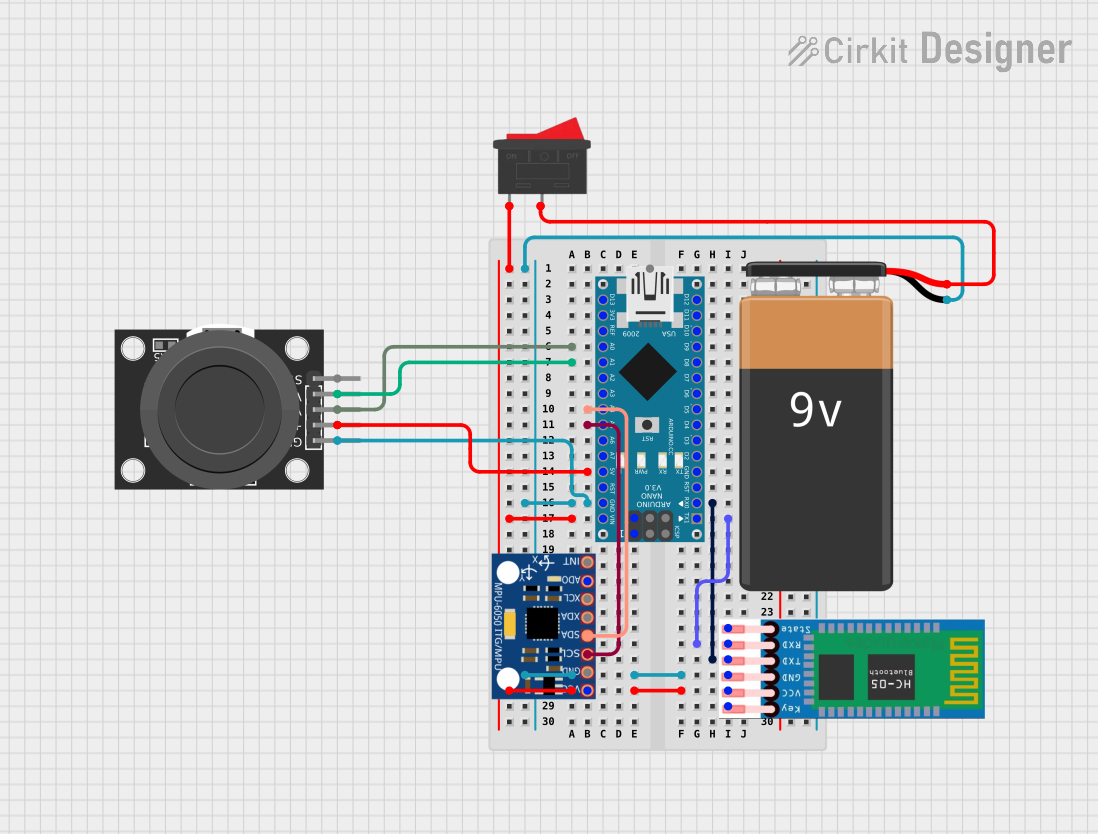
This circuit features an Arduino Nano microcontroller interfaced with an HC-05 Bluetooth module, an MPU-6050 accelerometer/gyroscope, and a KY-023 Dual Axis Joystick Module. The Arduino Nano is powered by a 9V battery through a rocker switch and communicates with the HC-05 for Bluetooth connectivity, reads joystick positions from the KY-023 module via analog inputs, and communicates with the MPU-6050 over I2C to capture motion data. The circuit is likely designed for wireless control and motion sensing applications, such as a remote-controlled robot or a game controller.
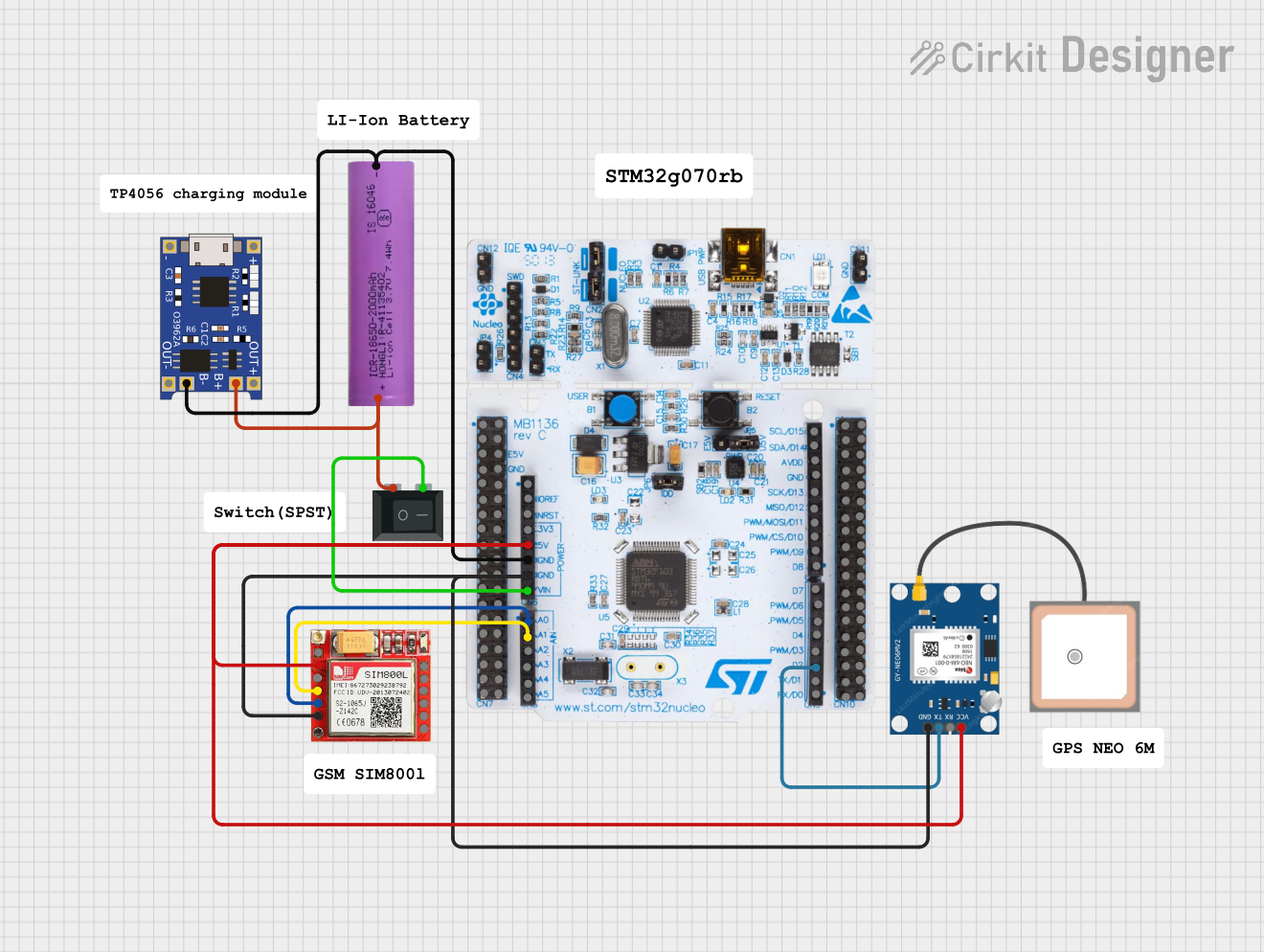
This circuit is an emergency alert system that uses a NUCLEO-F072RB microcontroller to send SMS alerts and make calls via a SIM800L GSM module, while obtaining location data from a GPS NEO 6M module. The system is powered by a Li-ion battery and includes a TP4056 module for battery charging and protection, with a rocker switch to control power to the microcontroller.
Powering microcontrollers (e.g., Arduino, ESP32, Raspberry Pi peripherals)
IoT devices and smart home systems
Industrial automation and control circuits
Consumer electronics
LED lighting systems
Technical Specifications
The HLK-5M05B is designed to meet the needs of modern electronic systems with its compact size, high efficiency, and robust protection features.
Key Specifications
Parameter
Value
Input Voltage Range
85-265V AC
Output Voltage
5V DC
Output Power
5W
Output Current
1A (maximum)
Efficiency
≥ 70%
Frequency Range
47-63Hz
Operating Temperature
-25°C to +60°C
Storage Temperature
-40°C to +80°C
Dimensions
35mm x 25mm x 21mm
Isolation Voltage
3000V AC
Protections
Overcurrent, Short Circuit
Safety Standards
CE, RoHS
Pin Configuration and Descriptions
The HLK-5M05B has a total of 4 pins for input and output connections. Below is the pinout description:
Pin Number
Pin Name
Description
1
AC IN (L)
Live input for AC voltage (85-265V AC)
2
AC IN (N)
Neutral input for AC voltage
3
DC OUT (+)
Positive terminal for 5V DC output
4
DC OUT (-)
Negative terminal (ground) for 5V DC output
Usage Instructions
The HLK-5M05B is straightforward to use in electronic circuits. Follow the steps below to integrate it into your design:
Steps to Use
Input Connection:
Connect the AC IN (L) pin to the live wire of the AC power source.
Connect the AC IN (N) pin to the neutral wire of the AC power source.
Ensure proper insulation and safety precautions when handling AC connections.
Output Connection:
Connect the DC OUT (+) pin to the positive rail of your circuit.
Connect the DC OUT (-) pin to the ground rail of your circuit.
Mounting:
Secure the module on a PCB or enclosure using appropriate mounting techniques.
Ensure adequate spacing around the module for heat dissipation.
Testing:
Power on the AC source and measure the output voltage using a multimeter to confirm a stable 5V DC output.
Important Considerations
Safety: Always handle the module with care when working with high-voltage AC inputs. Use proper insulation and avoid touching live connections.
Heat Dissipation: Although the module is efficient, ensure adequate ventilation or heat sinking if used in high-temperature environments.
Load Requirements: Do not exceed the maximum output current of 1A to avoid damage to the module.
Filtering: For sensitive applications, consider adding external capacitors or filters to reduce noise on the output.
Example: Using HLK-5M05B with Arduino UNO
The HLK-5M05B can be used to power an Arduino UNO directly. Below is an example circuit and code:
Circuit Diagram
Connect the AC IN (L) and AC IN (N) pins to the AC mains (use proper insulation).
Connect the DC OUT (+) pin to the Arduino's 5V pin.
Connect the DC OUT (-) pin to the Arduino's GND pin.
Arduino Code Example
// Example code to blink an LED using Arduino UNO powered by HLK-5M05B
// Ensure the HLK-5M05B is properly connected to the Arduino's 5V and GND pins.

const int ledPin = 13; // Pin connected to the onboard LED

void setup() {
  pinMode(ledPin, OUTPUT); // Set the LED pin as an output
}

void loop() {
  digitalWrite(ledPin, HIGH); // Turn the LED on
  delay(1000);                // Wait for 1 second
  digitalWrite(ledPin, LOW);  // Turn the LED off
  delay(1000);                // Wait for 1 second
}
Troubleshooting and FAQs
Common Issues and Solutions
Issue
Possible Cause
Solution
No output voltage
Incorrect AC input connection
Verify AC IN (L) and AC IN (N) connections.
Output voltage fluctuates
Overloading the module
Ensure the load does not exceed 1A.
Module overheating
Poor ventilation or excessive load
Improve ventilation or reduce the load.
Noise on output voltage
Insufficient filtering
Add external capacitors (e.g., 10µF and 0.1µF) across the output.
FAQs
Can the HLK-5M05B be used with a 12V DC input?
No, the module is designed for AC input only (85-265V AC).
Is the module safe for use in consumer electronics?
Yes, the HLK-5M05B complies with CE and RoHS safety standards.
What happens if the load exceeds 1A?
The module has built-in overcurrent protection and will shut down to prevent damage.
Can I use the HLK-5M05B in outdoor applications?
The module is not waterproof. Use it in a sealed, weatherproof enclosure for outdoor use.
By following this documentation, you can safely and effectively integrate the HLK-5M05B into your electronic projects.


 Open Project in Cirkit Designer