
How to Use LicheeRV-nano: Examples, Pinouts, and Specs
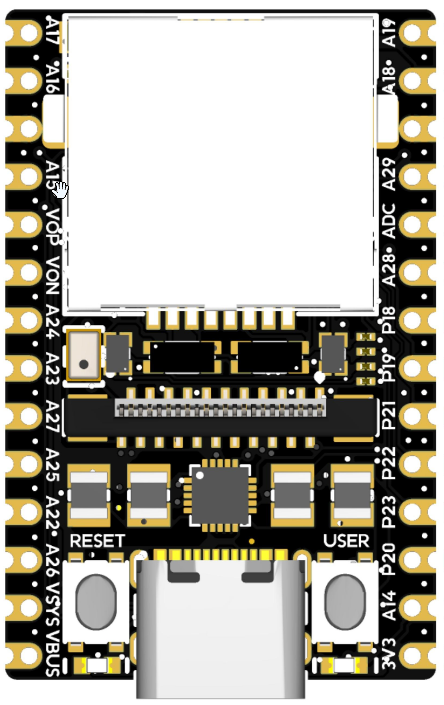
 Design with LicheeRV-nano in Cirkit Designer
Introduction
The LicheeRV-nano is a compact, low-power single-board computer (SBC) developed by Sipeed. It is based on the RISC-V architecture, making it an excellent choice for embedded applications, IoT projects, and development tasks requiring a small form factor and efficient performance. The board is designed to support Linux-based operating systems, providing a versatile platform for developers and hobbyists alike.
Explore Projects Built with LicheeRV-nano
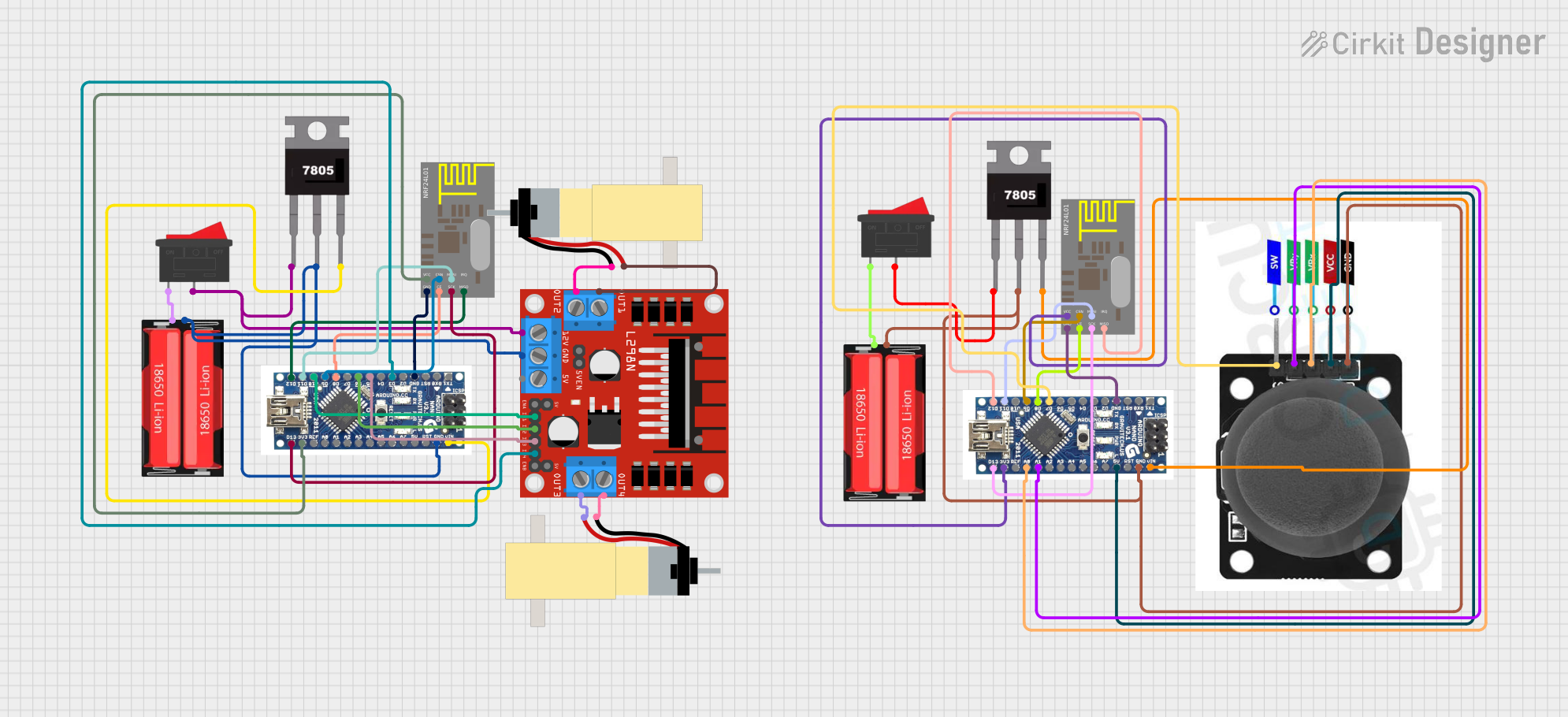 Open Project in Cirkit Designer
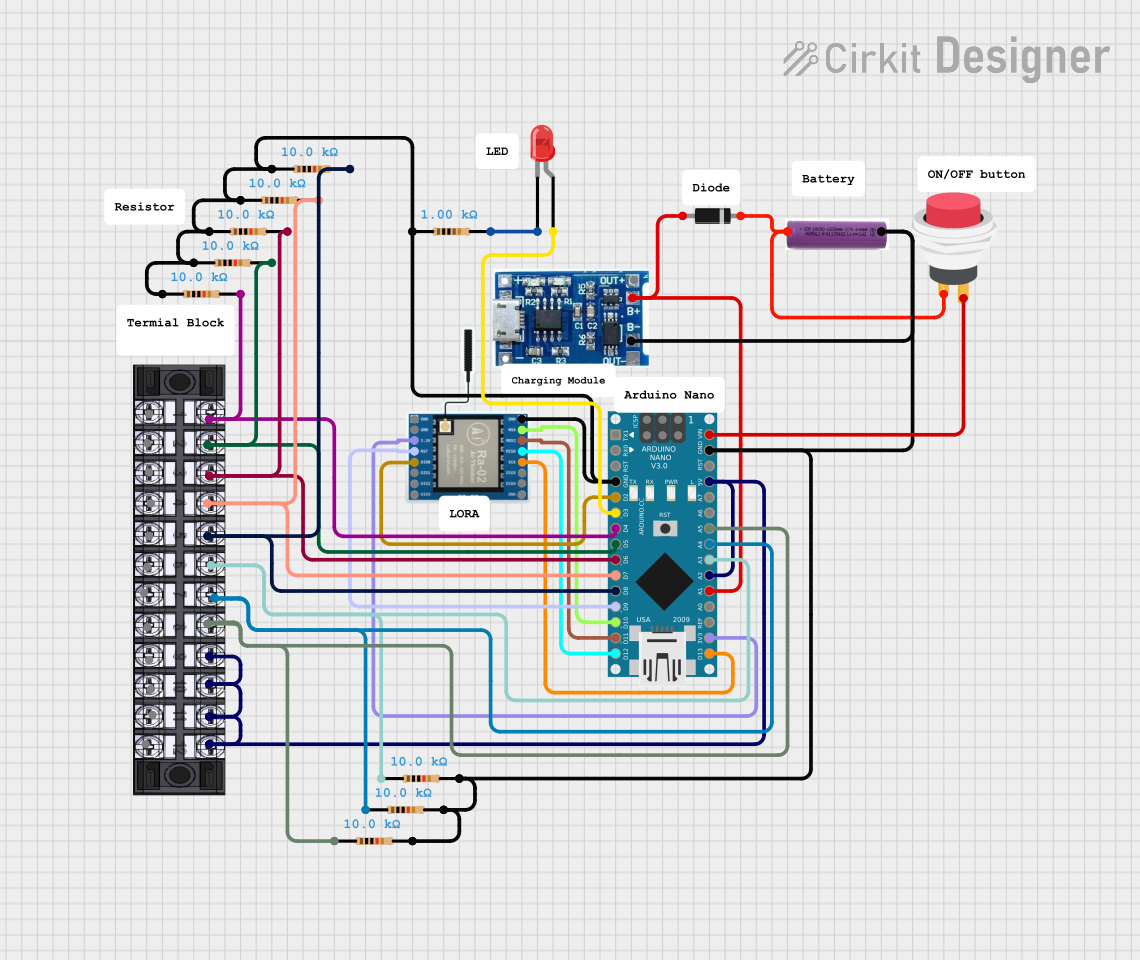 Open Project in Cirkit Designer
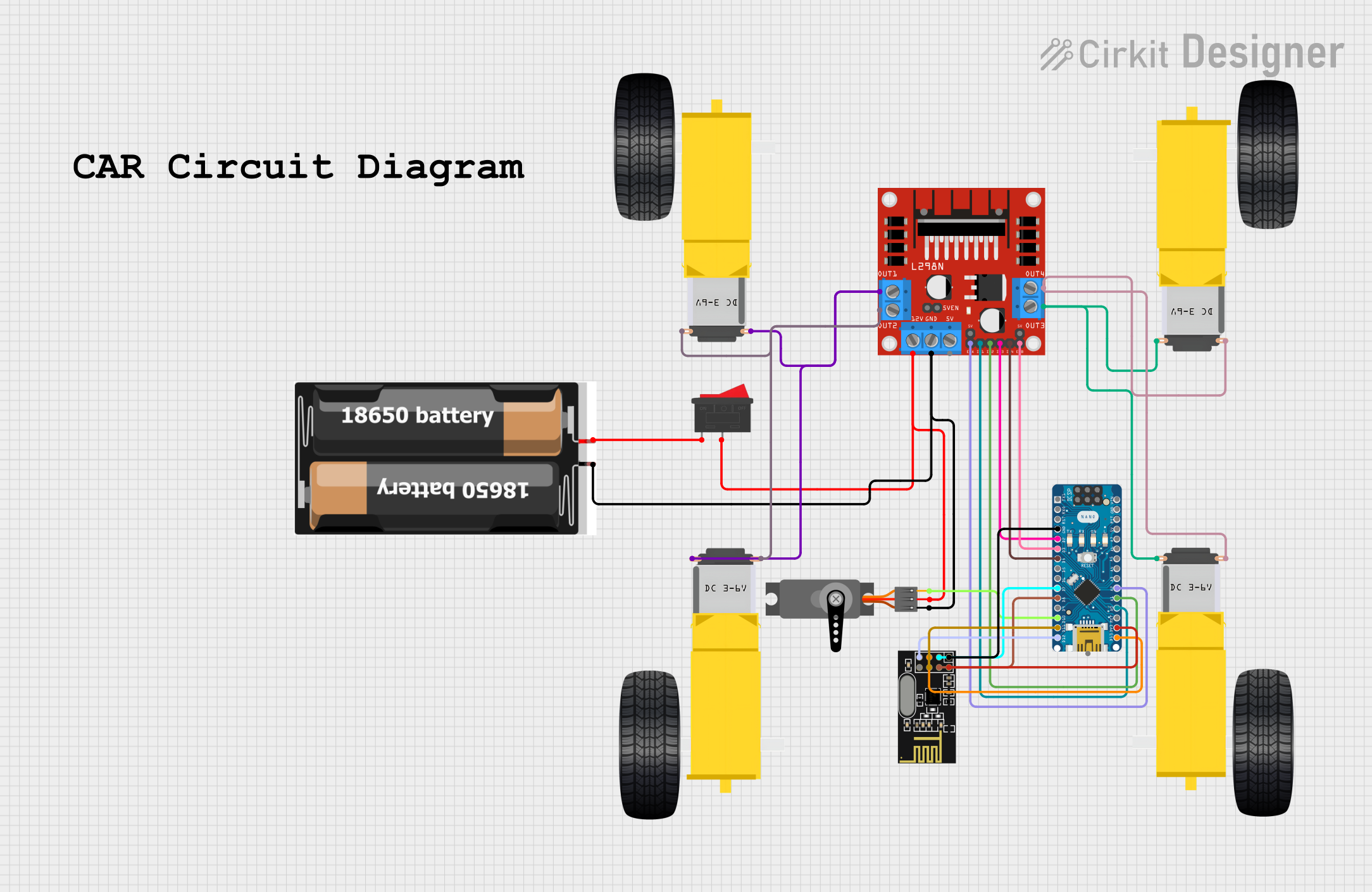 Open Project in Cirkit Designer
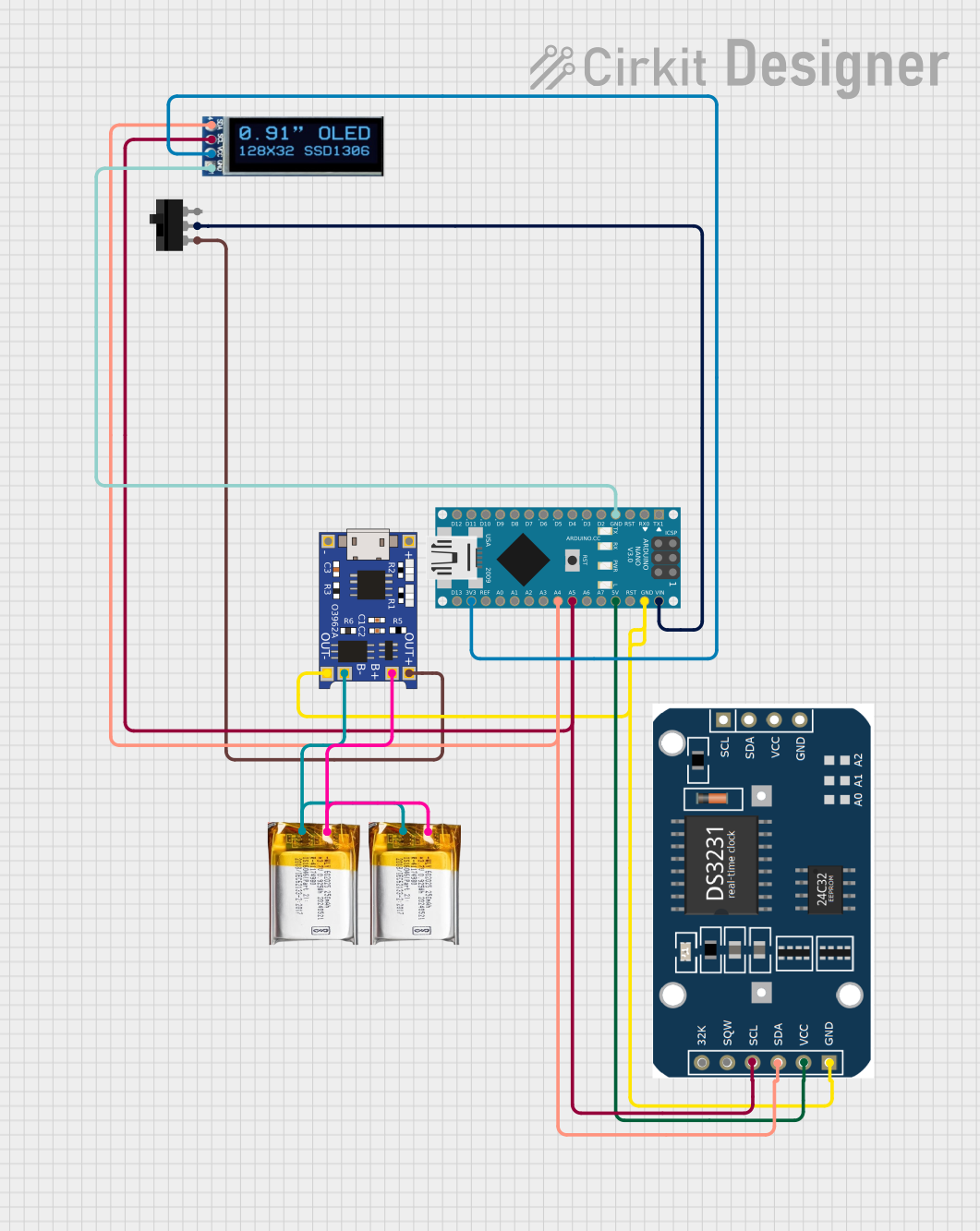 Open Project in Cirkit Designer
Explore Projects Built with LicheeRV-nano
Open Project in Cirkit DesignerOpen Project in Cirkit DesignerOpen Project in Cirkit DesignerOpen Project in Cirkit DesignerCommon Applications and Use Cases
- IoT (Internet of Things) devices and smart home applications
- Robotics and automation systems
- Edge computing and AI/ML inference tasks
- Educational tools for learning RISC-V architecture
- Prototyping and development of embedded systems
Technical Specifications
The following table outlines the key technical details of the LicheeRV-nano:
| Specification | Details |
|---|---|
| Processor | Allwinner D1 RISC-V SoC (Single-core XuanTie C906, 1 GHz) |
| Architecture | 64-bit RISC-V (RV64GC) |
| RAM | 64 MB DDR2 |
| Storage | MicroSD card slot (supports booting from SD card) |
| Connectivity | USB Type-C (for power, data, and debugging) |
| GPIO | 24 GPIO pins (via 2.54mm headers) |
| Display Support | RGB LCD interface |
| Operating System | Linux (e.g., Tina Linux, Debian-based distributions) |
| Power Supply | 5V via USB Type-C |
| Dimensions | 30mm x 30mm |
Pin Configuration and Descriptions
The LicheeRV-nano exposes its GPIO and peripheral interfaces through two 2.54mm pin headers. Below is the pinout description:
GPIO Header Pinout
| Pin | Name | Function | Description |
|---|---|---|---|
| 1 | 3.3V | Power | 3.3V power output |
| 2 | GND | Ground | Ground connection |
| 3 | GPIO0 | General Purpose I/O | Configurable GPIO |
| 4 | GPIO1 | General Purpose I/O | Configurable GPIO |
| 5 | UART_TX | UART Transmit | Serial communication TX |
| 6 | UART_RX | UART Receive | Serial communication RX |
| 7 | I2C_SCL | I2C Clock | I2C communication clock line |
| 8 | I2C_SDA | I2C Data | I2C communication data line |
| 9 | SPI_MOSI | SPI Master Out Slave In | SPI data output |
| 10 | SPI_MISO | SPI Master In Slave Out | SPI data input |
| 11 | SPI_CLK | SPI Clock | SPI clock signal |
| 12 | SPI_CS | SPI Chip Select | SPI chip select |
Usage Instructions
How to Use the LicheeRV-nano in a Circuit
Powering the Board:
Connect the USB Type-C port to a 5V power source. This can be a USB power adapter or a computer USB port.Booting the Operating System:
- Insert a microSD card with a pre-installed Linux image (e.g., Tina Linux or Debian).
- Ensure the SD card is properly formatted and flashed using tools like Balena Etcher.
- Insert the SD card into the microSD slot on the board.
- Power on the board, and it will boot from the SD card.
Connecting Peripherals:
- Use the GPIO headers to connect external devices such as sensors, displays, or actuators.
- For serial communication, connect the UART_TX and UART_RX pins to a USB-to-serial adapter.
Programming the Board:
- The board supports development using tools like GCC for RISC-V, Python, or C/C++.
- You can also use the board with an Arduino IDE or PlatformIO for certain applications.
Important Considerations and Best Practices
- Voltage Levels: Ensure all connected peripherals operate at 3.3V logic levels to avoid damaging the board.
- Cooling: While the board is low-power, prolonged use under heavy loads may require passive cooling.
- SD Card Quality: Use high-quality SD cards (Class 10 or higher) for better performance and reliability.
- Debugging: Use the USB Type-C port for debugging via UART or JTAG interfaces.
Example: Blinking an LED with GPIO
Below is an example of how to blink an LED connected to GPIO0 using Python on the LicheeRV-nano:
import os
import time
Export GPIO0 for use
os.system("echo 0 > /sys/class/gpio/export")
Set GPIO0 as output
os.system("echo out > /sys/class/gpio/gpio0/direction")
try: while True: # Turn LED on os.system("echo 1 > /sys/class/gpio/gpio0/value") time.sleep(1) # Wait for 1 second
    # Turn LED off
    os.system("echo 0 > /sys/class/gpio/gpio0/value")
    time.sleep(1)  # Wait for 1 second
except KeyboardInterrupt: # Clean up GPIO on exit os.system("echo 0 > /sys/class/gpio/unexport")
Troubleshooting and FAQs
Common Issues and Solutions
The board does not boot:
- Ensure the SD card is properly flashed with a compatible Linux image.
- Check the power supply and ensure it provides a stable 5V output.
GPIO pins are not responding:
- Verify that the GPIO pins are correctly configured as input or output.
- Check for loose connections or incorrect wiring.
USB debugging is not working:
- Ensure the correct drivers are installed on your computer.
- Use a reliable USB Type-C cable that supports data transfer.
Performance is slow:
- Use a high-speed SD card for better performance.
- Optimize your application to reduce CPU and memory usage.
FAQs
Can I power the board with a battery?
Yes, you can use a 3.7V LiPo battery with a suitable voltage regulator to provide 5V to the USB Type-C port.What operating systems are supported?
The board supports Linux-based distributions such as Tina Linux and Debian.Can I use the board for AI/ML tasks?
Yes, the RISC-V architecture and Linux support make it suitable for lightweight AI/ML inference tasks.Is there a community for support?
Yes, you can find support and resources in the Sipeed forums and RISC-V development communities.