
How to Use RGB LED 6812: Examples, Pinouts, and Specs
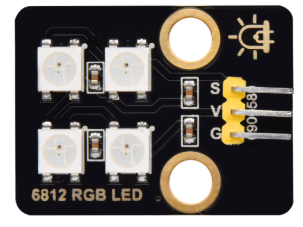
 Design with RGB LED 6812 in Cirkit Designer
Introduction
The RGB LED 6812 is a type of addressable LED that integrates red, green, and blue diodes into a single package. This component allows for precise control of color and brightness through digital signals, enabling the creation of a wide range of colors and dynamic lighting effects. Each LED in the 6812 series has an integrated driver chip, which simplifies control and allows multiple LEDs to be daisy-chained for complex lighting setups.
Explore Projects Built with RGB LED 6812
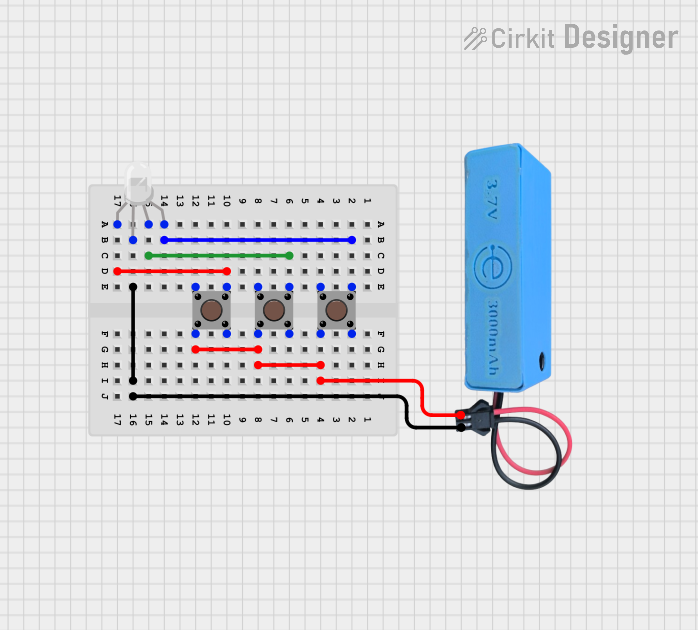 Open Project in Cirkit Designer
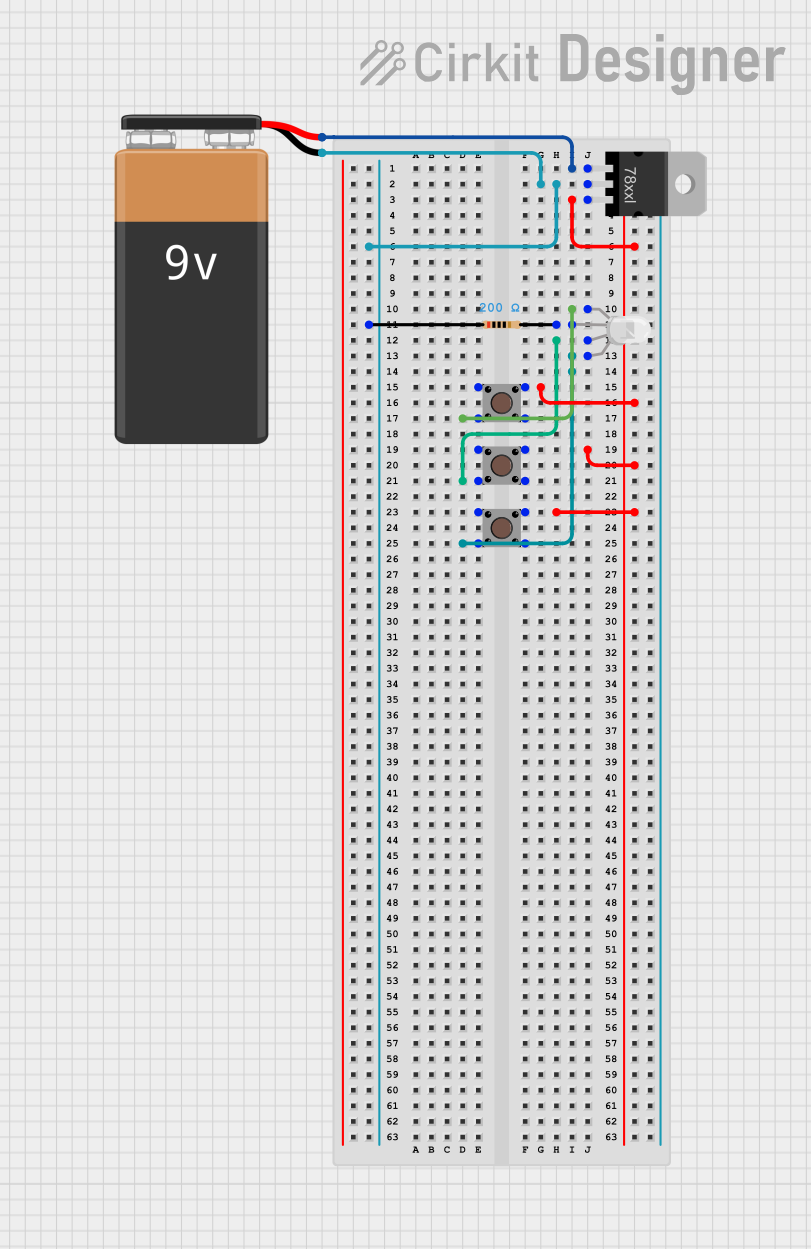 Open Project in Cirkit Designer
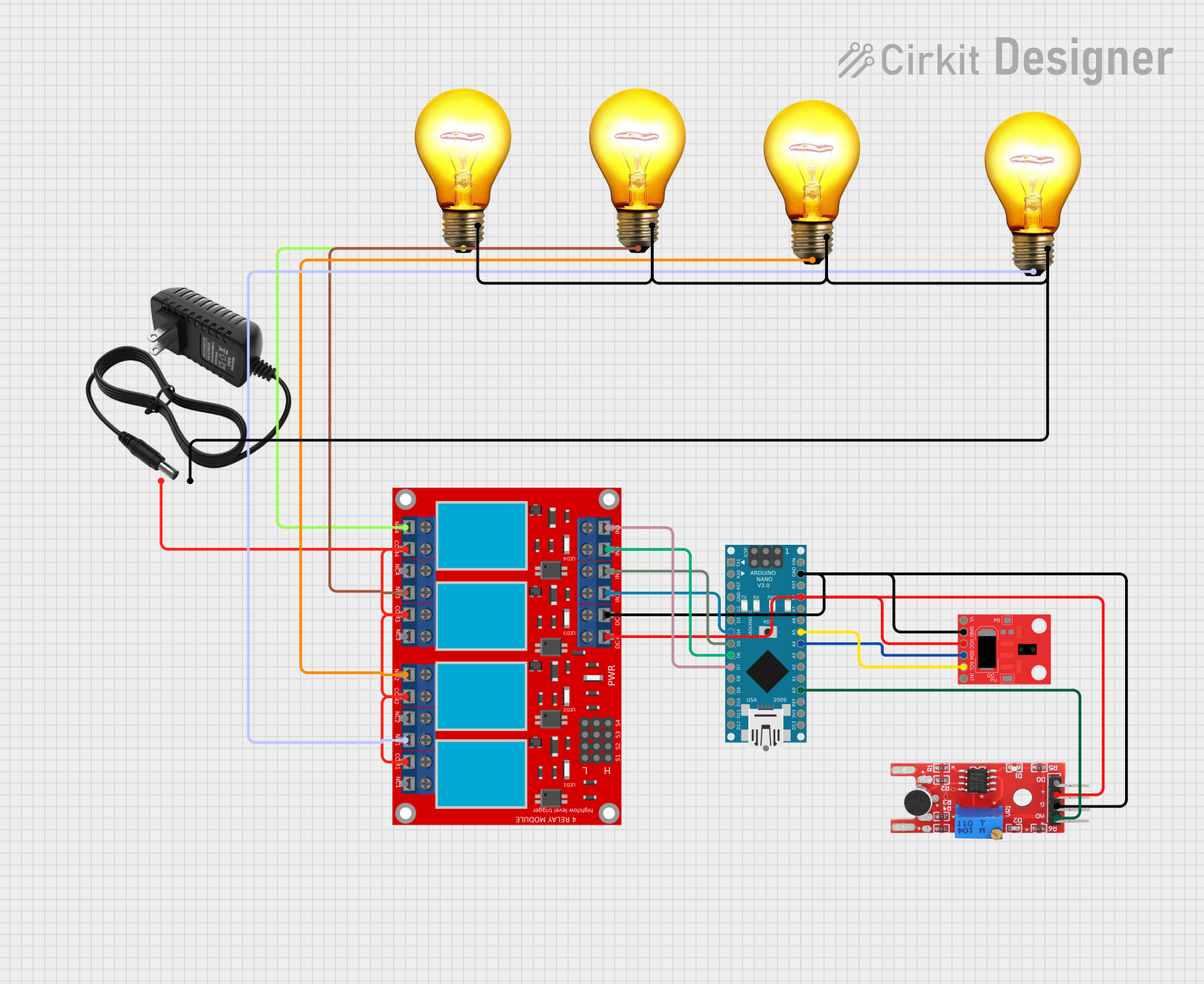 Open Project in Cirkit Designer
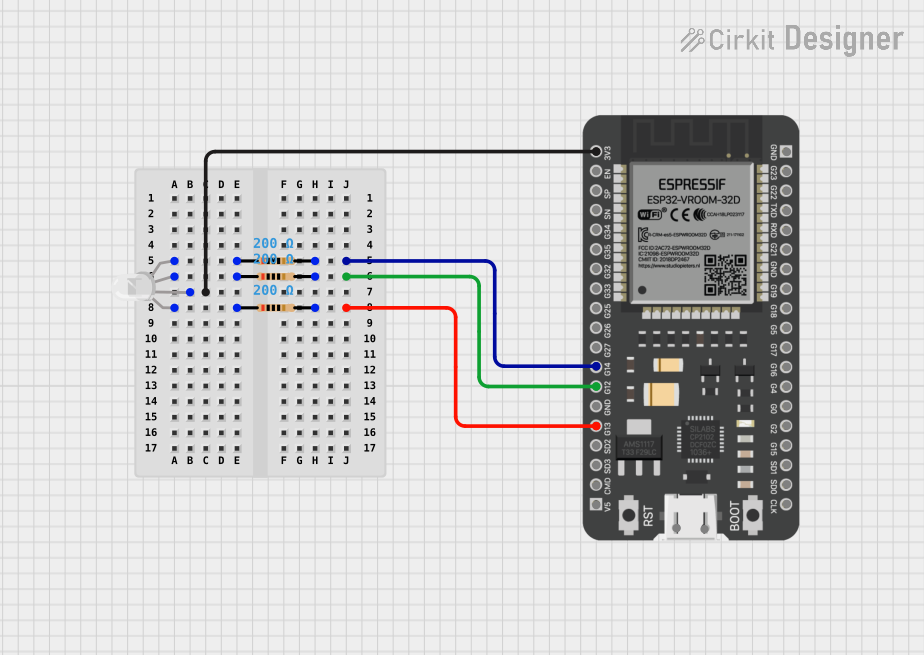 Open Project in Cirkit Designer
Explore Projects Built with RGB LED 6812
Open Project in Cirkit DesignerOpen Project in Cirkit DesignerOpen Project in Cirkit DesignerOpen Project in Cirkit DesignerCommon Applications
- Decorative lighting and LED strips
- Digital displays and signage
- Wearable electronics
- Gaming peripherals and RGB keyboards
- Art installations and interactive projects
Technical Specifications
The RGB LED 6812 is designed for ease of use and high performance. Below are its key technical details:
| Parameter | Value |
|---|---|
| Operating Voltage | 3.3V to 5.5V |
| Operating Current | ~18mA per color channel (max) |
| Communication Protocol | Single-wire digital control |
| LED Colors | Red, Green, Blue (24-bit color) |
| Brightness Levels | 256 levels per color channel |
| Data Speed | Up to 800 kHz |
| Viewing Angle | ~120° |
| Package Type | 6812 (SMD) |
Pin Configuration
The RGB LED 6812 typically has four pins. Below is the pinout description:
| Pin Name | Description |
|---|---|
| VDD | Power supply pin (3.3V to 5.5V) |
| GND | Ground connection |
| DIN | Data input pin for receiving control signals |
| DOUT | Data output pin for chaining additional LEDs |
Usage Instructions
How to Use the RGB LED 6812 in a Circuit
- Power Supply: Connect the VDD pin to a 3.3V or 5V power source and the GND pin to ground. Ensure the power supply can handle the total current draw of all connected LEDs.
- Data Input: Use a microcontroller (e.g., Arduino) to send digital control signals to the DIN pin. A resistor (330-500 ohms) is recommended between the microcontroller's data pin and the DIN pin to reduce noise.
- Chaining LEDs: Connect the DOUT pin of one LED to the DIN pin of the next LED to create a chain. Ensure all LEDs share the same power and ground connections.
- Decoupling Capacitor: Place a 0.1µF capacitor between VDD and GND for each LED to stabilize the power supply.
Important Considerations
- Voltage Levels: Ensure the data signal voltage matches the LED's operating voltage. If using a 3.3V microcontroller with a 5V LED, a level shifter may be required.
- Heat Management: Avoid exceeding the maximum current rating to prevent overheating. Use proper heat dissipation techniques for large arrays.
- Data Timing: Follow the timing requirements specified in the datasheet for reliable communication.
Example Code for Arduino UNO
Below is an example of how to control an RGB LED 6812 using the Arduino UNO and the Adafruit NeoPixel library:
#include <Adafruit_NeoPixel.h>

// Define the pin connected to the DIN pin of the RGB LED
#define LED_PIN 6

// Define the number of LEDs in the chain
#define NUM_LEDS 1

// Create a NeoPixel object
Adafruit_NeoPixel strip = Adafruit_NeoPixel(NUM_LEDS, LED_PIN, NEO_GRB + NEO_KHZ800);

void setup() {
  strip.begin(); // Initialize the NeoPixel library
  strip.show();  // Turn off all LEDs initially
}

void loop() {
  // Set the first LED to red
  strip.setPixelColor(0, strip.Color(255, 0, 0)); // Red: 255, Green: 0, Blue: 0
  strip.show(); // Update the LED to display the color
  delay(1000);  // Wait for 1 second

  // Set the first LED to green
  strip.setPixelColor(0, strip.Color(0, 255, 0)); // Red: 0, Green: 255, Blue: 0
  strip.show(); // Update the LED to display the color
  delay(1000);  // Wait for 1 second

  // Set the first LED to blue
  strip.setPixelColor(0, strip.Color(0, 0, 255)); // Red: 0, Green: 0, Blue: 255
  strip.show(); // Update the LED to display the color
  delay(1000);  // Wait for 1 second
}
Troubleshooting and FAQs
Common Issues
LEDs Not Lighting Up
- Cause: Incorrect wiring or insufficient power supply.
- Solution: Double-check all connections, ensure the power supply meets the voltage and current requirements, and verify the data pin connection.
Flickering or Unstable Colors
- Cause: Noise in the data line or insufficient decoupling.
- Solution: Add a resistor (330-500 ohms) to the data line and a 0.1µF capacitor between VDD and GND for each LED.
Incorrect Colors Displayed
- Cause: Data timing mismatch or incorrect library settings.
- Solution: Verify the microcontroller's timing and ensure the correct LED type (e.g., NEO_GRB) is specified in the code.
Chained LEDs Not Responding
- Cause: Faulty connections between DOUT and DIN pins.
- Solution: Check the connections between LEDs and ensure proper soldering or wiring.
FAQs
Can I control the RGB LED 6812 without a library? Yes, but it requires precise timing to send data signals. Using a library like Adafruit NeoPixel simplifies the process.
What is the maximum number of LEDs I can chain? Theoretically, there is no limit, but practical constraints like power supply capacity and signal integrity must be considered.
Do I need a separate resistor for each LED? No, a single resistor on the data line is sufficient for the entire chain.
By following this documentation, you can effectively integrate and troubleshoot the RGB LED 6812 in your projects.