
How to Use Camera Caddx Ratel 2 1200TVL with OSD: Examples, Pinouts, and Specs
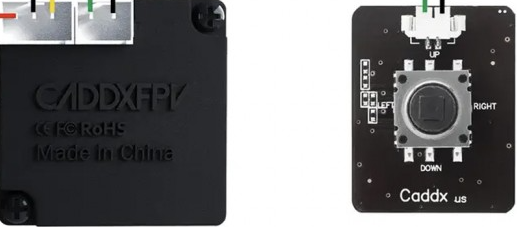
 Design with Camera Caddx Ratel 2 1200TVL with OSD in Cirkit Designer
Introduction
The Caddx Ratel 2 1200TVL is a high-performance FPV (First Person View) camera designed for drone racing, freestyle flying, and other applications requiring high-resolution video. With its 1200TVL resolution, the camera delivers sharp and clear video quality, even in low-light conditions. It also features an integrated On-Screen Display (OSD) for overlaying real-time telemetry data, making it a versatile choice for FPV enthusiasts.
Explore Projects Built with Camera Caddx Ratel 2 1200TVL with OSD
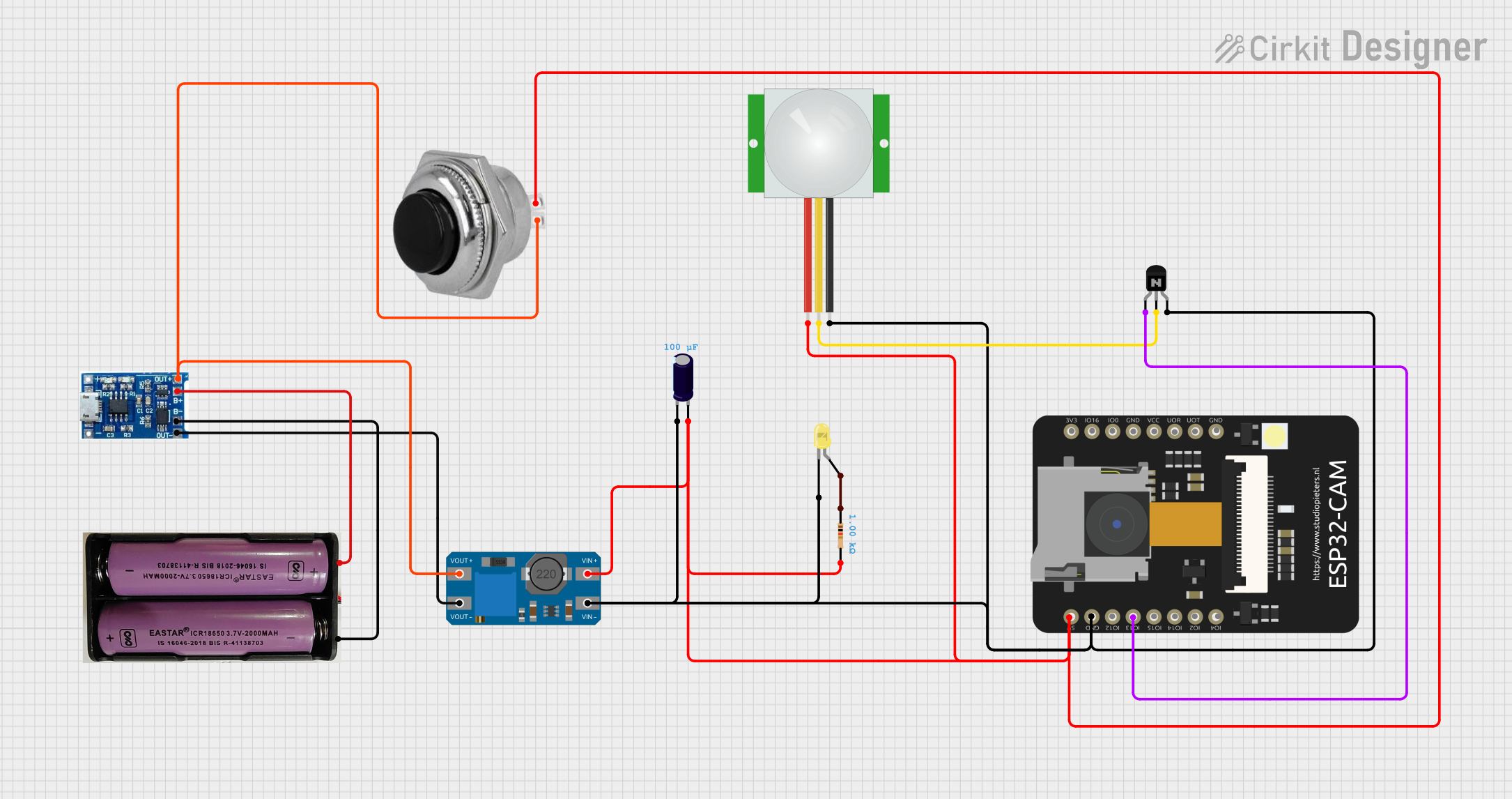 Open Project in Cirkit Designer
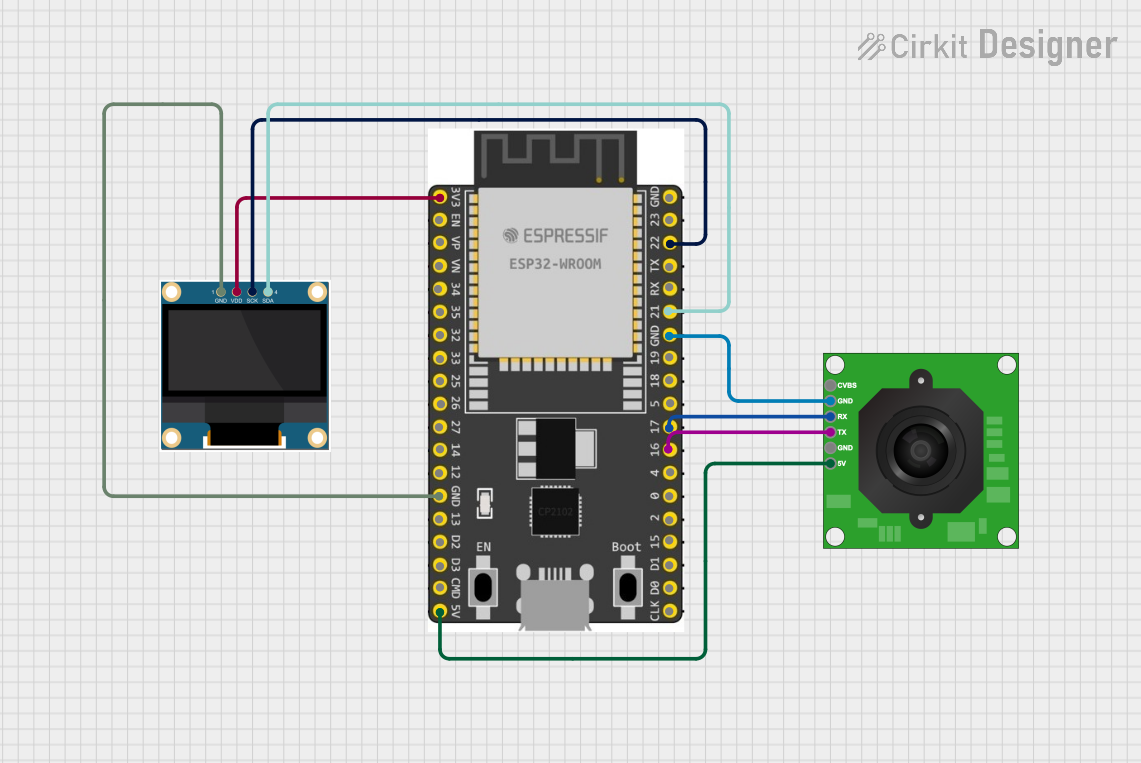 Open Project in Cirkit Designer
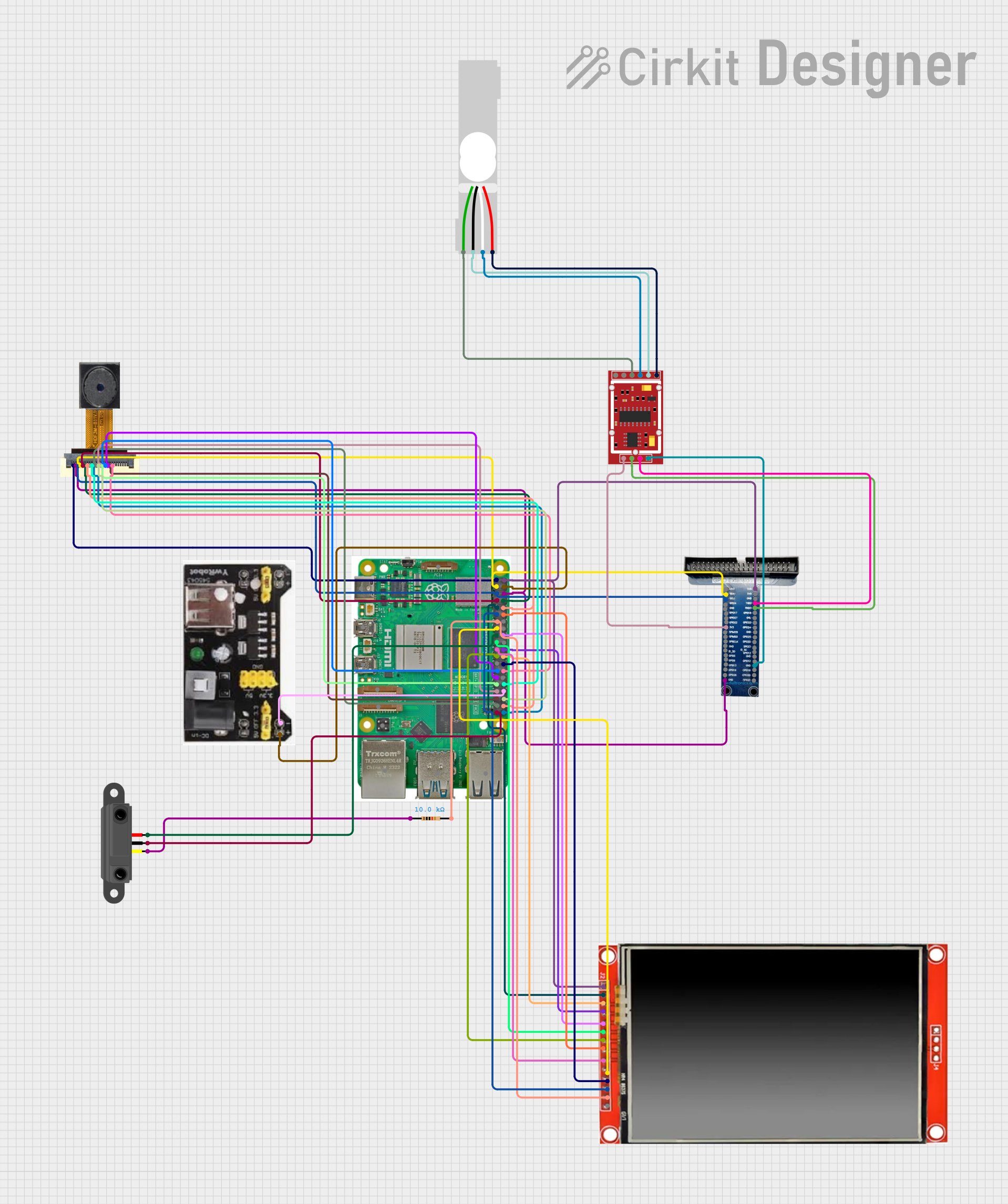 Open Project in Cirkit Designer
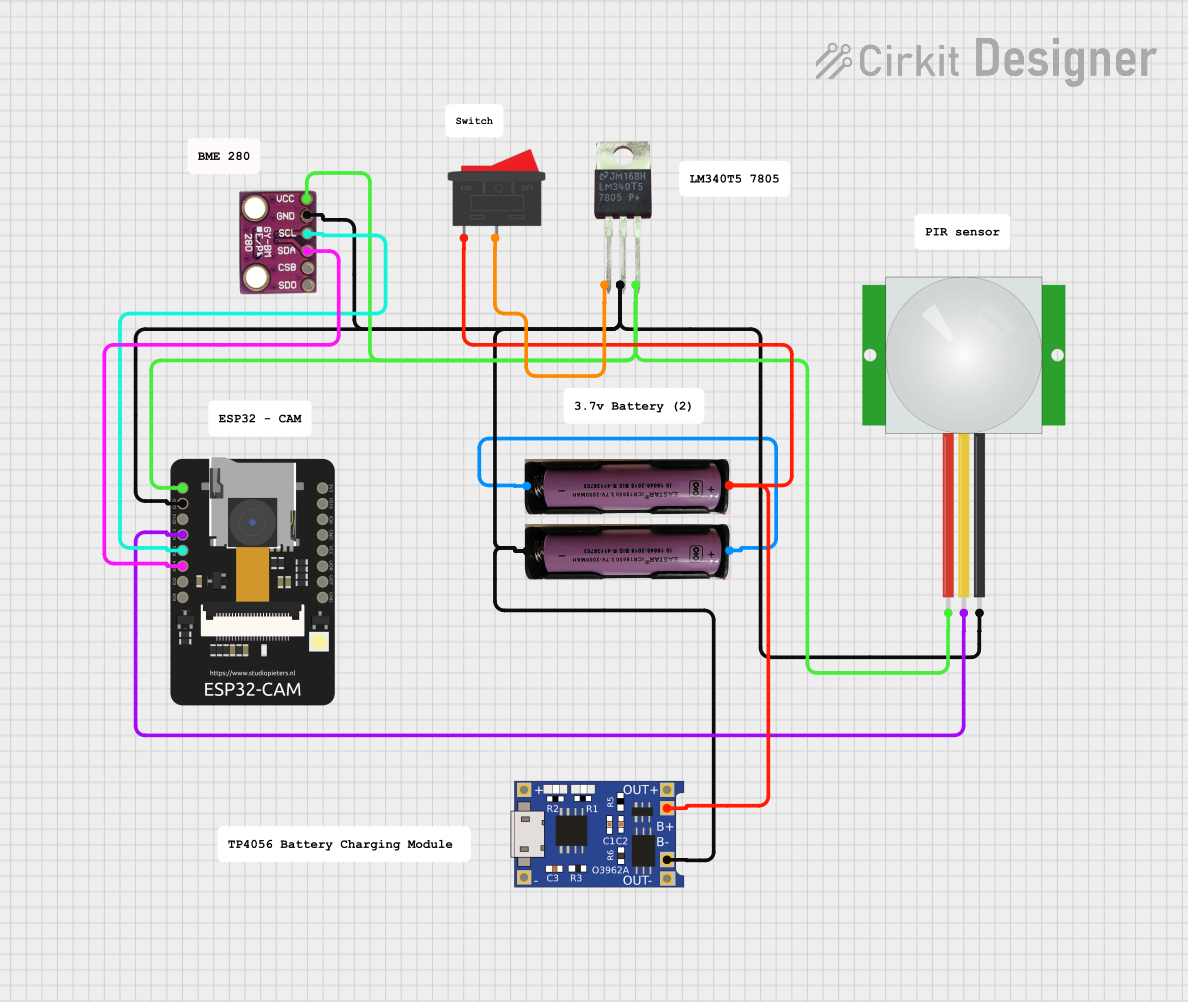 Open Project in Cirkit Designer
Explore Projects Built with Camera Caddx Ratel 2 1200TVL with OSD
Open Project in Cirkit DesignerOpen Project in Cirkit DesignerOpen Project in Cirkit DesignerOpen Project in Cirkit DesignerCommon Applications and Use Cases
- FPV drone racing and freestyle flying
- Aerial photography and videography
- Robotics and remote-controlled vehicles
- Security and surveillance systems
- Applications requiring low-light performance and high-resolution video
Technical Specifications
Below are the key technical details of the Caddx Ratel 2 1200TVL camera:
General Specifications
| Parameter | Value |
|---|---|
| Manufacturer | Caddx |
| Model | Ratel 2 1200TVL |
| Resolution | 1200TVL |
| Image Sensor | 1/1.8" HDR Sensor |
| Lens | 1.66mm (FOV 165°) |
| Signal System | PAL/NTSC (switchable) |
| Minimum Illumination | 0.0001 Lux |
| Input Voltage | 5V - 40V |
| Power Consumption | ≤200mA @ 12V |
| Dimensions | 19mm x 19mm x 20mm |
| Weight | 5.9g |
| Operating Temperature | -20°C to 60°C |
Pin Configuration and Descriptions
The camera has a 4-pin connector for power, video output, and OSD control. The pinout is as follows:
| Pin Number | Name | Description |
|---|---|---|
| 1 | GND | Ground connection |
| 2 | VCC | Power input (5V - 40V) |
| 3 | VIDEO | Analog video output |
| 4 | OSD Control | UART connection for OSD configuration |
Usage Instructions
How to Use the Component in a Circuit
- Power Connection: Connect the VCC pin to a power source within the range of 5V to 40V. Ensure the power supply is stable to avoid damage to the camera.
- Ground Connection: Connect the GND pin to the ground of your power source.
- Video Output: Connect the VIDEO pin to the video input of your FPV transmitter or display device.
- OSD Configuration: Use the OSD Control pin to connect to a UART interface for configuring the OSD settings. This can be done using a flight controller or a dedicated OSD configuration tool.
Important Considerations and Best Practices
- Voltage Range: Ensure the input voltage is within the specified range (5V - 40V). Exceeding this range may damage the camera.
- Signal System: Switch between PAL and NTSC modes as needed for compatibility with your display or FPV system.
- Lens Protection: Avoid touching the lens directly to prevent smudges or scratches. Use a lens cap when the camera is not in use.
- Low-Light Performance: The camera is optimized for low-light conditions, making it ideal for night flying or dim environments.
- OSD Configuration: Use the UART interface to customize the OSD layout and telemetry data displayed on the screen.
Example: Connecting to an Arduino UNO for OSD Configuration
Below is an example of how to connect the camera to an Arduino UNO for basic UART communication to configure the OSD:
Wiring Diagram
- Camera OSD Control Pin → Arduino Digital Pin 10 (RX)
- Camera GND Pin → Arduino GND
- Camera VCC Pin → Arduino 5V (or external power supply)
Arduino Code
#include <SoftwareSerial.h>

// Define RX and TX pins for SoftwareSerial
SoftwareSerial cameraOSD(10, 11); // RX = Pin 10, TX = Pin 11

void setup() {
  // Initialize serial communication with the camera
  cameraOSD.begin(9600); // Baud rate for OSD communication
  Serial.begin(9600);    // Serial monitor for debugging

  Serial.println("Camera OSD Configuration Started");
}

void loop() {
  // Example: Send a command to the camera (replace with actual commands)
  cameraOSD.println("SET_OSD:ON"); // Turn on OSD (example command)

  // Check for responses from the camera
  if (cameraOSD.available()) {
    String response = cameraOSD.readString();
    Serial.println("Camera Response: " + response);
  }

  delay(1000); // Wait 1 second before sending the next command
}
Notes:
- Replace
"SET_OSD:ON"with actual OSD configuration commands as per the camera's protocol. - Ensure the baud rate matches the camera's UART communication settings.
Troubleshooting and FAQs
Common Issues and Solutions
No Video Output
- Cause: Incorrect wiring or power supply issues.
- Solution: Verify the connections to the VIDEO, VCC, and GND pins. Ensure the power supply is within the specified range.
OSD Not Displaying
- Cause: OSD is disabled or improperly configured.
- Solution: Use the UART interface to enable and configure the OSD. Check the camera's OSD settings.
Poor Video Quality
- Cause: Dirty lens or interference in the video signal.
- Solution: Clean the lens with a microfiber cloth. Check for loose connections or sources of interference.
Camera Overheating
- Cause: Prolonged use in high-temperature environments.
- Solution: Ensure proper ventilation and avoid operating the camera in temperatures exceeding 60°C.
FAQs
Q1: Can the camera be powered directly from a 4S LiPo battery?
A1: Yes, the camera supports an input voltage range of 5V to 40V, making it compatible with 4S LiPo batteries (14.8V nominal).
Q2: How do I switch between PAL and NTSC modes?
A2: The camera has a built-in switch or menu option to toggle between PAL and NTSC. Refer to the user manual for detailed instructions.
Q3: Is the camera waterproof?
A3: No, the camera is not waterproof. Avoid exposing it to water or moisture.
Q4: Can I use this camera with a DVR for recording?
A4: Yes, the camera's analog video output can be connected to a DVR for recording purposes.
By following this documentation, users can effectively integrate and operate the Caddx Ratel 2 1200TVL camera in their projects.