
How to Use STM32 L432KC: Examples, Pinouts, and Specs
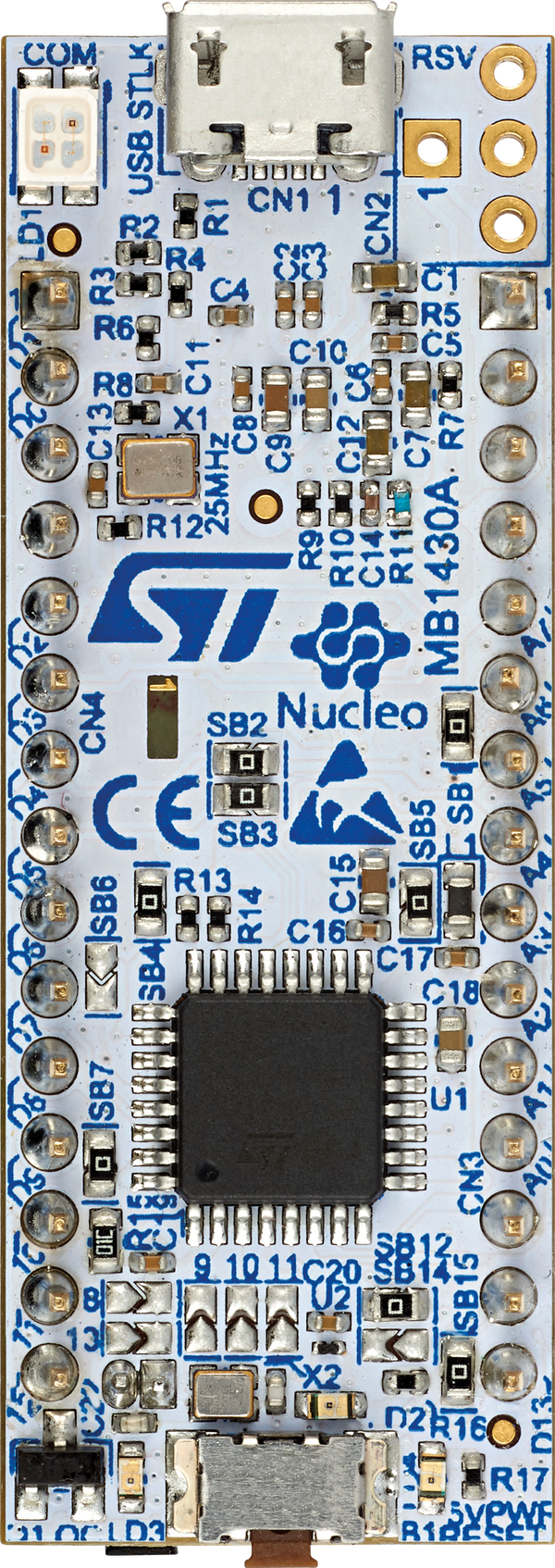
 Design with STM32 L432KC in Cirkit Designer
Introduction
The STM32 L432KC is a low-power microcontroller from STMicroelectronics, built around the ARM Cortex-M4 core. It operates at a maximum clock speed of 80 MHz and features 256 KB of flash memory and 32 KB of SRAM. This microcontroller is designed for energy-efficient applications, making it ideal for battery-powered devices, IoT applications, and portable electronics. It includes a wide range of peripherals such as analog-to-digital converters (ADCs), timers, and communication interfaces like I2C, SPI, and UART.
Explore Projects Built with STM32 L432KC
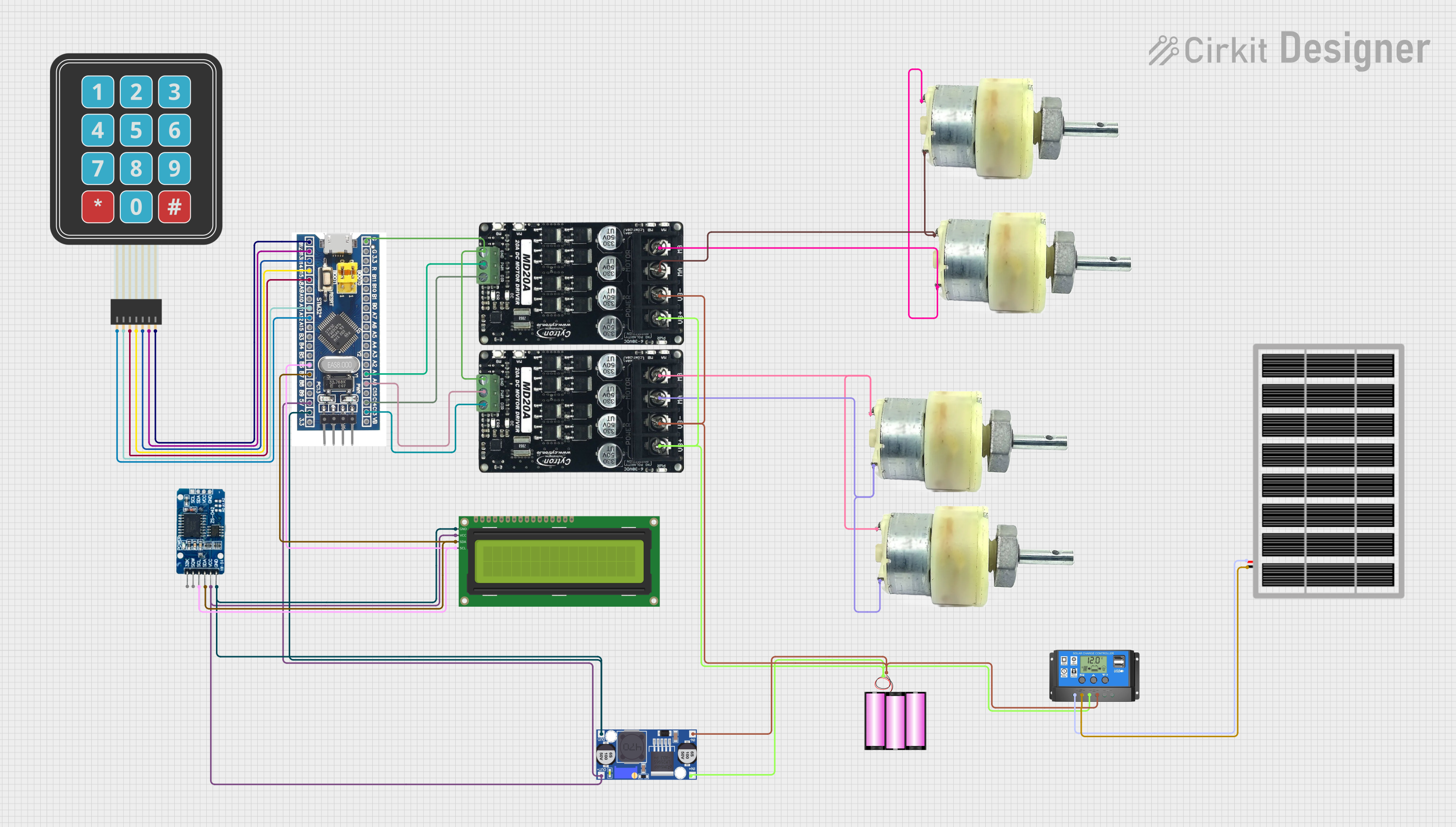 Open Project in Cirkit Designer
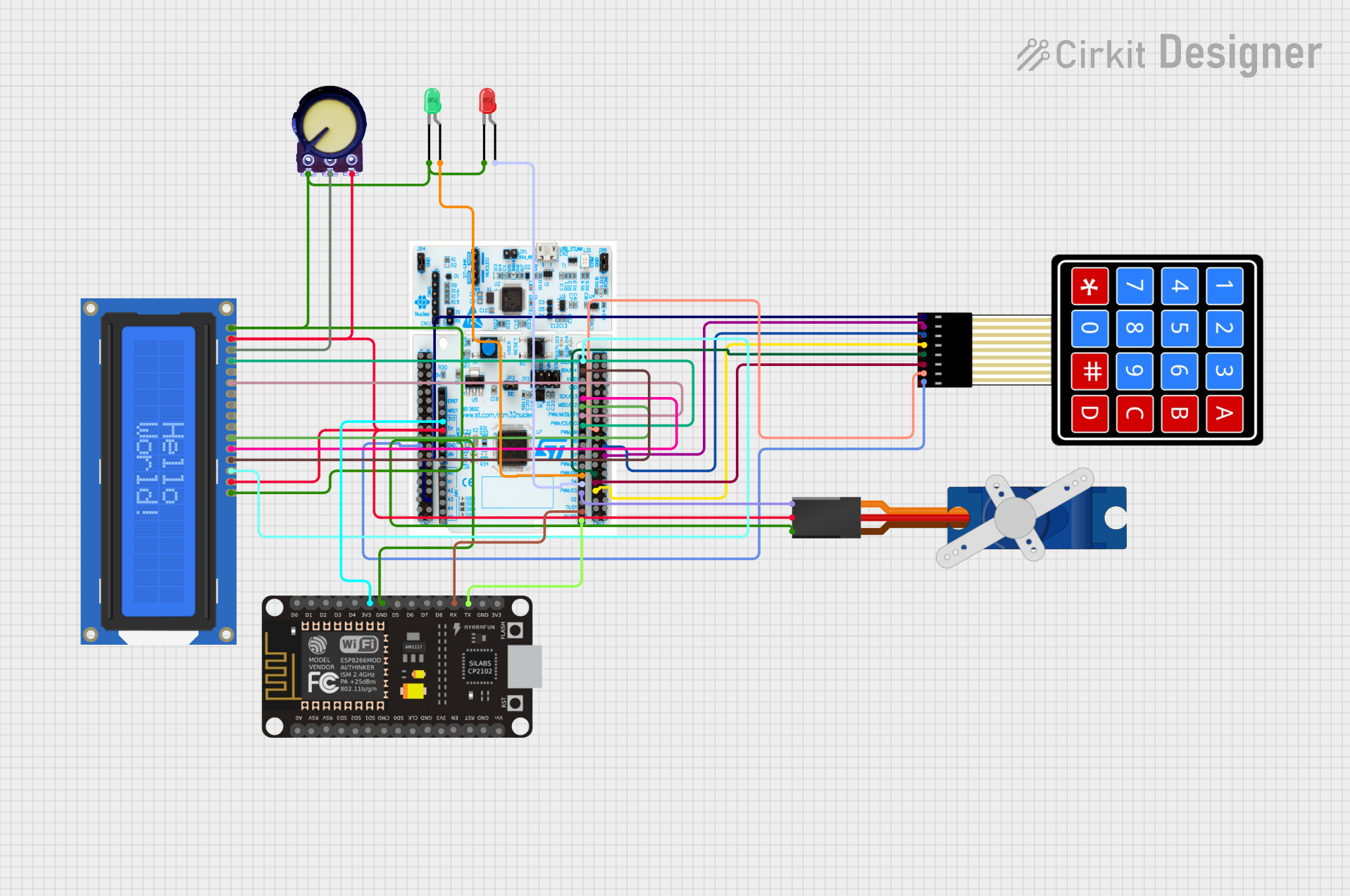 Open Project in Cirkit Designer
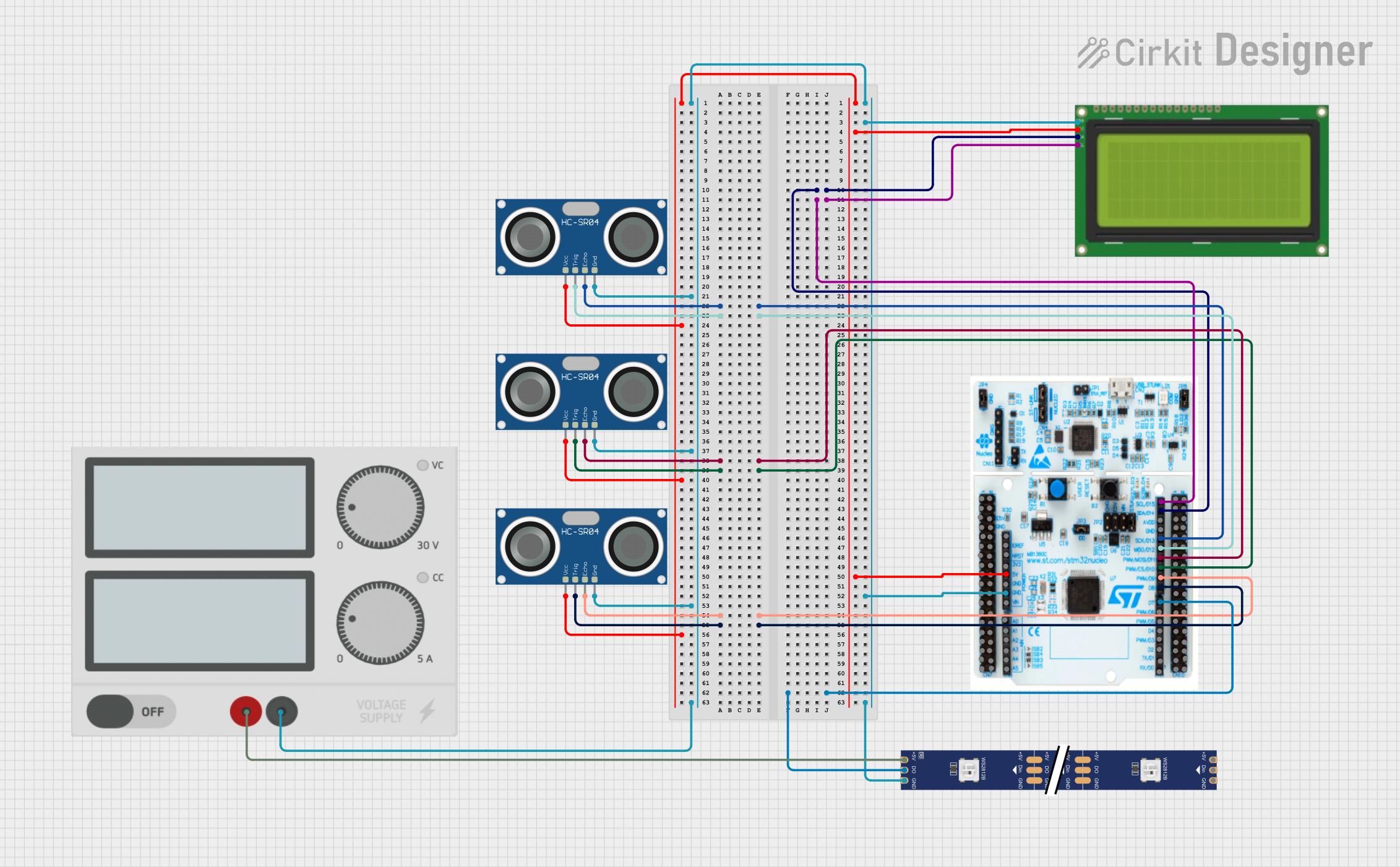 Open Project in Cirkit Designer
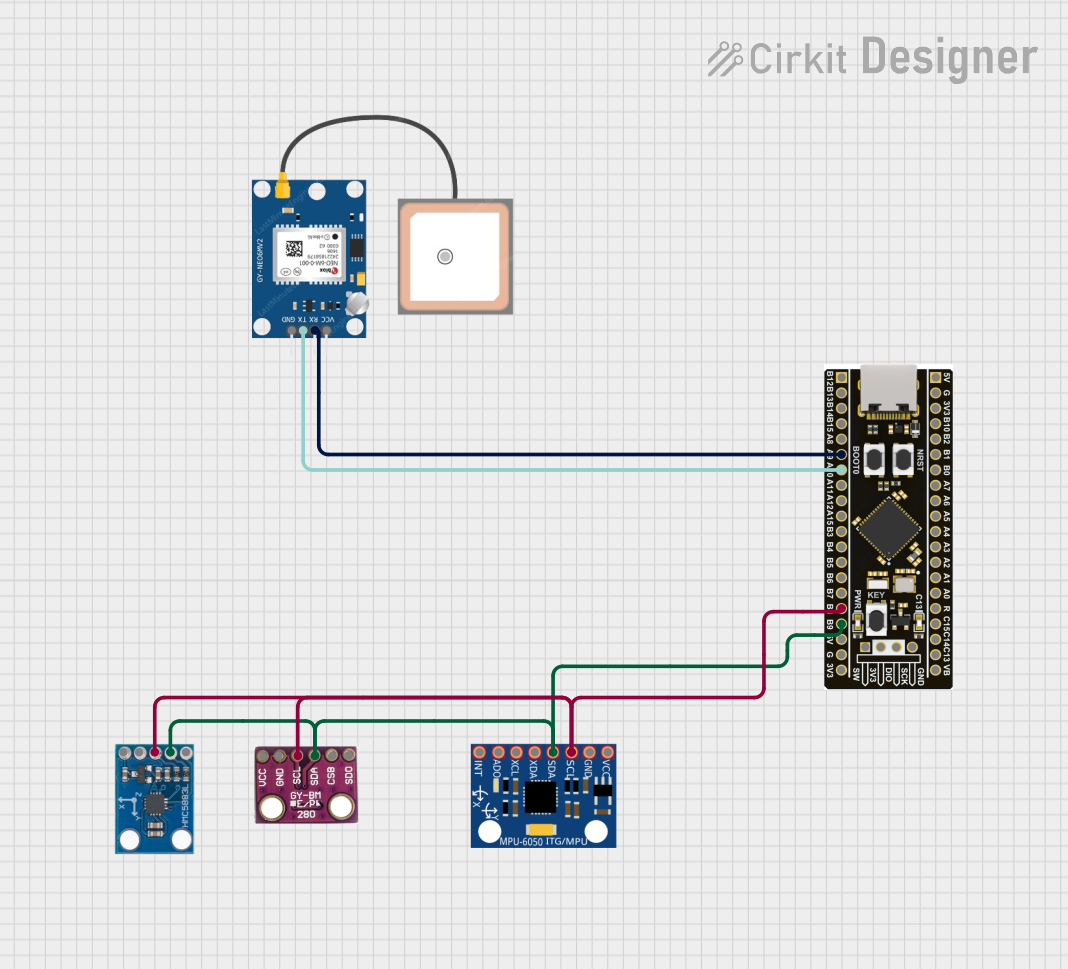 Open Project in Cirkit Designer
Explore Projects Built with STM32 L432KC
Open Project in Cirkit DesignerOpen Project in Cirkit DesignerOpen Project in Cirkit DesignerOpen Project in Cirkit DesignerCommon Applications
- Wearable devices
- Internet of Things (IoT) applications
- Low-power data acquisition systems
- Portable medical devices
- Industrial automation and control systems
Technical Specifications
The STM32 L432KC offers a robust set of features tailored for low-power and high-performance applications. Below are its key technical specifications:
General Specifications
| Feature | Specification |
|---|---|
| Core | ARM Cortex-M4 with FPU |
| Maximum Clock Speed | 80 MHz |
| Flash Memory | 256 KB |
| SRAM | 32 KB |
| Operating Voltage | 1.8V to 3.6V |
| Power Modes | Sleep, Stop, Standby |
| Package | NUCLEO-32 (32-pin) |
Peripherals
| Peripheral | Details |
|---|---|
| ADC | 12-bit, up to 16 channels |
| Timers | 7 timers (including advanced control) |
| Communication Interfaces | I2C, SPI, UART, USART, CAN |
| GPIO | Up to 26 GPIO pins |
| PWM | Supported |
Pin Configuration
The STM32 L432KC is available in a 32-pin package. Below is the pinout description:
| Pin Number | Pin Name | Functionality |
|---|---|---|
| 1 | PA0 | GPIO, ADC_IN0, TIM2_CH1, WKUP1 |
| 2 | PA1 | GPIO, ADC_IN1, TIM2_CH2 |
| 3 | PA2 | GPIO, USART2_TX, ADC_IN2, TIM2_CH3 |
| 4 | PA3 | GPIO, USART2_RX, ADC_IN3, TIM2_CH4 |
| ... | ... | ... (Refer to the datasheet for full) |
Usage Instructions
The STM32 L432KC can be used in a variety of applications, thanks to its versatile peripherals and low-power features. Below are the steps and considerations for using this microcontroller in a circuit:
Basic Setup
- Power Supply: Ensure the microcontroller is powered within its operating voltage range (1.8V to 3.6V). A 3.3V regulator is commonly used.
- Clock Configuration: The STM32 L432KC supports internal and external clock sources. For precise timing, connect an external crystal oscillator to the appropriate pins.
- Programming Interface: Use the SWD (Serial Wire Debug) interface for programming and debugging. Tools like ST-Link or J-Link are compatible.
- Reset Pin: Connect a pull-up resistor (typically 10 kΩ) to the NRST pin to ensure proper reset functionality.
Example: Blinking an LED
Below is an example of how to blink an LED connected to pin PA5 using the STM32CubeIDE:
#include "stm32l4xx_hal.h"

// Define the GPIO pin for the LED
#define LED_PIN GPIO_PIN_5
#define LED_PORT GPIOA

void SystemClock_Config(void);
void GPIO_Init(void);

int main(void) {
    HAL_Init();                  // Initialize the HAL library
    SystemClock_Config();        // Configure the system clock
    GPIO_Init();                 // Initialize GPIO for the LED

    while (1) {
        HAL_GPIO_TogglePin(LED_PORT, LED_PIN); // Toggle the LED state
        HAL_Delay(500);                        // Wait for 500 ms
    }
}

void GPIO_Init(void) {
    __HAL_RCC_GPIOA_CLK_ENABLE(); // Enable GPIOA clock

    GPIO_InitTypeDef GPIO_InitStruct = {0};
    GPIO_InitStruct.Pin = LED_PIN;            // Configure the LED pin
    GPIO_InitStruct.Mode = GPIO_MODE_OUTPUT_PP; // Set as push-pull output
    GPIO_InitStruct.Pull = GPIO_NOPULL;       // No pull-up or pull-down
    GPIO_InitStruct.Speed = GPIO_SPEED_FREQ_LOW; // Low speed
    HAL_GPIO_Init(LED_PORT, &GPIO_InitStruct);
}

void SystemClock_Config(void) {
    // Configure the system clock (default settings for simplicity)
    RCC_OscInitTypeDef RCC_OscInitStruct = {0};
    RCC_ClkInitTypeDef RCC_ClkInitStruct = {0};

    RCC_OscInitStruct.OscillatorType = RCC_OSCILLATORTYPE_MSI;
    RCC_OscInitStruct.MSIState = RCC_MSI_ON;
    RCC_OscInitStruct.MSICalibrationValue = RCC_MSICALIBRATION_DEFAULT;
    RCC_OscInitStruct.MSIClockRange = RCC_MSIRANGE_6;
    RCC_OscInitStruct.PLL.PLLState = RCC_PLL_NONE;
    HAL_RCC_OscConfig(&RCC_OscInitStruct);

    RCC_ClkInitStruct.ClockType = RCC_CLOCKTYPE_HCLK | RCC_CLOCKTYPE_SYSCLK
                                  | RCC_CLOCKTYPE_PCLK1 | RCC_CLOCKTYPE_PCLK2;
    RCC_ClkInitStruct.SYSCLKSource = RCC_SYSCLKSOURCE_MSI;
    RCC_ClkInitStruct.AHBCLKDivider = RCC_SYSCLK_DIV1;
    RCC_ClkInitStruct.APB1CLKDivider = RCC_HCLK_DIV1;
    RCC_ClkInitStruct.APB2CLKDivider = RCC_HCLK_DIV1;
    HAL_RCC_ClockConfig(&RCC_ClkInitStruct, FLASH_LATENCY_0);
}
Best Practices
- Use decoupling capacitors (e.g., 0.1 µF) near the power pins to reduce noise.
- Avoid leaving unused pins floating; configure them as inputs with pull-up or pull-down resistors.
- Use proper ESD protection for GPIO pins exposed to external connections.
Troubleshooting and FAQs
Common Issues
Microcontroller Not Responding
- Cause: Incorrect power supply or clock configuration.
- Solution: Verify the power supply voltage and ensure the clock source is configured correctly.
Programming Failure
- Cause: Faulty SWD connection or incorrect firmware.
- Solution: Check the SWD connections and ensure the correct firmware is being flashed.
Peripheral Not Working
- Cause: Incorrect pin configuration or missing clock enable.
- Solution: Double-check the pin configuration and ensure the peripheral clock is enabled in the code.
FAQs
Q: Can the STM32 L432KC operate at 5V?
A: No, the maximum operating voltage is 3.6V. Use a voltage regulator to step down from 5V to 3.3V.
Q: How do I reduce power consumption?
A: Use the low-power modes (Sleep, Stop, or Standby) and disable unused peripherals.
Q: What development tools are compatible with the STM32 L432KC?
A: STM32CubeIDE, Keil MDK, IAR Embedded Workbench, and GCC-based toolchains are supported.
Q: Can I use the STM32 L432KC with Arduino IDE?
A: Yes, with the STM32duino core installed, the STM32 L432KC can be programmed using the Arduino IDE.