
How to Use SPEEDYBEE F405 WING FC Board Front: Examples, Pinouts, and Specs
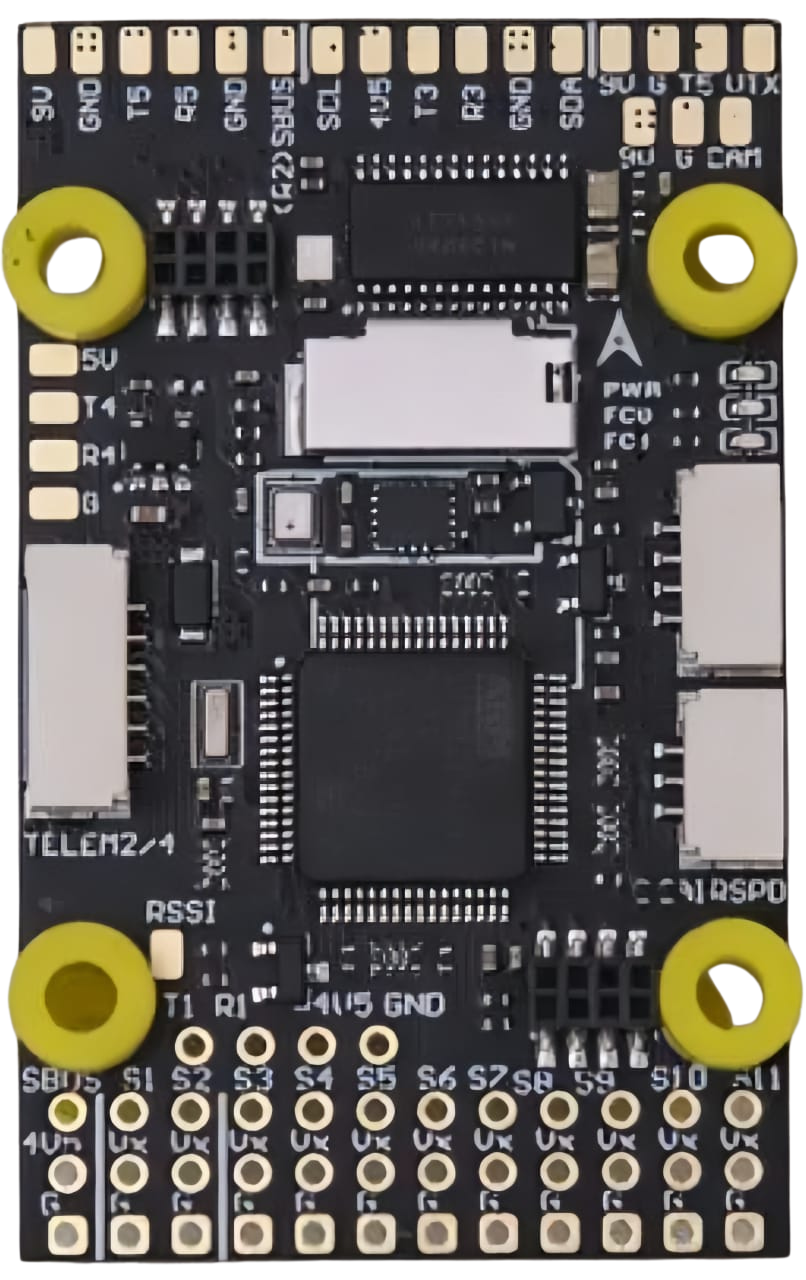
 Design with SPEEDYBEE F405 WING FC Board Front in Cirkit Designer
Introduction
The SPEEDYBEE F405 WING FC Board Front is a high-performance flight controller designed specifically for drones. Powered by the STM32F405 processor, this board is optimized for precise and efficient flight control. It supports a wide range of connectivity options, making it ideal for integrating various sensors, peripherals, and communication modules. Its robust design and advanced features make it suitable for both hobbyists and professional drone enthusiasts.
Explore Projects Built with SPEEDYBEE F405 WING FC Board Front
 Open Project in Cirkit Designer
 Open Project in Cirkit Designer
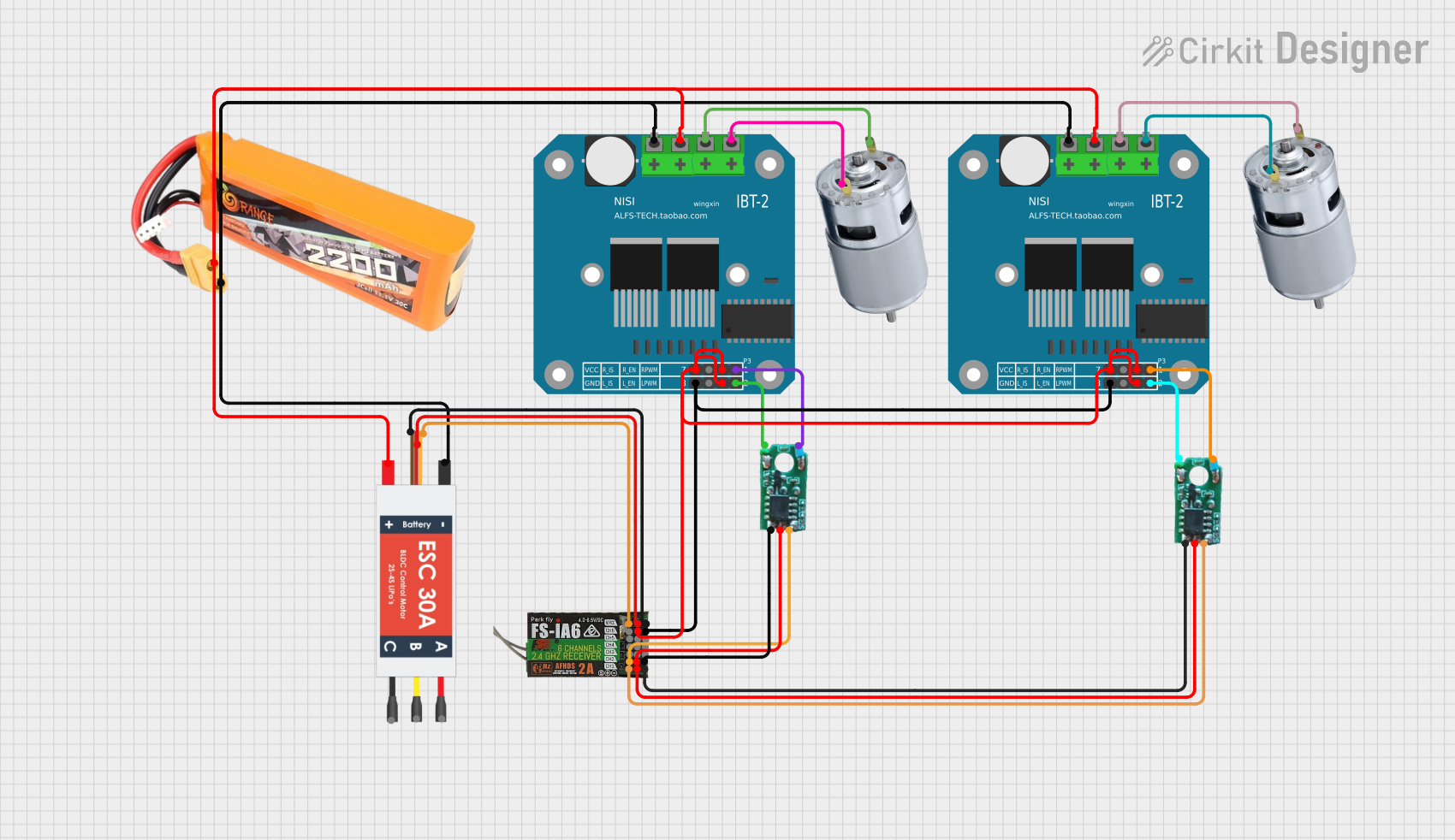 Open Project in Cirkit Designer
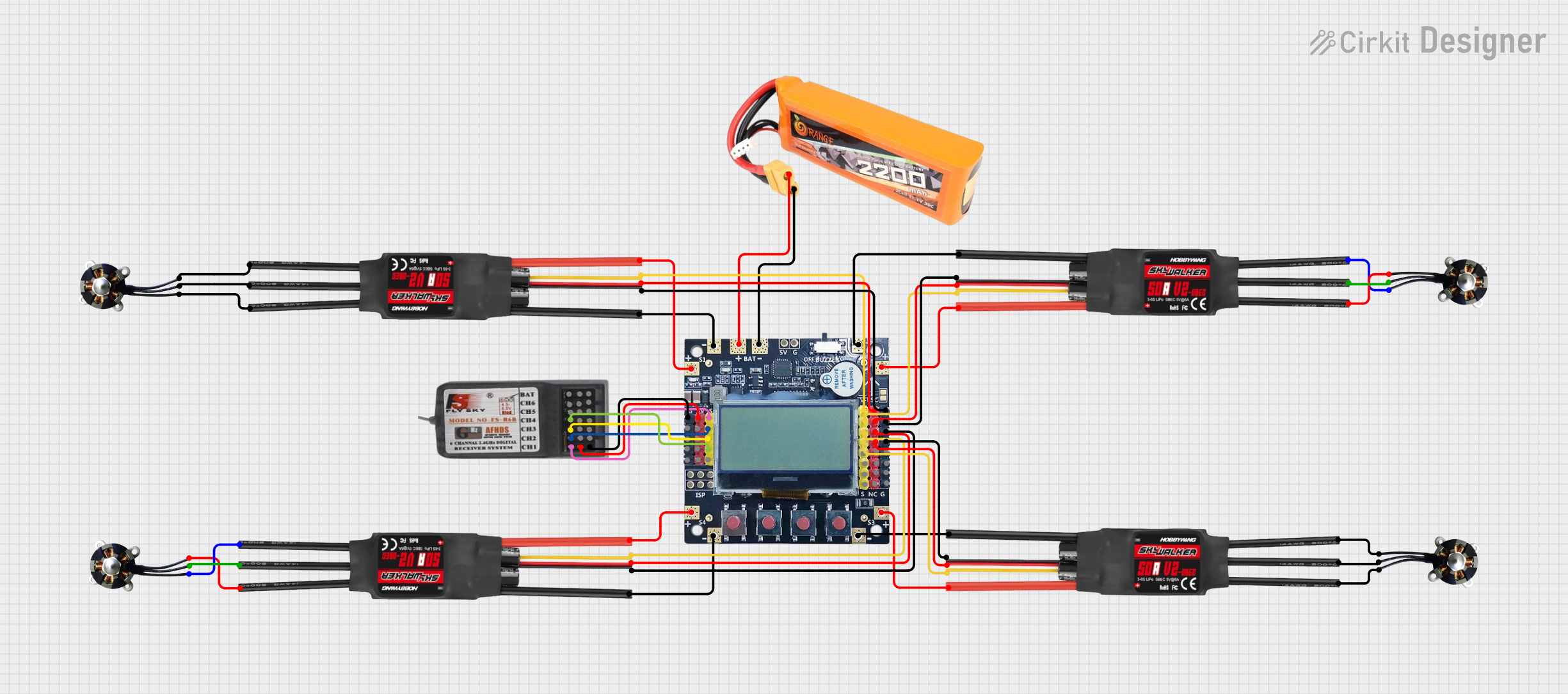 Open Project in Cirkit Designer
Explore Projects Built with SPEEDYBEE F405 WING FC Board Front
Open Project in Cirkit DesignerOpen Project in Cirkit DesignerOpen Project in Cirkit DesignerOpen Project in Cirkit DesignerCommon Applications and Use Cases
- Fixed-wing drones and quadcopters
- FPV (First-Person View) racing drones
- Autonomous drone navigation
- Aerial photography and videography
- Research and development in UAV (Unmanned Aerial Vehicle) systems
Technical Specifications
Key Technical Details
- Processor: STM32F405 (32-bit ARM Cortex-M4)
- Input Voltage: 7V–42V (2S–10S LiPo battery)
- BEC Output: 5V/3A and 9V/3A
- IMU (Inertial Measurement Unit): MPU6000 (6-axis gyro and accelerometer)
- UART Ports: 6 UARTs for peripherals (e.g., GPS, telemetry, receivers)
- PWM Outputs: 8 PWM channels for motor and servo control
- Flash Memory: 16MB for Blackbox logging
- OSD (On-Screen Display): Integrated Betaflight OSD
- Connectivity: Bluetooth for wireless configuration via the SpeedyBee app
- Dimensions: 50mm x 50mm
- Mounting Holes: 30.5mm x 30.5mm (M3 screws)
Pin Configuration and Descriptions
The SPEEDYBEE F405 WING FC Board Front features a well-labeled pinout for easy integration. Below is a table summarizing the key pins:
| Pin Name | Description |
|---|---|
| GND | Ground connection |
| VBAT | Battery voltage input (7V–42V) |
| 5V | 5V power output for peripherals |
| 9V | 9V power output for peripherals |
| RX1/TX1 | UART1 for receiver or telemetry |
| RX2/TX2 | UART2 for GPS or other peripherals |
| RX3/TX3 | UART3 for additional peripherals |
| PWM1–PWM8 | PWM outputs for motors and servos |
| SCL/SDA | I2C interface for sensors |
| LED_STRIP | Addressable LED control output |
| RSSI | Analog RSSI input for signal strength |
| Buzzer | Buzzer connection for alerts |
Usage Instructions
How to Use the Component in a Circuit
- Powering the Board: Connect a 2S–10S LiPo battery to the VBAT pin. Ensure the voltage is within the supported range (7V–42V).
- Connecting Motors and Servos: Use the PWM1–PWM8 pins to connect motors and servos. Assign the appropriate channels in your flight control software.
- Peripheral Connections:
- Connect your receiver to the RX1/TX1 pins.
- Attach a GPS module to RX2/TX2 for navigation.
- Use the I2C pins (SCL/SDA) for additional sensors like a barometer or magnetometer.
- Configuring the Board: Use the SpeedyBee app via Bluetooth or connect the board to a computer using a USB cable. Configure the board using Betaflight or INAV software.
- Blackbox Logging: Enable Blackbox logging in the flight control software to record flight data for analysis.
Important Considerations and Best Practices
- Voltage Compatibility: Ensure all connected peripherals operate within the board's voltage limits.
- Firmware Updates: Regularly update the firmware using Betaflight Configurator to access the latest features and fixes.
- Heat Management: Avoid overheating by ensuring proper airflow around the board during operation.
- Secure Mounting: Use vibration-dampening mounts to reduce noise from motors and improve sensor accuracy.
Example Code for Arduino UNO Integration
While the SPEEDYBEE F405 WING FC is not typically used with an Arduino UNO, you can use an Arduino to send commands or read telemetry data via UART. Below is an example of how to communicate with the flight controller:
#include <SoftwareSerial.h>

// Define RX and TX pins for SoftwareSerial
SoftwareSerial mySerial(10, 11); // RX = pin 10, TX = pin 11

void setup() {
  // Initialize serial communication
  Serial.begin(9600); // For debugging
  mySerial.begin(115200); // UART communication with FC

  Serial.println("Arduino to SPEEDYBEE F405 WING FC Communication");
}

void loop() {
  // Send a test command to the flight controller
  mySerial.println("Test Command");

  // Check for incoming data from the flight controller
  if (mySerial.available()) {
    String data = mySerial.readString();
    Serial.println("Received from FC: " + data);
  }

  delay(1000); // Wait 1 second before sending the next command
}
Troubleshooting and FAQs
Common Issues and Solutions
Board Not Powering On:
- Cause: Incorrect voltage or loose connections.
- Solution: Verify the battery voltage and ensure all connections are secure.
No Communication via USB:
- Cause: Missing or outdated USB drivers.
- Solution: Install the correct STM32 USB drivers and try again.
Unstable Flight:
- Cause: Incorrect PID tuning or vibration interference.
- Solution: Recalibrate the IMU and adjust PID settings in Betaflight.
Bluetooth Not Connecting:
- Cause: Interference or incorrect pairing procedure.
- Solution: Ensure the SpeedyBee app is updated and follow the pairing instructions.
FAQs
Q: Can I use this board with INAV instead of Betaflight?
A: Yes, the SPEEDYBEE F405 WING FC is compatible with both INAV and Betaflight firmware.Q: What is the maximum number of motors I can connect?
A: The board supports up to 8 motors via the PWM outputs.Q: How do I reset the board to factory settings?
A: Use the "Reset Settings" option in Betaflight Configurator or short the boot pins to enter DFU mode for firmware re-flashing.Q: Can I use this board for a hexacopter?
A: Yes, the board supports configurations for quadcopters, hexacopters, and fixed-wing drones.