
How to Use Adafruit i2s 3w amp: Examples, Pinouts, and Specs
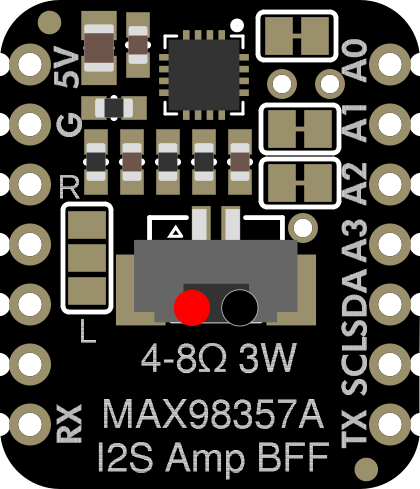
 Design with Adafruit i2s 3w amp in Cirkit Designer
Introduction
The Adafruit I2S 3W Amp is a compact and efficient audio amplifier designed to deliver high-quality sound output. It utilizes I2S (Inter-IC Sound) digital audio input, ensuring minimal noise and distortion while driving speakers with up to 3 watts of power. This amplifier is ideal for projects requiring clear audio playback in a small form factor.
Explore Projects Built with Adafruit i2s 3w amp
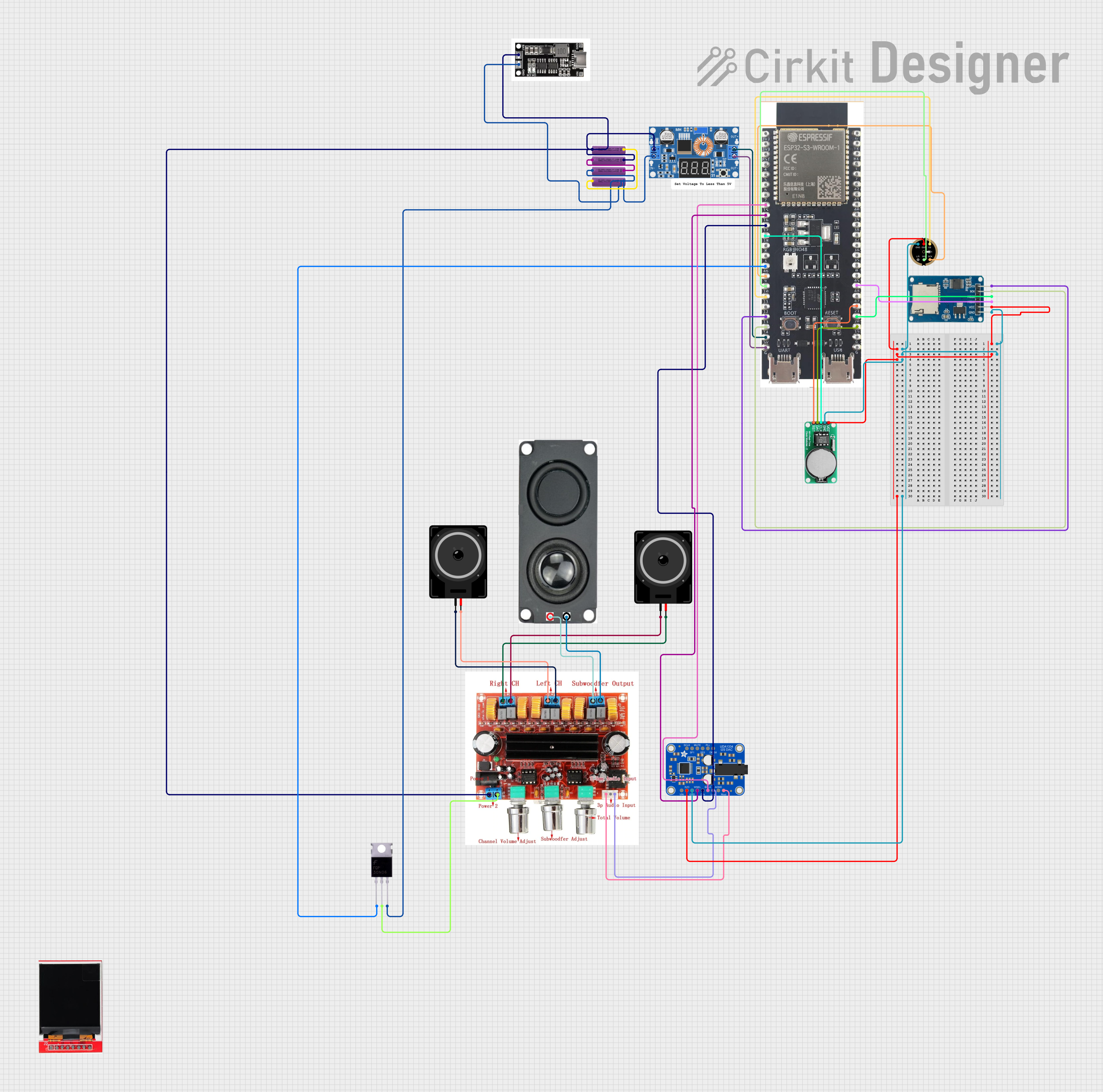 Open Project in Cirkit Designer
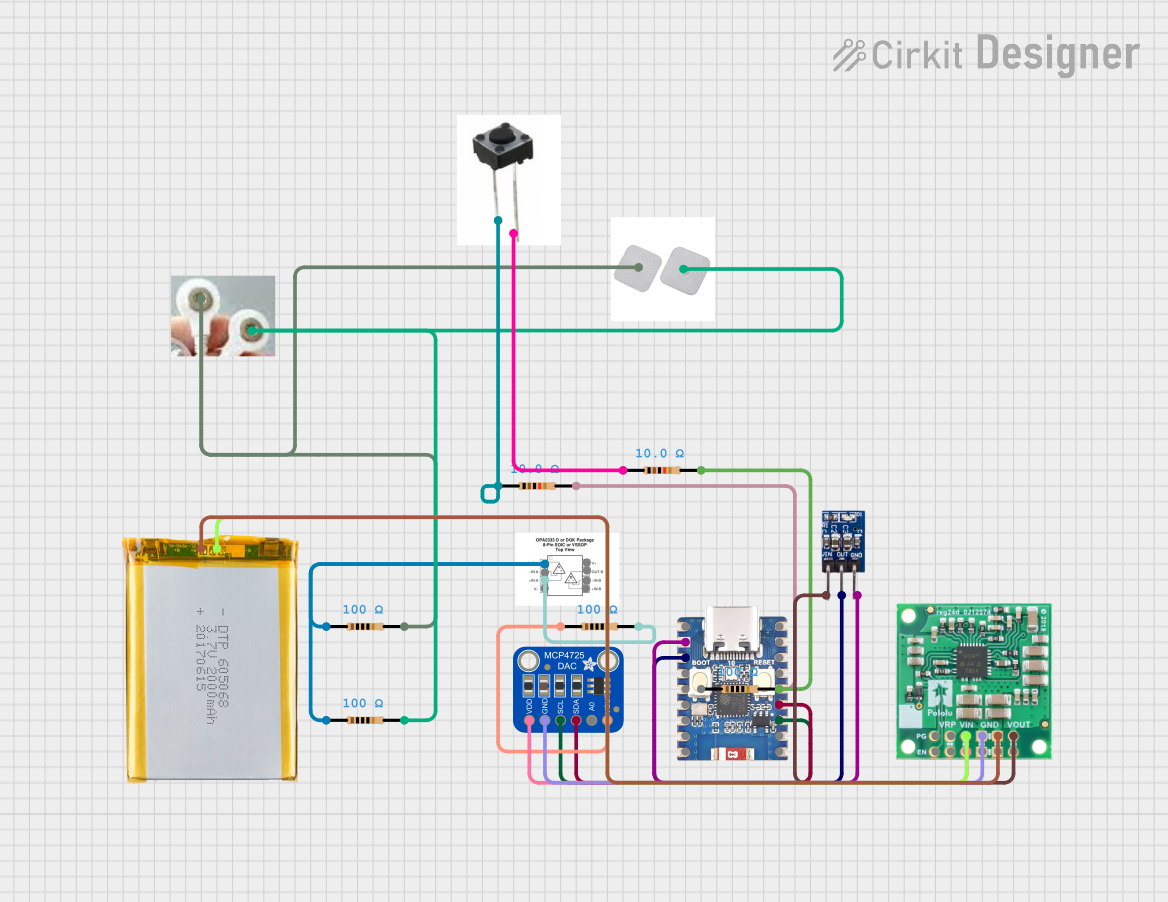 Open Project in Cirkit Designer
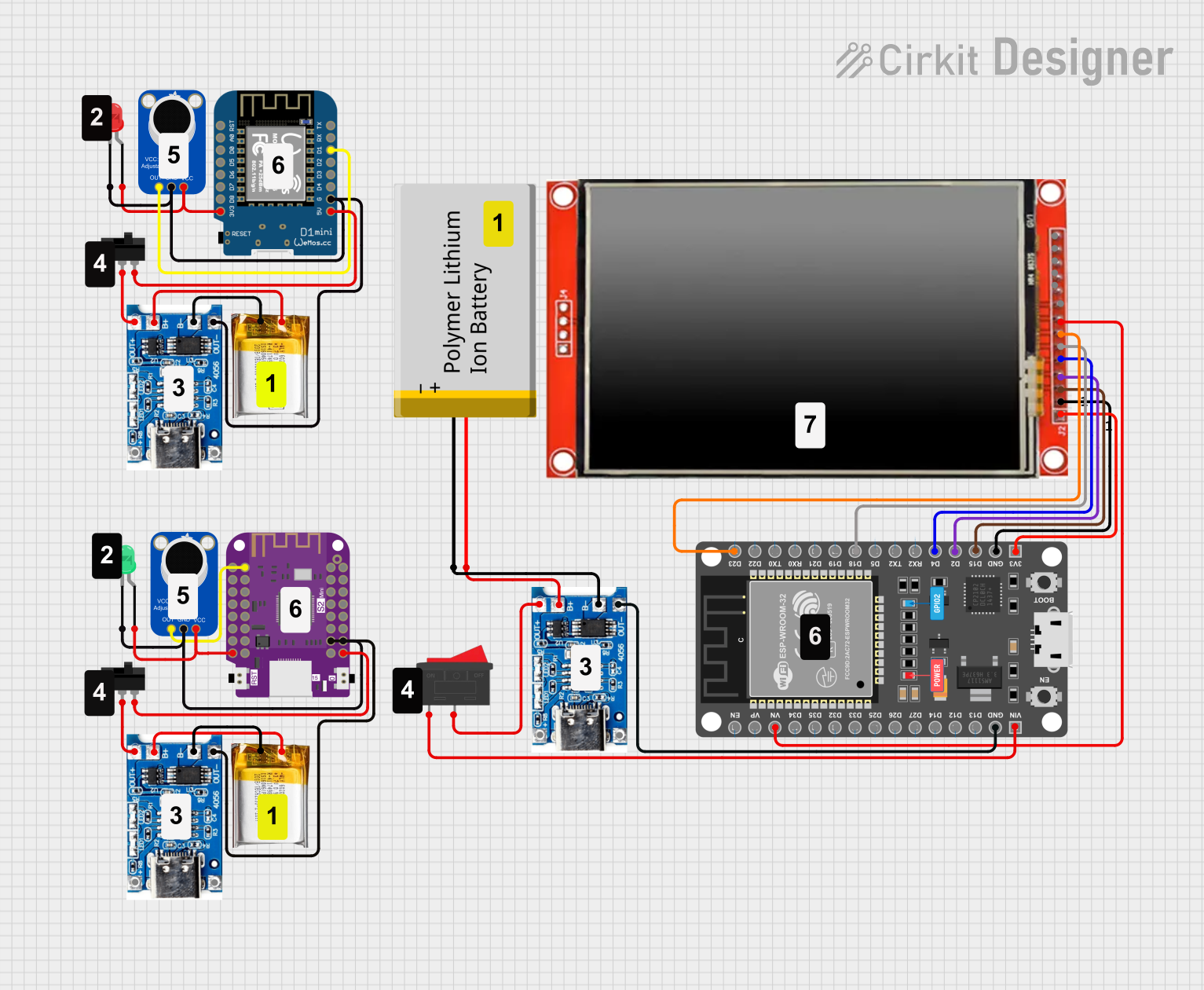 Open Project in Cirkit Designer
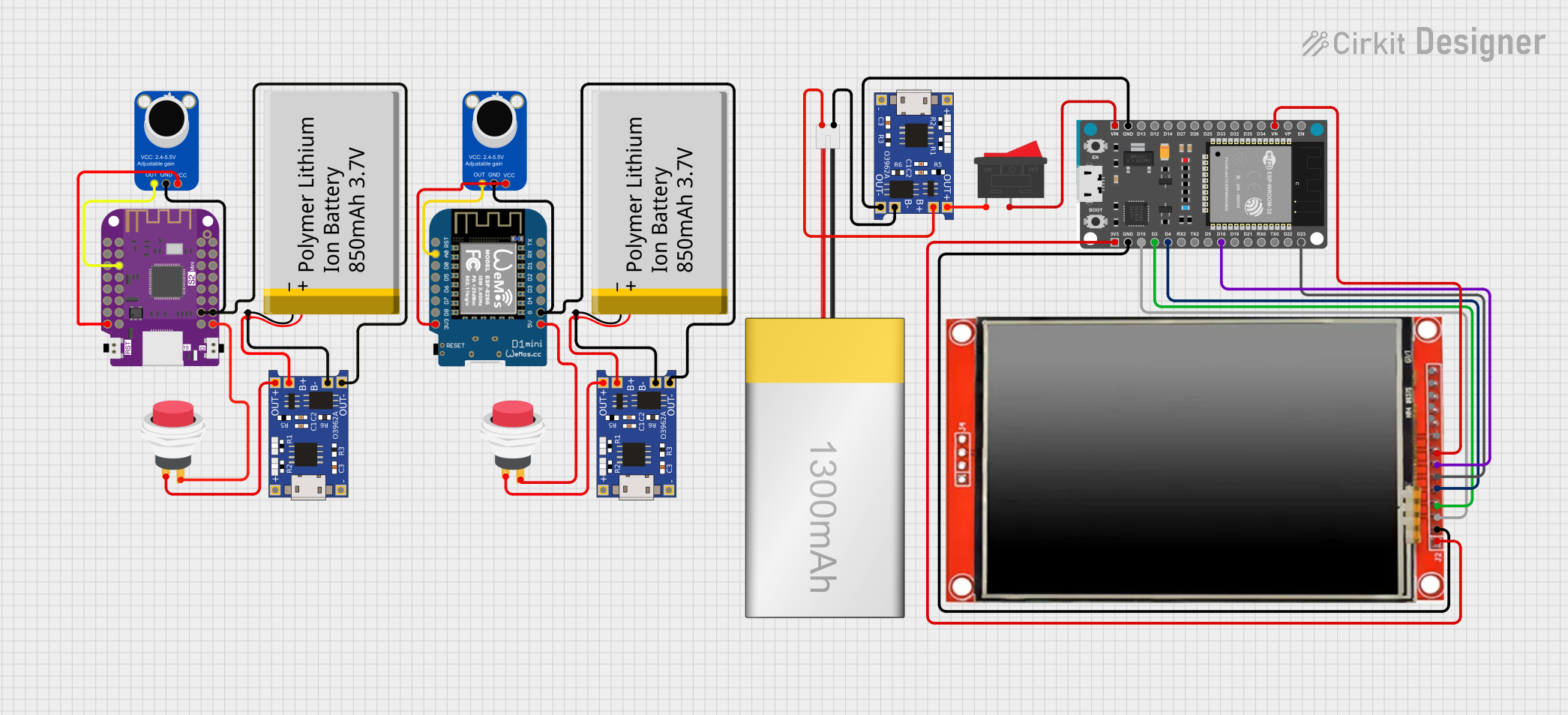 Open Project in Cirkit Designer
Explore Projects Built with Adafruit i2s 3w amp
Open Project in Cirkit DesignerOpen Project in Cirkit DesignerOpen Project in Cirkit DesignerOpen Project in Cirkit DesignerCommon Applications and Use Cases
- Portable audio devices
- DIY Bluetooth speakers
- Voice assistants and smart home devices
- Embedded systems requiring audio output
- Educational and hobbyist electronics projects
Technical Specifications
Below are the key technical details of the Adafruit I2S 3W Amp:
| Parameter | Value |
|---|---|
| Input Type | I2S Digital Audio |
| Output Power | Up to 3W (at 4Ω, 10% THD) |
| Operating Voltage | 3.3V to 5V |
| Speaker Impedance | 4Ω to 8Ω |
| Frequency Response | 20 Hz to 20 kHz |
| Dimensions | 20mm x 20mm x 3mm |
Pin Configuration and Descriptions
The Adafruit I2S 3W Amp has the following pin layout:
| Pin Name | Description |
|---|---|
| VIN | Power input (3.3V to 5V). Connect to your power source. |
| GND | Ground. Connect to the ground of your circuit. |
| DIN | I2S Data Input. Connect to the data output pin of your microcontroller. |
| BCLK | I2S Bit Clock. Connect to the bit clock pin of your microcontroller. |
| LRCLK | I2S Left/Right Clock. Connect to the LR clock pin of your microcontroller. |
| + | Positive speaker terminal. Connect to the positive terminal of your speaker. |
| - | Negative speaker terminal. Connect to the negative terminal of your speaker. |
Usage Instructions
How to Use the Component in a Circuit
- Power the Amplifier: Connect the VIN pin to a 3.3V or 5V power source and the GND pin to ground.
- Connect the Speaker: Attach the positive and negative terminals of your speaker to the
+and-pins of the amplifier, respectively. - Connect I2S Signals:
- Connect the
DINpin to the I2S data output pin of your microcontroller. - Connect the
BCLKpin to the I2S bit clock pin of your microcontroller. - Connect the
LRCLKpin to the I2S left/right clock pin of your microcontroller.
- Connect the
- Configure the Microcontroller: Ensure your microcontroller is configured to output I2S audio signals. Refer to the microcontroller's datasheet or documentation for I2S setup instructions.
Important Considerations and Best Practices
- Use a speaker with an impedance of 4Ω to 8Ω for optimal performance.
- Ensure the power supply voltage is within the specified range (3.3V to 5V) to avoid damaging the amplifier.
- Keep the I2S signal wires as short as possible to minimize noise and signal degradation.
- Avoid connecting the amplifier to speakers with power ratings significantly lower than 3W to prevent damage to the speaker.
Example: Connecting to an Arduino UNO
The Arduino UNO does not natively support I2S, but you can use an external I2S-compatible microcontroller (e.g., ESP32) to interface with the Adafruit I2S 3W Amp. Below is an example code snippet for an ESP32:
#include <Arduino.h>
#include <I2S.h>

// I2S configuration
#define I2S_BCLK 26  // Bit clock pin
#define I2S_LRCLK 25 // Left/Right clock pin
#define I2S_DOUT 22  // Data output pin

void setup() {
  // Initialize serial communication for debugging
  Serial.begin(115200);

  // Configure I2S with the specified pins
  if (!I2S.begin(I2S_PHILIPS_MODE, 44100, 16)) {
    Serial.println("Failed to initialize I2S!");
    while (1); // Halt execution if I2S initialization fails
  }
  I2S.setPins(I2S_BCLK, I2S_LRCLK, I2S_DOUT);
  Serial.println("I2S initialized successfully.");
}

void loop() {
  // Example: Generate a simple sine wave for testing
  static float phase = 0.0;
  const float frequency = 440.0; // Frequency of the sine wave (A4 note)
  const float amplitude = 32767.0; // Maximum amplitude for 16-bit audio
  const float sampleRate = 44100.0; // Sample rate in Hz

  // Calculate the next sample value
  int16_t sample = (int16_t)(amplitude * sin(phase));
  phase += 2.0 * PI * frequency / sampleRate;
  if (phase >= 2.0 * PI) phase -= 2.0 * PI;

  // Write the sample to the I2S output
  I2S.write(sample);
}
Notes:
- Replace the pin numbers in the code with the actual GPIO pins used in your setup.
- Ensure the speaker is connected properly before running the code.
Troubleshooting and FAQs
Common Issues and Solutions
No Sound Output:
- Verify that the I2S connections (DIN, BCLK, LRCLK) are correct and match the microcontroller's pin configuration.
- Ensure the microcontroller is outputting valid I2S audio signals.
- Check the power supply voltage and ensure it is within the specified range (3.3V to 5V).
Distorted Audio:
- Ensure the speaker impedance is within the recommended range (4Ω to 8Ω).
- Reduce the audio signal volume if distortion occurs at high levels.
Overheating:
- Check for short circuits in the speaker connections.
- Ensure the amplifier is not driving a speaker with an impedance lower than 4Ω.
FAQs
Q: Can I use this amplifier with a 3.3V microcontroller?
A: Yes, the Adafruit I2S 3W Amp is compatible with 3.3V and 5V systems.
Q: What is the maximum speaker power rating I can use?
A: You can use speakers rated for 3W or higher. Avoid using speakers with lower power ratings to prevent damage.
Q: Does the amplifier support stereo output?
A: No, the Adafruit I2S 3W Amp is a mono amplifier and supports a single speaker output.
Q: Can I use this amplifier with a Raspberry Pi?
A: Yes, the Raspberry Pi supports I2S and can be used to interface with the Adafruit I2S 3W Amp.