
How to Use AC 3 FASA SOURCHE: Examples, Pinouts, and Specs

 Design with AC 3 FASA SOURCHE in Cirkit Designer
Introduction
An AC 3 FASA SOURCHE is a three-phase alternating current (AC) power source designed to supply power to three-phase electrical systems. It is widely used in industrial and commercial applications where high power and efficiency are required. This component is essential for operating three-phase motors, heavy machinery, and other equipment that demands balanced power distribution across three phases.
Explore Projects Built with AC 3 FASA SOURCHE
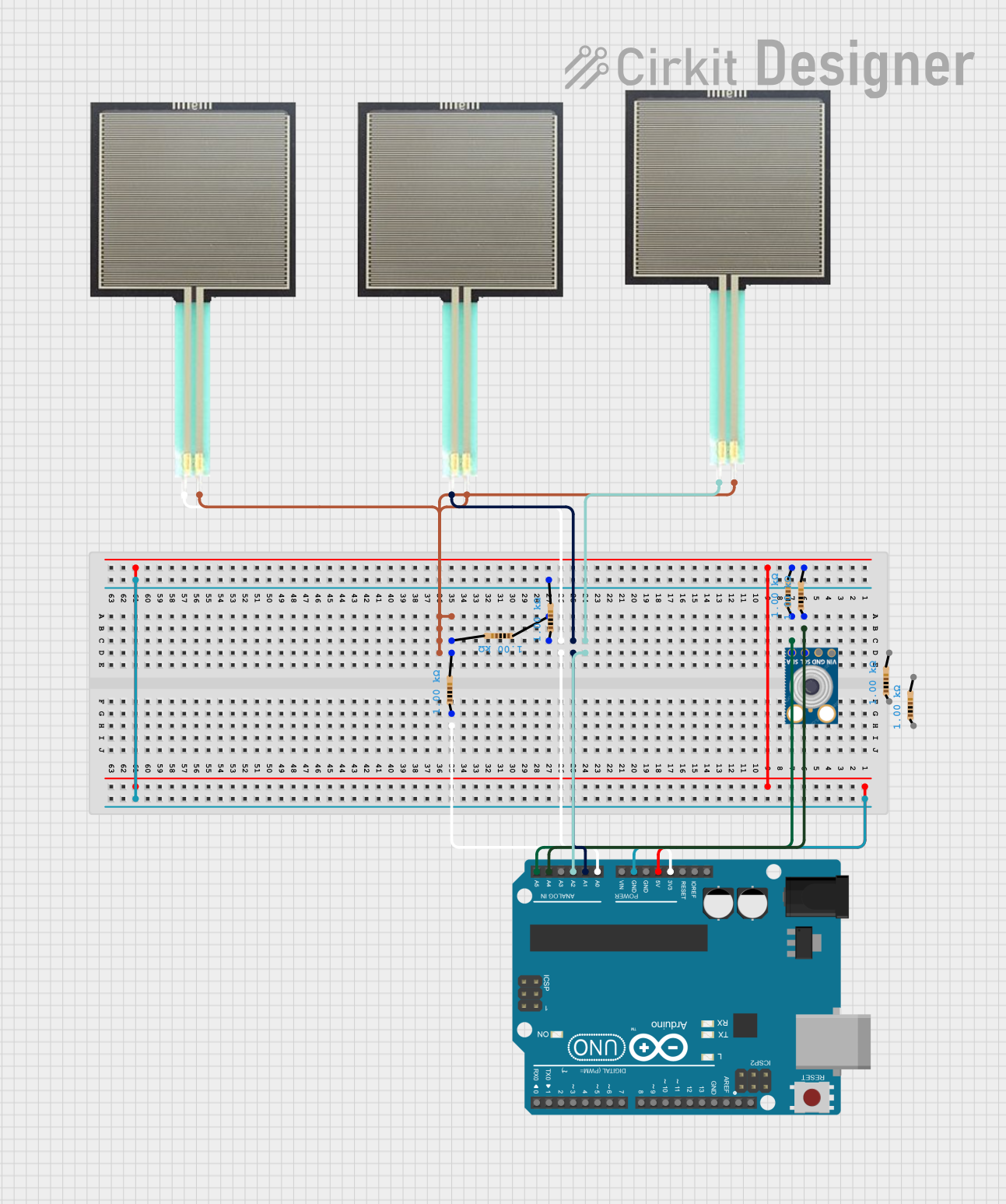 Open Project in Cirkit Designer
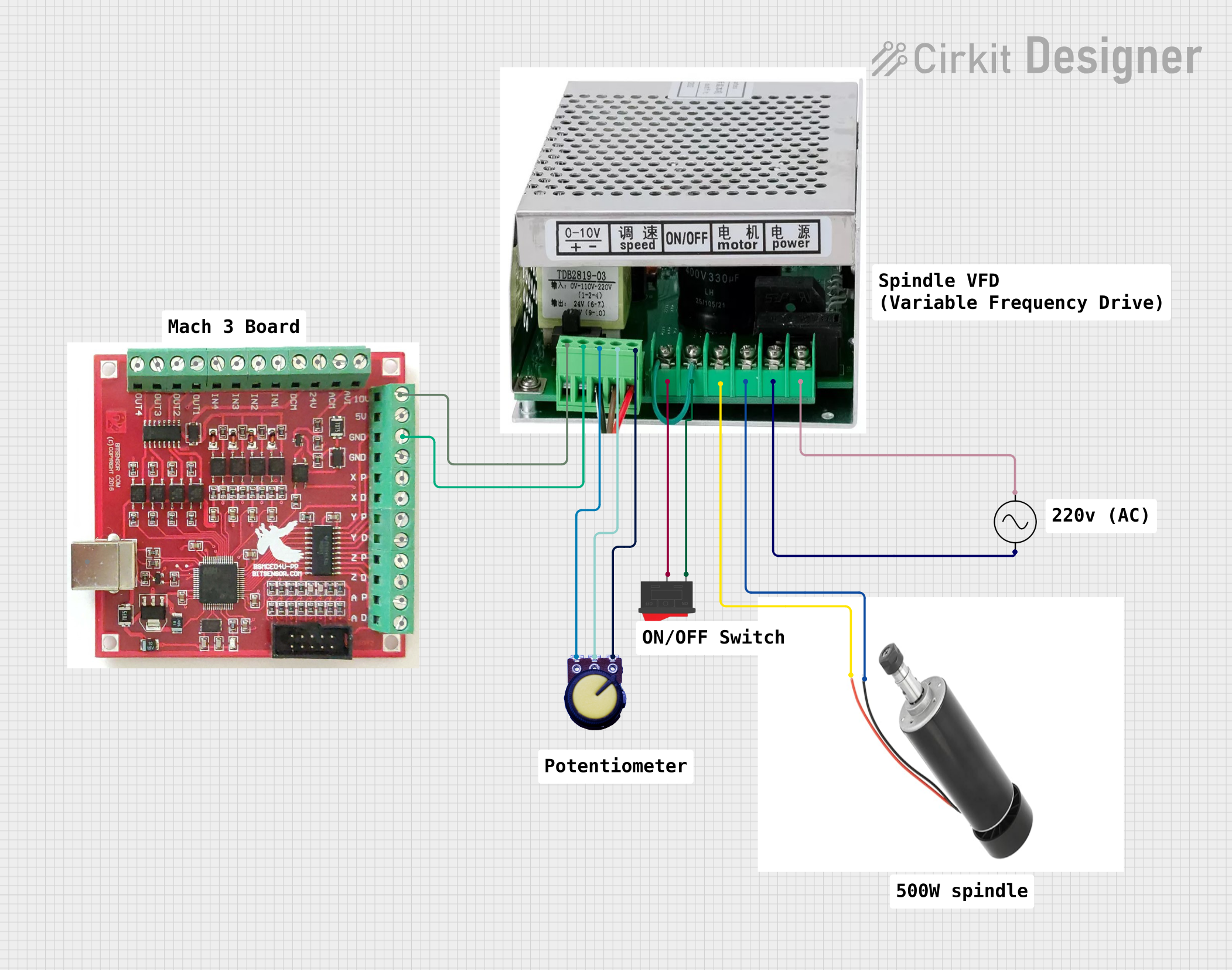 Open Project in Cirkit Designer
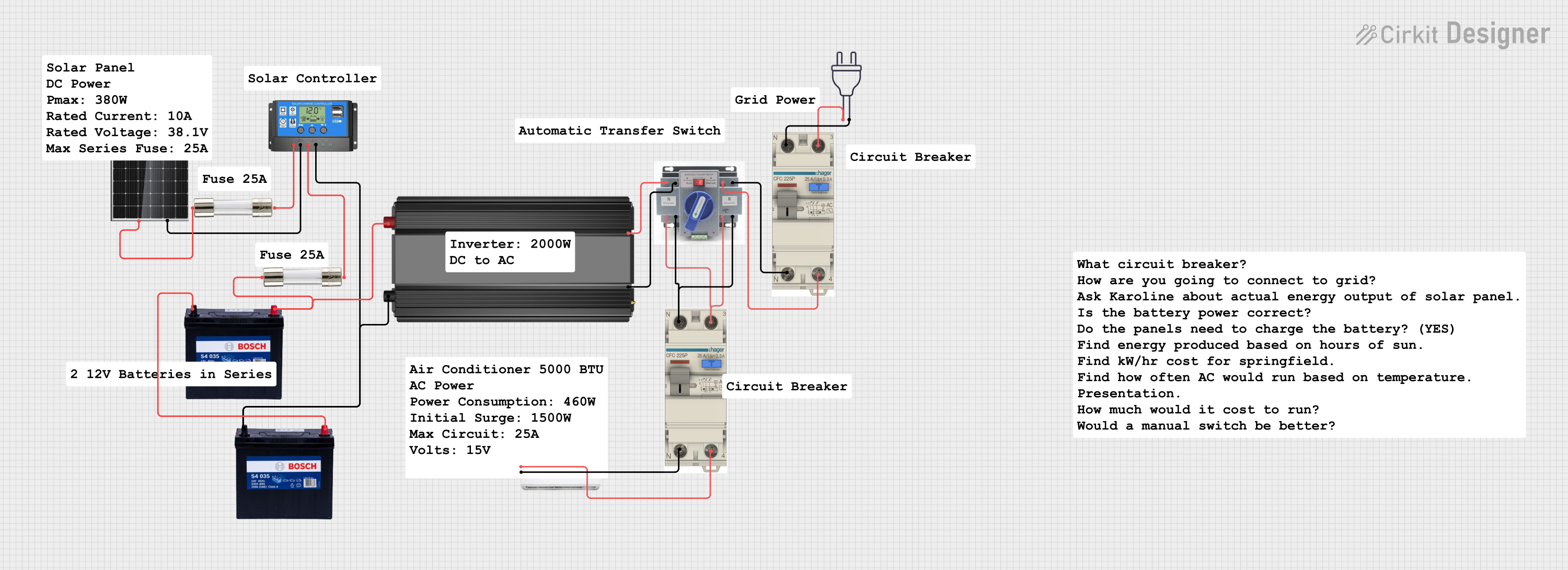 Open Project in Cirkit Designer
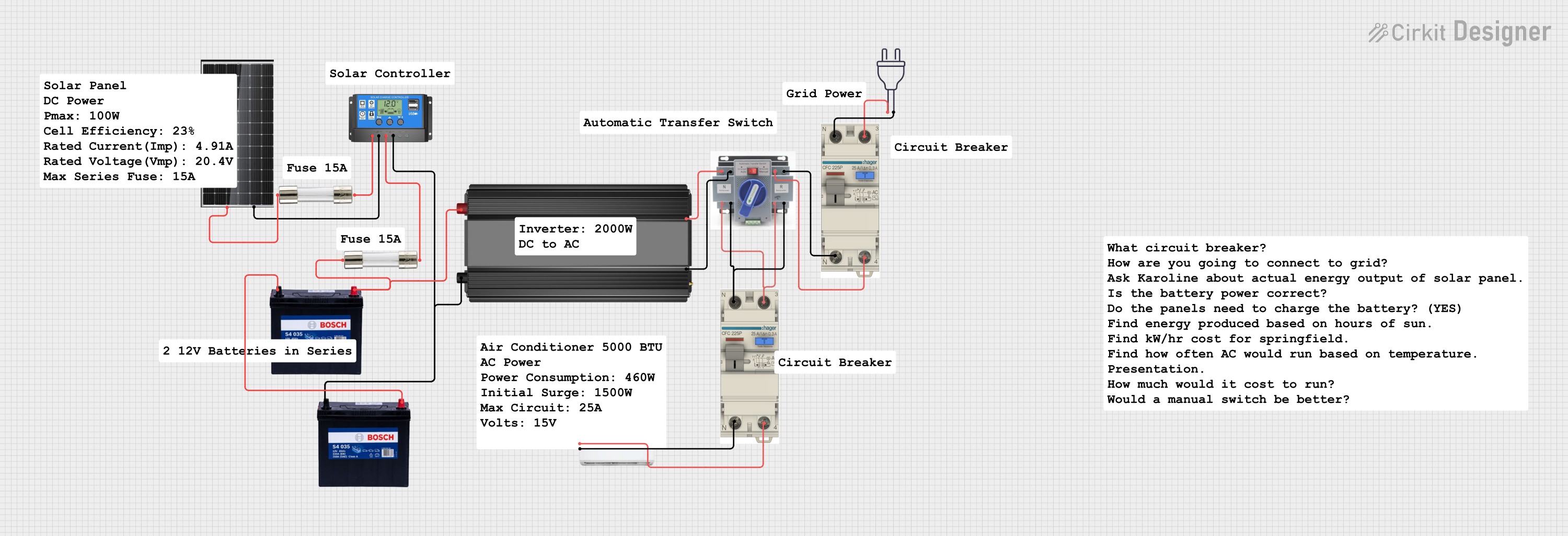 Open Project in Cirkit Designer
Explore Projects Built with AC 3 FASA SOURCHE
Open Project in Cirkit DesignerOpen Project in Cirkit DesignerOpen Project in Cirkit DesignerOpen Project in Cirkit DesignerCommon Applications and Use Cases
- Powering three-phase motors in industrial environments
- Supplying energy to heavy machinery and equipment
- Operating HVAC systems in large buildings
- Driving pumps, compressors, and conveyor systems
- Used in renewable energy systems, such as wind turbines
Technical Specifications
Key Technical Details
| Parameter | Value/Range |
|---|---|
| Input Voltage | 380V - 480V AC (typical) |
| Output Voltage | 380V - 480V AC (three-phase) |
| Frequency | 50Hz or 60Hz |
| Power Rating | 1 kW to 1 MW (varies by model) |
| Phase Configuration | Three-phase (L1, L2, L3, and Neutral) |
| Efficiency | ≥ 95% |
| Operating Temperature | -20°C to 50°C |
| Protection Features | Overload, short circuit, and overvoltage protection |
Pin Configuration and Descriptions
| Pin Name | Description |
|---|---|
| L1 | Phase 1 input/output |
| L2 | Phase 2 input/output |
| L3 | Phase 3 input/output |
| N | Neutral connection (optional, depending on system) |
| PE | Protective Earth (ground) connection |
Usage Instructions
How to Use the Component in a Circuit
Connection to Power Source:
- Connect the L1, L2, and L3 terminals of the AC 3 FASA SOURCHE to the corresponding phases of the power supply.
- Ensure the Neutral (N) and Protective Earth (PE) connections are properly grounded for safety.
Load Connection:
- Connect the output terminals (L1, L2, L3) to the three-phase load, such as a motor or industrial equipment.
- Verify that the load is rated for the same voltage and frequency as the AC 3 FASA SOURCHE.
Startup Procedure:
- Before powering on, check all connections for proper insulation and secure fastening.
- Turn on the power supply and monitor the output voltage to ensure it matches the expected values.
Monitoring and Maintenance:
- Regularly inspect the component for signs of wear, overheating, or damage.
- Use a multimeter or power analyzer to verify balanced voltage and current across all three phases.
Important Considerations and Best Practices
- Phase Balancing: Ensure the load is evenly distributed across all three phases to prevent unbalanced currents, which can damage the equipment.
- Overload Protection: Use circuit breakers or fuses rated for the power capacity of the AC 3 FASA SOURCHE to protect against overloads.
- Environmental Conditions: Install the component in a well-ventilated area, away from moisture, dust, and extreme temperatures.
- Safety Precautions: Always disconnect the power supply before performing any maintenance or wiring changes.
Example: Connecting to an Arduino UNO
While the AC 3 FASA SOURCHE itself cannot be directly connected to an Arduino UNO due to high voltage, you can use sensors like current transformers (CTs) or voltage sensors to monitor its output. Below is an example code snippet for reading current values using a CT sensor:
// Example code for reading current from a CT sensor connected to an Arduino UNO
// Ensure proper isolation between high-voltage AC and the Arduino circuit

const int sensorPin = A0; // Analog pin connected to the CT sensor
float calibrationFactor = 100.0; // Adjust based on your CT sensor specifications

void setup() {
  Serial.begin(9600); // Initialize serial communication
  pinMode(sensorPin, INPUT); // Set the sensor pin as input
}

void loop() {
  int sensorValue = analogRead(sensorPin); // Read the analog value from the sensor
  float voltage = (sensorValue / 1023.0) * 5.0; // Convert to voltage (assuming 5V ADC)
  float current = voltage * calibrationFactor; // Calculate current using calibration factor

  // Print the current value to the Serial Monitor
  Serial.print("Current: ");
  Serial.print(current);
  Serial.println(" A");

  delay(1000); // Wait for 1 second before the next reading
}
Note: Always use proper isolation techniques, such as optocouplers or transformers, when interfacing high-voltage systems with low-voltage microcontrollers like Arduino.
Troubleshooting and FAQs
Common Issues and Solutions
| Issue | Possible Cause | Solution |
|---|---|---|
| No output voltage | Incorrect wiring or loose connections | Verify all connections and wiring. |
| Unbalanced phase voltages | Uneven load distribution | Redistribute the load evenly across phases. |
| Overheating of the component | Overload or poor ventilation | Reduce the load or improve ventilation. |
| Tripping of circuit breakers | Short circuit or overcurrent | Check for short circuits and reduce load. |
| Noise or vibration in connected motor | Phase imbalance or faulty motor | Check phase voltages and inspect the motor. |
FAQs
Can I use an AC 3 FASA SOURCHE with single-phase equipment?
- Yes, but you will need to connect the equipment to one phase (e.g., L1 and N). Ensure the equipment is rated for the voltage of that phase.
What happens if one phase fails?
- A phase failure can cause unbalanced currents, leading to overheating or damage to the connected equipment. Use a phase failure relay to detect and protect against this condition.
How do I measure the output voltage of the AC 3 FASA SOURCHE?
- Use a three-phase multimeter or a power analyzer to measure the voltage between any two phases (e.g., L1-L2, L2-L3, L3-L1).
Is it safe to operate the AC 3 FASA SOURCHE outdoors?
- Only if the component is housed in a weatherproof enclosure with proper insulation and grounding.
By following this documentation, you can safely and effectively use the AC 3 FASA SOURCHE in your three-phase electrical systems.