
How to Use AC MCB (Blue): Examples, Pinouts, and Specs
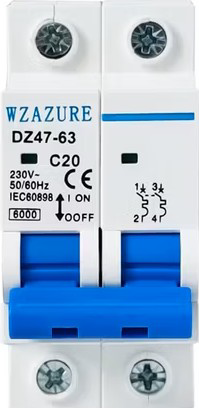
 Design with AC MCB (Blue) in Cirkit Designer
Introduction
- An AC Miniature Circuit Breaker (MCB) is a compact, electromechanical safety device designed to protect electrical circuits from damage caused by overloads or short circuits. It automatically disconnects the circuit when it detects excessive current flow, preventing potential hazards such as fires or equipment damage.
- The blue color of the AC MCB typically signifies a specific current rating or application, often used in residential, commercial, or industrial electrical systems.
- Common applications include:
- Protecting household appliances and wiring.
- Safeguarding industrial machinery.
- Ensuring safe operation of lighting circuits and HVAC systems.
Explore Projects Built with AC MCB (Blue)
 Open Project in Cirkit Designer
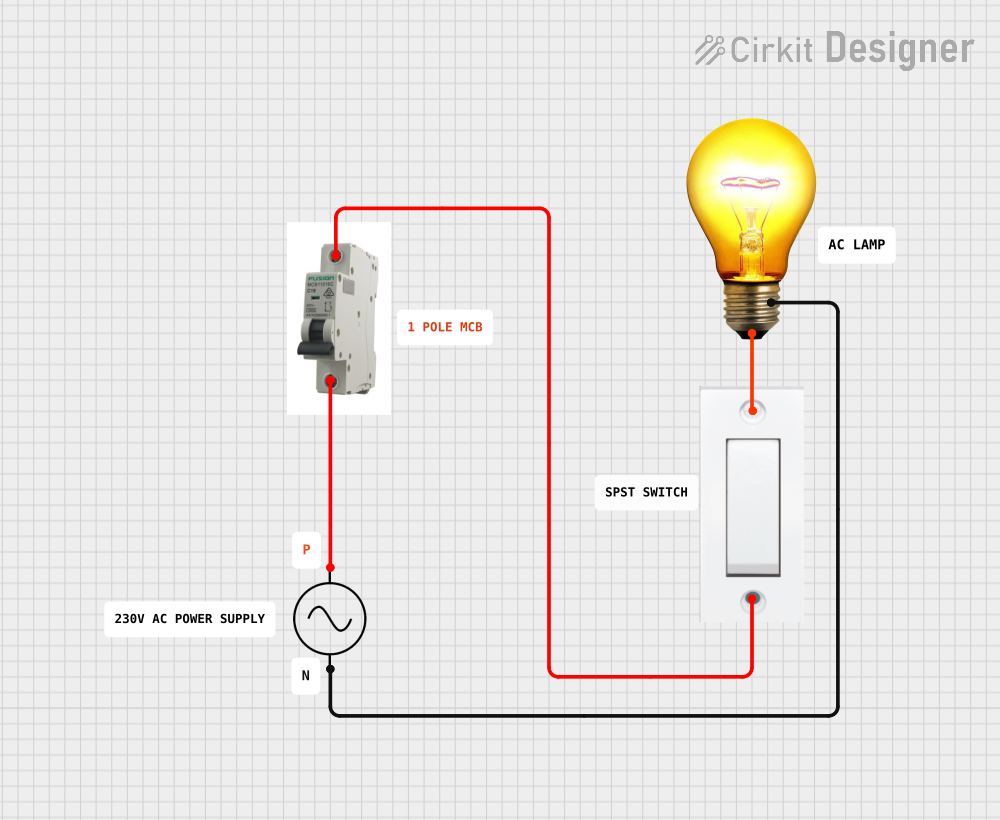 Open Project in Cirkit Designer
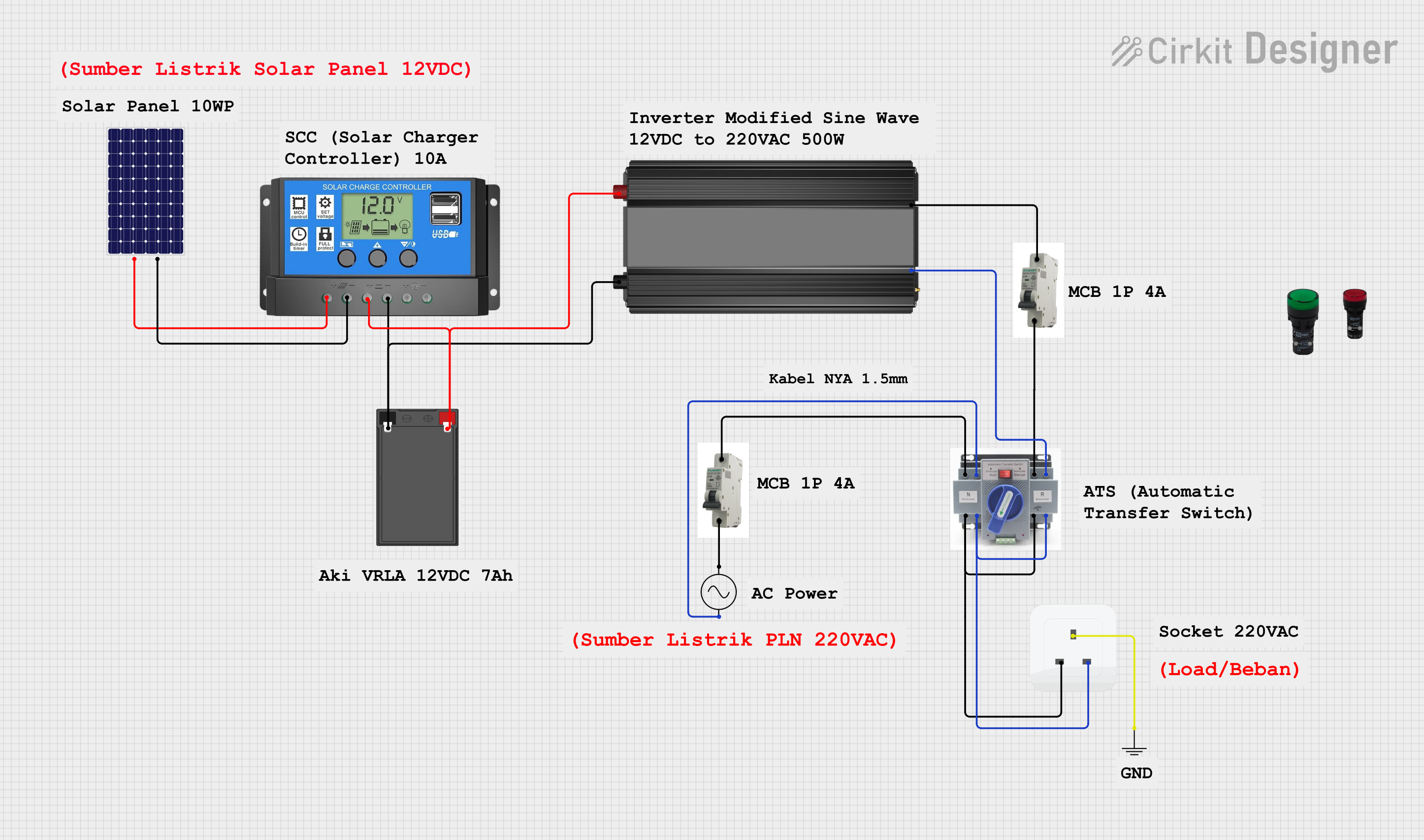 Open Project in Cirkit Designer
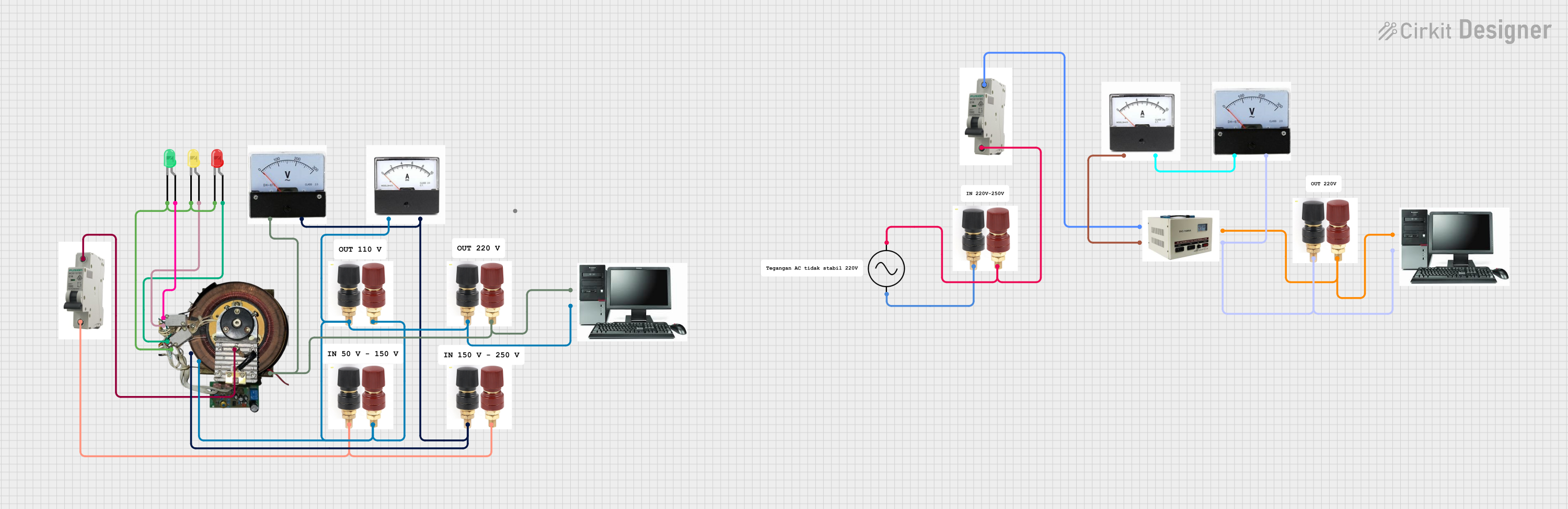 Open Project in Cirkit Designer
Explore Projects Built with AC MCB (Blue)
Open Project in Cirkit DesignerOpen Project in Cirkit DesignerOpen Project in Cirkit DesignerOpen Project in Cirkit DesignerTechnical Specifications
- Type: AC Miniature Circuit Breaker (MCB)
- Rated Voltage: 230V AC (single-phase) or 400V AC (three-phase)
- Current Ratings: Typically 6A, 10A, 16A, 20A, 32A, or 40A (blue color often indicates 16A)
- Breaking Capacity: 6kA or 10kA (depending on model)
- Tripping Curve: Type B, C, or D (Type C is common for blue MCBs)
- Frequency: 50/60 Hz
- Mounting: DIN rail compatible
- Poles: Single-pole (1P) or double-pole (2P)
- Operating Temperature: -5°C to +40°C
- Standards Compliance: IEC 60898-1
Pin Configuration and Descriptions
The AC MCB does not have traditional "pins" like electronic components but instead features terminals for wiring. Below is a description of the terminals:
| Terminal Name | Description |
|---|---|
| Line (L) | Input terminal for the live wire (phase). Connects to the power source. |
| Load (L) | Output terminal for the live wire. Connects to the circuit or load. |
| Neutral (N)* | Some models include a neutral terminal for double-pole MCBs. |
* Note: Single-pole MCBs do not have a neutral terminal.
Usage Instructions
How to Use the AC MCB in a Circuit
- Determine the Current Rating: Select an MCB with a current rating suitable for your circuit. For example, a 16A blue MCB is commonly used for lighting or small appliances.
- Mount the MCB: Install the MCB onto a DIN rail in the distribution box or panel.
- Connect the Wires:
- Connect the live wire from the power source to the Line (L) terminal.
- Connect the live wire leading to the load (e.g., appliances or circuits) to the Load (L) terminal.
- For double-pole MCBs, connect the neutral wire to the Neutral (N) terminal.
- Switch On: Flip the MCB switch to the "ON" position to energize the circuit.
Important Considerations and Best Practices
- Do Not Exceed the Rated Current: Ensure the connected load does not exceed the MCB's current rating to avoid nuisance tripping.
- Check Compatibility: Verify that the MCB's voltage and frequency ratings match your electrical system.
- Secure Connections: Tighten all terminal screws properly to prevent loose connections, which can cause overheating.
- Test Regularly: Periodically test the MCB by manually switching it off and on to ensure proper operation.
- Avoid Overloading: Distribute loads evenly across circuits to prevent frequent tripping.
Example: Connecting an AC MCB to an Arduino-Controlled Circuit
While MCBs are not directly controlled by microcontrollers like Arduino, they can be used to protect circuits powered by an Arduino. Below is an example of how to integrate an MCB into a simple Arduino-controlled lighting circuit:
/*
  Example: Arduino-controlled lighting circuit with AC MCB protection.
  Note: The MCB is used to protect the AC side of the circuit.
  WARNING: Working with AC voltage is dangerous. Ensure proper insulation and
  safety precautions. Consult a licensed electrician if unsure.
*/

// Define the pin connected to the relay module
const int relayPin = 7;

void setup() {
  pinMode(relayPin, OUTPUT); // Set relay pin as output
  digitalWrite(relayPin, LOW); // Ensure relay is off at startup
}

void loop() {
  // Example: Turn on the relay for 5 seconds, then turn it off
  digitalWrite(relayPin, HIGH); // Turn on the relay (light ON)
  delay(5000); // Wait for 5 seconds
  digitalWrite(relayPin, LOW); // Turn off the relay (light OFF)
  delay(5000); // Wait for 5 seconds
}
Troubleshooting and FAQs
Common Issues
MCB Trips Frequently:
- Cause: Overloaded circuit or short circuit.
- Solution: Reduce the load on the circuit or check for wiring faults.
MCB Does Not Trip During Overload:
- Cause: Faulty MCB or incorrect current rating.
- Solution: Replace the MCB with a properly rated and functioning unit.
Loose Connections:
- Cause: Improperly tightened terminal screws.
- Solution: Ensure all connections are secure and properly tightened.
MCB Feels Hot:
- Cause: Overloading or poor ventilation.
- Solution: Reduce the load or improve airflow around the MCB.
FAQs
Q: Can I use a blue MCB for any circuit?
A: No, the blue color typically indicates a specific current rating (e.g., 16A). Ensure the MCB's rating matches your circuit's requirements.Q: How do I know if my MCB is faulty?
A: If the MCB does not trip during an overload or short circuit, or if it trips without any apparent cause, it may be faulty and should be replaced.Q: Can I reset an MCB after it trips?
A: Yes, after identifying and resolving the cause of the trip, you can reset the MCB by flipping the switch back to the "ON" position.Q: Is it safe to install an MCB myself?
A: Working with electrical systems can be dangerous. If you are not experienced, consult a licensed electrician for installation.