
How to Use EWT104-BT53A3: Examples, Pinouts, and Specs
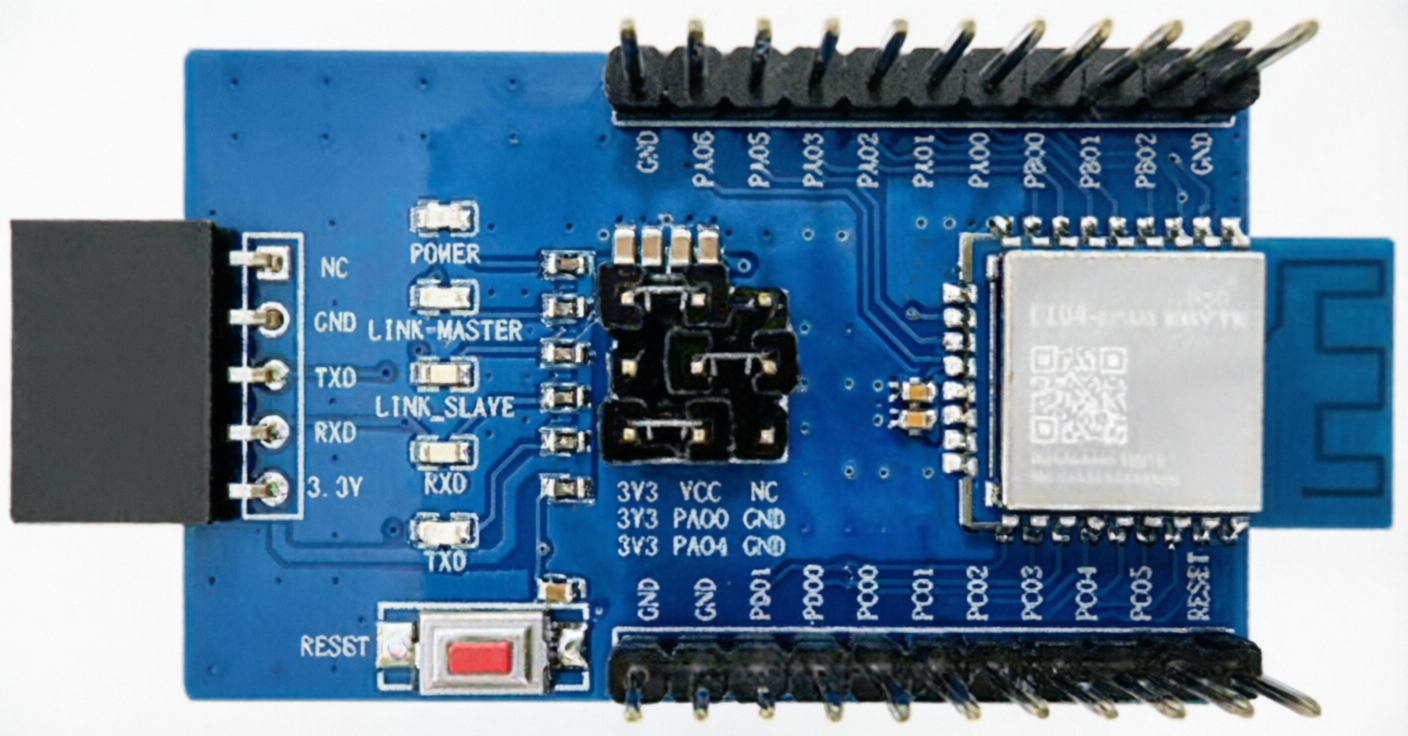
 Design with EWT104-BT53A3 in Cirkit Designer
Introduction
The EWT104-BT53A3, manufactured by Chengdu Ebyte Electronic Technology Co., is a versatile electronic component designed for signal processing and control functions. Its robust design and reliable performance make it suitable for integration into a wide range of electronic systems. The component is commonly used in industrial automation, IoT devices, and embedded systems where precise signal handling and control are required.
Explore Projects Built with EWT104-BT53A3
 Open Project in Cirkit Designer
 Open Project in Cirkit Designer
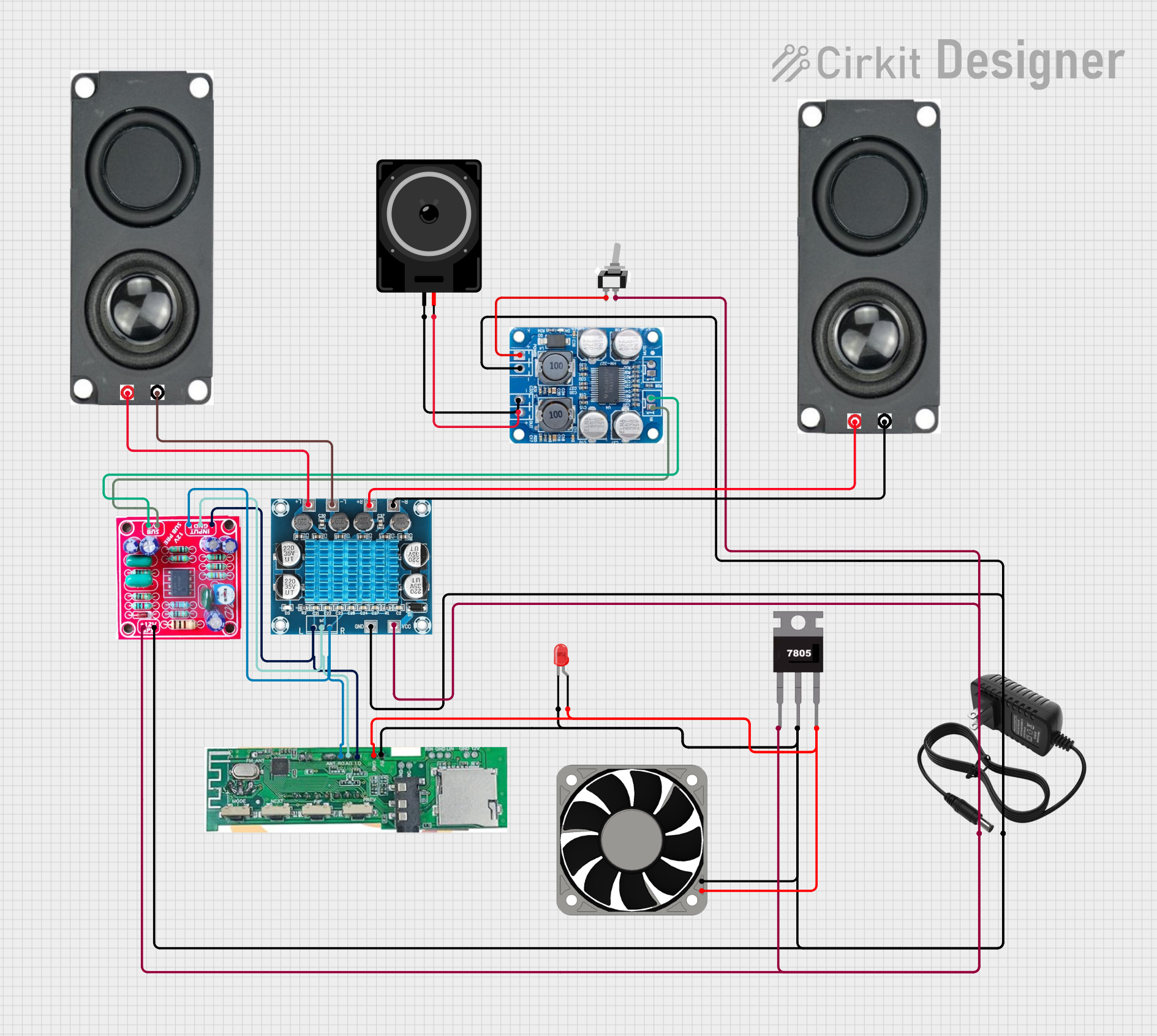 Open Project in Cirkit Designer
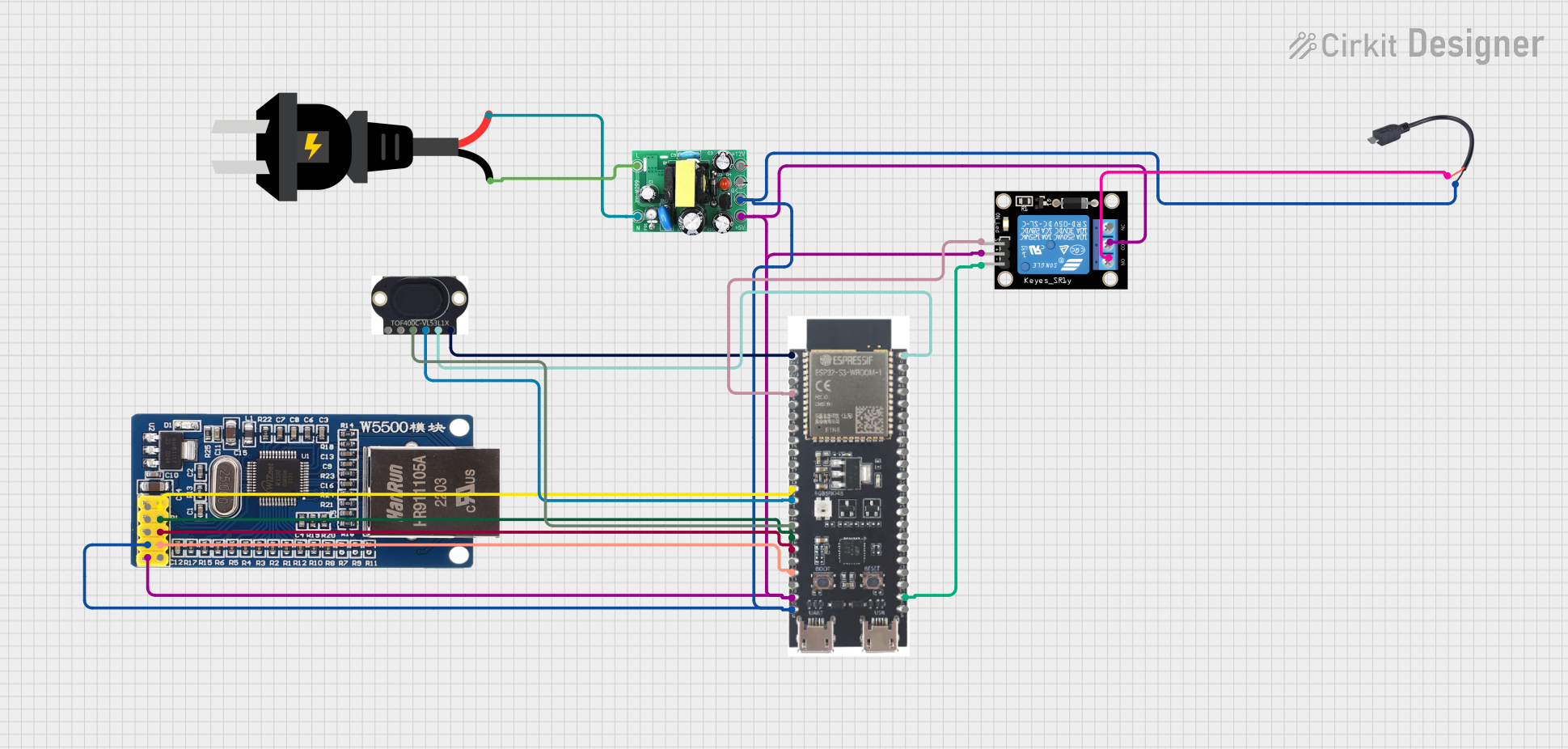 Open Project in Cirkit Designer
Explore Projects Built with EWT104-BT53A3
Open Project in Cirkit DesignerOpen Project in Cirkit DesignerOpen Project in Cirkit DesignerOpen Project in Cirkit DesignerCommon Applications
- Signal processing in industrial automation systems
- Control modules in IoT devices
- Embedded systems requiring reliable signal handling
- Communication and data transmission systems
Technical Specifications
Key Technical Details
| Parameter | Value |
|---|---|
| Manufacturer | Chengdu Ebyte Electronic Technology Co. |
| Model Number | EWT104-BT53A3 |
| Operating Voltage Range | 3.3V to 5.5V |
| Maximum Current | 50mA |
| Operating Frequency | 2.4GHz to 2.5GHz |
| Communication Protocol | Bluetooth 5.0 |
| Operating Temperature | -40°C to +85°C |
| Dimensions | 15mm x 10mm x 2mm |
Pin Configuration and Descriptions
The EWT104-BT53A3 features a compact pin layout for easy integration into circuits. Below is the pin configuration:
| Pin Number | Pin Name | Description |
|---|---|---|
| 1 | VCC | Power supply input (3.3V to 5.5V) |
| 2 | GND | Ground connection |
| 3 | TXD | Transmit data pin for serial communication |
| 4 | RXD | Receive data pin for serial communication |
| 5 | EN | Enable pin to activate or deactivate the module |
| 6 | STATE | Status indicator pin (high/low signal) |
Usage Instructions
How to Use the Component in a Circuit
- Power Supply: Connect the VCC pin to a stable power source within the range of 3.3V to 5.5V. Ensure the GND pin is connected to the circuit ground.
- Serial Communication: Use the TXD and RXD pins to establish serial communication with a microcontroller or other devices. Ensure proper baud rate settings.
- Enable Pin: Use the EN pin to activate the module. Pull the pin high to enable the component and low to disable it.
- Status Monitoring: The STATE pin can be used to monitor the operational status of the module.
Important Considerations and Best Practices
- Power Stability: Use a decoupling capacitor (e.g., 10µF) near the VCC pin to ensure stable power supply and reduce noise.
- Signal Integrity: Keep the TXD and RXD lines short to minimize signal degradation.
- Temperature Range: Ensure the module operates within the specified temperature range (-40°C to +85°C) to avoid performance issues.
- ESD Protection: Implement proper ESD protection measures to safeguard the module during handling and operation.
Example: Connecting to an Arduino UNO
The EWT104-BT53A3 can be easily interfaced with an Arduino UNO for Bluetooth communication. Below is an example circuit and code:
Circuit Connections
| EWT104-BT53A3 Pin | Arduino UNO Pin |
|---|---|
| VCC | 5V |
| GND | GND |
| TXD | Pin 10 (RX) |
| RXD | Pin 11 (TX) |
| EN | 3.3V |
Arduino Code
#include <SoftwareSerial.h>

// Define RX and TX pins for SoftwareSerial
SoftwareSerial BTSerial(10, 11); // RX = Pin 10, TX = Pin 11

void setup() {
  // Initialize serial communication with the module
  Serial.begin(9600); // Communication with PC
  BTSerial.begin(9600); // Communication with EWT104-BT53A3

  Serial.println("EWT104-BT53A3 Bluetooth Module Initialized");
}

void loop() {
  // Check if data is available from the module
  if (BTSerial.available()) {
    char data = BTSerial.read(); // Read data from the module
    Serial.print("Received: ");
    Serial.println(data); // Print received data to Serial Monitor
  }

  // Check if data is available from the Serial Monitor
  if (Serial.available()) {
    char data = Serial.read(); // Read data from Serial Monitor
    BTSerial.write(data); // Send data to the module
    Serial.print("Sent: ");
    Serial.println(data); // Print sent data to Serial Monitor
  }
}
Troubleshooting and FAQs
Common Issues and Solutions
Module Not Powering On
- Cause: Insufficient or unstable power supply.
- Solution: Verify the VCC and GND connections. Use a decoupling capacitor to stabilize the power supply.
No Communication Between Module and Microcontroller
- Cause: Incorrect TXD and RXD connections or mismatched baud rate.
- Solution: Ensure TXD of the module is connected to RX of the microcontroller and vice versa. Verify the baud rate settings in the code.
Intermittent Communication Failures
- Cause: Noise or interference in the signal lines.
- Solution: Use shorter wires for TXD and RXD connections. Add pull-up or pull-down resistors if necessary.
Module Not Responding to Commands
- Cause: EN pin not properly configured.
- Solution: Ensure the EN pin is pulled high to activate the module.
FAQs
Q1: Can the EWT104-BT53A3 operate at 3.3V?
Yes, the module supports an operating voltage range of 3.3V to 5.5V.
Q2: What is the maximum communication range of the module?
The communication range depends on environmental factors but typically extends up to 10 meters in open space.
Q3: Is the module compatible with Bluetooth 4.0 devices?
Yes, the EWT104-BT53A3 is backward compatible with Bluetooth 4.0 devices.
Q4: Can I use the module in outdoor environments?
Yes, the module operates within a wide temperature range (-40°C to +85°C), making it suitable for outdoor use. However, ensure proper enclosure to protect it from moisture and dust.