
How to Use Adafruit DS1307 RTC Breakout: Examples, Pinouts, and Specs
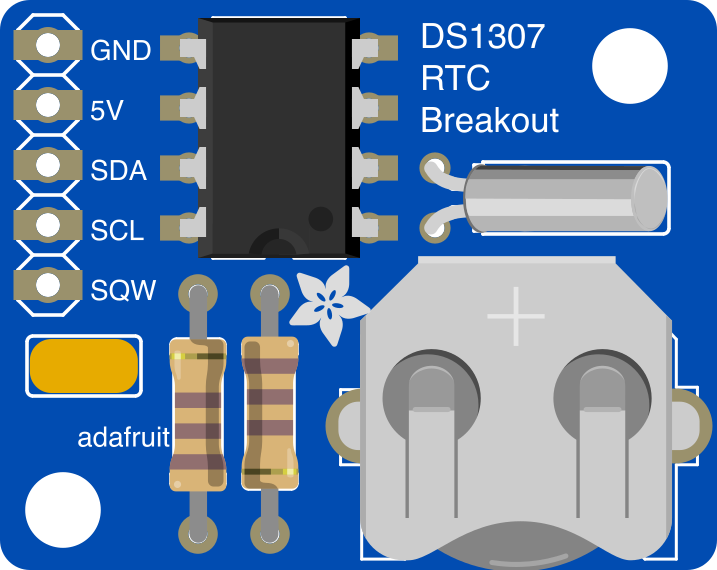
 Design with Adafruit DS1307 RTC Breakout in Cirkit Designer
Introduction
The Adafruit DS1307 RTC Breakout (Part ID: 264) is a real-time clock (RTC) module designed to keep track of the current time and date, even during power loss, thanks to its battery backup feature. It uses the DS1307 RTC chip and communicates with microcontrollers via the I2C protocol. This module is ideal for applications requiring precise timekeeping, such as data logging, alarms, and scheduling tasks in embedded systems.
Explore Projects Built with Adafruit DS1307 RTC Breakout
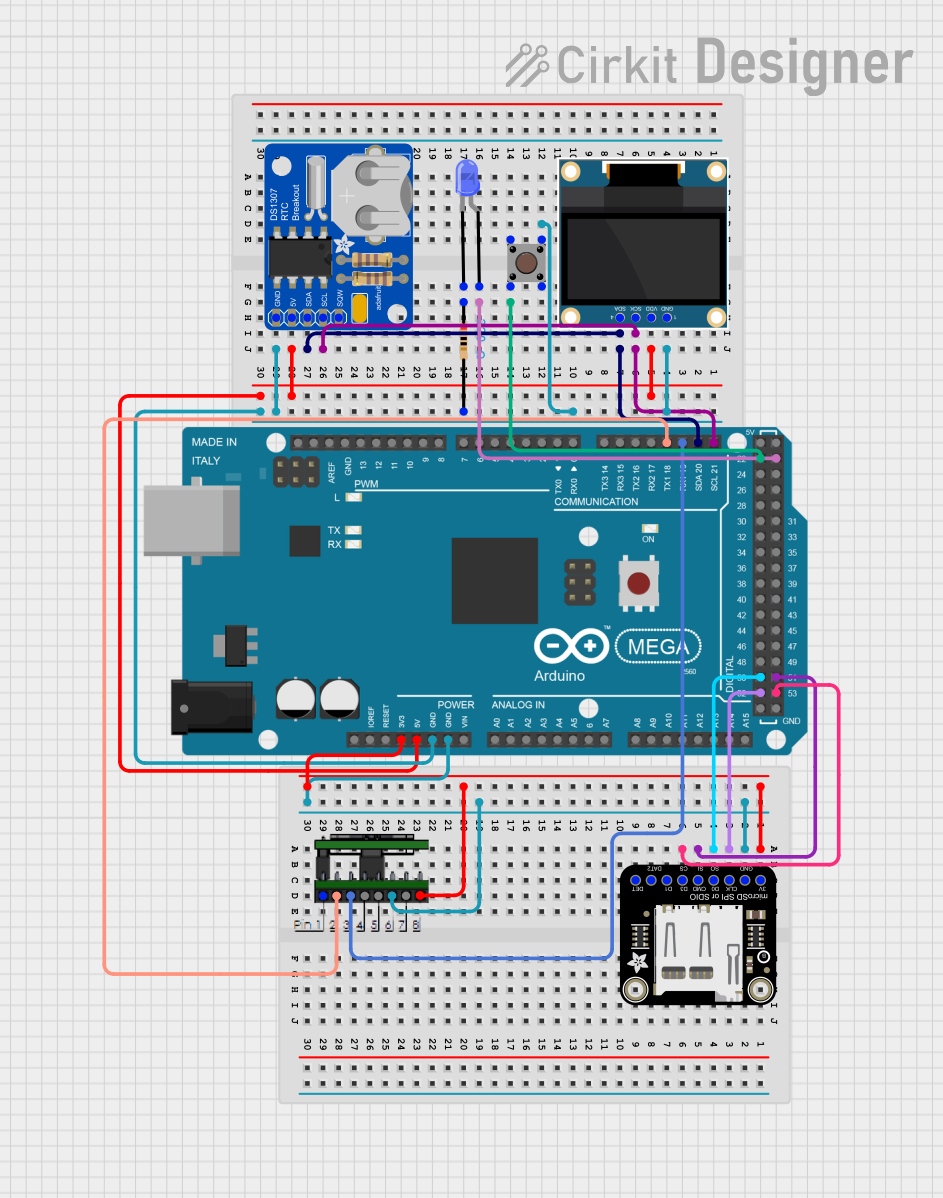 Open Project in Cirkit Designer
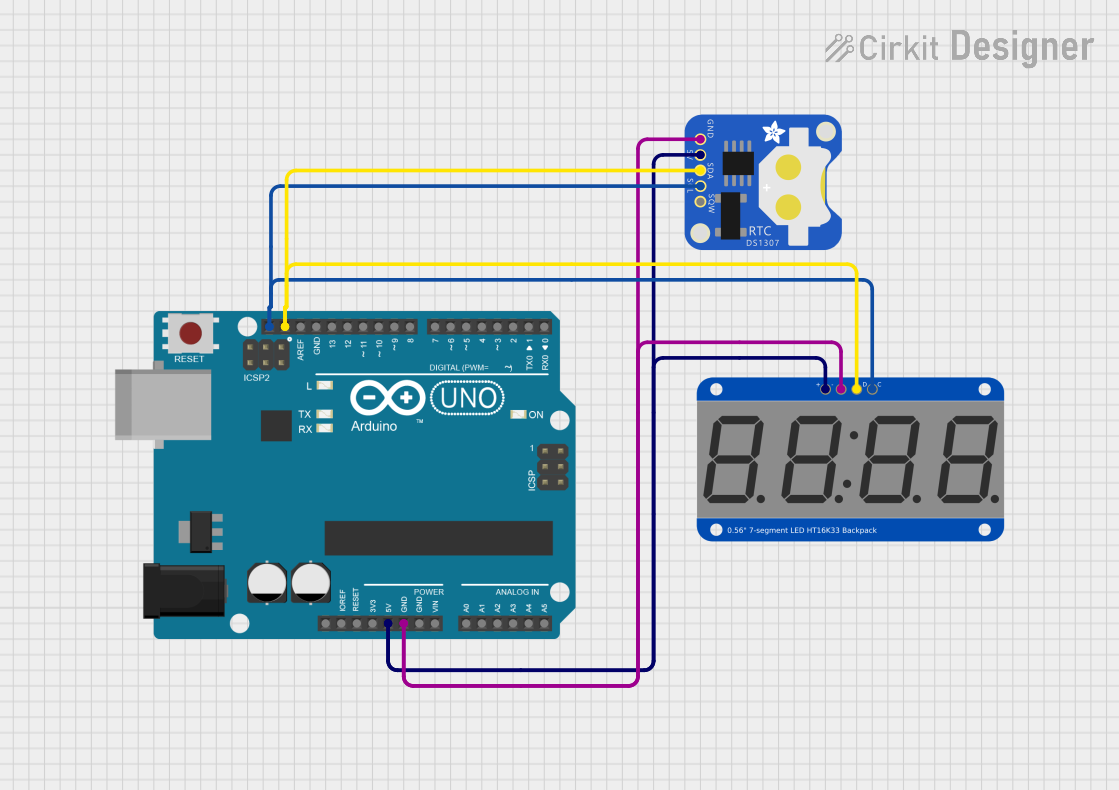 Open Project in Cirkit Designer
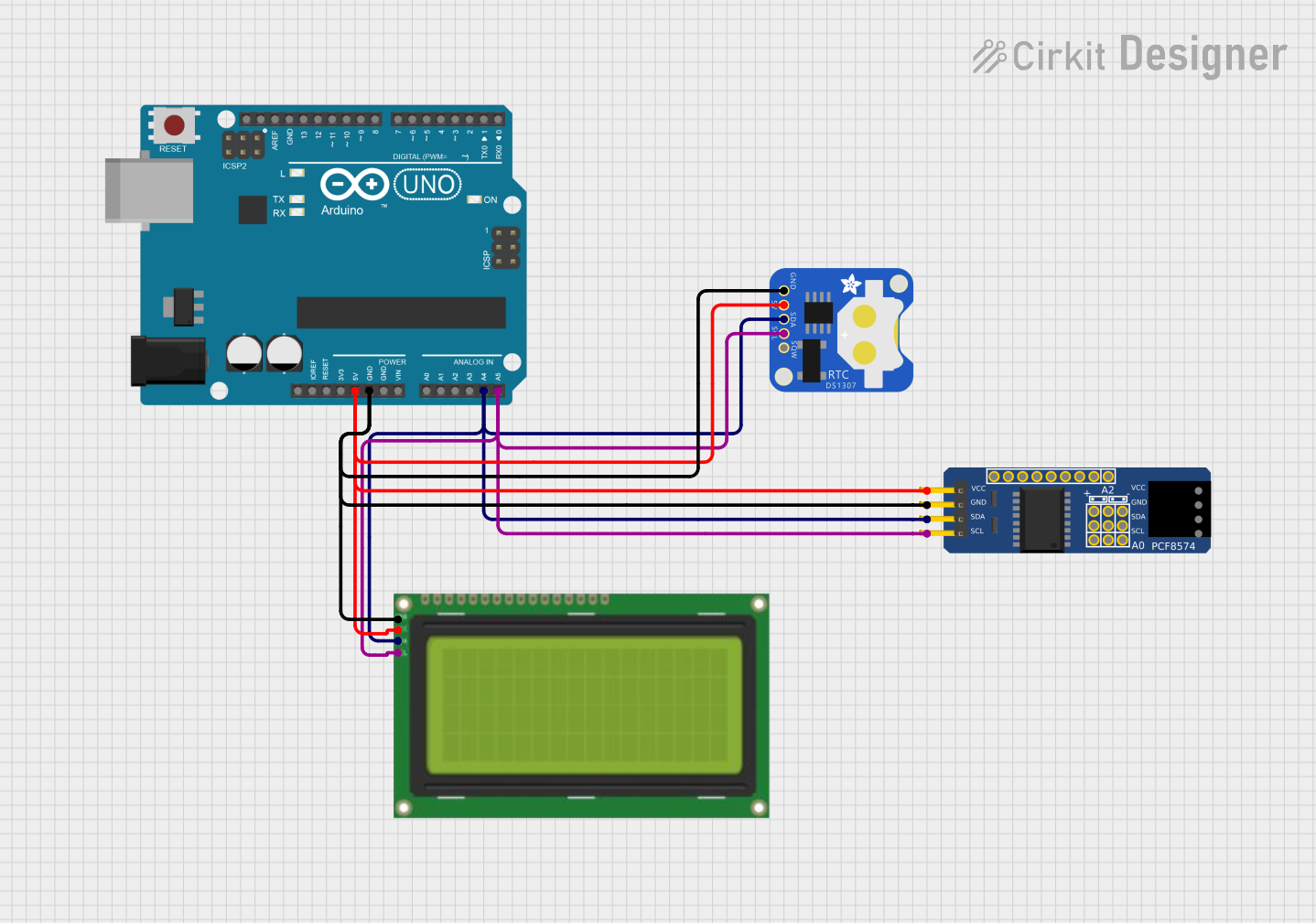 Open Project in Cirkit Designer
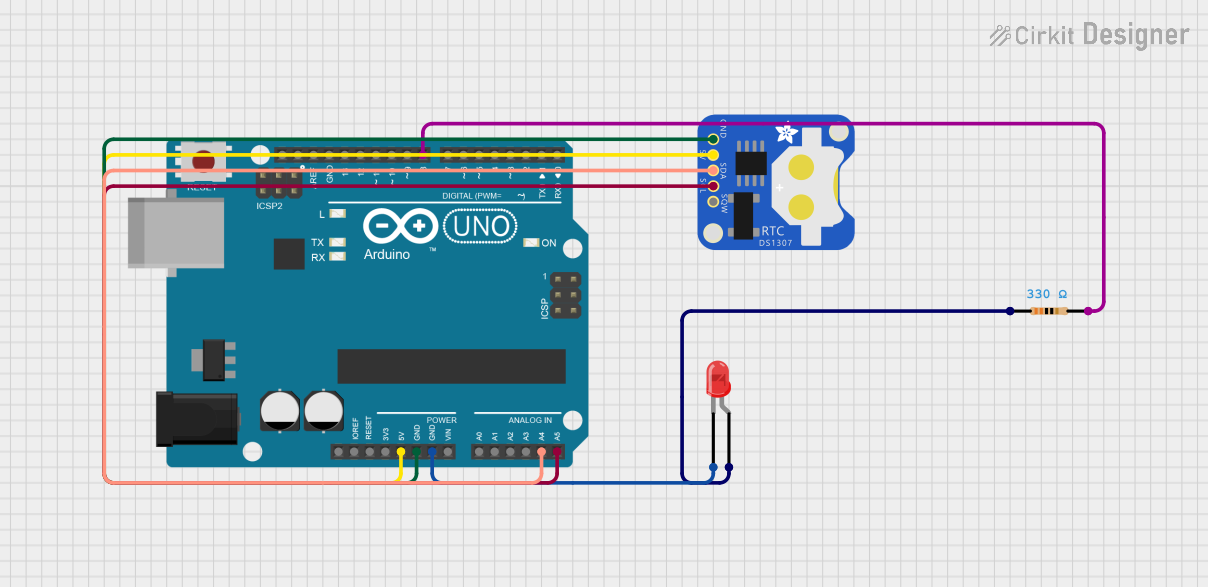 Open Project in Cirkit Designer
Explore Projects Built with Adafruit DS1307 RTC Breakout
Open Project in Cirkit DesignerOpen Project in Cirkit DesignerOpen Project in Cirkit DesignerOpen Project in Cirkit DesignerCommon Applications
- Data logging systems (e.g., temperature, humidity, or sensor data)
- Time-stamped event tracking
- Alarm clocks and timers
- Scheduling tasks in automation systems
- Real-time timekeeping in microcontroller projects
Technical Specifications
The Adafruit DS1307 RTC Breakout is designed for ease of use and compatibility with a wide range of microcontrollers. Below are its key technical details:
Key Specifications
| Parameter | Value |
|---|---|
| Operating Voltage | 5V |
| Communication Protocol | I2C (Inter-Integrated Circuit) |
| I2C Address | 0x68 |
| Timekeeping Accuracy | ±2 seconds/day (at 25°C) |
| Backup Battery Support | CR1220 coin cell (not included) |
| Operating Temperature | -40°C to +85°C |
| Dimensions | 28mm x 28mm x 4mm |
Pin Configuration
The Adafruit DS1307 RTC Breakout has a simple pinout for easy integration into your projects. Below is the pin configuration:
| Pin Name | Description |
|---|---|
| GND | Ground connection |
| VCC | Power supply (5V) |
| SDA | I2C data line |
| SCL | I2C clock line |
| BAT | Backup battery connection (CR1220 coin cell) |
Usage Instructions
The Adafruit DS1307 RTC Breakout is straightforward to use in your projects. Follow the steps below to integrate it into your circuit and program it for timekeeping.
Connecting the RTC to a Microcontroller
- Power the Module: Connect the
VCCpin to a 5V power source and theGNDpin to ground. - I2C Communication: Connect the
SDApin to the I2C data line and theSCLpin to the I2C clock line of your microcontroller. - Backup Battery: Insert a CR1220 coin cell into the battery holder to enable timekeeping during power loss.
Using the RTC with an Arduino UNO
The Adafruit DS1307 RTC Breakout is compatible with the Arduino UNO. Below is an example of how to use the module with the Arduino IDE:
Required Libraries
Install the following libraries via the Arduino Library Manager:
RTClibby Adafruit
Example Code
#include <Wire.h>
#include <RTClib.h>

// Create an RTC_DS1307 object to interact with the RTC module
RTC_DS1307 rtc;

void setup() {
  Serial.begin(9600); // Initialize serial communication at 9600 baud
  Wire.begin();       // Initialize I2C communication

  // Check if the RTC is connected and working
  if (!rtc.begin()) {
    Serial.println("Couldn't find RTC. Check wiring!");
    while (1); // Halt execution if RTC is not found
  }

  // Check if the RTC is running
  if (!rtc.isrunning()) {
    Serial.println("RTC is NOT running, setting the time...");
    // Set the RTC to the current date and time
    rtc.adjust(DateTime(F(__DATE__), F(__TIME__)));
  }
}

void loop() {
  // Get the current date and time from the RTC
  DateTime now = rtc.now();

  // Print the current date and time to the Serial Monitor
  Serial.print(now.year(), DEC);
  Serial.print('/');
  Serial.print(now.month(), DEC);
  Serial.print('/');
  Serial.print(now.day(), DEC);
  Serial.print(" ");
  Serial.print(now.hour(), DEC);
  Serial.print(':');
  Serial.print(now.minute(), DEC);
  Serial.print(':');
  Serial.print(now.second(), DEC);
  Serial.println();

  delay(1000); // Wait for 1 second before updating
}
Best Practices
- Always use a CR1220 coin cell battery to ensure the RTC keeps time during power outages.
- Avoid connecting the module to voltages higher than 5V to prevent damage.
- Use pull-up resistors on the I2C lines if your microcontroller does not have internal pull-ups enabled.
Troubleshooting and FAQs
Common Issues and Solutions
RTC Not Detected
- Cause: Incorrect wiring or I2C address mismatch.
- Solution: Double-check the connections and ensure the I2C address is set to
0x68.
RTC Not Keeping Time
- Cause: Missing or depleted backup battery.
- Solution: Insert a new CR1220 coin cell battery.
Incorrect Time Displayed
- Cause: RTC not initialized or time not set.
- Solution: Use the
rtc.adjust()function to set the correct time.
I2C Communication Errors
- Cause: Conflicting I2C devices or incorrect pull-up resistor configuration.
- Solution: Ensure no address conflicts on the I2C bus and verify pull-up resistors are in place.
FAQs
Q: Can the DS1307 RTC Breakout work with 3.3V systems?
A: The DS1307 requires a 5V power supply. However, its I2C lines are 5V-tolerant, so it can communicate with 3.3V microcontrollers.
Q: How long does the backup battery last?
A: A CR1220 coin cell can typically power the RTC for several years, depending on usage and environmental conditions.
Q: Can I use the DS1307 RTC Breakout without a battery?
A: Yes, but the RTC will lose track of time whenever power is disconnected.
Q: What is the maximum date the DS1307 can track?
A: The DS1307 can track dates up to December 31, 2099.
By following this documentation, you can effectively integrate the Adafruit DS1307 RTC Breakout into your projects for reliable timekeeping.